
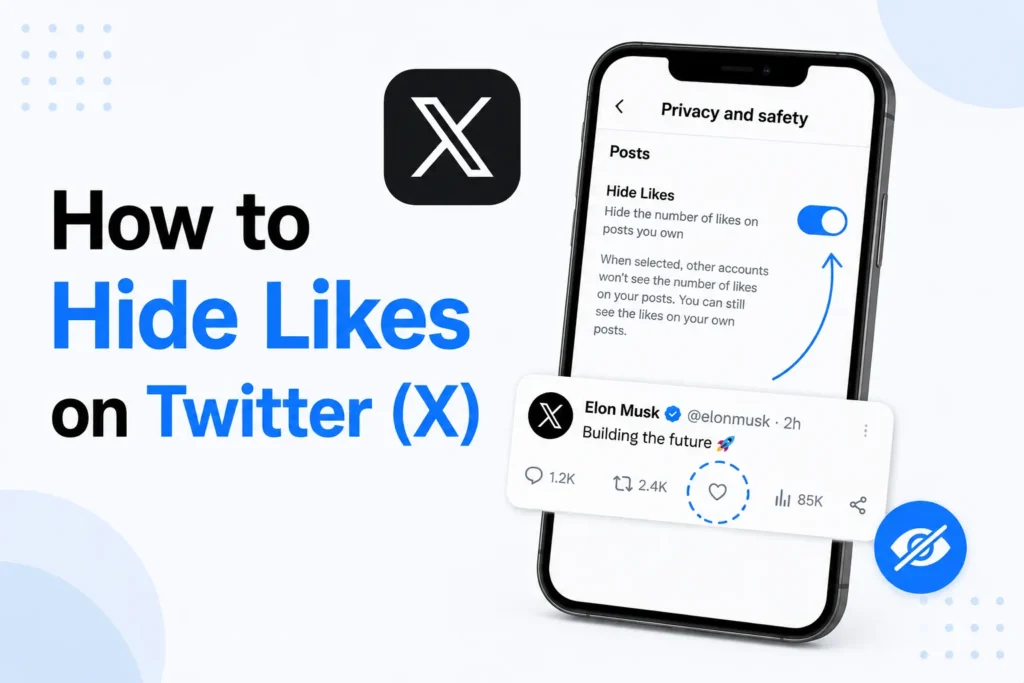
In June 2024, Twitter, now called X, introduced a major privacy update. The likes were automatically made private to everyone. This means that the only tweets that you will see are the ones you have liked. Other users can not open your profile to view your Likes tab.
While the number of likes on a tweet is still visible, the list of people who liked it is hidden from the public. However, the post author can still see who liked their tweet via notifications.
Here’s the complete guide on how likes work on Twitter, why hiding likes matters, and how you can take action to improve your privacy.
Twitter’s default like privacy
Twitter has removed public access to the Likes tab on user profiles. Here is how the likes tab works now
- Only you can see the tweets you have liked.
- Other users only see the total like count on a tweet.
- Only tweet authors can see who liked their post via notifications.
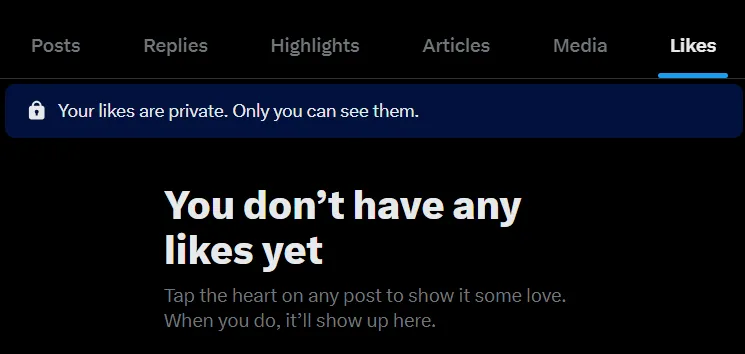
Due to this change, most users no longer need to manually hide their likes. Twitter handles it automatically.
Why hide likes on Twitter
Even with private likes by default, many users want more privacy control. Hiding likes helps you
- Protect your personal interests
- Avoid spam accounts targeting you based on liked content.
- Maintain a professional image
- Reduce judgment from liking sensitive or controversial posts.
This update has been useful for journalists, creators, and professionals.
How to enhance privacy for likes on X (Twitter)
While likes are private by default, you can take some additional steps to control your activity.
Make your X (Twitter) account private
Making your account private adds another layer of protection. When your account is private
- Only approved followers can see your tweets, replies, and likes.
- New followers must send a request that you can accept or decline.
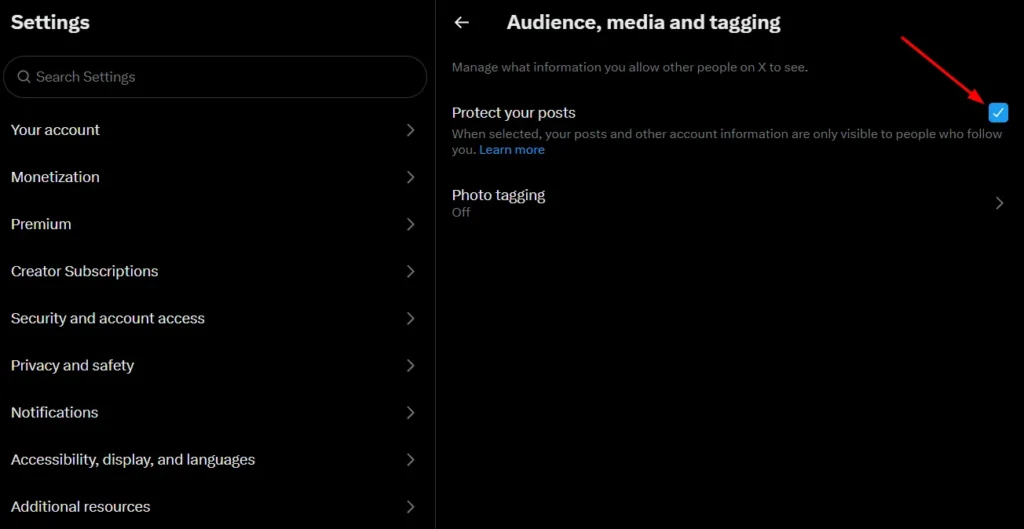
Here’s how you can make your account private
- Open the X app or website.
- Go to Settings and privacy.
- Tap Privacy and safety.
- Select Audience, media and tagging.
- Turn on Protect your posts.
Unlike tweets manually
If you want to remove likes from older posts, you can unlike them.
- Go to your profile and open Likes tab.
- Scroll through your liked tweets.
- Tap the heart icon again to remove the like.
Once unliked, the tweet disappears from your likes tab.
Frequently Asked Questions
Can anyone see my liked tweets on X (Twitter)?
No. Your liked posts are private by default. Other users cannot view the Likes tab on your profile. However, the author of a post can still see that you liked their content through notifications.
How do I hide my likes completely on X?
Likes are already hidden from the public by default. For additional privacy, you can enable Protect your posts to make your account private or remove likes from individual posts by tapping the heart icon again.
Can I still see who liked my posts?
Yes. If you’re the author of a post, X notifies you when someone likes it, allowing you to see who interacted with your content.
Does making my X account private hide my likes?
Yes. A protected account adds another layer of privacy by limiting your posts and activity to approved followers. Your liked posts also remain private.
Can I remove likes from older tweets?
Yes. Open the post you’ve liked and tap the heart icon again to unlike it. The post will be removed from your liked posts.
Can other users see the total number of likes on a post?
Yes. The total number of likes on a post remains visible, but the public can no longer see the complete list of users who liked it.







A little discussion goes a long way.
Ask a question, share your experience, or help someone find an answer.
There is room for your perspective.
No discussions match this view yet.
Your voice belongs here
Keep it useful. Keep it kind.