I use WhatsApp Web in my daily work. It is easier to reply to clients, share files, follow up on messages, and manage multiple chats at once on a laptop than on a phone. However, there was something wrong for much too long. WhatsApp Web worked, but it felt limited, almost like a basic mirror of the mobile app.
Over time, I realised that browser extensions are the actual strength of WhatsApp Web. After I tried some of them, the difference was instant. Simple tasks became faster, privacy improved, and productivity jumped. These five extensions actually change the experience if you use WhatsApp Web to complete work or have long conversations.
Below are the extensions I have personally tested and still use, along with what they actually do, and why they are important.
1. WA Web Plus for WhatsApp
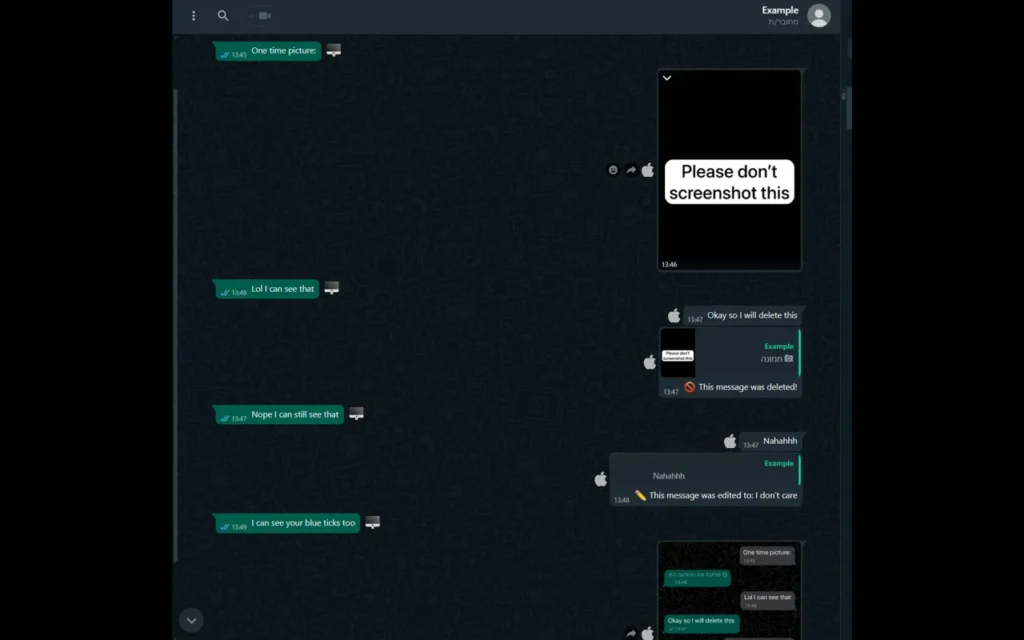
It is the first extension that I added, and it instantly fixed several small annoyances I experienced with WhatsApp Web.
WA Web Plus provides privacy settings not available in WhatsApp. You can blur messages, profile pictures, and even chat previews until you hover over them. This is extremely useful if you are working in an open area or offices where someone can glance at your screen.
It also adds usability features like scheduling messages, custom themes, and the ability to hide typing and online signs. After using it for a few days, WhatsApp Web without it felt exposed and unfinished.
This tool add privacy tools, themes, hide online/typing, message scheduling, and custom WhatsApp Web features to boost productivity and control. |

2. WAToolkit
WAToolkit focuses on notifications, and it does this one thing very well.
By default, WhatsApp Web notifications are easy to miss, especially when you have multiple tabs. WAToolkit will create a badge counter directly to your browser toolbar, showing unread messages in real-time. You do not need to keep WhatsApp Web in front of your eyes all the time.
In my experience, this extension is perfect if you multitask a lot and want to stay responsive without checking tabs.
This extension improves notifications and message badges, helping you stay responsive even with many chats open. The original project is open source. |

3. WhatsGreen Multi Messenger
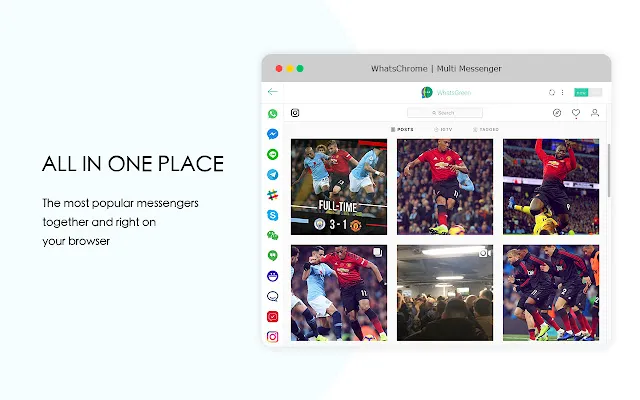
If you manage more than one WhatsApp account, this extension fixes a major limitation.
WhatsApp Web allows only one account per browser session. WhatsGreen Multi Messenger allows you open more than one WhatsApp Web session in different tabs. I tested this to manage a personal number and a work number, and it worked.
This extension is useful for freelancers, small business owners, or social media managers who manage multiple clients.
For accessing WhatsApp with other messaging services or multiple WhatsApp sessions, you can use this toolbar extension. |

4. Blueticks (Read Receipts Manager)

If you want to read a message without the pressure of replying instantly. Blueticks will allow you to manage WhatsApp Web read receipts.
With this extension, you can read messages without sending blue ticks even when read receipts are enabled on your phone. It works in the background and provides you with more control over your response time.
I found this useful when I had too many messages to read and reply to later.
This extension tool add message scheduling, bulk campaigns, CRM-style workflows, and smart replies to your WhatsApp Web. |

5. WA Incognito
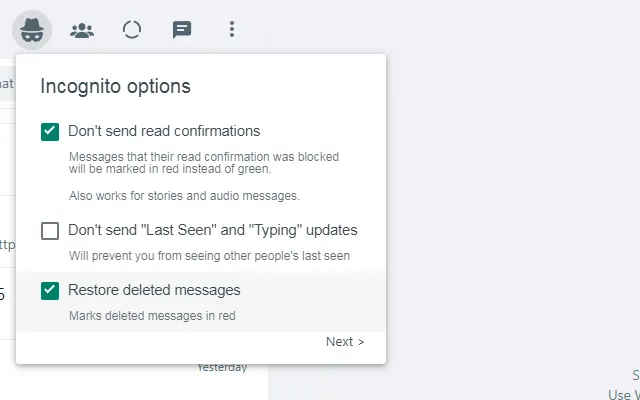
WA Incognito is similar to Blueticks but takes privacy a step further.
It allows you to read messages without blue ticks, view statuses anonymously, and disable typing and online signs.
The feature that I like about WA Incognito is that it focuses purely on privacy, without adding unnecessary features. If privacy is your main problem, this extension will make WhatsApp Web feel much more complete.
This extension tool lets you browse messages without sending read receipts, hide last seen, and stay invisible on WhatsApp Web. |

Are WhatsApp web extensions safe?
This is a common and valid problem. WhatsApp Web does interact with extensions, and you should always
- Install extensions only from the Chrome Web Store or trusted sources
- Avoid extensions asking for unnecessary permissions
- Read reviews before installing any extension
I personally avoid extensions that offer unrealistic features or ask for login details.