
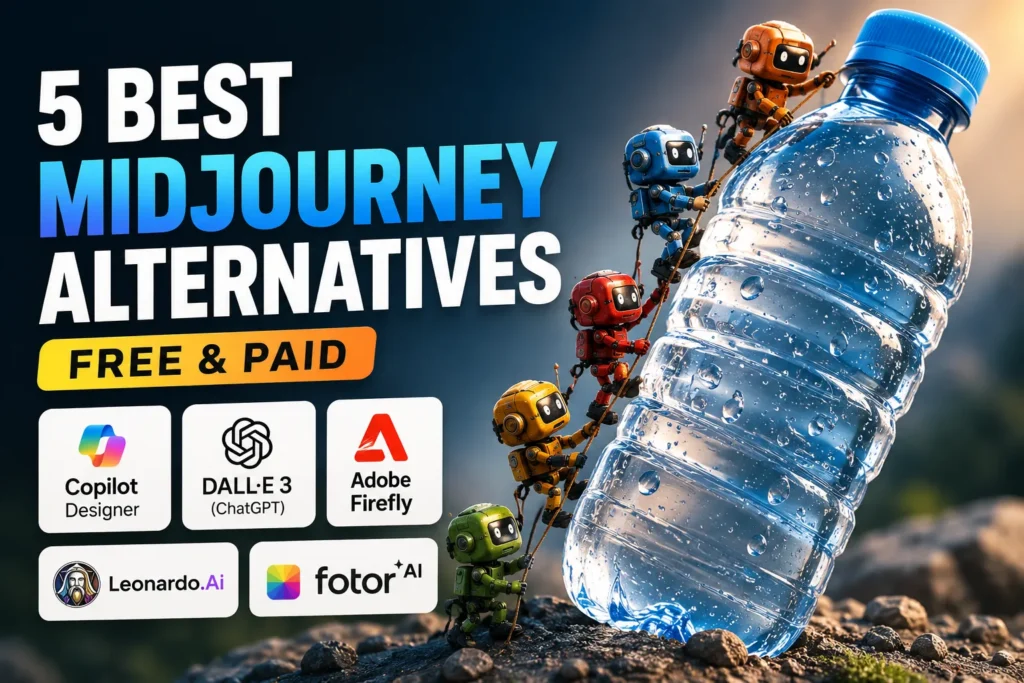
When people ask which AI tool is best for creating images, the first name that usually comes up is Midjourney. It is popular for strong image quality and flexible prompt control. It produces detailed visuals in seconds and works well for both beginners and advanced users.
But it is not the only option anymore. Many other AI image tools perform very well, and some of them are free.
I tested several tools and compared them using the same prompt. Below are the 5 best Midjourney alternatives based on quality, ease of use, price, and real output results.
- Quick testing note
- Ranking of the 5 best tools based on performance
- 1. DALL E 3 ChatGPT image tool
- What it does well
- What can be improved
- My result experience
- 2. Leonardo AI
- What it does well
- What can be improved
- My result experience
- 3. Adobe Firefly
- What it does well
- What can be improved
- My result experience
- 4. Microsoft Copilot Designer
- What it does well
- What can be improved
- My result experience
- 5. Fotor AI
- What it does well
- What can be improved
- My result experience
- Personal testing summary
Quick testing note
I used one common prompt across all tools to keep results fair:
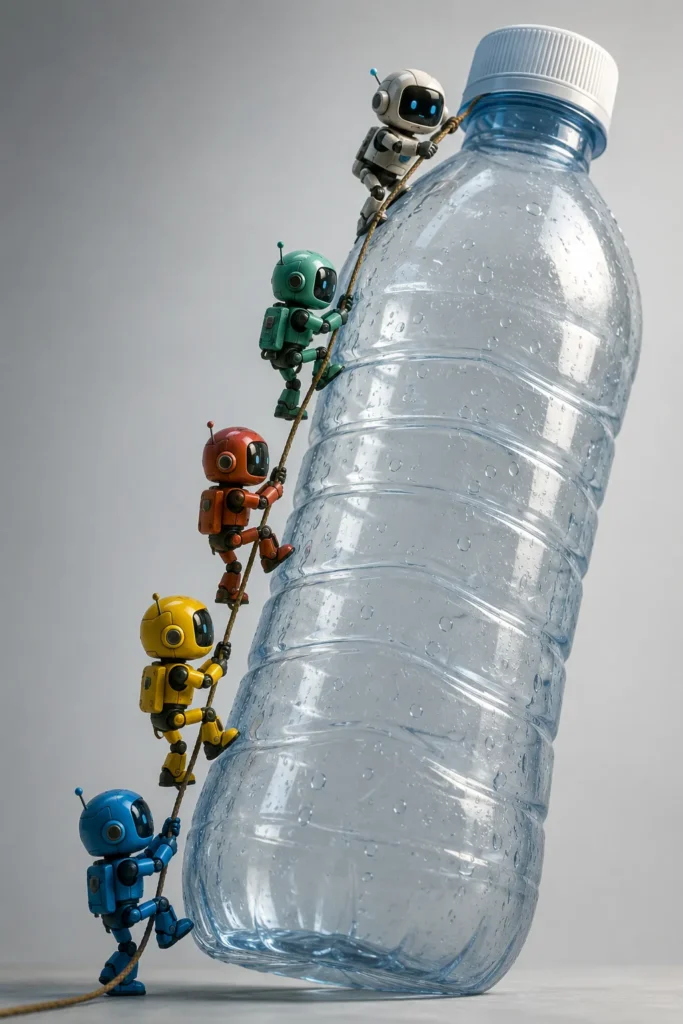
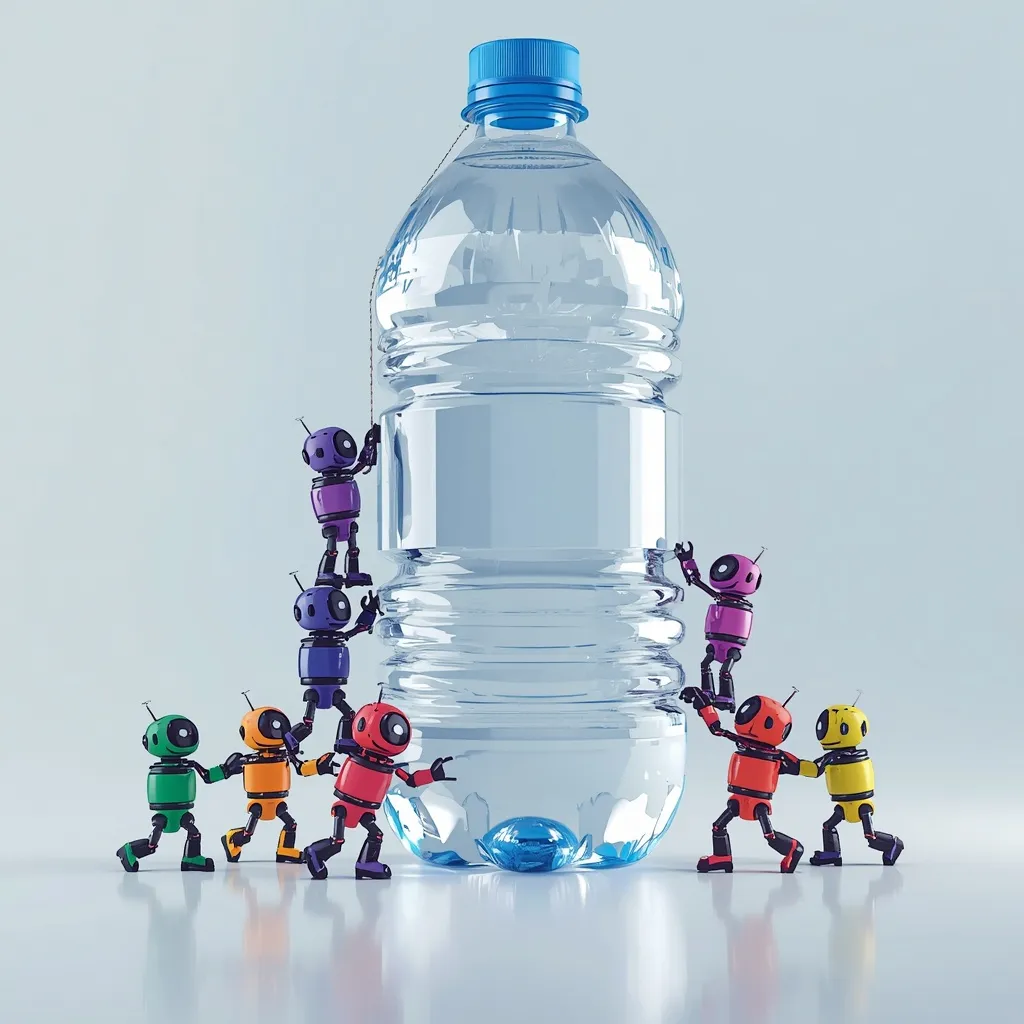
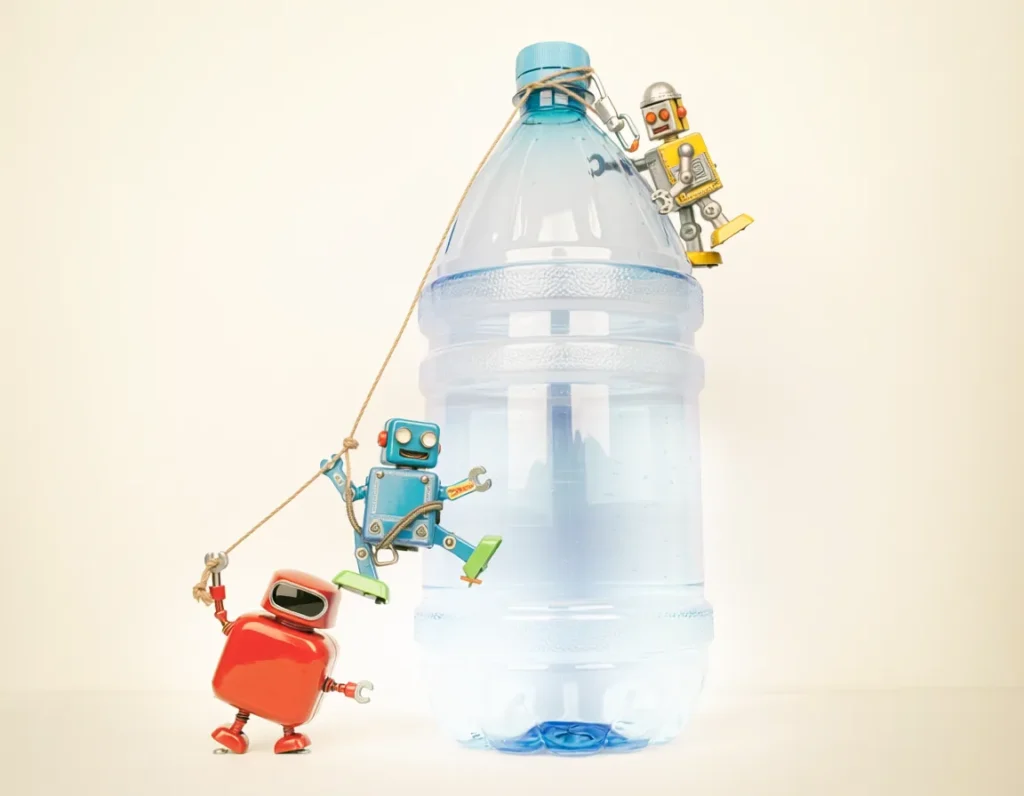
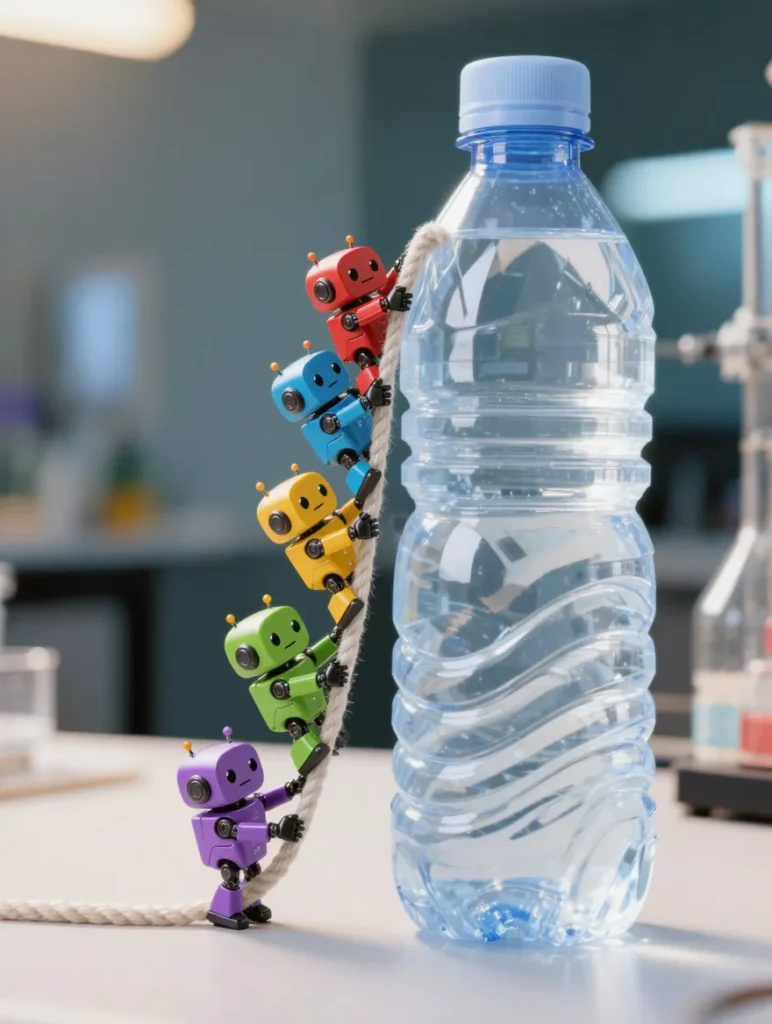
A group of small colorful robots working together to climb a giant transparent water bottle. They are connected with a rope and helping each other step by step. The scene feels dynamic, with soft lighting, realistic reflections on the bottle, and a clean background.
Each tool generated images based on this same idea so results could be compared properly.
Ranking of the 5 best tools based on performance
Here is the updated ranking after comparing output quality, control, speed, and usability.
- DALL E 3
- Leonardo AI
- Adobe Firefly
- Microsoft Copilot Designer
- Fotor AI
1. DALL E 3 ChatGPT image tool
This tool stands out for understanding prompts very well. It takes natural language and turns it into detailed images without needing complex instructions.
It also works smoothly with ChatGPT, so you can refine ideas step by step and improve results in conversation style.
In testing, it produced the most balanced image. The robots were clear, the scene made sense, and the lighting looked natural.
What it does well
It understands long prompts and context better than most tools
What can be improved
It does not offer deep manual editing of generated images
My result experience
The image looked detailed and clean. Small elements like reflections on the bottle were handled well, though a few shapes were slightly distorted.
2. Leonardo AI
Leonardo AI is strong in customization. It is popular among designers and game developers because it gives more control over style, lighting, and textures.
It also supports model training, helping users create consistent styles over time.
What it does well
High control over style and output variations
What can be improved
It can feel complex for beginners
My result experience
The output was detailed and artistic. The scene matched the prompt closely, but needed a bit of refinement to feel fully accurate.
3. Adobe Firefly
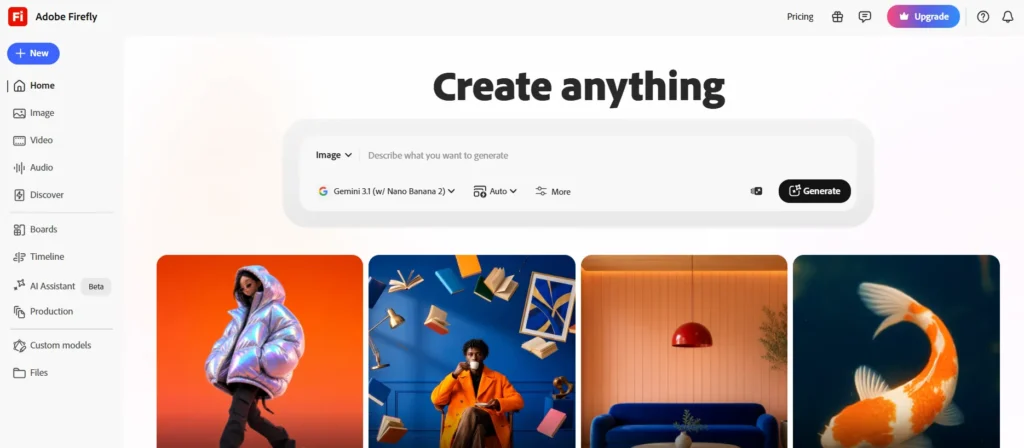
Adobe Firefly is designed for creative professionals. It integrates directly with Adobe apps, which makes it useful for designers who already work in that ecosystem.
It includes tools like text to image, generative fill, and style adjustments.
What it does well
Strong integration with design workflow and editing tools
What can be improved
Sometimes less precise with complex prompts
My result experience
The image quality was high and visually appealing, but the interpretation of small details was slightly off compared to the prompt.
4. Microsoft Copilot Designer
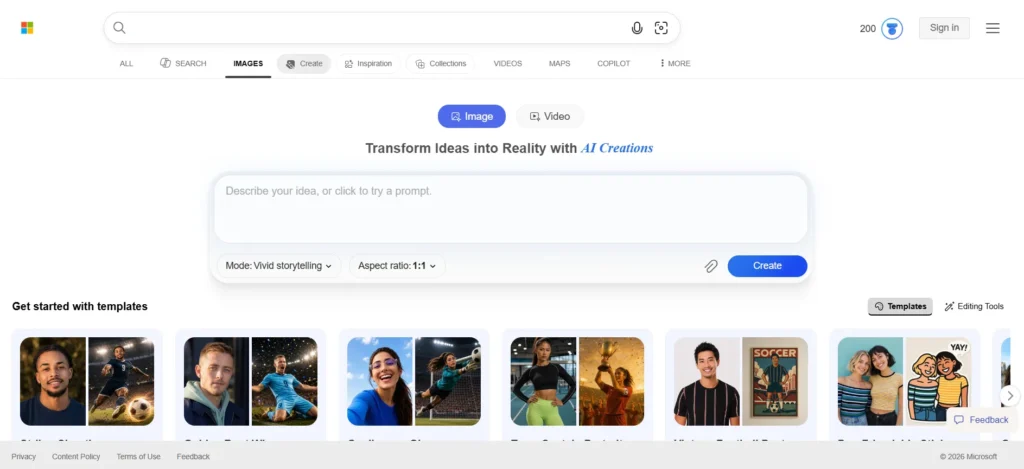
Microsoft Copilot Designer is one of the best free tools available. It is simple, fast, and beginner friendly.
It generates multiple image variations for each prompt, helping users quickly choose different styles.
What it does well
Free access and fast image generation
What can be improved
Limited advanced editing options
My result experience
The results were surprisingly good for a free tool. It followed the prompt closely and gave usable variations.
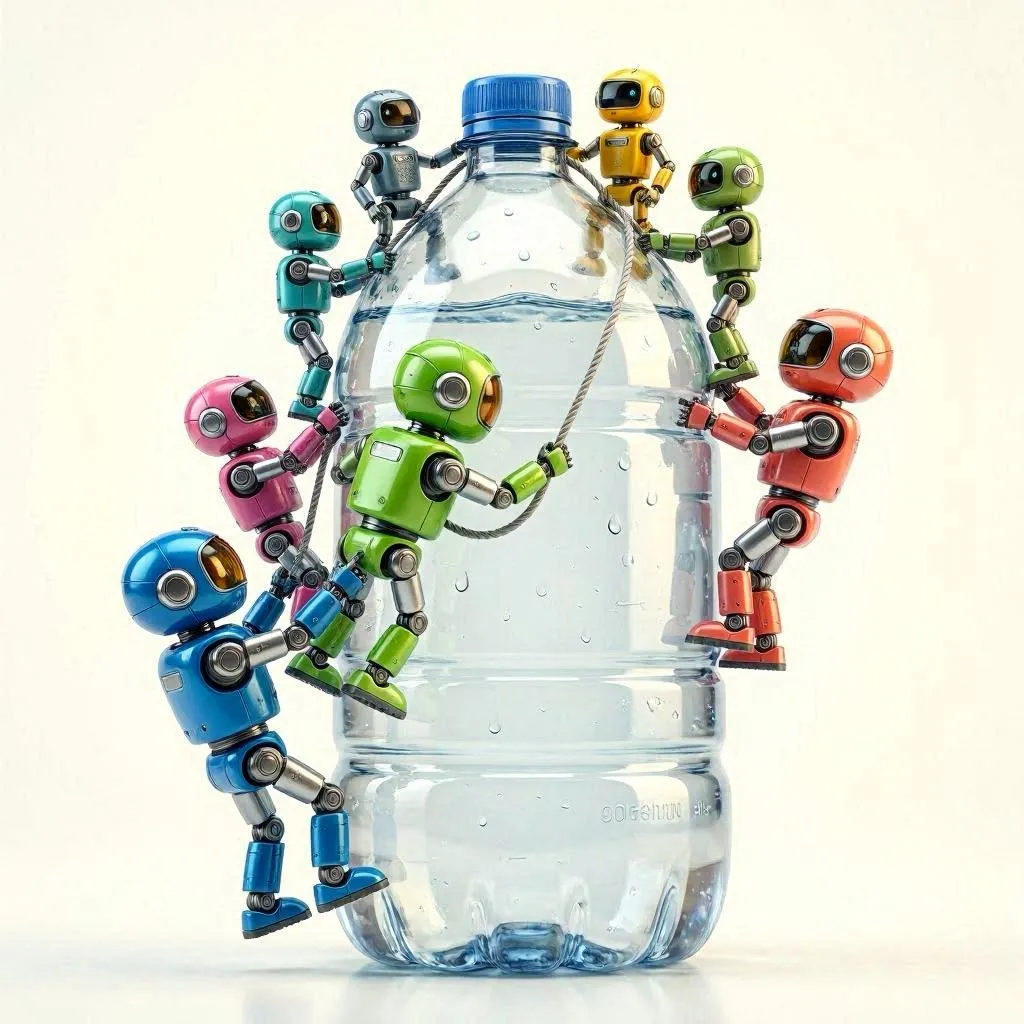
5. Fotor AI
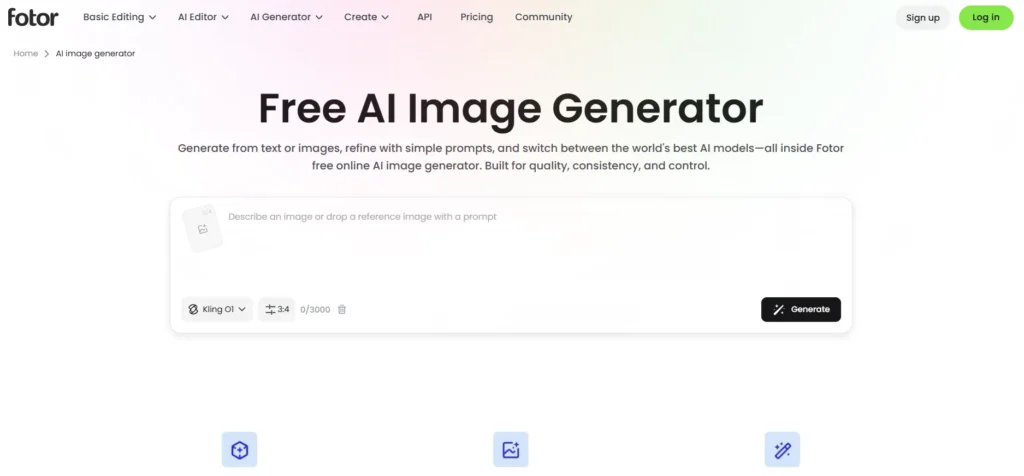
Fotor AI is more than just an image generator. It is an all in one editing platform.
You can generate images, edit photos, remove backgrounds, and apply effects in one place.
What it does well
Easy interface with multiple editing tools together
What can be improved
Image generation speed is slightly slower than others
My result experience
The output was colorful and creative. It looked more stylized than realistic, which can be good for social content.
Personal testing summary
After testing all five tools with the same prompt, the biggest difference was not just image quality but how each tool interprets instructions.
Some tools focused more on realism, while others leaned toward artistic style. The strongest overall balance came from DALL E 3 and Leonardo AI.


A little discussion goes a long way.
Ask a question, share your experience, or help someone find an answer.
There is room for your perspective.
No discussions match this view yet.
Your voice belongs here
Keep it useful. Keep it kind.