
When people ask whether WhatsApp can be used without a phone number, it comes from a real situation. Someone wants more privacy. Someone lost their SIM. Or someone does not want to share a personal number with anyone.
I had the same question when I was installing WhatsApp on a secondary device. After testing several options and checking WhatsApp’s current rules, the answer is more complex than yes or no.
Why WhatsApp requires a phone number in the first place
WhatsApp’s account was created via phone numbers from day one. The number acts as your identity. It replaces usernames, passwords, and email logins.
When you sign up, WhatsApp uses your phone number to
- verify you are a real user
- prevent spam and fake accounts
- sync your contacts automatically
Due to this structure, WhatsApp still requires a phone number for registration. There is no official way to create an account without a phone number.
The Short Answer
You cannot officially create a WhatsApp account without a phone number.
However, you can use WhatsApp without your personal SIM number, and you can use it on your devices without SIM after registration.
Using WhatsApp with a virtual or alternate number
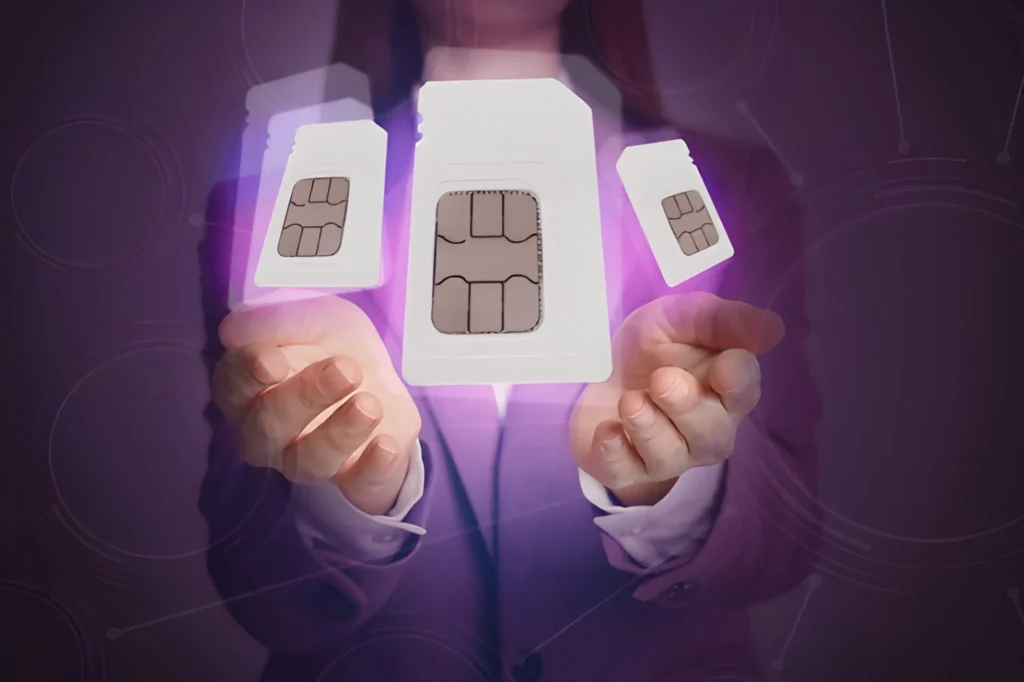
This is the most popular workaround I have personally tested. You can use
- a virtual number
- a VoIP number
- a secondary SIM number
WhatsApp accepts any number that can receive an SMS or a call for verification.
After verification, you can remove your SIM from your device.
Many people use this method who want
- privacy from their main number
- separate work and personal WhatsApp accounts
Using WhatsApp on a device without a SIM

This is where many people get confused.
WhatsApp can be used without a SIM card in your device, but cannot be step up without a number.
Once verification is done
- You can remove the SIM
- You can use Wi Fi only
- You can continue chatting normally
I tested this on a tablet and a spare phone. After activation, WhatsApp worked on Wi-Fi alone.
Can you use WhatsApp with Email instead?
Many users expect WhatsApp to work like Telegram or Signal, using email or username for login. Currently, WhatsApp does not support email based accounts.
Your email can only be added for
- Account recovery
- Security notifications
- Chat backup
It cannot replace a phone number.





A little discussion goes a long way.
Ask a question, share your experience, or help someone find an answer.
There is room for your perspective.
No discussions match this view yet.
Your voice belongs here
Keep it useful. Keep it kind.