
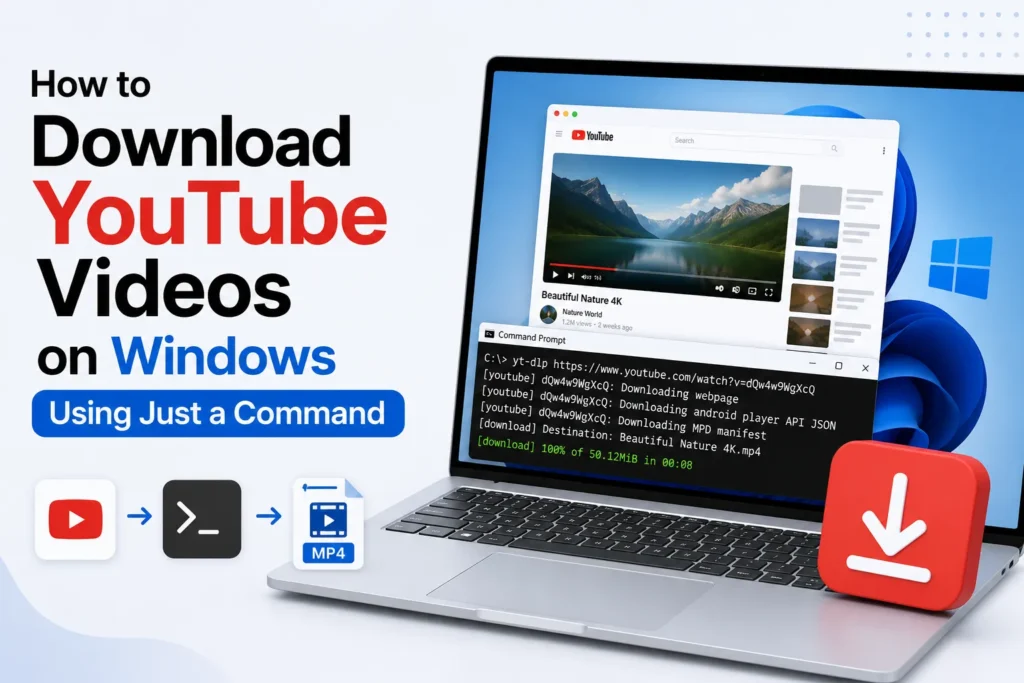
You may have experienced this when you have many downloads of interview clips, tutorials, or research material, and you already know how exhausting it can be switching between multiple websites. Unresponsive web pages, dead links, annoying advertisements, and pop-ups that attempt to sell you something are all time-wasting and disruptive to your workflow.
The good news?
Windows does have a built-in solution that most people do not use. You can download YouTube videos directly using a simple command, without any third-party apps, extensions, or suspicious download websites.
The tool behind this shortcut is yt-dlp, an open-source, lightweight, faster downloader and trusted by developers and content creators. After its installation, all you need is a single command to save the videos immediately.
How to Download YouTube Videos Using Commands on Windows
It is easy to download YouTube videos once you follow these steps.
Step 1: Open Windows Terminal
Right-click the Start menu and select Terminal.
Step 2: Install yt-dlp
Type the following command and press Enter
winget install yt-dlp
Step 3: Download a YouTube Video
After installation, use this command
yt-dlp "video link"
Replace your “video link” with the URL of your YouTube video.
Your download will begin immediately.
Ensure you have a stable internet connection for smooth downloads.
Why is this method so effective
- No ads or pop-ups
- No slow website loading
- No extensions are slowing down your browser
- Faster download speeds
- Works for playlists, audio-only, subtitles, and more
Everyone who edits videos, does their research, or prefers to watch offline will find this a huge productivity boost.
Frequently Asked Questions
Do I need to install extra software to use yt-dlp on Windows?
Yes. You need to install yt-dlp before using its commands. Many Windows users install it with the Windows Package Manager (winget), making the setup quick and straightforward.
Can yt-dlp download playlists and audio only?
Yes. yt-dlp supports downloading individual videos, complete playlists, audio only files, subtitles, and other formats through additional command options.
Why is yt-dlp better than online video download websites?
Many users prefer yt-dlp because it runs locally on your computer, avoids intrusive ads and pop ups, offers more download options, and is generally faster and more reliable than many web based download services.
Is it legal to download YouTube videos with yt-dlp?
That depends on how you use it. Downloading videos without permission may violate YouTube’s Terms of Service or copyright laws. Always make sure you have the right to download and use the content.
Can I use yt-dlp without an internet connection?
No. An active internet connection is required to access and download videos. Once the download is complete, you can watch the saved files offline whenever you want.







A little discussion goes a long way.
Ask a question, share your experience, or help someone find an answer.
There is room for your perspective.
No discussions match this view yet.
Your voice belongs here
Keep it useful. Keep it kind.