
Finding channels similar to your favorite YouTube creators used to take hours of manual searching, browsing suggestions, or depending on poorly matched recommendations.
Recently, I tested SimilarTube AI, a Chrome extension that makes this process fast and accurate. After using it, I can confidently say it is a game-changer for YouTubers, marketers, and regular users.
How to install SimilarTube AI Chrome extension
Step 1: Open Chrome Web Store
Go to the Chrome Web Store and search for SimilarTube AI.
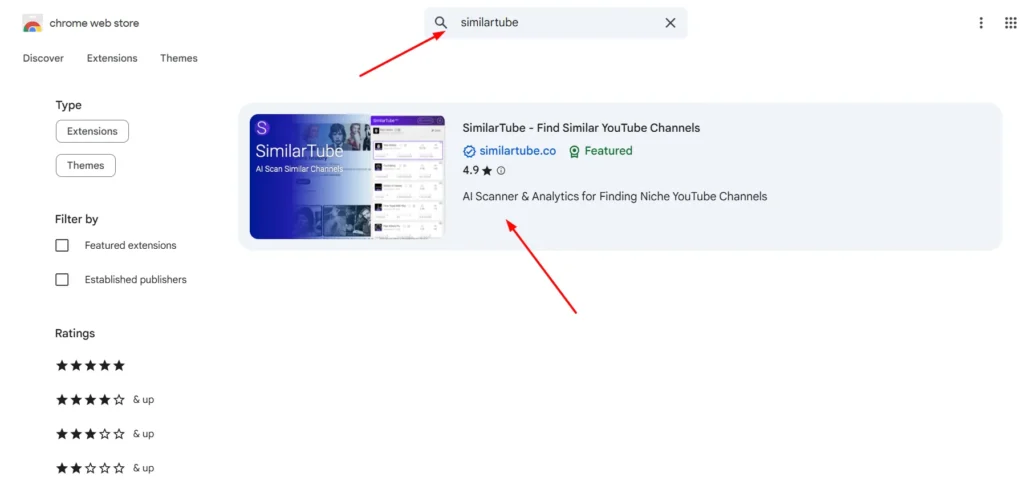
Step 2: Add the extension to Chrome
Click Add to Chrome, then click Add extension.
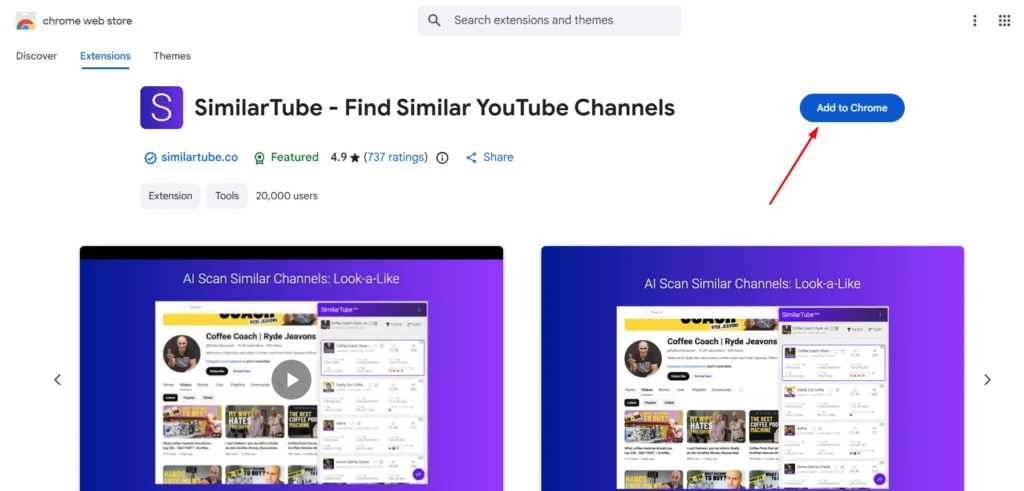
Step 3: Set up the extension
Click the icon and log in. You may grant permissions to read YouTube pages so the AI can analyze the content.
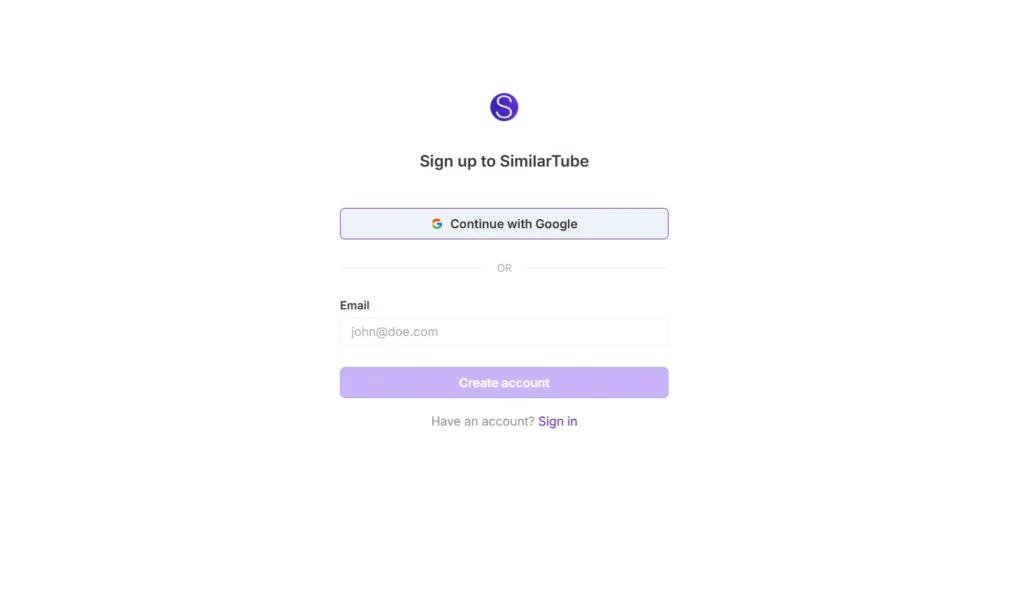
How to scan and find similar YouTube channels in real-time
After installation, you can easily use SimilarTube AI extension.
- Open a YouTube channel or video page.
- Click the SimilarTube AI extension icon.
- AI scans the channel in seconds.
- A sidebar appears with a list of similar channels, sorted by relevance.
- Click any suggestion to open the channel directly or add it to your watchlist.
I tested it on a cooking channel and in a few seconds it recommended five more cooking creators with similar recipes, styles, and video lengths. It saved me hours of manual searching.







A little discussion goes a long way.
Ask a question, share your experience, or help someone find an answer.
There is room for your perspective.
No discussions match this view yet.
Your voice belongs here
Keep it useful. Keep it kind.