
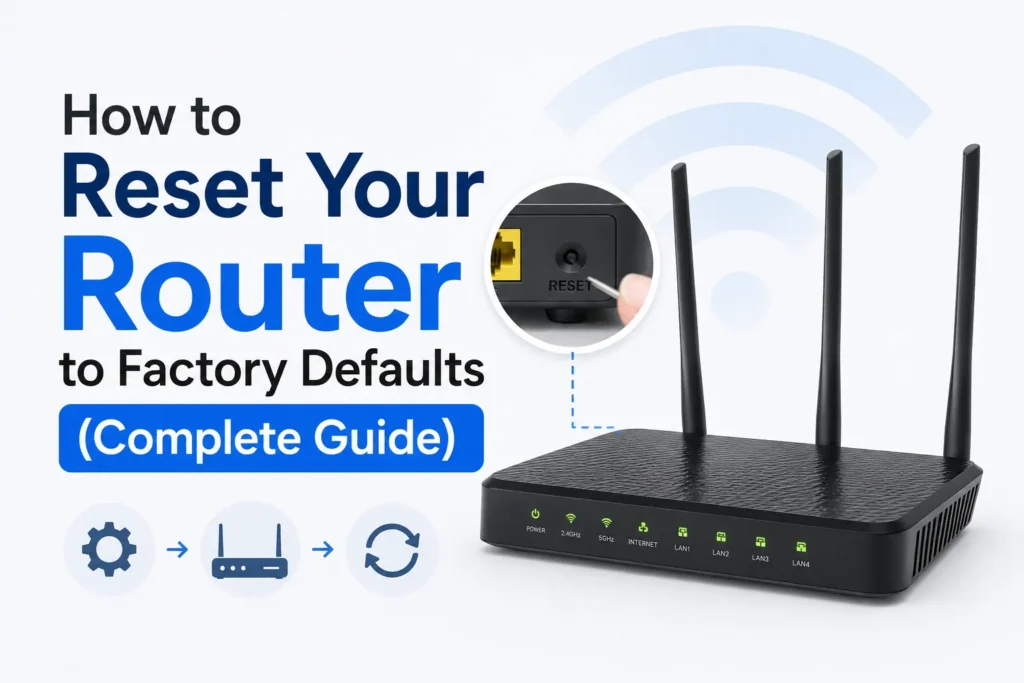
It may also be necessary to reset your router when you cannot gain access to the admin panel, when the WiFi password is lost, or when something has been changed mistakenly that stops your internet connection. The factory reset will restore the default settings, erase all of your custom settings, and allow you to start fresh.
If you have tried everything, and nothing seems to work, here’s the complete information on what to do before and after a router reset.
What happens when you reset a Router?
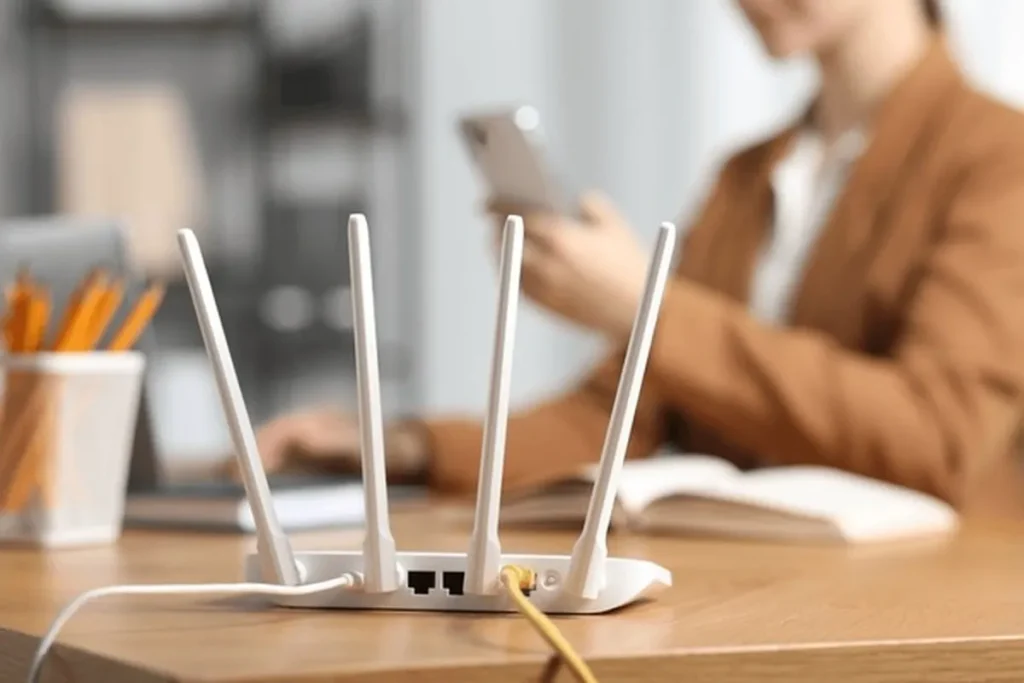
After a factory reset, the router is restored to its default settings. Here’s what gets erased
1. All customized settings are deleted
Any changes you made, like security settings, guest networks, MAC filters, port forwarding, and parental controls, will be removed.
2. Router Username & Password Return to Defaults
If you previously changed the admin login credentials, those will be erased. After the reset, you must enter the default username and password printed on the router sticker or mentioned in the manual.
3. WiFi Settings Are Restored
Your WiFi network name (SSID), WiFi password, and advanced wireless settings all restore to factory defaults.
Your devices will disconnect, and you will need to reconnect using the default credentials.
How to reset your Router to factory defaults
Follow these steps to reset your Router to factory defaults.
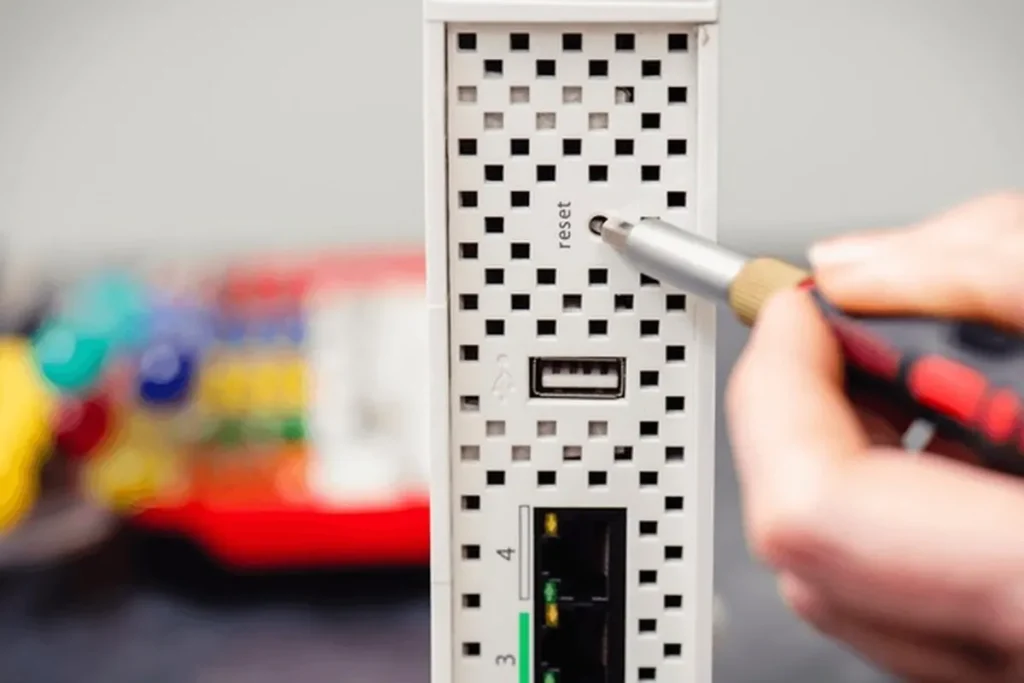
- Most routers have a small reset button at the back or side of the device.
- Use a pointed object (needle, SIM ejector tool, or paperclip) to press the button.
- Hold the reset button until the router lights start blinking.
- Power LEDs will blink and stabilize after a few seconds.
- Once the router restarts, it is restored to factory settings.
What to do after resetting your router
Now that your router is fresh and back to default
- Log in using default admin credentials
- Reconfigure your WiFi name and password
- Set up new security settings
- Restore internet settings if required by your ISP
After setup, your router will work normally again.
Frequently Asked Questions
What happens when you factory reset a router?
A factory reset erases all custom settings and restores the router to its original configuration. Your WiFi name, password, admin login details, security settings, and other personalized options are removed, allowing you to set up the router from scratch.
Will resetting my router delete my WiFi password?
Yes. A factory reset removes your current WiFi network name and password. After the reset, the router uses its default wireless credentials, which are usually printed on a label attached to the device or listed in the user manual.
How long should I hold the reset button on a router?
Most routers require you to press and hold the reset button for about 10 to 15 seconds. Release the button once the indicator lights begin flashing, then wait a few minutes for the router to restart completely.
Will resetting a router fix internet connection problems?
It can fix problems caused by incorrect settings, forgotten passwords, or software glitches. However, if the issue is related to your internet service provider, damaged hardware, or an outage, a factory reset alone may not solve the problem.
Do I need to set up my router again after a factory reset?
Yes. After the reset, you’ll need to sign in to the router’s admin page, create a new WiFi name and password, adjust your preferred settings, and enter any internet connection details required by your ISP.
Is restarting the router the same as resetting it?
No. Restarting simply turns the router off and back on without changing any settings. A factory reset permanently removes all saved configurations and returns the router to its original default state.







A little discussion goes a long way.
Ask a question, share your experience, or help someone find an answer.
There is room for your perspective.
No discussions match this view yet.
Your voice belongs here
Keep it useful. Keep it kind.