
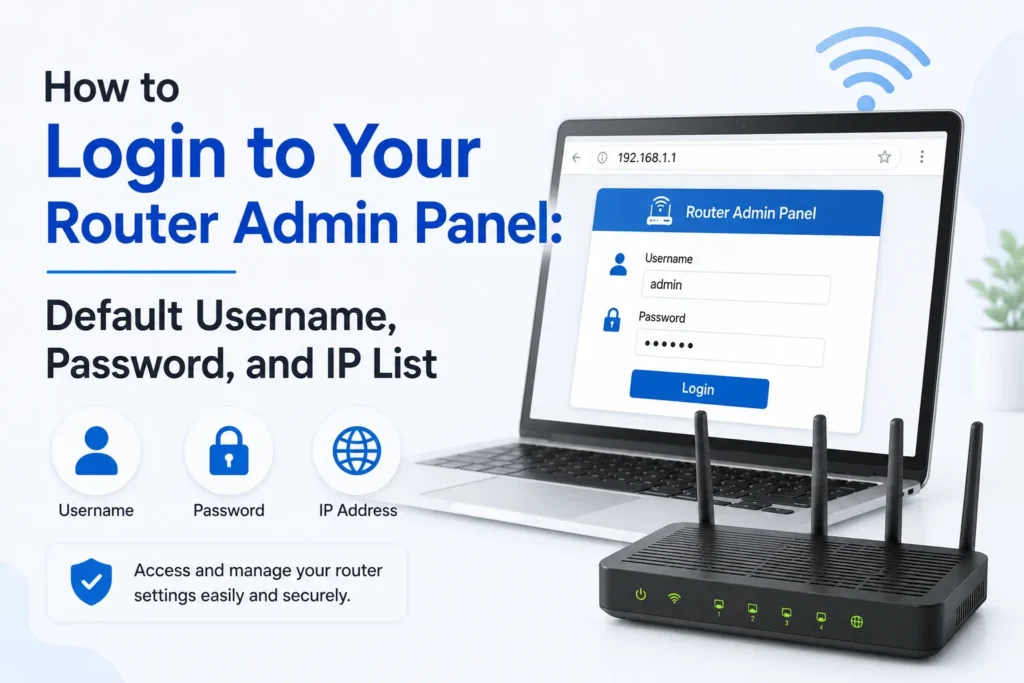
Logging into the admin panel of your router is a requirement to change the password of your WiFi, change security options, or customize your network. You need the correct login IP address, username, and password to log in. Most people find it difficult because routers from different brands use different default credentials.
Here’s a complete list of the default login details for the most popular router brands.
Note: If the default login IP address does not load or opens very slowly, then your router might have another IP address. Some alternatives you can try
- 192.168.1.1
- 192.168.0.1
- 10.0.0.1
- 192.168.1.254
Default Router Login Details (Complete List)
| Router Brand | Login IP | Username | Password |
|---|---|---|---|
| TP-Link | 192.168.0.1/192.168.1.1/tplinkwifi.net | admin | admin |
| D-Link | 192.168.0.1/192.168.1.1/dlinkrouter.local | telecomadmin/admin/admin/admin | admin |
| Netgear | 192.168.1.1 | admin | password |
| Huawei | 192.168.100.1/192.168.3.1/192.168.4.1/192.168.8.1 | telecomadmin/admin/admin/admin | admin/user/HuaweiUser |
| Xfinity / Comcast | 10.0.0.1 | admin | password |
| Linksys | 192.168.1.1 | admin | admin |
| Asus | 192.168.1.1 | admin | admin |
| Tenda | 192.168.0.1 | admin | admin |
| Globe At Home | 192.168.254.254 | user | admin/administrator |
| Arris | 192.168.0.1 | admin/cusadmin | password |
| LPB Piso WiFi | 10.0.0.1 | admin / administrator | 123456789/admin1234 |
| Belkin | 192.168.2.1 | admin | admin |
| TOTOLINK | 192.168.1.1/192.168.0.1 | admin | admin |
| Aterm | 192.168.10.1/aterm.me | admin | password |
| Comtrend | 192.168.0.1 | admin | admin |
| Digicom | 192.168.1.254 | admin | michelangelo |
| Cisco | 192.168.1.1 | cisco/admin | cisco / admin |
| ZTE | 192.168.1.1/192.168.0.1 | admin | admin/Web@0063 |
| Telcel | 192.168.8.1 | admin/Telcel_Admin | admin/1111/Telcel |
| STC | 192.168.8.1 | telecomadmin | admintelecom |
| Zain | 192.168.8.1 | cisco/admin | admin/zain |
| Telenor | 192.168.8.1 | admin | admin |
| Zong | 192.168.8.1 | admin | admin |
| Subisu | 192.168.1.254 | AdminGPON | ALC#FGU |
How to Login to Your Router Admin Panel
Follow these simple steps to login to your router’s Admin panel.
- Open your browser (Chrome, Firefox, Safari) on your phone or PC.
- In the address bar, type your router’s login IP address.
- Enter the default username and password from the list above.
- Once logged in, you can change the WiFi name, password, DNS settings, and security options.
Frequently Asked Questions
What is the default IP address to access a router?
The most common router login addresses are 192.168.1.1, 192.168.0.1, 10.0.0.1, and 192.168.1.254. The correct address depends on your router brand and model. You can also find it on the router’s label or in the user manual.
What should I do if the default router username and password do not work?
If the default login details fail, the credentials may have been changed during setup. Try using your custom username and password, check the router’s label, or contact your internet service provider. If you cannot access the router, a factory reset may restore the default login details.
How can I find my router’s IP address?
On Windows, open Command Prompt and run ipconfig. The value shown next to Default Gateway is usually your router’s login IP address. On smartphones, you can also view the gateway address in your WiFi network settings.
Can I log in to my router using a phone?
Yes. As long as your phone is connected to the router’s network, open any web browser, enter the router’s IP address, and sign in with the correct login credentials. No special app is required for most routers.
Why won’t my router login page open?
This can happen if you entered the wrong IP address, your device is not connected to the router, or the router uses a different login address. Restarting the router or checking its default gateway can often resolve the issue.
Is it safe to change the default router password?
Yes. Changing the default administrator password is recommended because it helps protect your router from unauthorized access. Choose a strong password that is different from your WiFi password for better security.







A little discussion goes a long way.
Ask a question, share your experience, or help someone find an answer.
There is room for your perspective.
No discussions match this view yet.
Your voice belongs here
Keep it useful. Keep it kind.