
Microsoft recently placed ads on the Start screen for Windows 11, which users have responded to in various ways. Some people see it as a way to make money from the operating system, but others think it’s annoying and unwanted. So, how can users turn off these Start menu ads in Windows 11?
What are the Start Menu Ads in Windows 11?
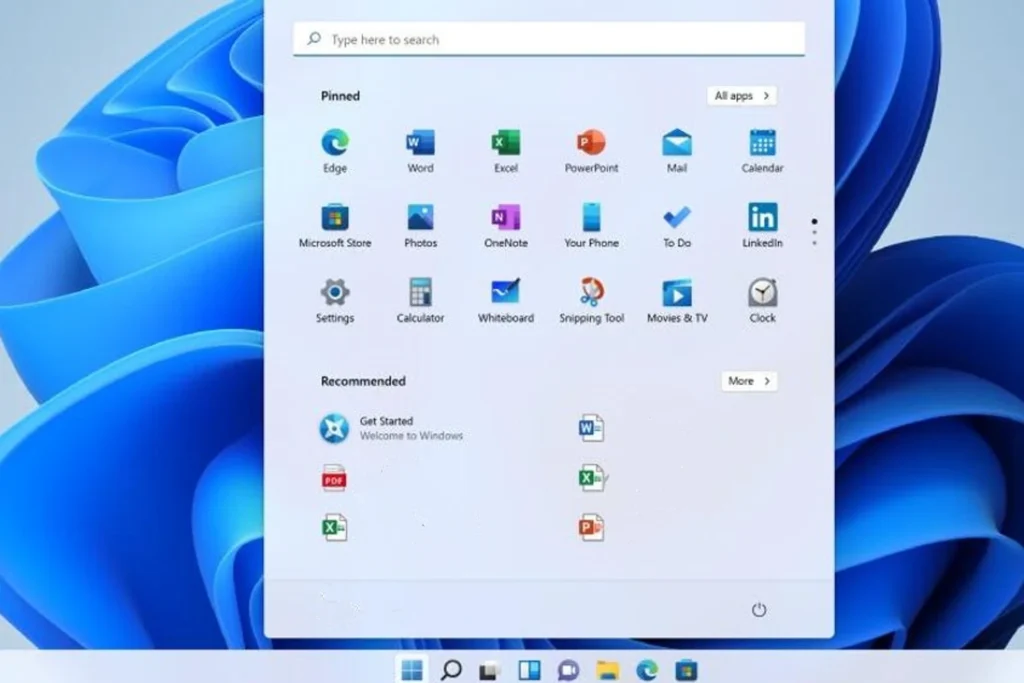
These ads in Windows 11 appear as personalized recommendations for apps from the Microsoft Store in the “Recommended” section of the Start menu. However, some users say these ads make the Start bar less simple and useful, which is bad for the user experience. Fortunately, with some help from Mendy L. from Windowsfixhub we’ve found effective ways to solve the problem.
Let’s get to it!
How to Turn Off Ads in Windows 11 Start Menu?
Follow these steps to turn off these ads in Windows 11:
- Go to Settings.
- Select Personalization.
- Click on “Start.”
- Turn off “Show suggestions for tips, shortcuts, new apps, and more.”
- If users turn this option off, they will no longer see ads in the Start menu.
When is the Start Menu Ad Update Coming?
The ads in the Start menu are part of the update KB5036980, which you can get from Windows Update as an optional update. Microsoft has said that this update, which was supposed to be released in April, will be sent to all users gradually over the next few weeks. People can see if the update has been installed by going to Windows Update and looking at the “Update history.”






