
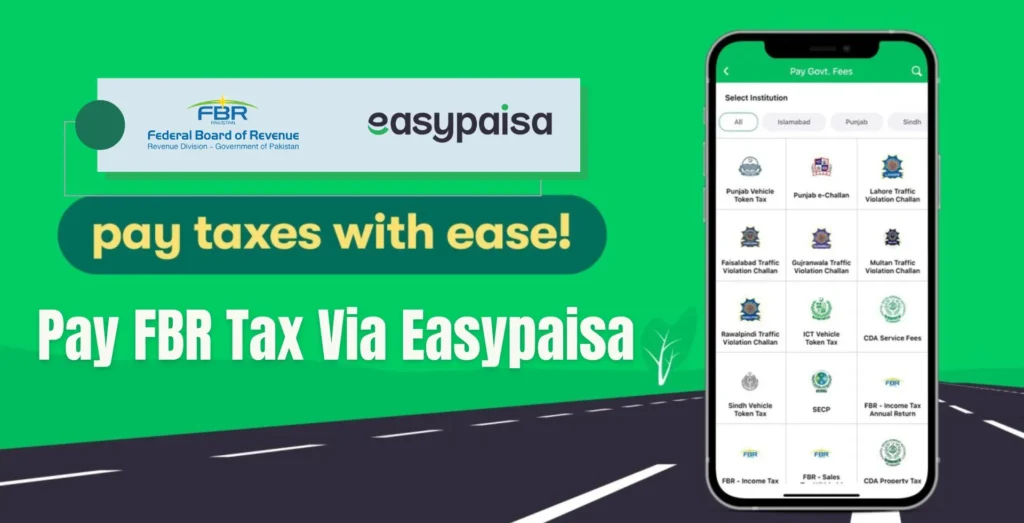
As it should be for every citizen, tax-paying is a necessity, which citizens make willingly to support the country’s development and order. In Pakistan, the Federal Board of Revenue (FBR) is the govt authority that collects taxes and implements laws relating to taxes.
Paying taxes has become easier with the introduction of technological solutions such as Easypaisa. The mobile money transfer application Easypaisa allows users to pay FBR taxes without going to the bank or waiting in line.
How to Pay FBR Taxes via Easypaisa
The following are the steps to learn to pay FBR tax through Easypaisa.
- Open Easypaisa and log in to your account.
- Scroll to the ‘Bill Payment’ option.
- Click on the ‘Government Payments’ option.
- Now, click on the ‘FBR Tax Payment’ option.
- Enter your NTN number or CNIC.
- Click on the “Confirm” option to confirm the payment.
- Now, enter your Easypaisa account PIN.
You will receive a confirmation message after making a successful payment.






A little discussion goes a long way.
Ask a question, share your experience, or help someone find an answer.
There is room for your perspective.
No discussions match this view yet.
Your voice belongs here
Keep it useful. Keep it kind.