
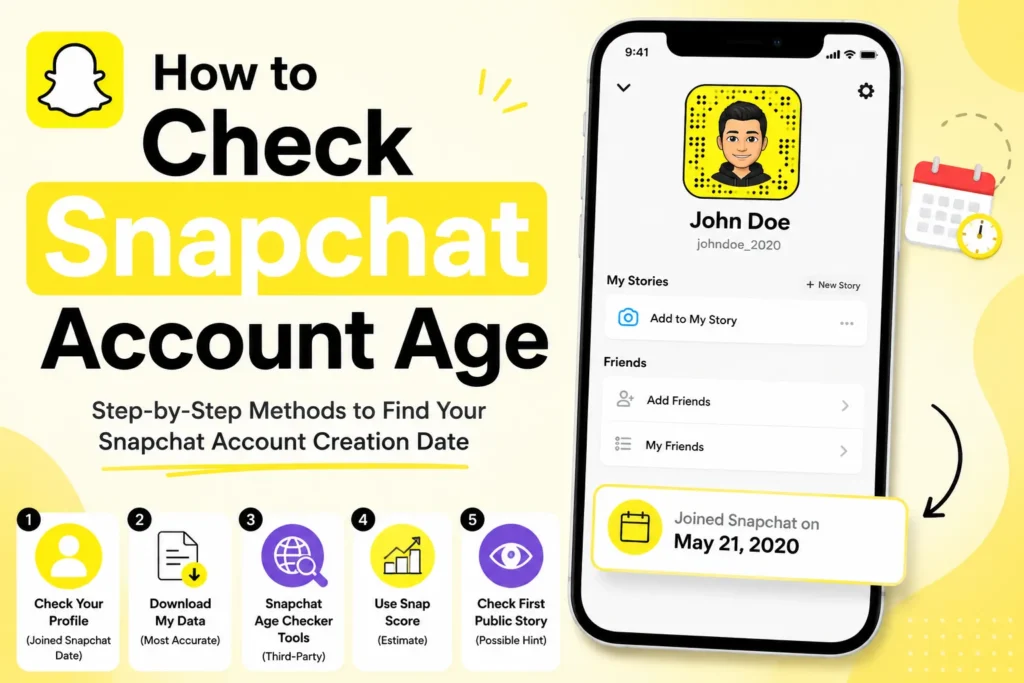
When you need to know how old your Snapchat account is, or you want to know about the profile of another user, there are a few easy ways to find out. Snapchat does not show this information openly, however, you can view the specific date of its creation through built-in features or external tools.
Below are some reliable methods. You will learn how to check your own account age through your profile, how to use Snapchat’s My Data feature, how to check another user’s account age with third-party tools, and some hints to find out someone’s account age, such as Snap Score or old Stories.
Why Check Snapchat Account Age
There are some reasons why people look for this information.
You can see how long you have been using Snapchat and compare your account age with your Snap Score. You can check if another account looks new or old. It helps when you are researching creators, influencers, or suspicious accounts. When you have multiple accounts, it is good to know the creation date so that everything is organized.
Snapchat does not display this data publicly, but the following methods are working.
Method 1: Check your Snapchat account age through your profile
The method only works for your own account in the app. Snapchat shows the creation date on your profile page.
- Open Snapchat.
- Tap your Bitmoji or profile icon.
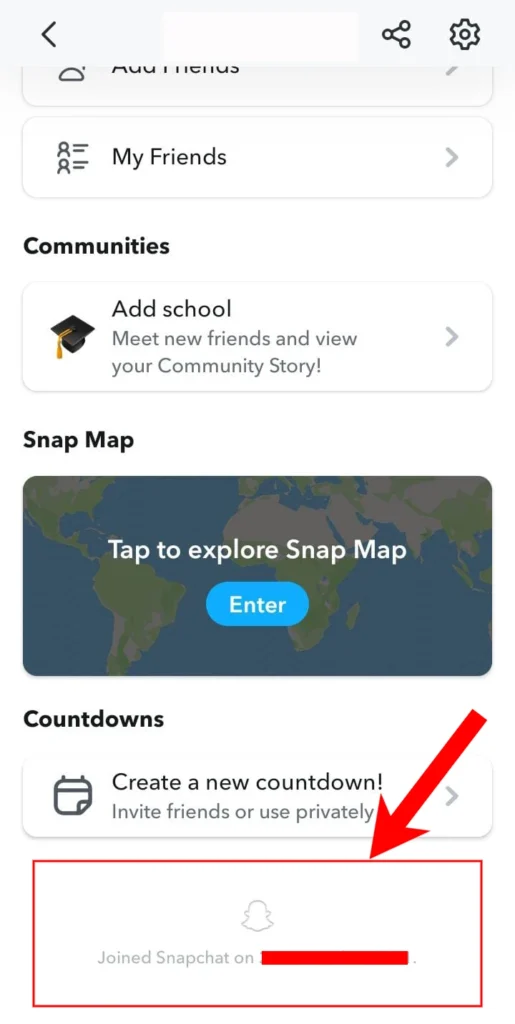
- Scroll to the bottom of the page.
- Some Snapchat accounts display a “Joined Snapchat” date on the profile page. If you do not see it, use the My Data method instead.
Method 2: Download Snapchat My Data
You can request your complete account information, including the exact account creation date.
- Open Snapchat and go to Settings.
- Scroll to Account Actions, then choose My Data.
- Log in again if asked.
- Tap Submit Request.
- Check your email for a ZIP file link. It usually arrives within a day.
- Download the file and unzip it.
- Open the account.html file in your browser.
- Find the Creation Date entry.

This gives you the exact date and time your account was created. It works only for your own account and is time-consuming as compared to the profile check.
Method 3: Use a Snapchat Age Checker Tool
If you want to check someone’s Snapchat account age, third-party tools are the only option. These websites estimate the creation date using publicly available information.
- Open any Snapchat Age Check tool in your browser.
- Choose the Snapchat age check tool.
- Enter the username.
- Tap Check button to view the estimated creation date.
Some websites claim to estimate Snapchat account age, but Snapchat does not officially support these tools, and their results may be inaccurate.
Method 4: Use Snapchat Score as an Estimate
This method will not provide an exact date, but it will help you estimate the age of an account. Snap Score reflects account activity, not the account creation date. While some older accounts have high scores, there is no reliable connection between Snap Score and account age.
- Low Score means a new account (up to about 1,000)
- Medium Score means the account is a year or two old (up to about 50,000)
- High Score points to older or very active accounts (more than 50,000)
This does not work for all users, as some are active and others hardly use the app.
Method 5: Check the First Public Story
Some users keep old Stories available on their profile. If you scroll to the oldest one, the posting date can help you guess when they started using the app.
Some users keep old Stories in their profile. When you scroll to the oldest one, you can guess the date when they started using the app.
- Open the profile.
- Check their public Stories.
- Scroll to the oldest one.
- Note the date.
Limitations and Privacy Notes
There is no way to check someone’s account age using official Snapchat features. Snapchat restricts access to ensure user privacy. Third-party tools work, but the accuracy depends on the type of data they collect.
Do not leave your Snapchat user information on any third-party tool. Use only safe and well-known sites.
Snapchat My Data may take up to 48 hours to receive. Very old accounts may not show all details because some may have been deleted due to storage policy.





A little discussion goes a long way.
Ask a question, share your experience, or help someone find an answer.
There is room for your perspective.
No discussions match this view yet.
Your voice belongs here
Keep it useful. Keep it kind.