

When I was creating my Spotify account, I did not give much thought to the username. Like most people, I signed up quickly, and Spotify gave me a random string of numbers and letters. When I began sharing playlists with friends, that username looked awkward and unprofessional.
That is when I tried to change my Spotify username and find something important. Spotify does not allow users to change their original username. However, there are practical workarounds that let you change how your name is shown to others.
In this guide, I will explain how to change your Spotify username.
- Can you change your Spotify username?
- Difference between Spotify username and display name
- Spotify username
- Spotify display name
- How to change Spotify display name on mobile app
- How to change Spotify display name on Desktop
- How to change Spotify username by creating a new account
- How to change it
- What happens to your playlists and followers
- Frequently Asked Questions
Can you change your Spotify username?
No, Spotify does not allow you to change your original username.
Spotify usernames are unique IDs created when you sign up, and these IDs cannot be changed. This applies to
- Random usernames
- Facebook linked usernames
- Email-based usernames
But you can change your Display Name, which is what most people actually see.
Difference between Spotify username and display name
Here’s the difference between the Spotify username and display name.
Spotify username
- Fixed and permanent
- Used internally by Spotify
- Cannot be changed
Spotify display name
- Visible on your profile
- Shown on playlists and activity
- Can be changed anytime
Most users only see your display name, not your username.
How to change Spotify display name on mobile app
This is the method I personally use and recommend.
- Open the Spotify app
- Tap your profile picture at the top
- Select View Profile
- Tap Edit Profile
- Tap Name
- Enter your new display name
- Tap Save

Now, your new name will update on playlists and your profile.
How to change Spotify display name on Desktop
You can also change it from a PC.
- Open Spotify Desktop App
- Click your profile name at the top right
- Select Profile
- Click Edit Profile
- Change your display name
- Click Save
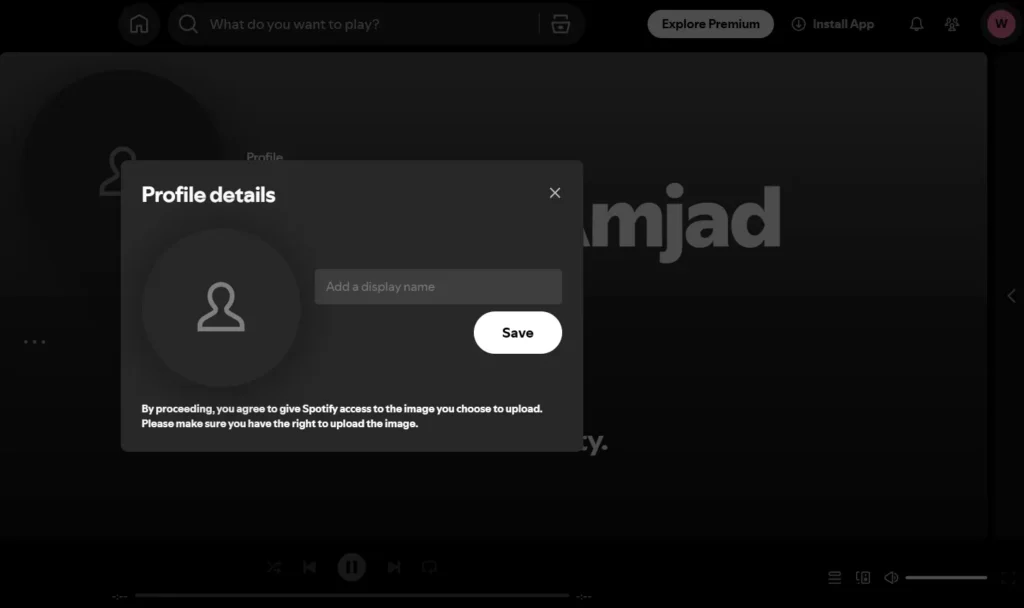
This works on both Windows and Mac.
How to change Spotify username by creating a new account
If you really want a new username, you can create a new account. When this makes sense
- Your username is random
- You want a branded account
- You do not mind starting fresh
How to change it
- Create a new Spotify account
- Choose signup using email, not Facebook
- Pick a clean, readable username
- Transfer playlists manually or using Spotify tools
- Cancel old account if needed
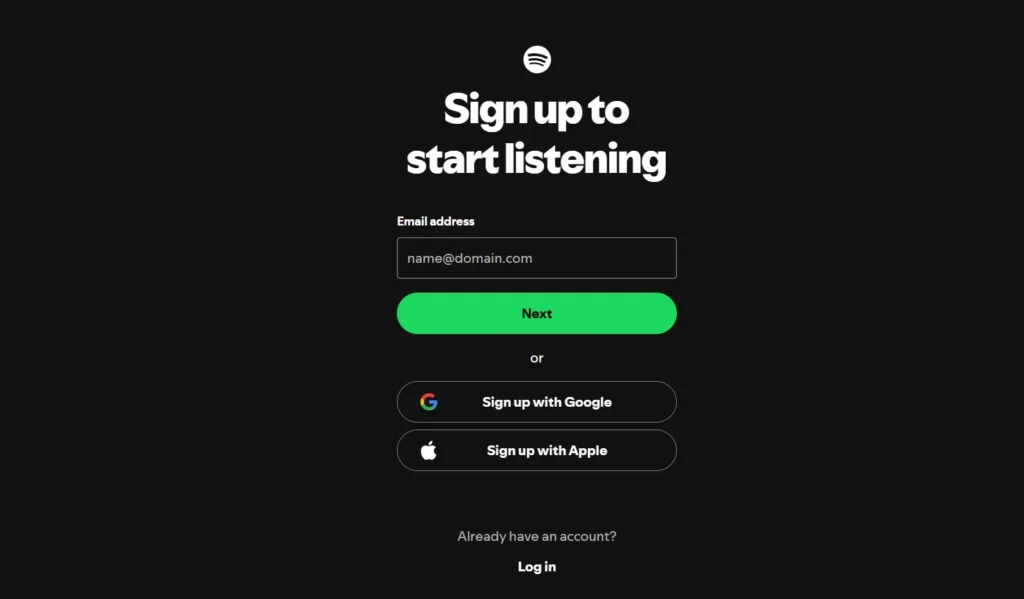
Note: Spotify does not support automatic username change.
What happens to your playlists and followers
From my experience
- Display name changes do not affect playlists
- Followers stay intact
- Playlist links remain active
- Only the visible name changes
If you create a new account, you need to re-follow playlists and rebuild your followers.







A little discussion goes a long way.
Ask a question, share your experience, or help someone find an answer.
There is room for your perspective.
No discussions match this view yet.
Your voice belongs here
Keep it useful. Keep it kind.