
PDFs are used all the time for sharing documents because their ubiquity makes them easy, but editing can be expensive and clunky. Adobe Acrobat comes with many features but will not suit everyone. Luckily, free tools give you great PDF editing powers for free. Below, we have created a list of the best free PDF editors to meet your document editing needs.
Smallpdf
Best Free Online PDF Editor
Over 30 PDF editing tools are available on Smallpdf – all for free.
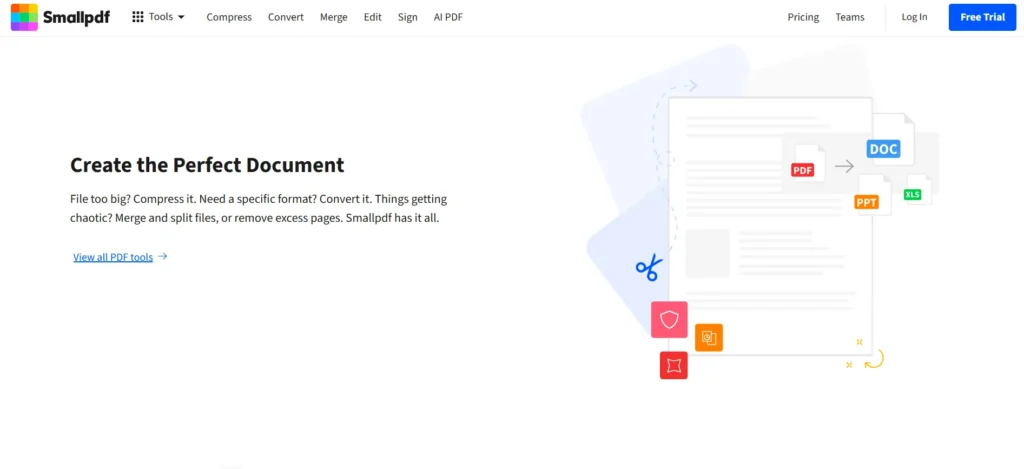
Features
- Convert PDFs to Word, Excel, and PPT.
- Merging, cropping, splitting, and adding/removing password tools.
- Text, shapes, and highlights are free annotation features.
- GDPR and CCPA compliant with file deletion after one hour.
Pros
- Quick and user-friendly interface.
- Secure and compliant with data privacy standards.
Cons
Limited daily processing for free users.
Platforms: Web, Windows, Android, and iOS.
Pricing: Free; premium plans start at $12/month.
PDFgear
The Best Free PDF Editor
PDFgear is the one true Adobe Acrobat alternative with advanced features without any hidden charges.
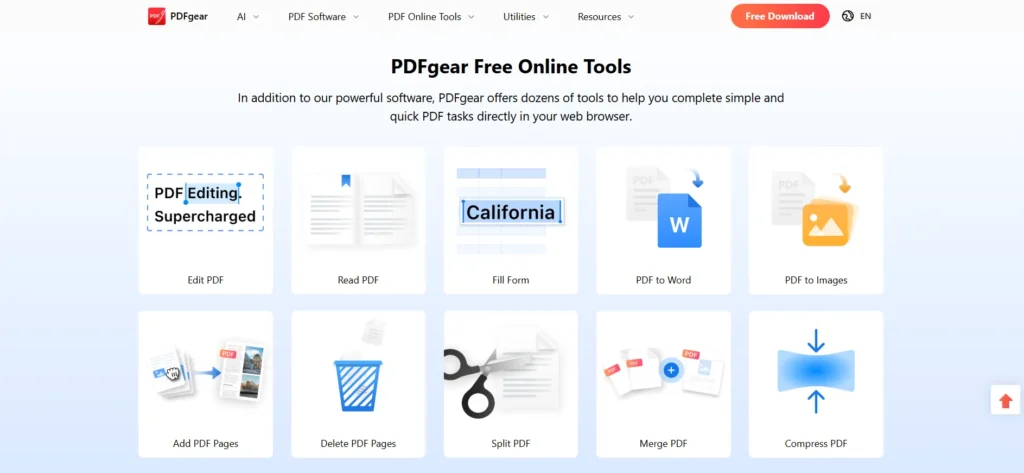
Features
- Offline editing with tools like merge, split, compress, and PDF to Word conversion.
- OCR, text extraction, sticky notes, etc., have advanced functionalities.
- Seamless text editing through automatic font detection.
- Available on Windows, macOS, Android, and iOS.
Pros
- Completely free to use.
- Feature-rich for both basic and advanced editing needs.
- Offers apps for all major platforms.
Cons
- None.
Pricing: Free
PDF-XChange Editor
Advanced PDF Features for Free
PDF-XChange Editor is a strong option for large users who want to use advanced editing tools.
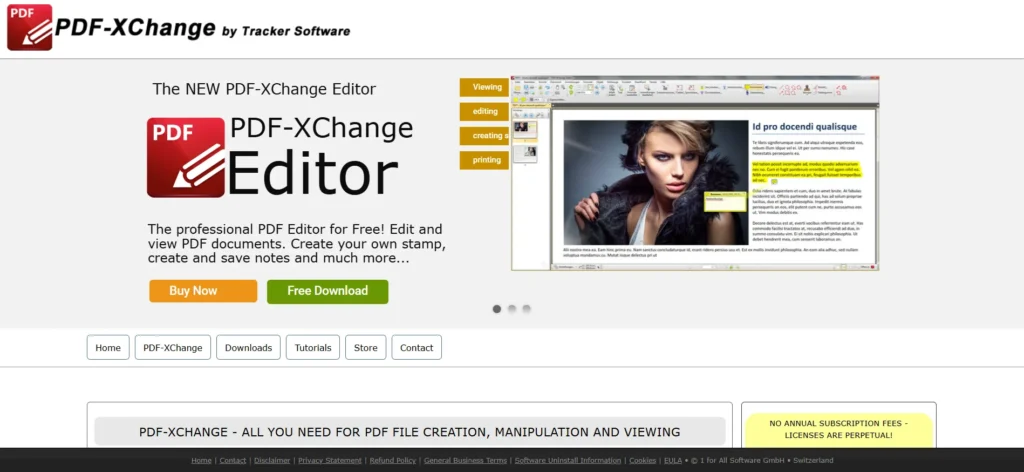
Features
- OCR capabilities for scanned documents.
- Edit text, rearrange pages, protect with password, convert files.
- Integration with DocuSign for digital signatures.
Pros
- Packed with advanced features.
- Good for professional and light editing activities.
Cons
For beginners, the interface may be overwhelming.
Platforms: Windows.
Pricing: Free; premium version costs $121 (one-time).
iLovePDF
Simple and Free Online PDF Editor
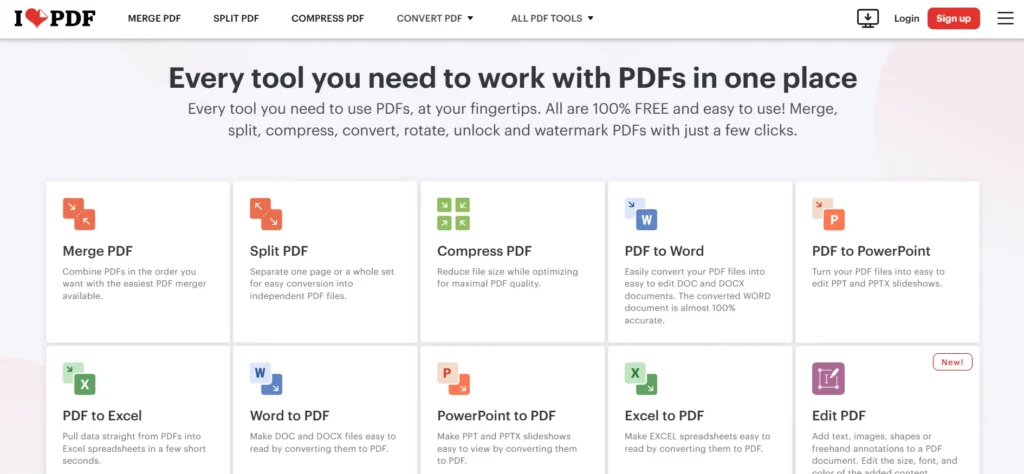
iLovePDF is a user-friendly online PDF editor with multiple editing tools on it.
Features
- It can merge, split, compress, and rotate PDFs.
- Text editing capabilities include free text, annotations, and standard OCR.
- GDPR-compliant, ensuring data privacy.
Pros
- With 26 PDF tools; it’s easy to use.
- Available offline on multiple platforms.
Cons
- Limited batch processing in the free version.
Platforms: Web, Windows, macOS, Android, and iOS.
Pricing: Free; premium plans start at $9/month.
Mac Preview
Built-in PDF Editor for macOS
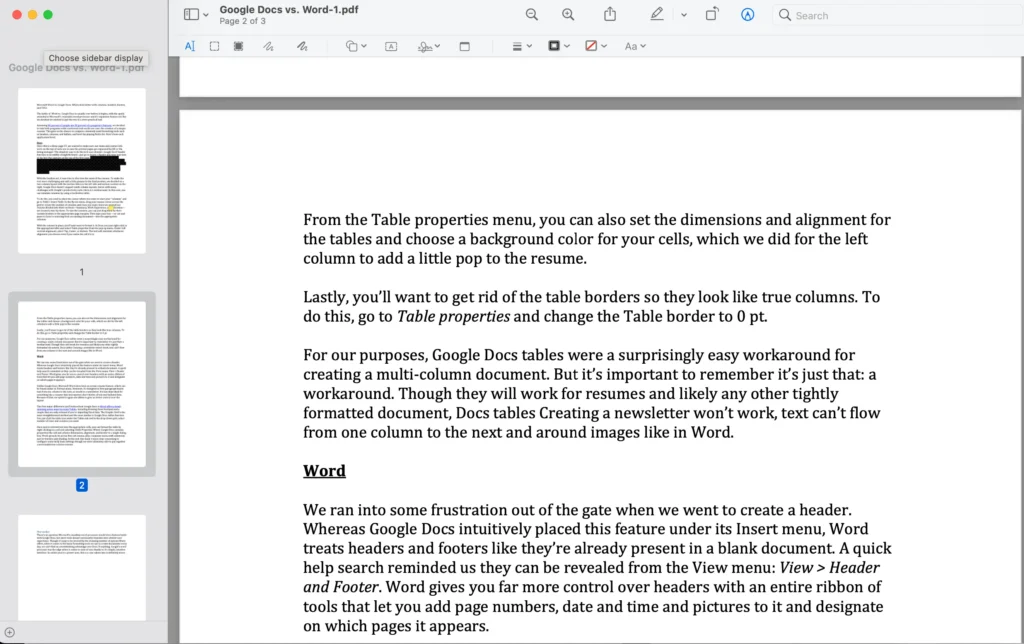
But if you are a macOS user, the built-in Preview app offers fantastic PDF editors.
Features
- Upload doc files, add text, highlight, insert shapes, and digitally sign.
- Pages are rearranged and rotated easily.
Pros
- Free and included preinstalled with macOS with no need to download.
- Best for making basic PDF editing tasks.
Cons
- It does not support OCR or file conversion.
Platforms: macOS
Pricing: Free
Okular
Best Free PDF Editor for Linux
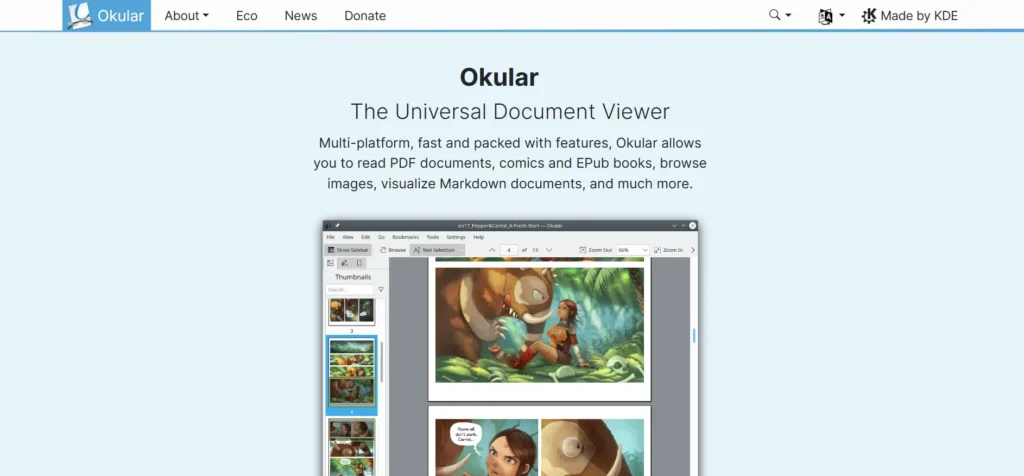
Being open-source, Okular is a PDF editor developed for Linux by default, though it’s also available on other platforms.
Features
- Text highlighting, shapes, sticky notes, and other tools like Annotation.
- Supports digital signatures.
Pros
- Free and open-source.
- Best for PDF annotation.
Cons
- Lacks OCR and PDF conversion features.
Platforms: Linux, Windows, and macOS.
Pricing: Free.
These free PDF editors also offer excellent solutions for editing without spending a dime. There is an online editor, such as Smallpdf, or a powerful desktop app, such as PDF-XChange Editor. To protect sensitive documents, PDFgear or Mac Preview are offline tools to eliminate data privacy.


A little discussion goes a long way.
Ask a question, share your experience, or help someone find an answer.
There is room for your perspective.
No discussions match this view yet.
Your voice belongs here
Keep it useful. Keep it kind.