Close Menu
    Facebook X (Twitter) Instagram Pinterest YouTube Bluesky WhatsApp TikTok Threads RSS
    WikiTechLibrary
    • Converters & Media
    • Web Tools
    • Finance & Tax
    • Utility & Bills
    • Vehicle Tax
    WikiTechLibrary

    Microsoft expands Copilot with new 3D Image-to-Model feature

    By Waqas AmjadAugust 25, 2025No Comments2 Mins Read
    Facebook Twitter WhatsApp Threads Copy Link
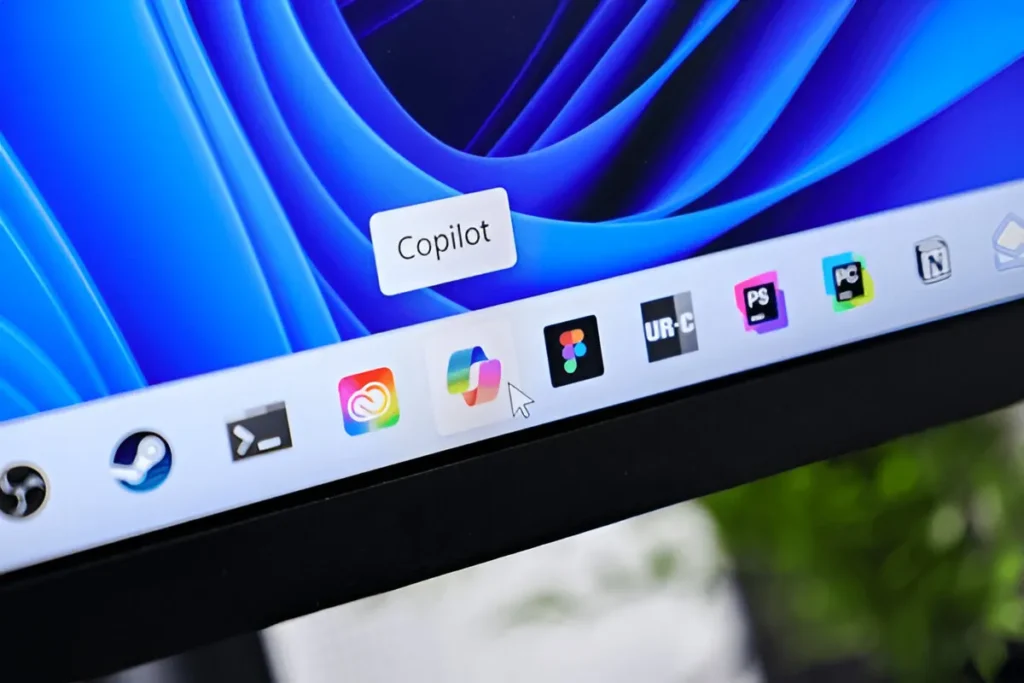
    microsoft copilot 3d turn 2d images into 3d models
    Credit: aileenchik/ShutterStock

    Microsoft Copilot has become one of the company’s biggest moves into the AI assistant space, aiming to support users with everything from drafting emails, summarizing documents, playing video games and more. By May 2025, tens of millions of users are reportedly already using Copilot.

    With Windows powering over 1.4 billion devices worldwide, Microsoft’s integration of Copilot across its ecosystem provides it with a lead over the existing popular AI tools like ChatGPT, with more than 500 million users per week. This competition continues to push innovation, and Microsoft is continually adding features to keep Copilot ahead.

    Recently, Microsoft launched Copilot into Microsoft 365, leading to a price increase for the service. Other updates include AI-powered podcast creation and a memory feature where Copilot is reminded of user preferences and interactions. Now, Microsoft is even going a step further, and with its latest update, Copilot 3D, it is making it possible to turn 2D images into fully usable 3D models.

    How to create 3D models with Copilot 3D

    Using Copilot 3D is simple and quick. Here’s how you can get started

    • Open the Copilot 3D website in your web browser.
    • Sign in using your Microsoft account.
    • At the bottom of the page, click the Upload Image button.
    • Choose a JPG or PNG file (up to 10MB) from your device.
    • Select Create, and Copilot will start processing your image.
    copilot 3d website guide

    The conversion process usually completes within a minute. Once completed, your 3D models will appear on the My Creations tab, and they will be saved for 28 days.

    Best results and file use

    Microsoft recommends uploading photos of a single subject with even lighting and a clear background to get the best 3D model quality. The generated models can be downloaded in GLB format, making them suitable for 3D modeling, game development, and design software.

    With Copilot 3D, Microsoft is not only expanding on AI capabilities but is also moving deeper into the creative and design workflow, offering users more powerful tools at their fingertips.


    Copilot
    Share. Facebook Twitter Pinterest LinkedIn Email WhatsApp Threads
    Waqas Amjad
    • Facebook
    • X (Twitter)
    • Instagram

    Waqas Amjad is a tech writer and the founder of WikiTechLibrary, focused on gaming, telecom, and how-to content. He has 8 years of experience testing apps, tools, and tech products, and writes practical guides based on hands-on use rather than surface-level research.

    Related Articles

    best whatsapp web extensions

    The browser extensions that finally make WhatsApp Web feel complete

    can you see who views your instagram highlights

    Can you see who views your Instagram highlights?

    whatsapp without phone number

    Can you use WhatsApp without a phone number?

    animate childrens drawings with ai how to

    I Tested AI Tools That Animate Kids Drawings, Here Is What Actually Worked

    crosh commands in chromebook

    What are CROSH Commands in Chromebook? Complete Guide

    weirdest tech innovations history

    7 Weirdest Tech Innovations in History That Actually Existed

    JOIN THE CONVERSATION

    A little discussion goes a long way.

    Ask a question, share your experience, or help someone find an answer.

    0 comments
    NewestOldestMost helpfulUnanswered
    ◇

    There is room for your perspective.

    No discussions match this view yet.

    +

    Your voice belongs here

    Keep it useful. Keep it kind.

    Cancel reply

    Your email address will not be published.


    MOST VIEWED
    how to use vanish mode instagram How To

    How to Use Vanish Mode on Instagram

    By Muqadas Fatima
    kurokus basket showdown Gaming

    All Kuroku’s Basket Showdown Codes

    By Ali Raza
    rider blox codes Gaming

    Rider Blox Codes List 2024

    By Ahmad Ali

    Why Use an AI Caption Generator for Instagram

    By Muqadas Fatima
    What's New

    AI Video Generator Clips Need a Real Compression Preview

    November 12, 2026
    image

    Made in America and Priced at $7,999: StarBot Launches Spark Humanoid Robot

    November 5, 2026
    tiktok adds voice notes and image carousels in comments

    TikTok Adds Voice Notes and Image Carousels in Comments

    September 4, 2026
    google messages adds ai detection to chat photos

    Google Messages Adds AI Detection to Chat Photos

    September 3, 2026
    © 2026 WIKITECHLIBRARY | All Right Reserved
    • About Us
    • Contact Us
    • Privacy Policy
    • Terms & Conditions
    • Disclaimer

    Type above and press Enter to search. Press Esc to cancel.