
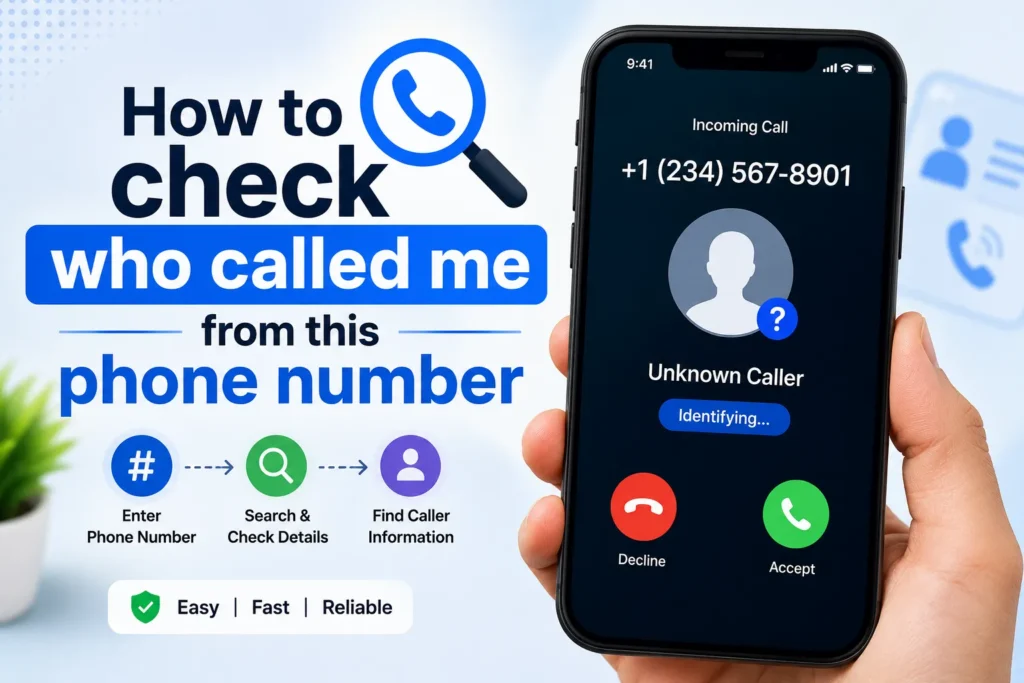
Last week, I missed a call from a number I did not recognize. It had an international code, which made me even more curious. For a moment, I thought about calling back immediately. Then I remembered how many spam calls people get these days. I decided to first check the number online instead of taking the risk. That small step saved me from calling back what proved to be a reported scam number.
We have all been there, your phone rings. You missed the call. The number looks unfamiliar. Now you are asking yourself whether it was spam or someone you know.
This is something that I have had to deal with more than I can count. I do not call back immediately; I usually check the number first. Here is exactly how you can do it safely and quickly.
Start with a simple Google Search

When I searched a suspicious number on Google, I was surprised to see how many people had already reported it. There were complaints on discussion forums saying the caller was pretending to offer a prize and asking for personal details. That made it clear I should not return the call.
Sometimes you will find full complaint threads. At other times, you will find only a few mentions. Even that small information can make you choose not to ignore or block the number.
- Copy the phone number.
- Paste it into Google.
- Add words like “who called me” or “spam”.
Many times, forums and caller report websites already know about that number. If it is a telemarketing or a scam number, you will immediately see complaints.
If nothing appears, it does not automatically mean it is safe. It means the number is not widely reported.
Use caller ID and reverse lookup apps
Caller ID apps can be helpful, but they are not perfect. I once checked a number on a lookup app and it showed a name, but it turned out to be outdated information. These apps rely on user reports and public databases, so accuracy can vary.
It is always better to use them as a guide, not as final proof. Also, review the app permissions before installing. Some apps request access to contacts and call logs.
If Google does not help, the next step is using a caller identification app. These apps maintain large databases of reported numbers.
Some popular apps are
- Truecaller
- Hiya
- Showcaller
Install one of these apps from the Play Store or App Store. After setup, they can identify incoming calls in real time and also allow manual number searches.
I personally prefer using a lookup tool before calling back. It reduces the risk of engaging with spam callers.
Check WhatsApp or messaging apps

Sometimes the number is saved on messaging platforms even if it is not saved in your contacts.
Try this:
- Save the unknown number temporarily in your contacts.
- Open WhatsApp.
- Refresh your contact list.
If the person uses WhatsApp, their name and profile photo may appear. This does not always work, but it can give you a clue.
After checking, you can delete the contact if needed.
Use your network provider services
In Pakistan, telecom networks have started taking spam more seriously. A friend of mine once reported a repeated promotional caller to his network, and after a few days, those calls stopped.
You can usually find spam reporting options through your network’s helpline or official website. It may take a little time, but reporting unwanted numbers helps reduce spam for everyone.
Some telecom providers offer caller identification or spam protection services.
If you are in Pakistan, for example, networks like:
- Jazz
- Zong
- Telenor Pakistan
- Ufone
Provide certain value added services related to call tracking or spam alerts.
You can check your network’s official website or customer support for details.
How to block a number
If you confirm the number is spam
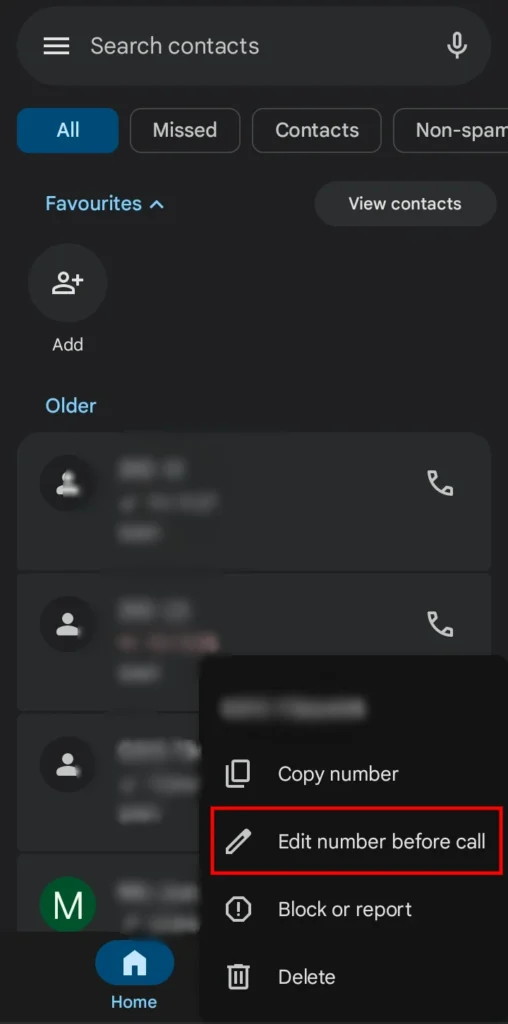
On Android
- Open Call History.
- Tap the number.
- Select Block or Report.
On iPhone
- Open Recents.
- Tap the “i” icon next to the number.
- Scroll down and tap Block Caller.
- Select Block Contact.
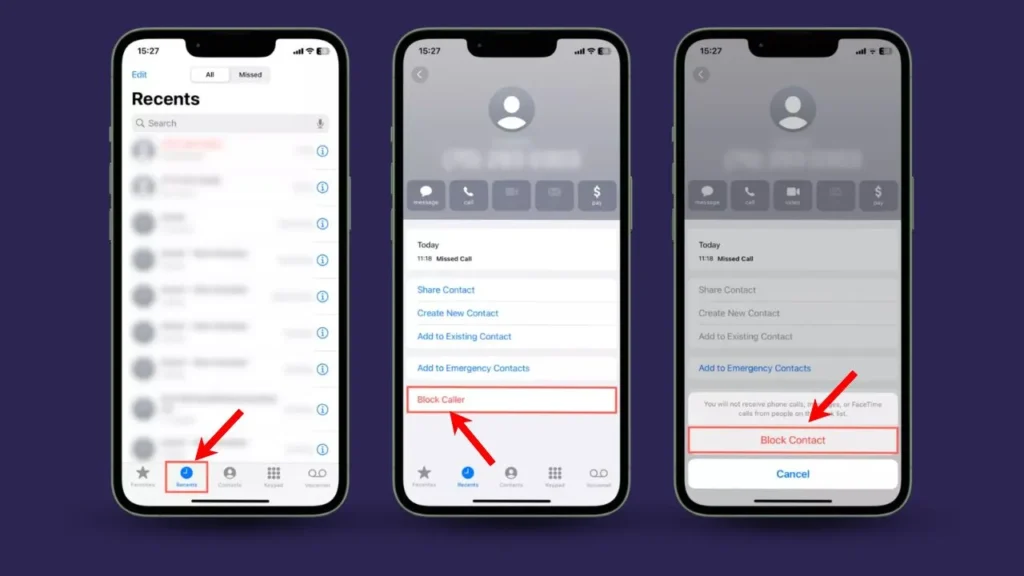
This prevents future calls from the same number.







A little discussion goes a long way.
Ask a question, share your experience, or help someone find an answer.
There is room for your perspective.
No discussions match this view yet.
Your voice belongs here
Keep it useful. Keep it kind.