
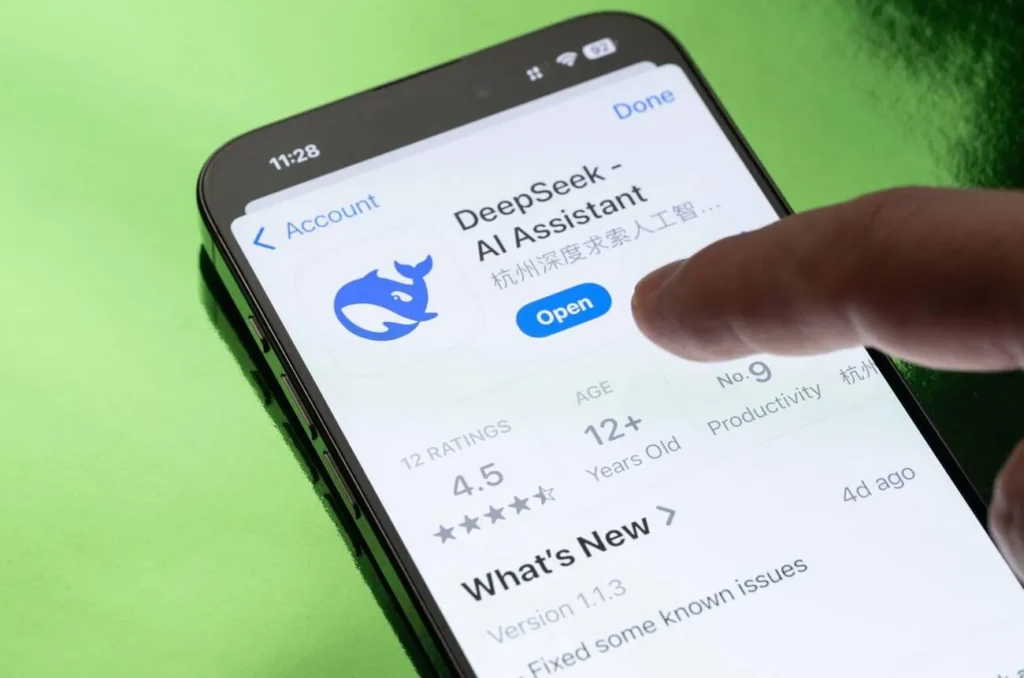
Google recently became the center of attention for scammers who published DeepSeek scam ads loading infostealer malware. Users accessing DeepSeek on Google lately may have encountered these fake advertisements. Here are all the factors you need to know for your protection.
Fake DeepSeek Ads Delivering Malware
In late March 2025, Malwarebytes found scammers luring those searching for DeepSeek with fake ads on Google. The ads go to fake sites that look like DeepSeek. These mimic the official platform.
Being led by these ads and ending up on their websites is a potential disaster since this is the usual path to contamination of the user’s system. You can even find more severe and hidden malware, such as Heracles MSIL Trojan, by pressing the download button that allows:
- Harvest browser data
- Steal saved passwords
- Access private files
- Compromise cryptocurrency wallets
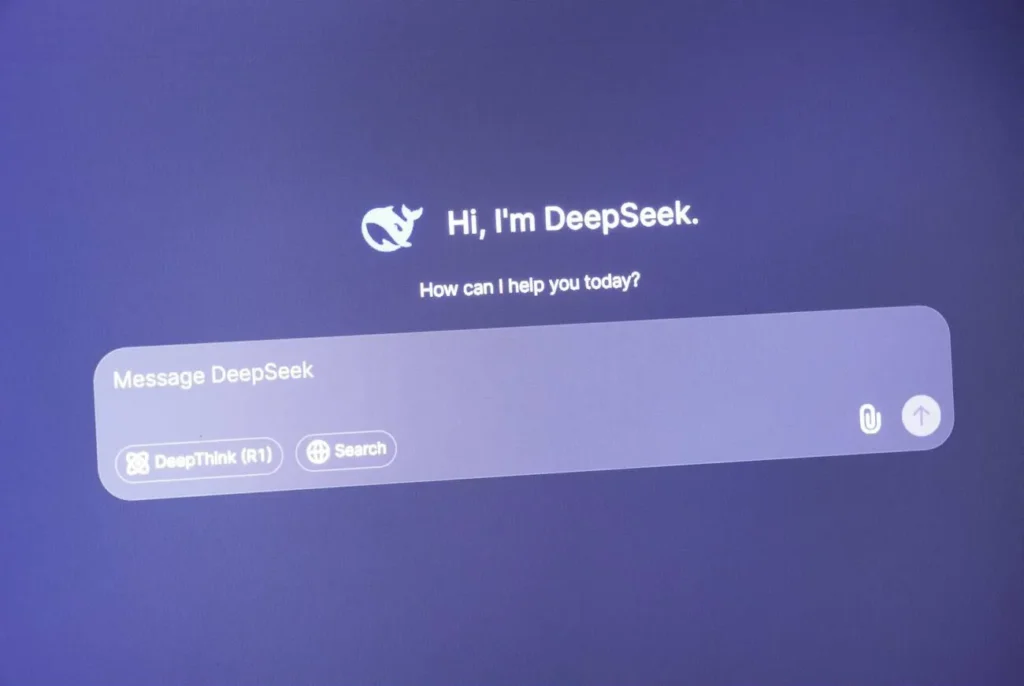
What Do the Fake Ads Look Like?
Researchers from Malwarebytes illustrated the differences between the real and counterfeit DeepSeek ads. The real ones are more professional, although the fake ads are also pretty similar in appearance, which can make the viewer think they are genuine.
Now that your alert level has reached the required level, these sites are built to be practically the same as the original DeepSeek page, so the user will most likely download malware instead of a chatbot without realizing it.

Source: Malwarebytes
How to Avoid Fake DeepSeek Ads
When searching for DeepSeek or common services online, observe these simple measures:
1. Avoid Sponsored Results
It is best to ignore sponsored ads, particularly when searching for tools such as DeepSeek. Scammers continually infiltrate these paid ad slots.
2. Check the URL Carefully
The correct DeepSeek website is deepseek.com. Anything else like “deepseek.ai” or “deepseek-download.net” is not real and hence, suspicious.
3. Don’t Download DeepSeek Software
Currently, DeepSeek does not have any desktop applications available for download. So, if you come across a website that tells you to “Download DeepSeek,” don’t believe it, as it’s a warning sign.
4. Look for Telltale Signs of a Fake Site
Fake sites usually:
- Have odd URLs
- Shove gigantic flashy “Download” buttons
- Characterize logos and typefaces poorly
- Do not have HTTPS encryption
5. Close the Page if Unsure
If it does not feel right, however of the design, the URL, or the text, close the tab. It’s better to err on caution and not be compromised.
Why Is DeepSeek Being Targeted?
In 2025, DeepSeek made a tremendous splash and performed as a good replacement for ChatGPT. Its high growth rate and the attention it receives globally naturally made it a perfect choice for fraudsters to victimize users and gain their trust.
Tips to Stay Safe
- Get antivirus software with real-time protection.
- Regularly update your browser extensions and OS.
- Use ad blockers against bad ads.
- Never save crypto wallet details in your browser.
There are many fake ads, and DeepSeek is a victim, too. But only stricter and clearer laws could protect people from such abuse.
Be alert, never click blindly on links. With a download, one must be very careful.



A little discussion goes a long way.
Ask a question, share your experience, or help someone find an answer.
There is room for your perspective.
No discussions match this view yet.
Your voice belongs here
Keep it useful. Keep it kind.