
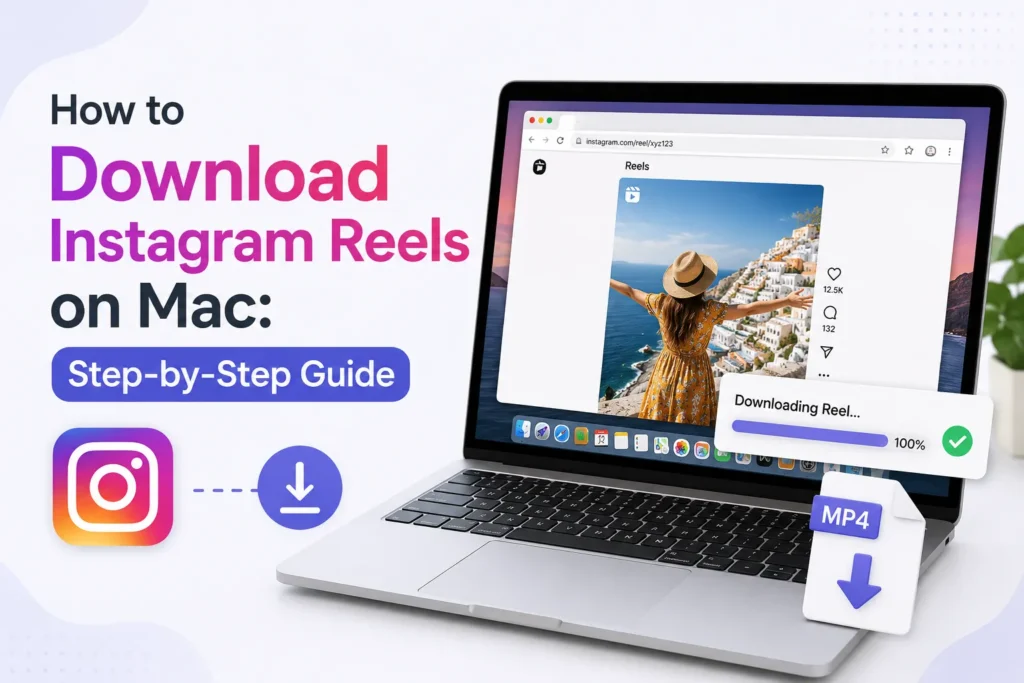
Instagram Reels and saving them to a Mac may appear confusing, as the platform does not provide a Save to Mac button. Luckily, there are easy and risk-free ways to download Reels within a few seconds, whether it’s for a tutorial, project, or content you have permission to use.
How to Download Instagram Reels on Mac
Here’s a quick method to download Instagram Reels on your Mac.
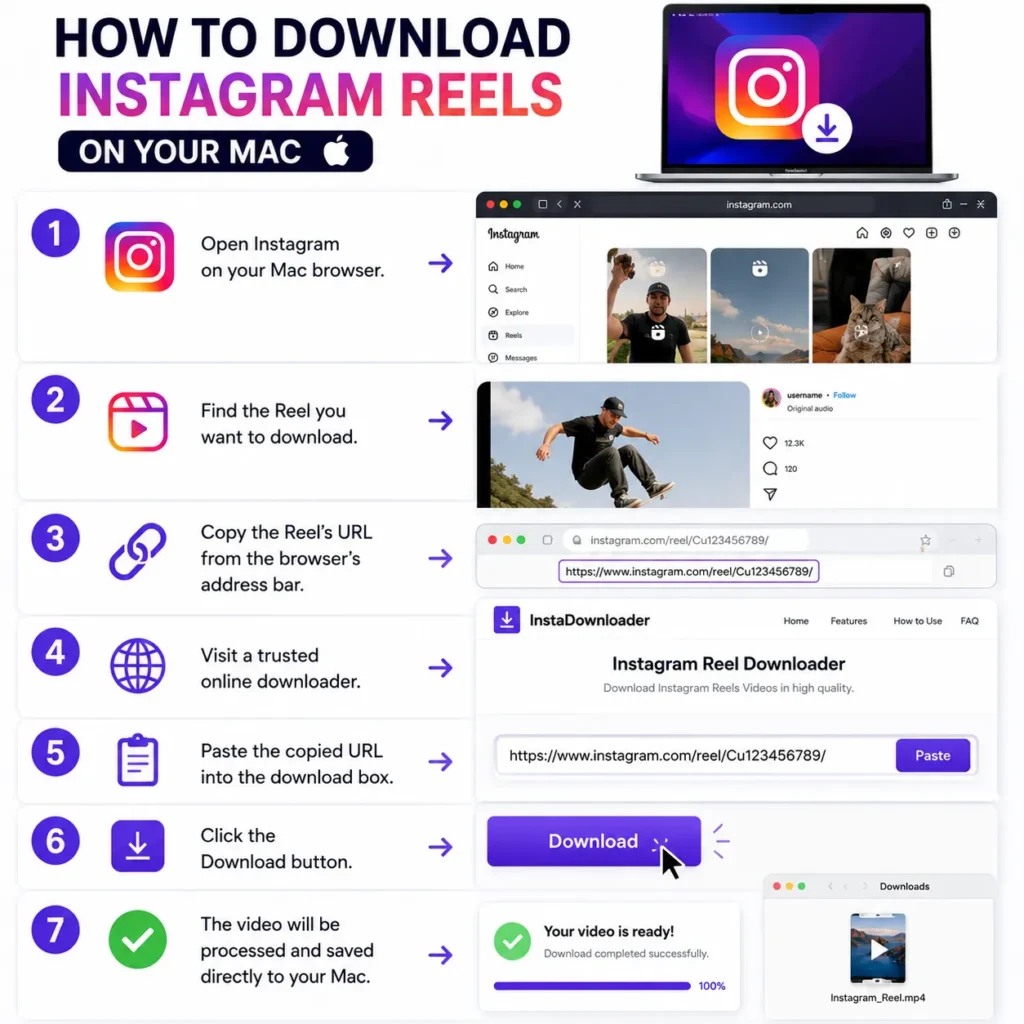
- Open Instagram on your Mac browser.
- Find the Reel you want to download.
- Copy the Reel’s URL from the browser’s address bar.
- Visit a trusted online downloader.
- Paste the copied URL into the download box.
- Click the Download button.
- The video will be processed and saved directly to your Mac.
Instagram Reels can be easily downloaded on a Mac, once you know where to find them. Whether you choose a built-in screen recorder, the direct URLs method in your browsers, or a trusted third-party downloader, all are safe methods to save content you own or have been authorized to use.
With these tools, you can easily collect reference videos, save video content, or prepare assets for editing, without using risky workarounds or untrusted websites.
Frequently Asked Questions
Can I download Instagram Reels directly on a Mac?
Instagram does not provide a built in option to download Reels to a Mac. You can save your own videos from Instagram or use a trusted online downloader for content you have permission to download.
Is it legal to download Instagram Reels?
Downloading a Reel for personal viewing is different from reposting or distributing it. Always respect copyright laws and Instagram’s terms of use, and get the creator’s permission before reusing someone else’s content.
Can I use my Mac’s screen recorder to save Instagram Reels?
Yes. macOS includes a built in screen recording feature that lets you record a Reel while it plays. This can be a useful option when downloading is unavailable, provided you have the right to save the content.
Why won’t an Instagram Reel download?
A Reel may not download if the link is incorrect, the post is private, the online tool is temporarily unavailable, or the creator has restricted access. Try copying the link again or use another trusted downloader.
Will downloading a Reel reduce its video quality?
Quality depends on the method you use. Reliable download tools usually preserve the original resolution, while screen recordings may lose some quality depending on your display and recording settings.
Can I download Reels from private Instagram accounts?
No. Reels from private accounts are generally not available for download through public tools unless you have authorized access and the account owner has shared the content with you.






A little discussion goes a long way.
Ask a question, share your experience, or help someone find an answer.
There is room for your perspective.
No discussions match this view yet.
Your voice belongs here
Keep it useful. Keep it kind.