
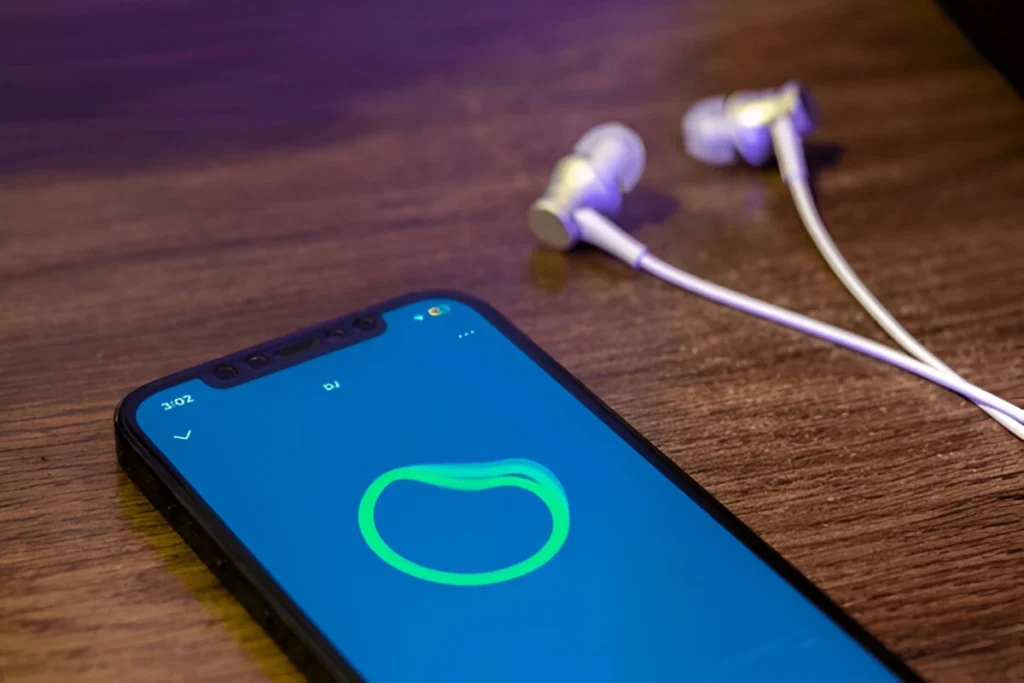
Spotify continues to refine how users find and enjoy music, and the latest update makes the process even more personal. The company’s popular AI DJ feature generates playlists and provides commentary about the songs and artists. Spotify has also introduced voice requests earlier this year, and now musicians can ask the DJ for specific recommendations. Now, the streaming giant is expanding that feature with text requests and personalized prompts.
You can now type your music request to the DJ at Spotify, whether you are in a quiet library or a noisy cafe. The feature was announced this week and is available in both English and Spanish. According to Spotify, it is one of the most popular features requested by users on social media.
How to use Spotify’s new Text Request feature
- Open the Spotify app and search for “DJ.”
- Tap the DJ playlist.
- Tap the blue-and-green button at the bottom-right corner of the screen.
- There, you can speak to the DJ or type your request.
- Spotify will also show personalized prompts to help you express what you are feeling, whether it be chill Sunday vibes or upbeat workout tracks.
Spotify says that users can request complex or mood-based like “play cozy folk songs to fall” or “give me the 2000s hits,” and the AI DJ will personalize the playlist.
AI DJ continues to set Spotify apart
One of the most popular features of Spotify is its AI DJ, which integrates artificial intelligence with personalization to develop a unique listening experience. It has become so popular that other competitors like YouTube Music are now experimenting with AI-powered hosts. However, Spotify is ahead of the curve, and Apple Music still has not rolled out a comparable tool.
If you haven’t tried the DJ yet, now might be the perfect time. Spotify is proving again that it’s serious about making music feel personal, easy, and fun, no matter where you are listening, with the help of text requests.




A little discussion goes a long way.
Ask a question, share your experience, or help someone find an answer.
There is room for your perspective.
No discussions match this view yet.
Your voice belongs here
Keep it useful. Keep it kind.