
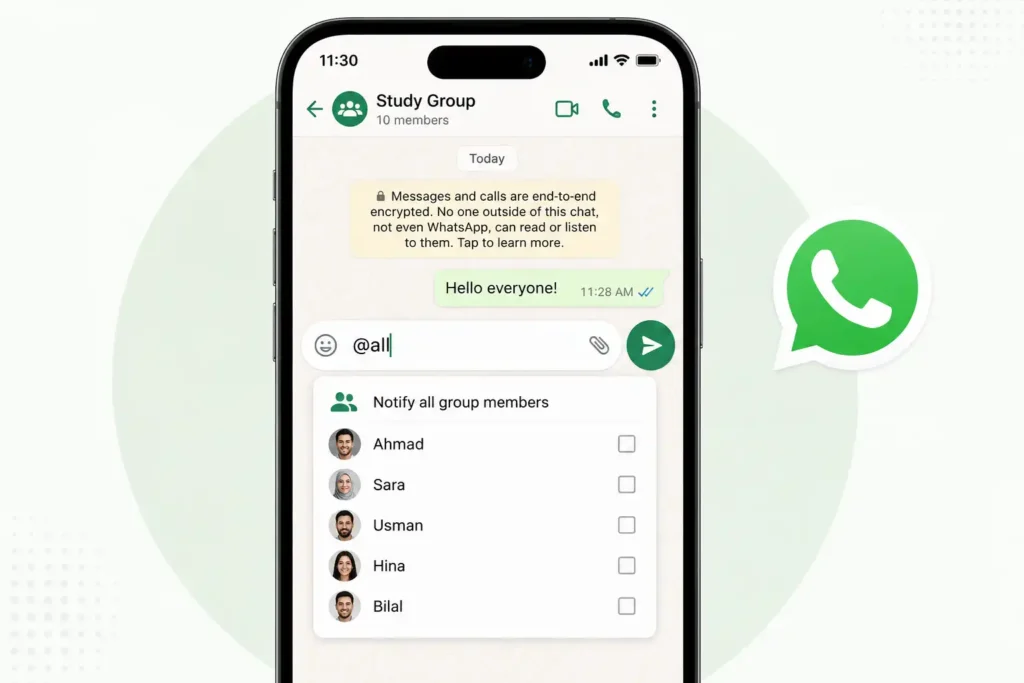
If you have ever tried to get a group chat’s attention and ended up tagging fifteen people one by one, you will appreciate this one. WhatsApp just rolled out an @all mention for group chats, and it’s exactly what it means: one tag, and everyone gets notified.
It will come as part of the broader group chat update and also includes some poll improvements and a new method for creating side chats. Here’s what changed and how to use it.
What @all feature does
You can send a message to everyone at once by typing “@all” in a group chat, without you having to select each name individually. It was created for messages that really need to be sent to everyone, such as school closures, event changes, or a deadline that just moved up.
The unique part of it is that if someone has muted the group, @all will still appear. It’s created to cut the noise from the busy chat, rather than getting buried in regular messages.
How to use @all on WhatsApp
- Open the group chat where you want to send the message.
- Tap the message box and type @.
- Instead of scrolling to a specific name, select @all from the list that pops up.
- Write your message and hit send.
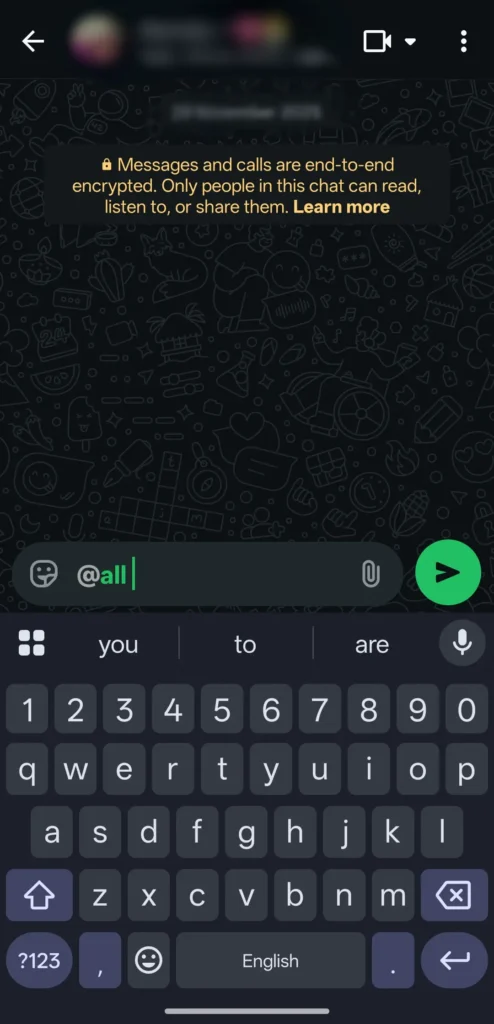
That’s it. Everyone in the group gets a notification, whether they’ve muted the chat or not.
Who can use @all
In smaller groups, any member can use @all. Once a group crosses 32 members, though, WhatsApp restricts it to admins only.
If you are in a large group and do no see the @all option, that’s most likely why. Only the admins will have access to it.
Can you turn off @all notifications?
Yes, and this is a fair question given how disruptive constant pings can get. Even though @all breaks through muted chats by default, you can mute @all notifications on their own through your notification settings, without muting the entire group.
So if you want to stay in a group but skip the urgent pings, you have that option without missing out on regular conversation entirely.
Other group chat updates
@all was not the only thing WhatsApp shipped in this update. A few other changes are worth knowing about since they landed at the same time:
- Polls now support an end time, so voting automatically locks once time is up.
- Voter names can be hidden, which makes people more comfortable actually voting honestly.
- Polls can be edited within 15 minutes of posting, handy for fixing a typo without deleting and reposting.
- New chats can be created from existing groups in one tap, useful for splitting off a side conversation without adding everyone manually.
If you manage a group for work, a class, a society, or even a family event, this genuinely saves time. Before this update, the only way to notify everyone was tagging each person manually or hoping people actually read the chat, and both approaches are unreliable in larger groups.
@all fixes that specific pain point without turning into another Community or announcement channel you’d need to set up separately.






A little discussion goes a long way.
Ask a question, share your experience, or help someone find an answer.
There is room for your perspective.
No discussions match this view yet.
Your voice belongs here
Keep it useful. Keep it kind.