
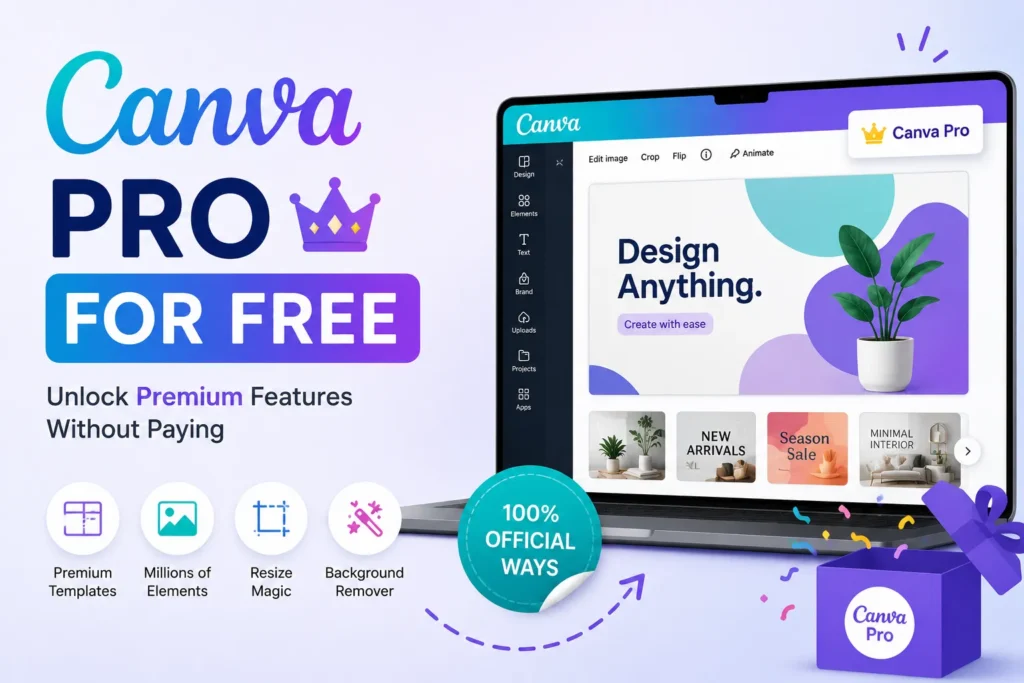
If you already have a Canva Pro membership, you can access some powerful tools that make designing effortless while remaining fun. That said, not everyone is looking to subscribe. Canva Pro free options work in multiple ways. If you are a student, educator, or hobbyist, you can use Canvas premium tools for free.
I will cover a few ways to use Canva Pro for free in this article.
What is Canva Pro?
Canva Pro is the premium edition of Canva’s graphic design platform, containing more fancy options and features than the free one. It is for individuals, businesses, educators, and organizations that want to quickly create professional-grade designs.
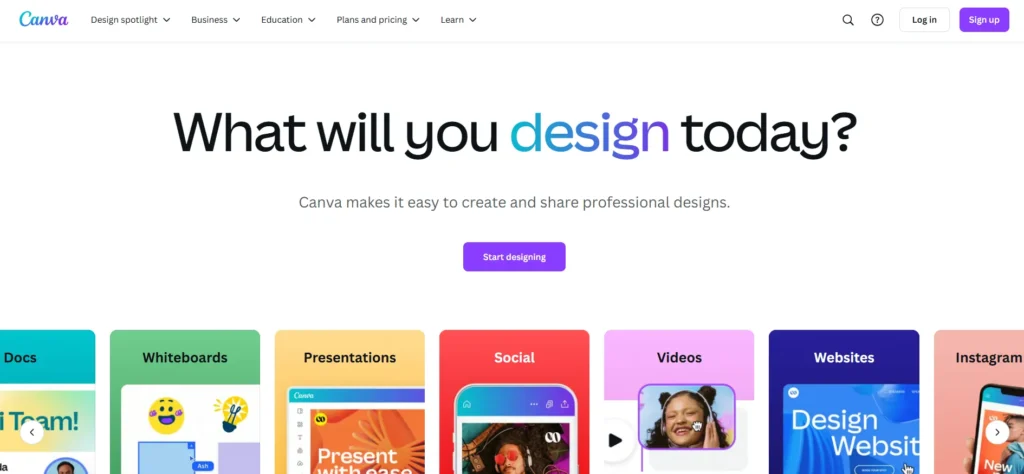
Features of Canva Pro
- Thousands of premium templates, graphics, photos, and illustrations.
- With one click, resize your designs for multiple platforms.
- Store font colors, fonts, brand logos, and font colors.
- Get instant background removal.
- You can work with your team on projects in real time.
- Publish social media posts directly from Canva, scheduling when and who you want to post.
These features are why Canva Pro is a favorite tool for creating high-quality, visually engaging designs.
How to Use Canva Pro for Free
Here’s how you can use Canva Pro for free.
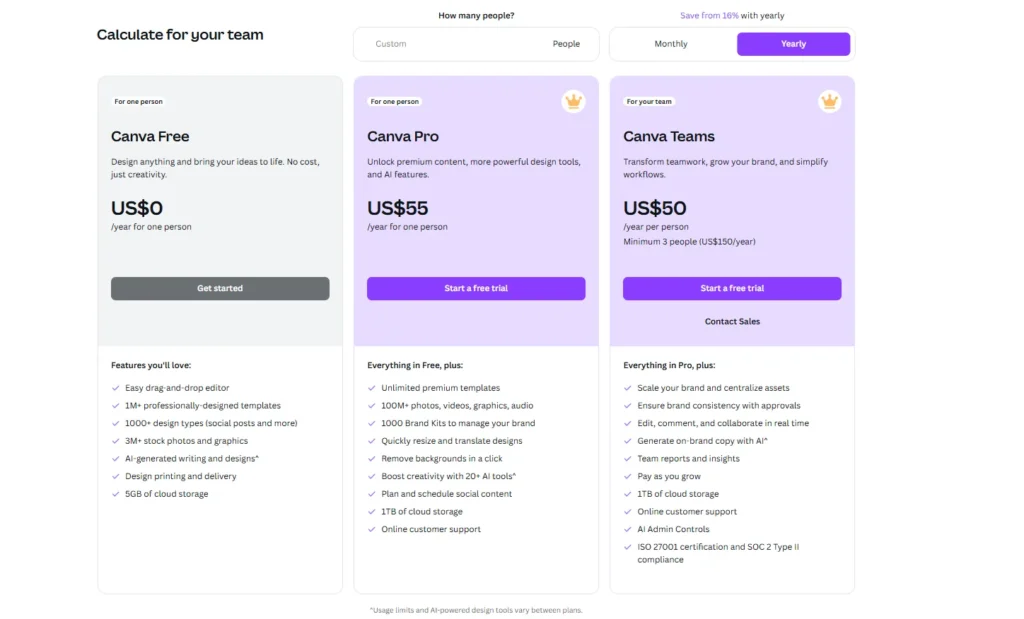
Canva Pro 30-Day Free Trial
You can try out Canva Pro for free and get a feel for what the Pro features can do for 30 days. Here’s how to activate it:
- Visit Canva pricing page.
- Now, sign up or log in to your account.
- Start your free trial on the “Pro” plan.
- Try Canva Pro for 30 days with no payment.
💡 Tip: Cancel it before the trial ends.
Canva for Education
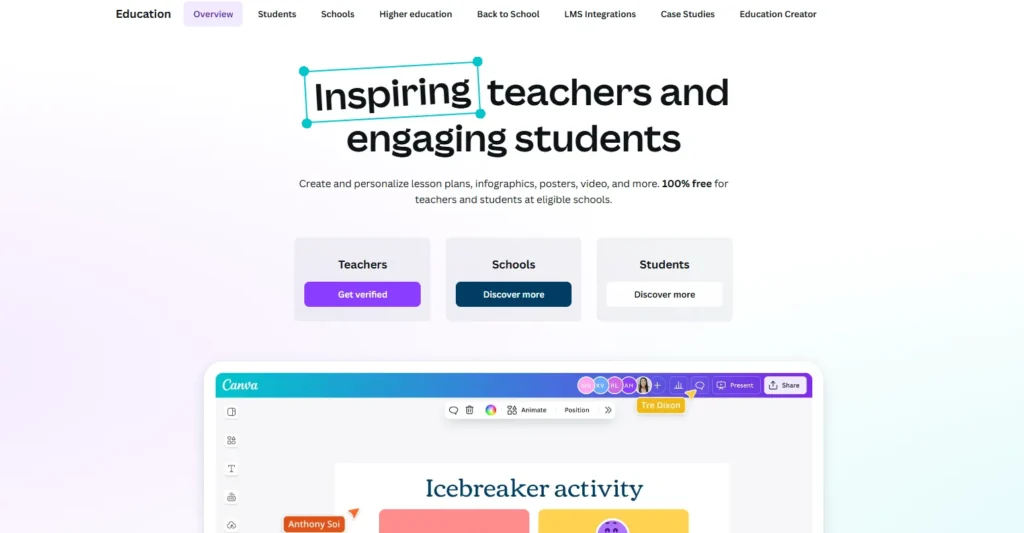
Students and educators can access Canva Pro for free through the Canva for Education program:
- Go to the Canva for Education page.
- Submit your details, including proof of your educational status.
- If verified, you will get lifetime access to the best Canva Pro tools for educational use.
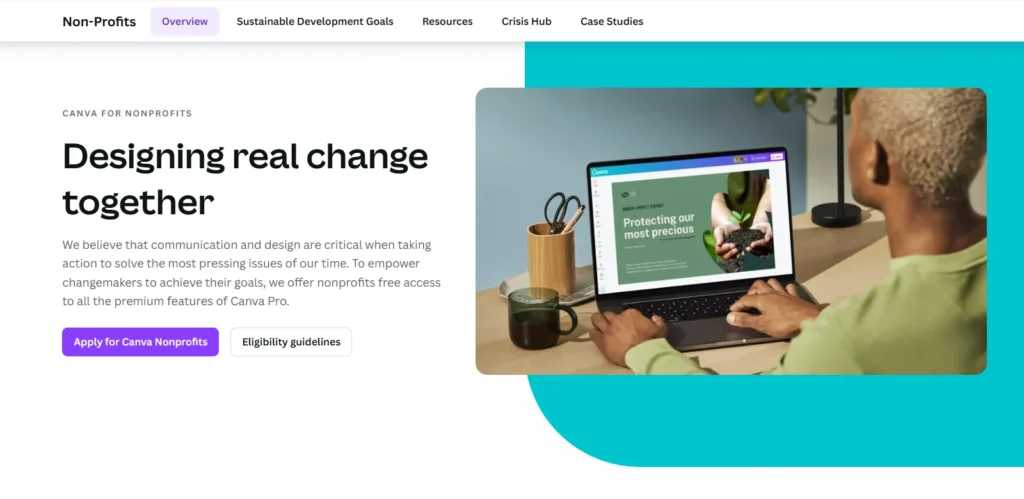
Canva for Nonprofits
Registered nonprofits can access Canva Pro for free to enhance their design efforts:
- Visit the Canva for Nonprofits page.
- Submit documents proving that you are a nonprofit.
- After approval, you are allowed to enjoy Canva Pro features for free.
Empower Canvassador Program
Content creators passionate about Canva can join the Empower Canvassador Program:
- Share good content about Canva products.
- Go on Canva official website to apply to become a Canvassador.
- Active contributors can receive Canva Pro benefits for free.

With Canva Pro, you can access premium features that help you create professional and engaging designs. Canva makes these things available to you without paying for them. You can try free trials or programs like Canva for Education and Canva for Nonprofits.
Frequently Asked Questions
Can I use Canva Pro for free?
Yes. Canva offers official ways to access Canva Pro for free, including a free trial, Canva for Education, and Canva for Nonprofits if you meet the eligibility requirements.
How long is the Canva Pro free trial?
Canva occasionally offers a 30 day free trial for new users. Availability may vary depending on your region and current promotions.
Who is eligible for Canva for Education?
Verified teachers, educators, and eligible students at participating educational institutions can apply for Canva for Education and access premium features at no cost.
Can nonprofits get Canva Pro for free?
Yes. Eligible registered nonprofit organizations can apply for Canva for Nonprofits and receive free access after their application is approved.
Do I need a credit card for the Canva Pro trial?
In some regions, Canva may ask for a payment method to start the free trial. Check the signup page for the latest requirements before activating the trial.
What happens when the Canva Pro trial ends?
If you don’t continue with a paid subscription, your account switches back to the free version, and Pro only features become unavailable.

A little discussion goes a long way.
Ask a question, share your experience, or help someone find an answer.
There is room for your perspective.
No discussions match this view yet.
Your voice belongs here
Keep it useful. Keep it kind.