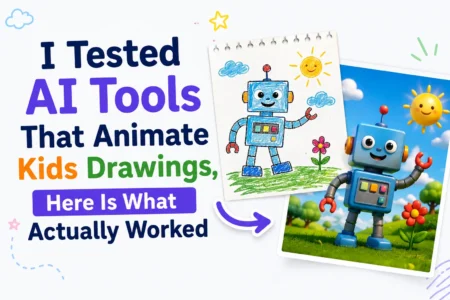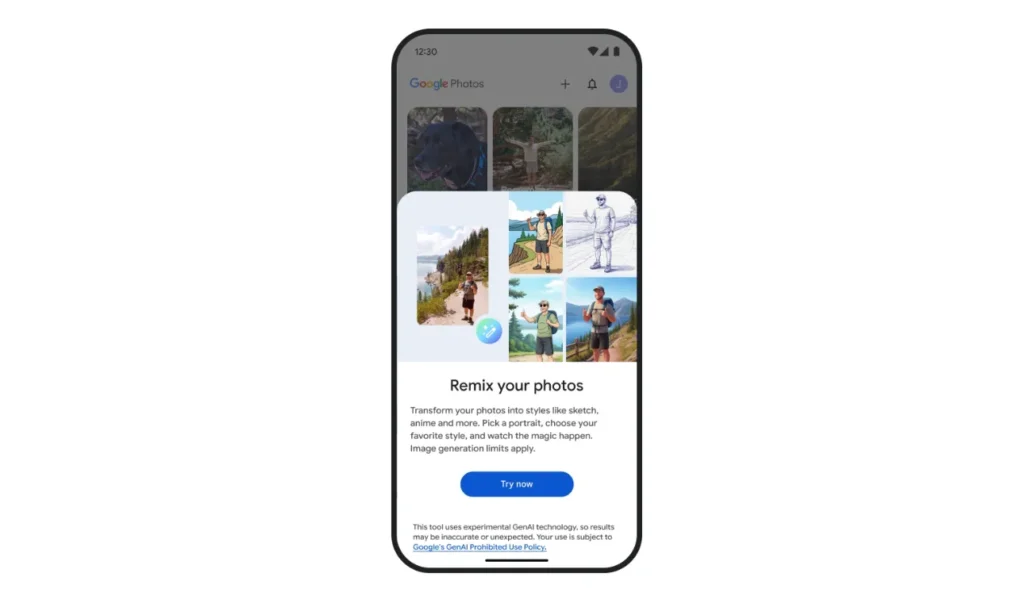
Google has started rolling out its highly anticipated Remix feature in Google Photos, allows users to play with their pictures, making them fun and cool cartoon-like artworks. Previously teased in July, the tool uses AI to turn any photo into an anime, comic book, sketch, or 3D animation (in Pixar/DreamWorks style).
It has started to roll out worldwide, but it is available to a limited users. Google has published a detailed guide on how to use Remix, but the Create tab (announced last month) is not fully rolled out yet.
Unlike Google Photos’ photo-to-video feature that converts still photos to AI-generated videos, Remix just focuses on stylizing photos.
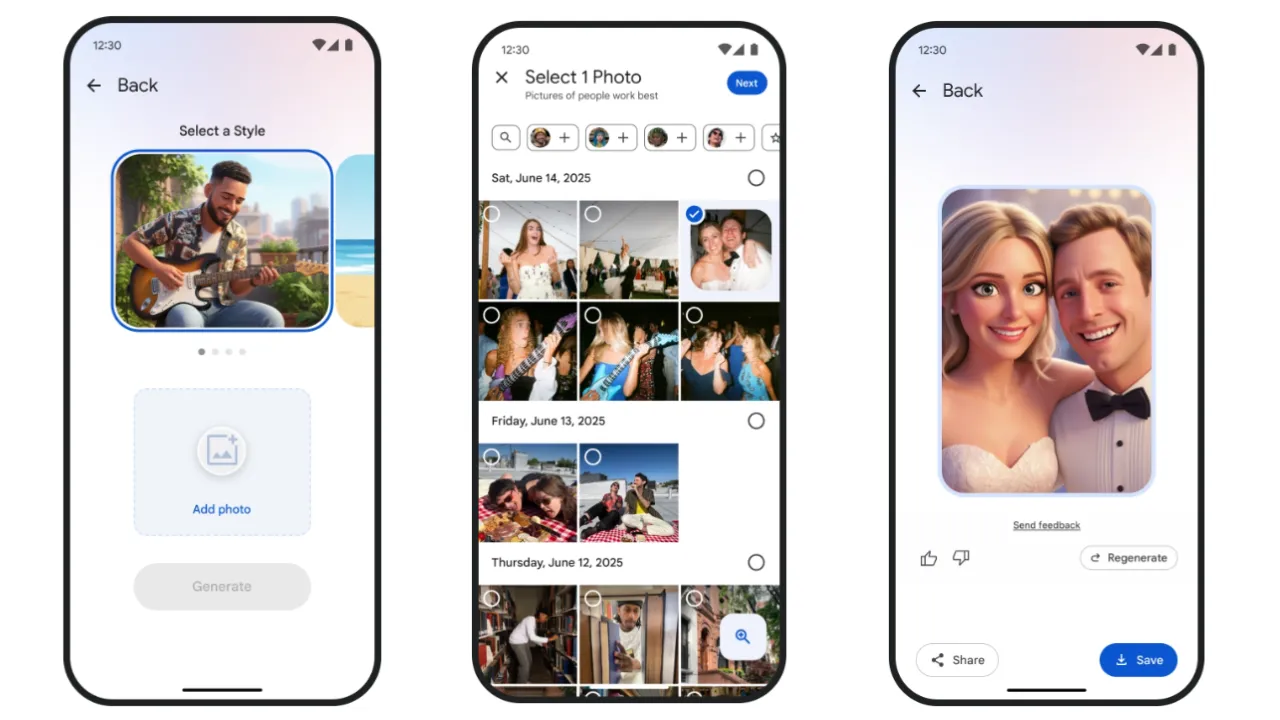
How to Use Remix in Google Photos
- Open the Google Photos app on mobile.
- Tap the + icon in the top-right corner.
- Look for “Remix” under the “Create” options.
- Select a style, choose a photo, and tap Generate.
- If the first version is not perfect, press Regenerate for a new variation.
AI-generated photo styles have become a social media trend, usually based on the style of Studio Ghibli or other animation styles. Remix allows Google Photos to offer this feature without having to host photos on a third-party app.
If the feature has not appeared on your device yet, all you can do is hope that Google takes time in rolling out the feature to your account.