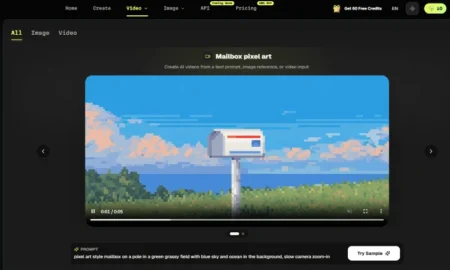
In 2026, AI video creation has entered a new era. What used to be simple animation is now powered by multimodal systems that combine multiple models into one seamless workflow. With just a single image, you can now generate lifelike motion, cinematic camera effects, and even full storytelling sequences.
If you’re searching for the best image to video AI tool 2026, this guide is based on real hands-on testing—not just specs.
- Part 1. Best Image to Video AI Tools for 2026
- Quick Comparison of Top Tools I Tested
- Why I Recommend Pollo.ai First
- Part 2. Why Pollo.ai Stands Out
- Core Features
- Pros
- Cons
- Best For
- Part 3. How to Turn Images into Videos with Pollo.ai
- Step-by-Step Guide
- Pro Tips
- Part 4. FAQs
- 1. What is the best image to video AI tool in 2026?
- 2. How does an image to video converter work?
- 3. Can I use these tools without editing skills?
- 4. Are AI-generated videos high quality?
- 5. Is Pollo.ai free to use?
- Conclusion
- References
Part 1. Best Image to Video AI Tools for 2026
When I started testing image to video tools, my goal was simple: to find the best image to video AI tool that could deliver high-quality results without complexity.
After trying multiple platforms, the one I keep coming back to is Pollo.ai.
Quick Comparison of Top Tools I Tested
| Tool | Ease of Use | Core Strength | Platform | Free Plan |
| Pollo.ai | ⭐⭐⭐⭐⭐ | All-in-one AI workflow | Web + Mobile | Yes (credits-based) |
| Runway | ⭐⭐⭐☆☆ | Cinematic control | Web | Yes (limited) |
| Canva | ⭐⭐⭐⭐⭐ | Templates & design | Web + Mobile | Yes |
| Kling AI | ⭐⭐⭐☆☆ | Realistic motion | Web | Limited credits |
| HeyGen | ⭐⭐⭐⭐☆ | AI avatars | Web | Yes (limited) |
Why I Recommend Pollo.ai First
From my perspective as a non-technical creator, I didn’t want:
- Complex timelines
- Heavy editing workflows
- Multiple tools stitched together
What I wanted was a “full-stack” tool:
- Works on web + mobile
- Supports multiple AI models
- Handles image → video, text → video, effects, and editing
Pollo.ai checks all of these boxes. It integrates advanced engines like Kling and other cutting-edge models into one interface, which makes it incredibly efficient.
My takeaway:
If you want power + simplicity together, Pollo.ai is the most balanced option in 2026.
Part 2. Why Pollo.ai Stands Out
When I first used Pollo.ai, I expected something similar to other tools—upload, wait, and hope for decent results.
But what I got was different.
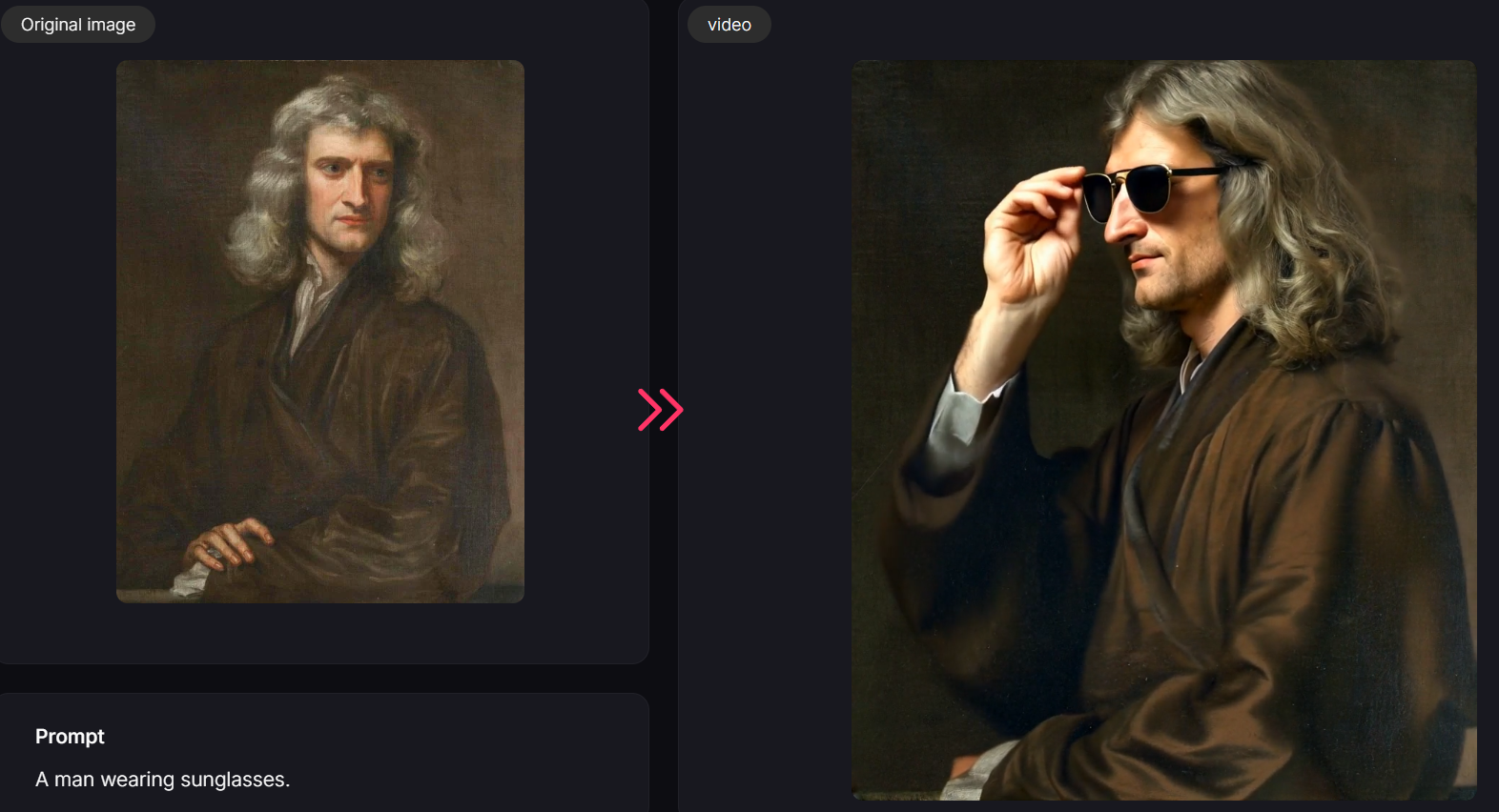
I uploaded a static image and added a simple prompt. Within seconds:
- The subject started moving naturally
- The camera added subtle motion
- The final video looked TikTok-ready
It felt like the tool was doing creative thinking for me.
Core Features
- Image-to-Video Generation
Turns static photos into animated scenes with motion, depth, and realism - Text-to-Video
Generate full videos from prompts - Multi-model Integration
Combines different AI engines (including advanced models like Kling) - Video Effects Library
300+ effects for social media content - AI Avatars & Lip Sync
Create talking videos from images
Pros
- Extremely beginner-friendly
- All-in-one platform (no need for multiple tools)
- Fast generation speed
- Strong HD output quality
- Works across web and mobile
Cons
- Limited free credits
- Occasional motion inconsistencies in complex scenes
- Watermark on free plan
- Less precise control compared to pro tools like Runway
Best For
- Content creators
- TikTok & short-form video makers
- Marketers
- Non-technical users
From my experience, Pollo.ai isn’t the most “technical” tool—but that’s exactly why it works.
It’s the fastest way to go from idea → video without friction.
Part 3. How to Turn Images into Videos with Pollo.ai
Step-by-Step Guide
Step 1: Upload Your Image
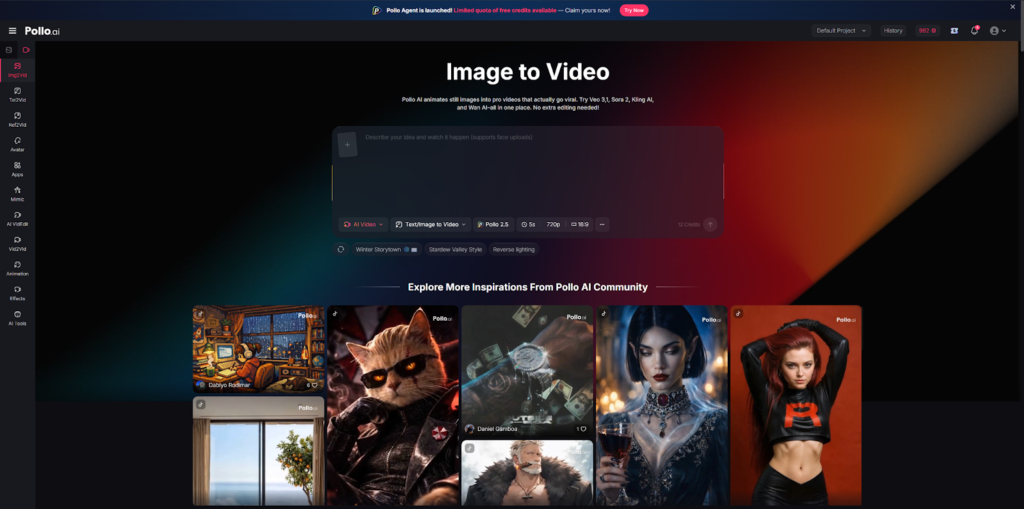
- Use a clear, high-resolution photo
Step 2: Choose “Image to Video” Mode
- Select animation style or template
Step 3: Enter a Prompt (Optional but Recommended)
- Example: “Add cinematic camera movement and natural motion”
Step 4: Select Output Settings
- Aspect ratio (9:16 for TikTok)
- Resolution (HD recommended)
Step 5: Generate Video
- Wait a few seconds
Step 6: Download & Share
- Export and upload to TikTok or other platforms
Pro Tips
- Keep prompts simple for better consistency
- Avoid overly complex motion requests
- Use high-quality images for best results
- Test multiple generations for variation
Part 4. FAQs
1. What is the best image to video AI tool in 2026?
Most current sources highlight tools like Pollo.ai, Runway, and Kling AI as top choices because they balance quality, usability, and innovation.
2. How does an image to video converter work?
AI analyzes the image, detects subjects, depth, and structure, then generates motion (camera movement, animation, transitions) to create a video sequence.
3. Can I use these tools without editing skills?
Yes. Most tools—especially Pollo.ai and Canva—are designed for beginners and require no prior editing experience.
4. Are AI-generated videos high quality?
Yes. Many tools now support HD and even 4K output, though quality depends on the model and input image.
5. Is Pollo.ai free to use?
Pollo.ai offers a free plan with limited credits, but advanced usage requires a paid subscription.
Conclusion
The image to video space in 2026 is no longer about simple animation—it’s about intelligent content creation.
If you want:
- Professional control → Runway
- Templates & ease → Canva
- Realistic motion → Kling AI
But if you want the best image to video converter that combines everything into one simple workflow:
Pollo.ai is the clear winner.
References
- AI video generation trends and multimodal model integration (2026)
- Official feature descriptions from Pollo.ai, Runway, Canva, Kling AI, and HeyGen
- Hands-on testing and creator workflow analysis
- Industry insights on short-form video and AI content creation
Never Miss an Important Update
Get the latest tech news, how to guides, AI updates, telecom offers, and useful tools delivered instantly. Join our WhatsApp Channel or add WikiTechLibrary as your preferred source on Google.