
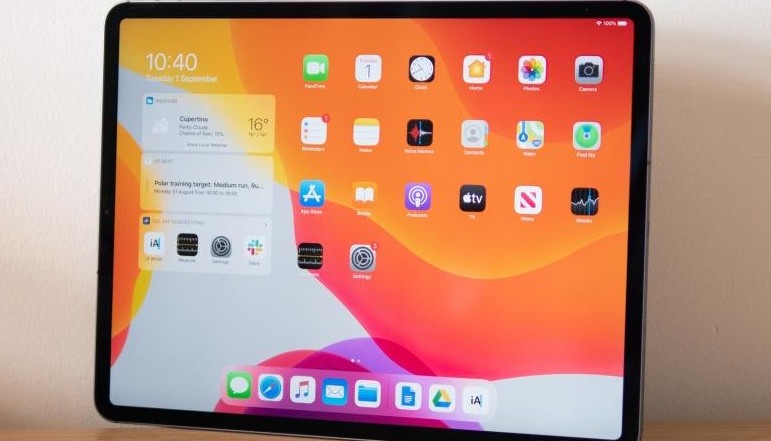
If you want to give your iPad as a gift or just delete all of the data and settings, a factory reset is the best way to go. A factory reset entirely erases the device, leaving just the software pre-installed by Apple; a recovered iPad will have the same options settings as one bought from the Apple store. Contacts and settings are permanently erased.
How to Erase All Contacts & Settings for iPad
- Use an Apple USB sync cable for connecting the iPad to the PC.
- If iTunes does not open automatically, launch it. Choose the iPad device.
- Select the “Restore” option. When asked, click “Restore” once again.
- Allow iTunes to finish the restore process. When finished, the iPad will return to the factory configuration screen.




A little discussion goes a long way.
Ask a question, share your experience, or help someone find an answer.
There is room for your perspective.
No discussions match this view yet.
Your voice belongs here
Keep it useful. Keep it kind.