
A suspicious link can appear almost anywhere. It might arrive in an email from a fake bank, a text message claiming your package is delayed, or a WhatsApp message promising a prize. While some of these messages look obviously fake, others are convincing enough to fool even experienced internet users.
The good news is that you don’t need to click a link to find out whether it’s safe. By checking a few details first, you can often identify phishing attempts before they put your personal information or device at risk.
- Why checking links matters
- Common signs of a suspicious link
- 1. Misspelled domain names
- 2. Too many subdomains
- 3. Shortened URLs with no context
- 4. Links that create urgency
- 5. Unusual URL structure
- Ways to check a suspicious link safely
- Preview the destination
- Scan the URL online
- Best free tools to check suspicious links
- 1. VirusTotal
- 2. Google Safe Browsing
- 3. Bitdefender Link Checker
- 4. NordVPN Link Checker
- 5. urlscan.io
- What to do if you already clicked a suspicious link
- Frequently Asked Questions
Why checking links matters
Most phishing attacks start with a simple link.
Instead of hacking into your accounts, scammers create fake websites that look almost identical to trusted services. Their goal is to trick you into entering your password, banking details, or other sensitive information.
Some malicious links can also lead to websites that download harmful files or redirect you to other dangerous pages.
Taking a few seconds to verify a link is much easier than recovering a hacked account later.
Common signs of a suspicious link
Not every strange looking URL is dangerous, but certain patterns appear in many phishing attacks. Learning to recognize these signs can help you avoid most fake websites.
1. Misspelled domain names
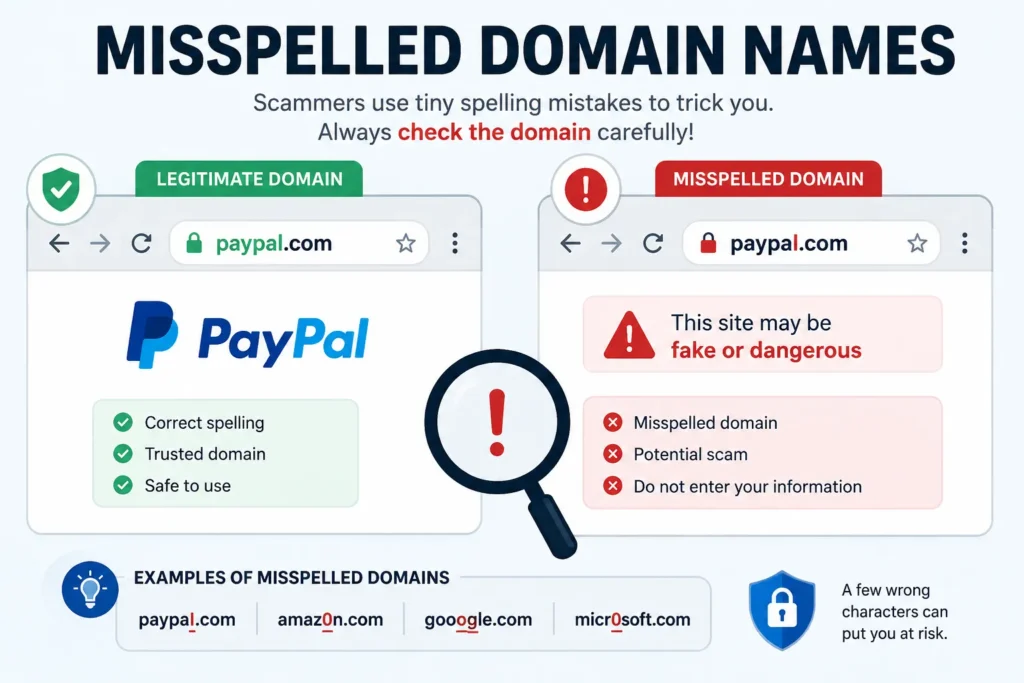
One of the oldest phishing tricks is registering a domain that looks similar to a trusted brand.
For example
- paypaI.com
- faceboook.com
- amaz0n-login.com
At first glance, these addresses look genuine. On closer inspection, you’ll notice extra letters, missing characters, or numbers replacing letters.
Before clicking any link, focus on the main domain instead of the logo or page design.
2. Too many subdomains
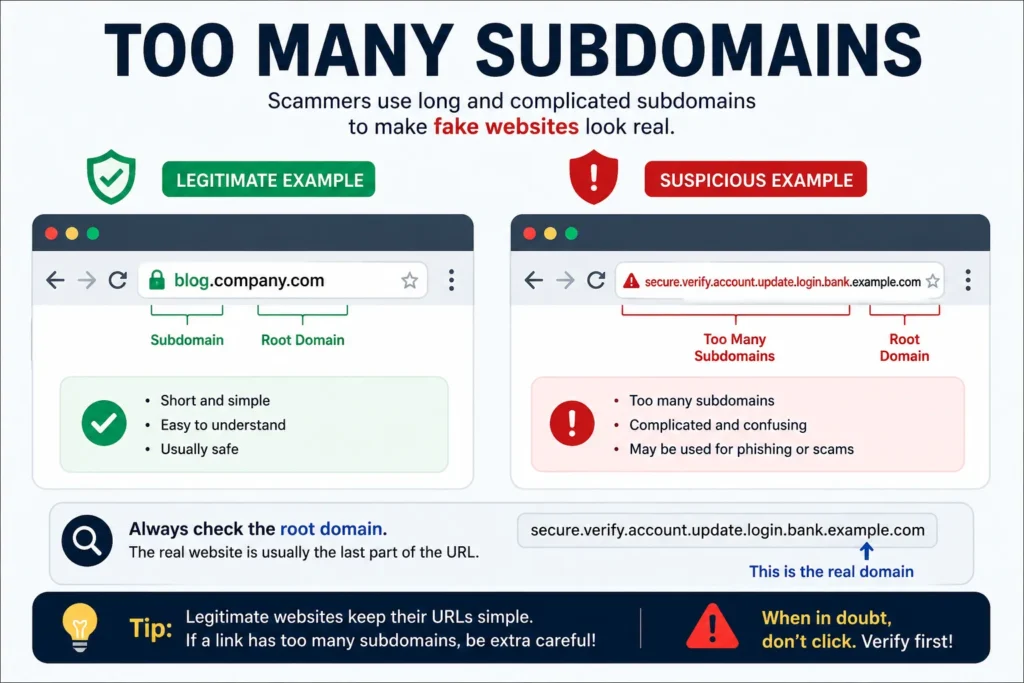
Legitimate websites sometimes use subdomains, but they usually keep them simple.
Examples include
- blog.company.com
- support.company.com
Scam websites often use long and confusing addresses to make them appear more trustworthy.
For example
paypal.verify.account.security.example.com
The real domain in this example is example.com, not paypal.com. That’s why checking the complete address is so important.
3. Shortened URLs with no context
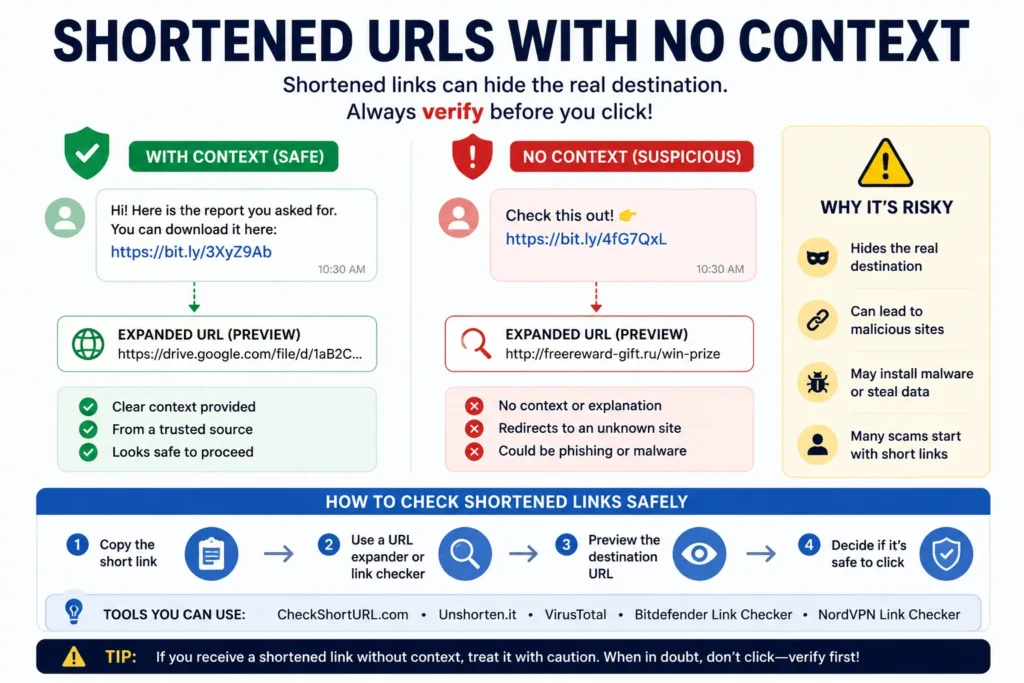
URL shortening services like Bitly and TinyURL are commonly used in marketing campaigns, but they also hide the real destination.
If someone sends you a shortened link without explaining what it’s for, don’t open it immediately.
Instead, expand the link first or scan it with a trusted URL checker to see where it actually leads.
4. Links that create urgency
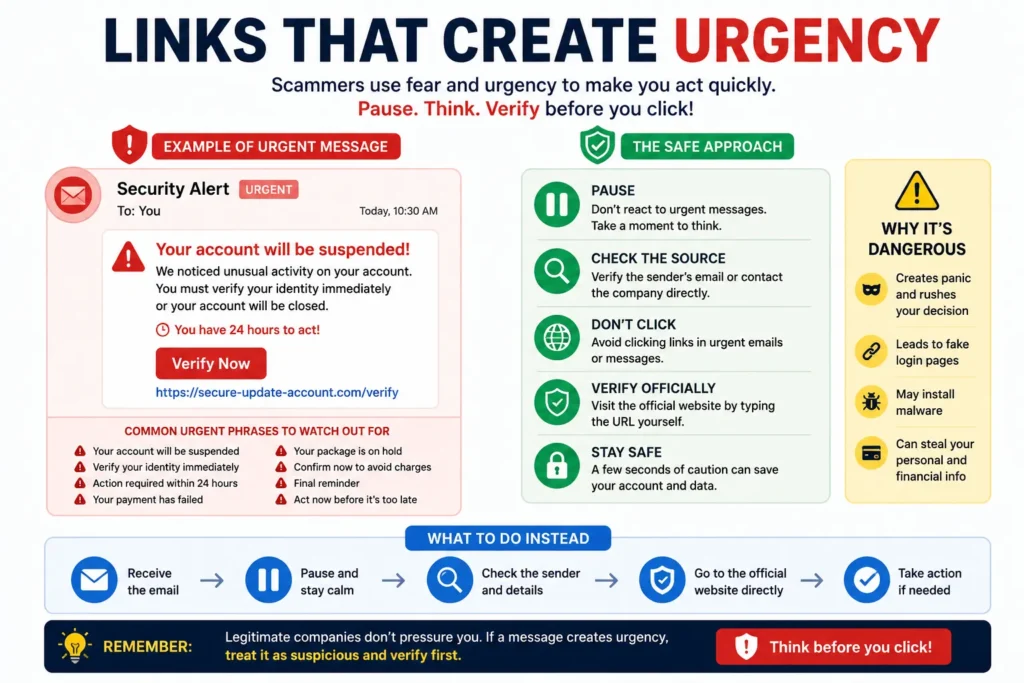
Scammers want you to react quickly before you have time to think.
Be careful if a message says things like:
- Your account will be suspended today.
- Verify your identity immediately.
- Your payment has failed.
- Your package couldn’t be delivered.
- Claim your reward before it expires.
Messages that pressure you into clicking are often part of phishing campaigns.
5. Unusual URL structure
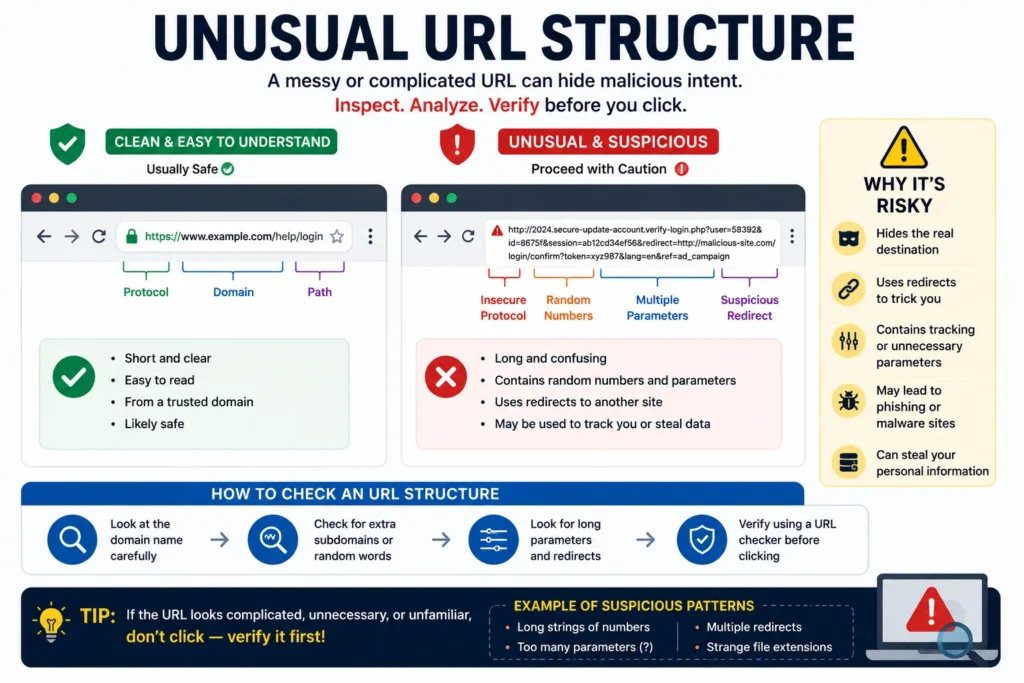
A clean web address is usually easy to understand.
If the link contains long strings of random letters, numbers, or unnecessary tracking parameters, take a closer look before opening it.
For example, a URL filled with random characters or multiple redirects deserves extra attention, especially if it came from an unknown sender.
Ways to check a suspicious link safely
Once you’ve noticed something unusual, the next step is to verify the link instead of opening it.
Here are some of the safest methods.
Preview the destination
On a desktop browser, move your mouse over the link without clicking it.
Most browsers display the actual destination at the bottom of the window. If the address doesn’t match the website mentioned in the message, that’s a clear warning sign.
Scan the URL online
If you’re still unsure, copy the link and scan it using a trusted URL checker.
These services compare the website against security databases and known phishing reports, helping you decide whether it’s safe to visit.
Using a scanner takes less than a minute and is one of the easiest ways to avoid malicious websites.
Best free tools to check suspicious links
If a link still doesn’t look trustworthy after inspecting it, use a URL checker before opening it. These free tools analyze websites for phishing, malware, and other security risks.
1. VirusTotal
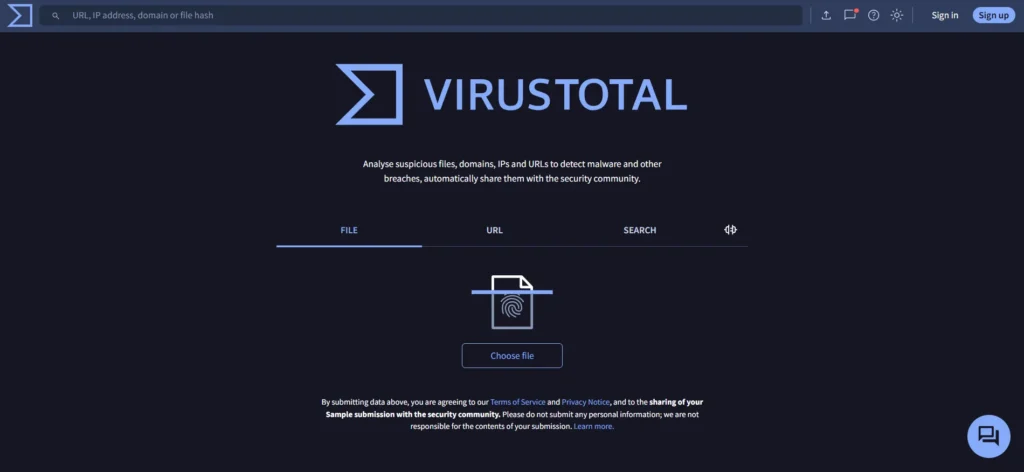
VirusTotal is one of the most trusted online URL scanners. Paste the suspicious link into the search box, and it checks the URL against dozens of antivirus engines and threat databases.
If multiple security vendors report the link as malicious, it’s best to avoid it.
2. Google Safe Browsing
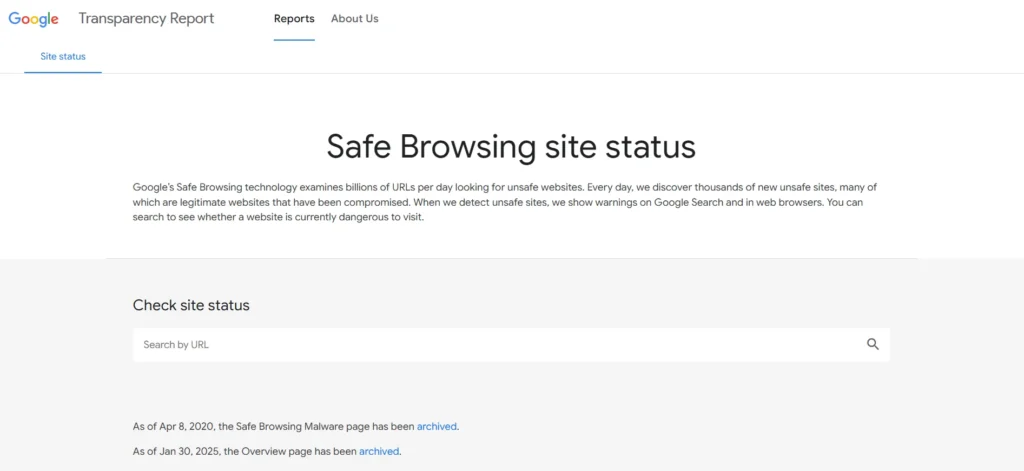
Google Safe Browsing lets you check whether Google has already identified a website as dangerous.
Simply paste the URL into the tool, and it will tell you if the website has been reported for phishing, malware, or deceptive content.
3. Bitdefender Link Checker
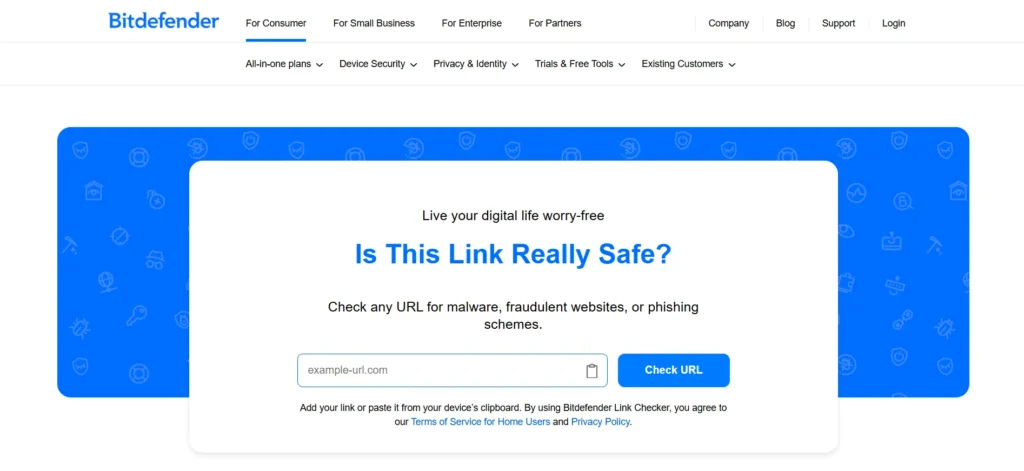
Bitdefender offers a free Link Checker that quickly analyzes suspicious URLs.
It scans the link for known security threats and gives you a simple report, making it a good option if you want a quick answer before visiting a website.
4. NordVPN Link Checker
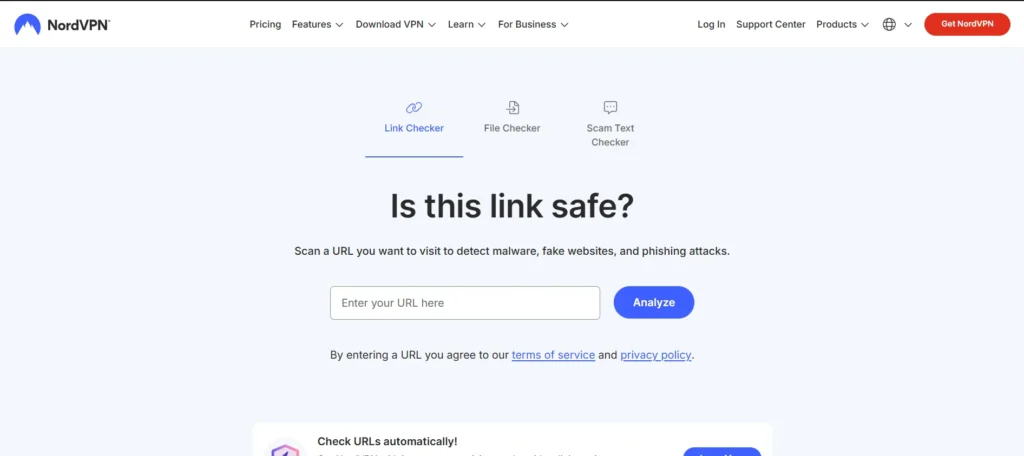
NordVPN’s Link Checker is another free tool designed to identify phishing websites, malware, and fake pages.
Just paste the URL and start the scan. Within a few seconds, you’ll know whether the link appears safe or should be avoided.
5. urlscan.io
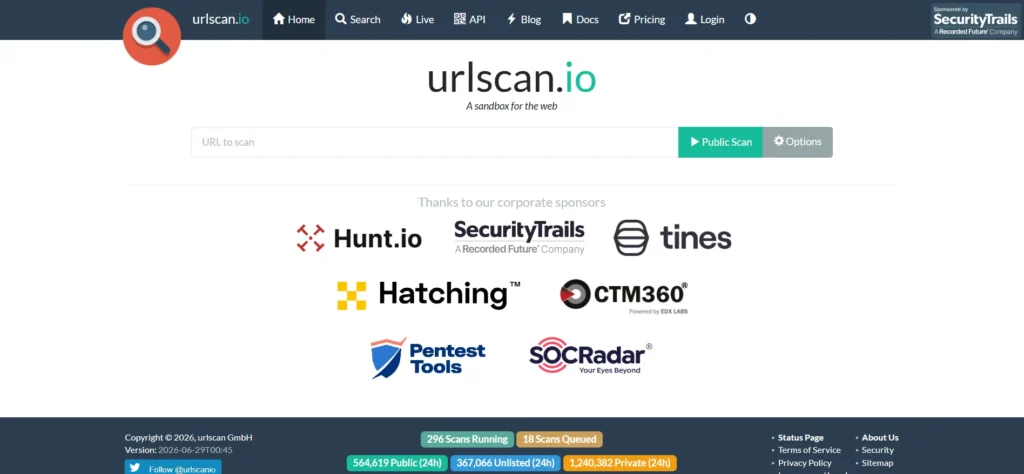
Sometimes you want to know what a webpage looks like without opening it yourself.
urlscan.io loads the website in a secure environment and shows useful information such as screenshots, redirects, and connected domains. This makes it helpful when investigating unfamiliar websites.
What to do if you already clicked a suspicious link
Accidentally clicking a suspicious link doesn’t always mean your device has been compromised. The important thing is how quickly you respond.
If you didn’t enter any personal information, close the page immediately and run a security scan on your device.
If you entered login credentials, change your password as soon as possible and enable two factor authentication if it’s available.
For banking or payment related accounts, contact your bank directly using its official website or customer support number.
Frequently Asked Questions
How can I check a suspicious link without opening it?
You can inspect the URL, preview the destination by hovering over it, or scan it with trusted tools like VirusTotal, Google Safe Browsing, or Bitdefender Link Checker.
Can a website with HTTPS still be dangerous?
Yes. HTTPS only encrypts the connection between your browser and the website. It doesn’t guarantee that the website is legitimate.
Are shortened URLs safe?
Not always. Many are legitimate, but scammers also use URL shorteners to hide malicious destinations. It’s best to expand or scan the link before opening it.
Which URL checker is the most reliable?
VirusTotal is one of the most popular choices because it compares a URL against multiple antivirus engines. For extra confidence, you can also check the same link with Google Safe Browsing.







A little discussion goes a long way.
Ask a question, share your experience, or help someone find an answer.
There is room for your perspective.
No discussions match this view yet.
Your voice belongs here
Keep it useful. Keep it kind.