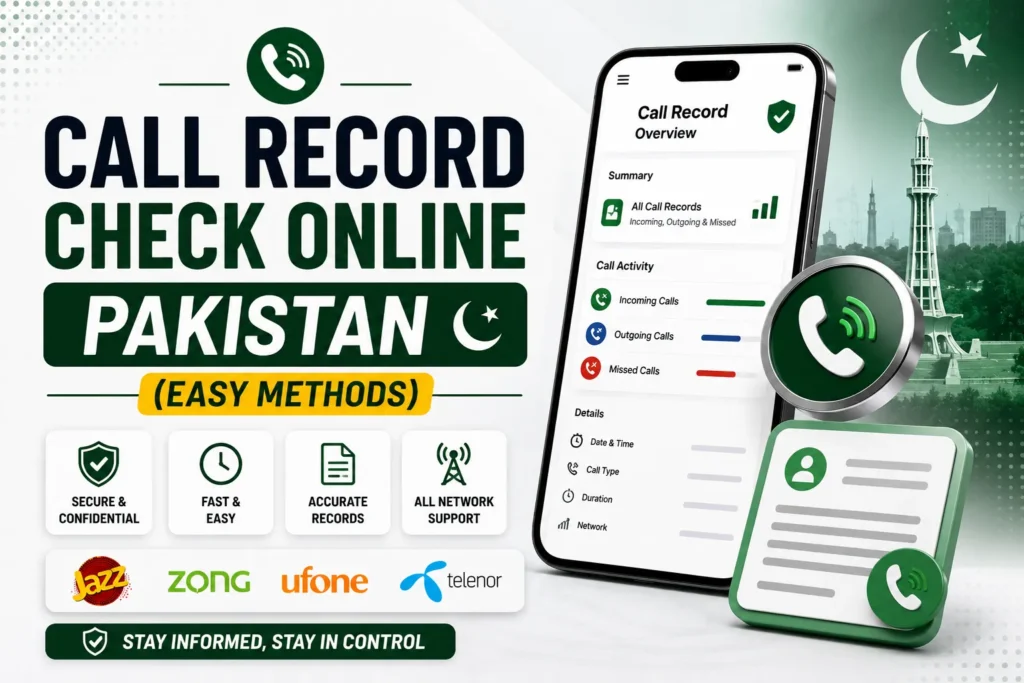
Call history and communication data have become crucial both on personal and professional grounds. Whether you want to check your own call records, monitor usage, or verify unknown numbers, you can do it safely and legally in Pakistan.
This article explains how you can check call records online in Pakistan, the official methods of all major networks, and what to avoid when verifying call logs or history.
- Is it legal to check call records in Pakistan?
- Call record check online (Network-wise guide)
- A. Jazz Call Record Check
- B. Zong Call Record Check
- C. Telenor Call Record Check
- D. Ufone Call Record Check
- PTA role in call record verification
- Common scams to avoid
- Alternative options for call history
- FAQs for call record check in Pakistan
- Q1: Can I check someone else’s call record in Pakistan?
- Q2: Can I receive call details via email?
- Q3: Are call record apps on Play Store real?
Is it legal to check call records in Pakistan?
Yes, but only for your own SIM or account. According to PTA (Pakistan Telecommunication Authority) and telecom privacy laws, you can access call records linked with your own CNIC or SIM card.
Accessing someone’s call history without their permission is illegal and may result in legal action, according to the Cyber Crime Act (PECA 2016) of Pakistan.
However, you can check
- Incoming and outgoing call details of your own number
- Duration and date of each call
- SMS and data usage records
- Balance history
Call record check online (Network-wise guide)
Below are the official methods to check call records online for Jazz, Zong, Telenor, and Ufone networks.
A. Jazz Call Record Check
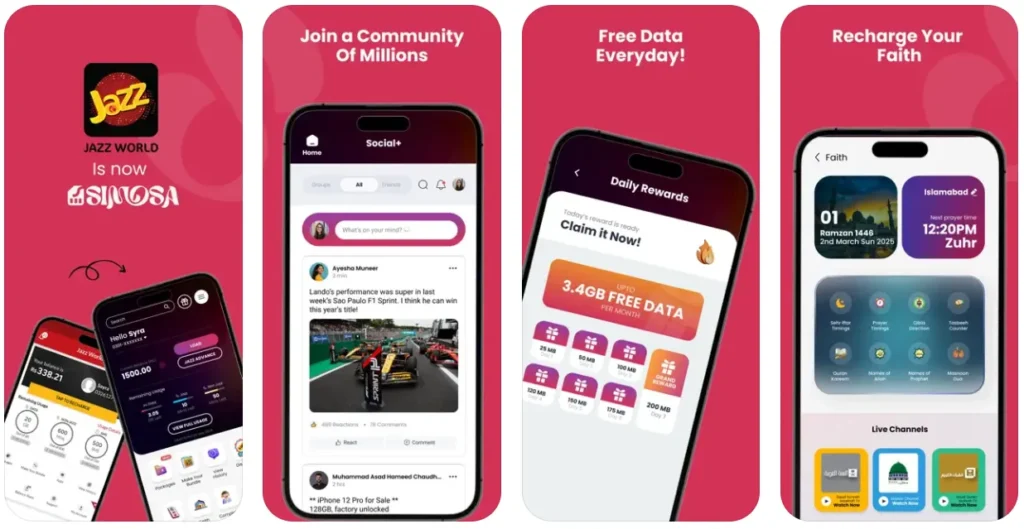
Method 1: Through Jazz World App
- Download the Jazz World App/Samosa from Google Play or App Store.
- Log in using your Jazz number.
- Go to View History.
- Enter verification code you received from Samosa app via SMS.
- You can view your call logs, SMS, and data usage.
Method 2: Jazz Customer Care
- Call 111 from your Jazz SIM.
- Request for call record details.
- You may need CNIC verification for security purposes.
B. Zong Call Record Check
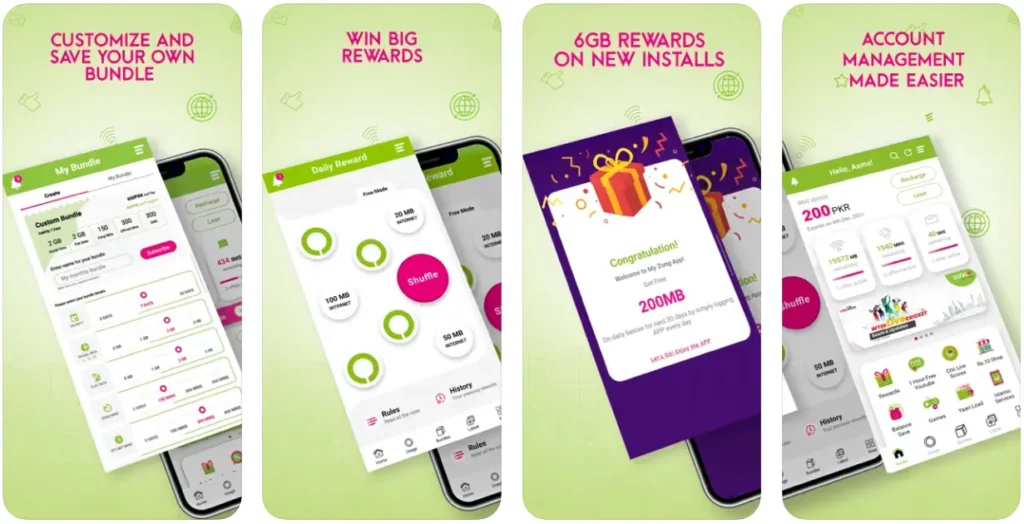
Method 1: My Zong App
- Download the My Zong App from Google Play or App Store.
- Log in with your number.
- Navigate to Usage Details.
- You will find call records, duration, and charges.
Method 2: Zong Helpline
- Dial 310 and follow the IVR options.
- Request the call record details for your SIM.
C. Telenor Call Record Check
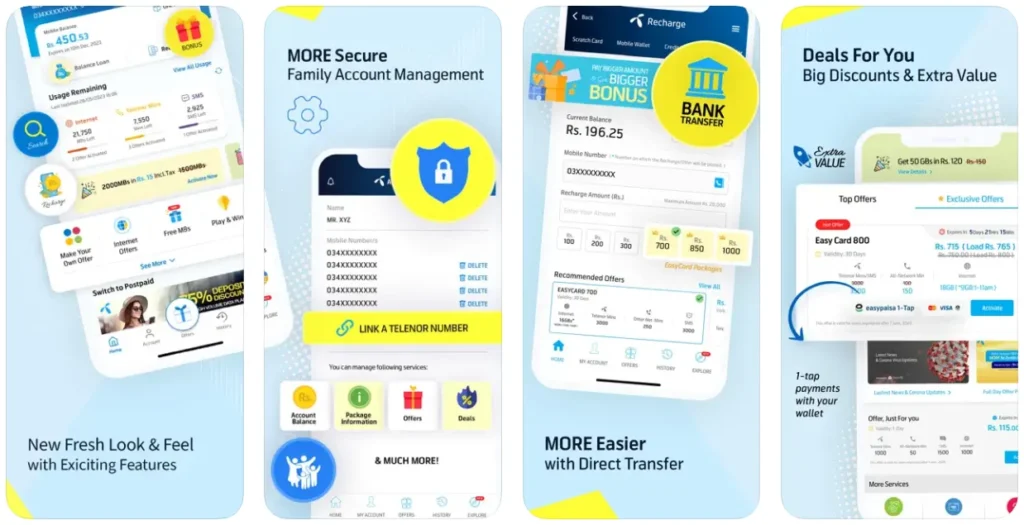
Method 1: My Telenor App
- Download the My Telenor App from Google Play or App Store.
- Log in using your Telenor number.
- Go to Usage > Details.
- You can view your call and SMS history.
Method 2: Telenor Customer Care
- Dial 345 from your Telenor number.
- Request the call record details for your SIM.
D. Ufone Call Record Check
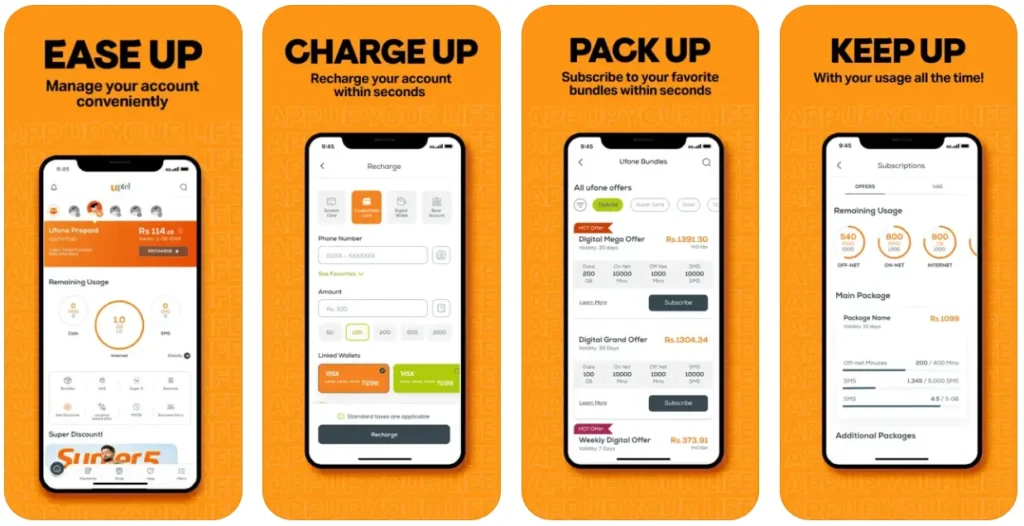
Method 1: My Ufone App
- Download the UPTCL from Google Play or App Store.
- Log in using your Ufone number.
- Open Usage > Call Details.
- View all recent calls, duration, and charges.
Method 2: Ufone Service Center
- Visit a Ufone Customer Service Center with your CNIC.
- Request the call record details for your SIM.
PTA role in call record verification
Pakistan Telecommunication Authority (PTA) monitors all telecom activity in the country. While it does not publicly share personal call data, it ensures
- Secure storage of user information
- Lawful access by investigation agencies (with warrants)
- Prevention of SIM misuse
So, you should only use official carrier apps or portals, never trust third-party websites.
Common scams to avoid
Many websites and apps claim to offer call record details of any number in Pakistan, but they are fake and unsafe. Avoid
- Websites asking for payment or CNIC upload
- Fake “SIM data” apps or trackers
- Illegal call record software downloads
Alternative options for call history
If you need your detailed call history for legal, corporate, or personal purposes:
If you require your detailed call history due to legal, corporate, or personal reasons
- Visit your nearest franchise
- Provide CNIC and SIM ownership proof
- Request the printed call record details
FAQs for call record check in Pakistan
Q1: Can I check someone else’s call record in Pakistan?
No, it’s illegal. You can only check the records of registered SIMs on your CNIC.
Q2: Can I receive call details via email?
Yes, some operators can email call summaries with a request via verified channels.
Q3: Are call record apps on Play Store real?
No, most apps are fake or unauthorized. Use only official telecom apps.