
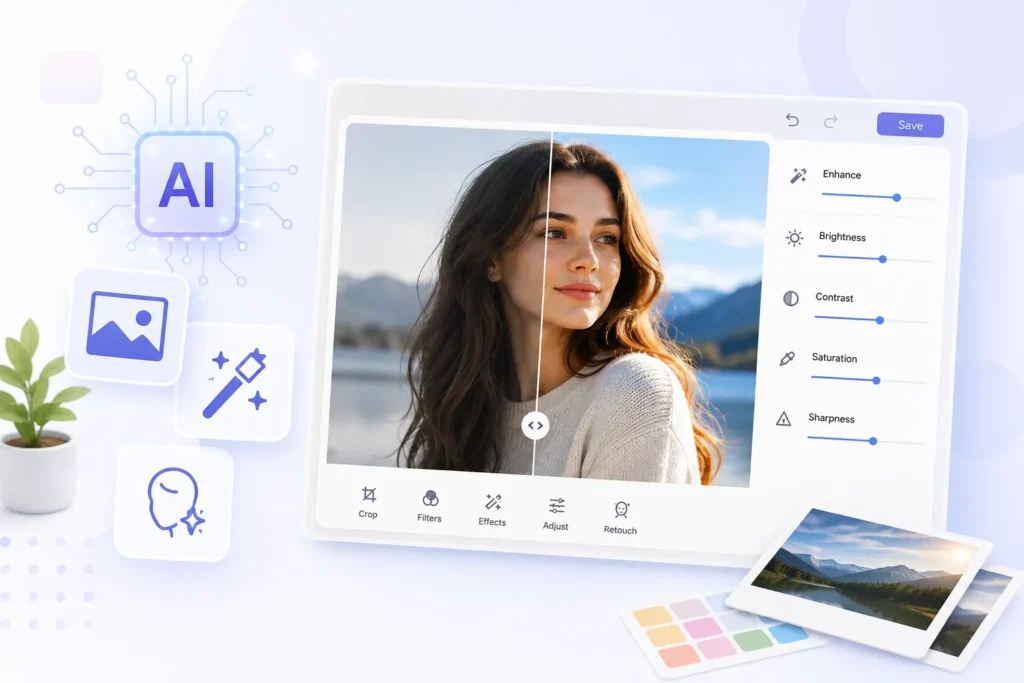
AI photo editors are handy compared to basic photo editors, which individuals need to invest a lot of time mastering. You can skip going through all the various methods of selecting the subject in images and applying new changes.
Automated, innovative methods using models can be provided, allowing users to pick a segment of an image and make changes with a text command. Here are some AI tools for photo editing that can assist you in enhancing your productivity and making photo editing more convenient.
Adobe Photoshop
If you are looking for a complete photo editor with built-in AI features, there is nothing better than Adobe Photoshop. Inpainting and outpainting are possible using Photoshop.
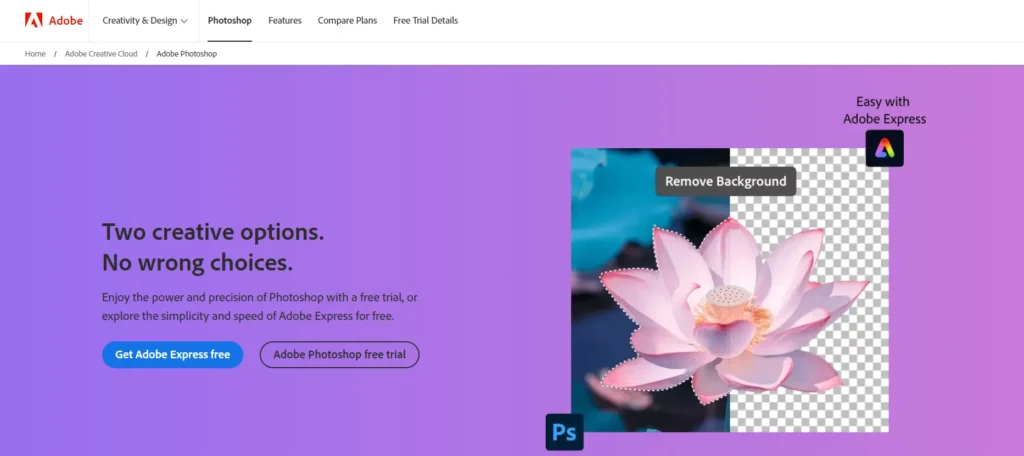
It can be used to fill or empty objects using Generative Fill and extend the edges of any picture using Generative Expand. All one needs to do is draw a portion of the image and develop new recreations using Generate Similar. One can also retouch photos using natural prompts.
Then, it is possible to delete the background quickly without losing the light sources and shadows and replace it with the background of your choice. More than that, you can also create new images using the Photoshop editor.
Try Adobe PhotoshopColorcinch
Colorcinch is an impressive photo editor with powerful features that make photo editing simple and creative. It offers many AI-powered photo effects and filters that can transform images into visuals with few clicks.
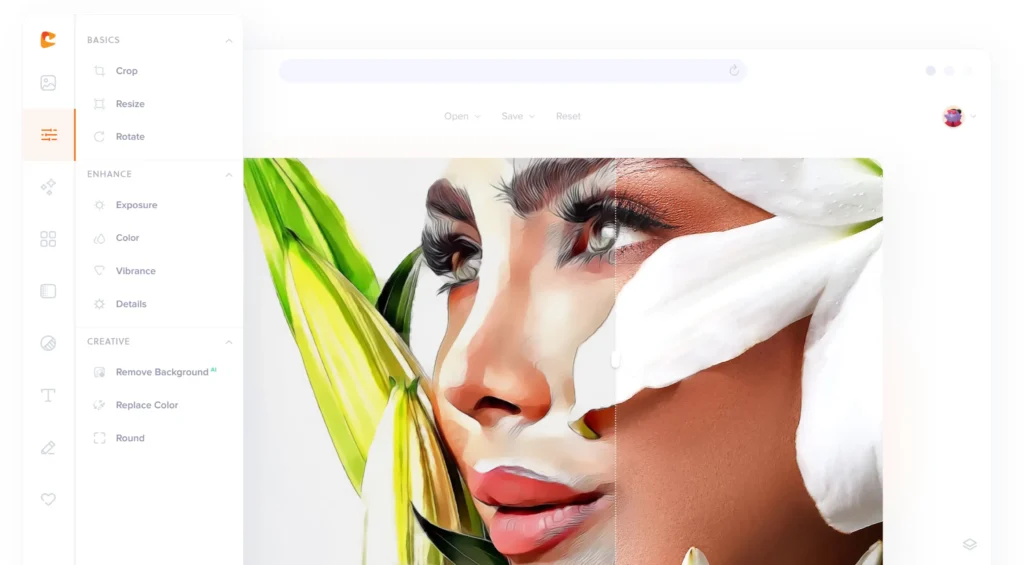
Users can also enjoy features like cartoonizing photos, adding artistic touches, and experimenting with color adjustments, all with an intuitive interface.
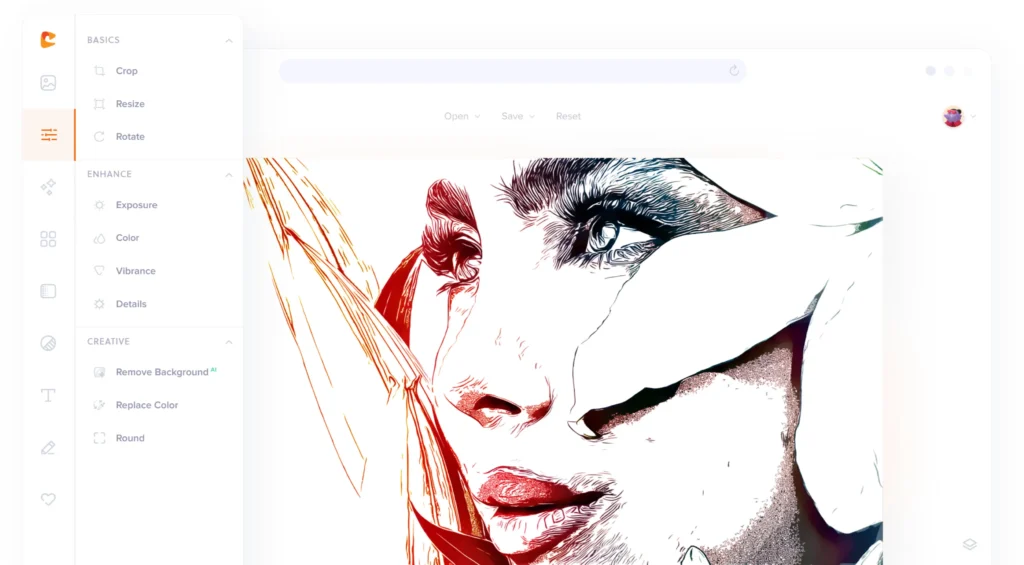
Colorcinch is a versatile and efficient tool for all editing needs, whether for personal or professional use.
Try ColorinchAdobe Firefly
If you do not wish to purchase the expensive Photoshop plan, Adobe covers you through Firefly. One can use the version of Adobe Firefly, its generative AI model for the web. Unbelievably, it permits users to upload photos and do the inpainting and outpainting tasks for the photos loaded. It also offers 25 free monthly credits and special deals with certain car manufacturers.
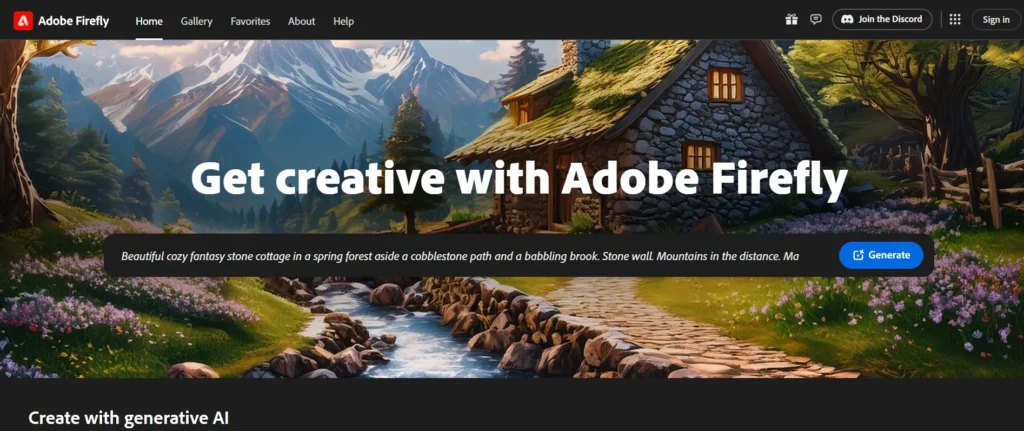
Adobe Firefly allows you to add new objects or delete objects from the existing picture. It also allows you to enlarge images, which is perfect. This one allows you to outline a part of the picture using a brush, and then you enter the prompt as to how you would want the picture changed.
After Adobe Photoshop, there is Adobe Firefly, which, in my opinion, should be tried by users because it is free to use, unlike Photoshop.
Try Adobe FireflyCanva Pro
AI editing in photos has also been installed in Canva, but some features are available only to Canva Pro users. In the Basic plan of Visme, users are allowed to use over 100 templates and perform basic editing on images.
Canva Pro has features such as an eraser, which wipes out the background of the images, a drawing tool for choosing a specific image region, and the ability to insert new objects with text. Another way to enhance your photos is to use the Magic Edit option, which has artificial intelligence embedded in it.

Then, you have the Canva Magic Eraser tool to remove unwanted objects from the image. You can also increase the contrast and sharpness of the images and apply a feature called Auto-adjust, which applies more specific settings to images using artificial intelligence. Using its Magic Grab tool, you can grab the subject from the image almost instantly and the text.
Lastly, the AI section allows for scaling up and creating new images. Canva Pro has much to offer in an uncomplicated manner regarding an AI photo editing tool.
Try Canva ProPixlr Express
PIXLR Express is the best free AI tool if you’re interested in photo editing and associated services. This implies that it has a user-friendly interface that will enable novices to use it. To top it all, the program’s free version provides users with 50 AI credits while every AI generated takes only 1 credit.
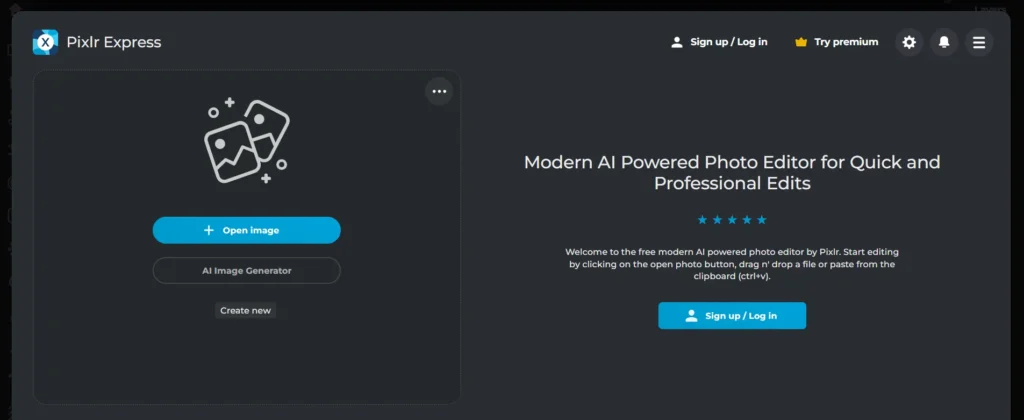
Generative Fill enables you to create or replace any object on the image through a command. After that, it is possible to widen the circumference of the image, change faces, distort images, delete backgrounds, and create new ones, among other things.
Moreover, it is possible to upscale images and make their images as clear as they were taken from a high-quality camera by using the noise elimination option. In other words, anyone can call Pixlr Express an AI photo editor with all the basic and essential tools needed, free of charge, most of the time. Furthermore, I have noticed that you can get 200 more AI credits for just $2.99.
Try Pixlr ExpressPicsart AI Photo Editor
Picsart has also introduced a rich AI photo editor, But to use the AI options included in Picsart, you will have to switch to the paid version; here is how this works. However, if you are looking for one of the best AI photo editing tools that can be used without much effort, then you can count on Picsart.
It allows you to erase and paste objects, insert and remove objects from your image, apply artificial intelligence effects and filters, and upscale your images, among other things.
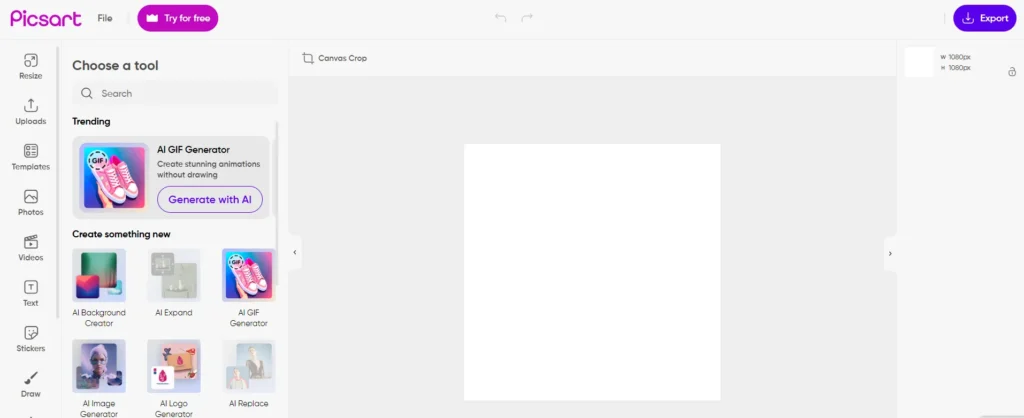
It can erase the background and create others in its place. It’s that simple with an AI sketch; you must type in your prompt and see your image transform. Active now is an AI avatar maker from Picsart that can transform your selfies in various trends. In conclusion, the Picsart photo editor provides users with a package with more than 20 AI tools for enhancing pictures.
Try Picsart AI Photo EditorWhich are the best AI photo editors? That is it for the list we have provided above. I use Pixlr Express for free for AI photo editing since it is effective for most general-purpose uses.




A little discussion goes a long way.
Ask a question, share your experience, or help someone find an answer.
There is room for your perspective.
No discussions match this view yet.
Your voice belongs here
Keep it useful. Keep it kind.