
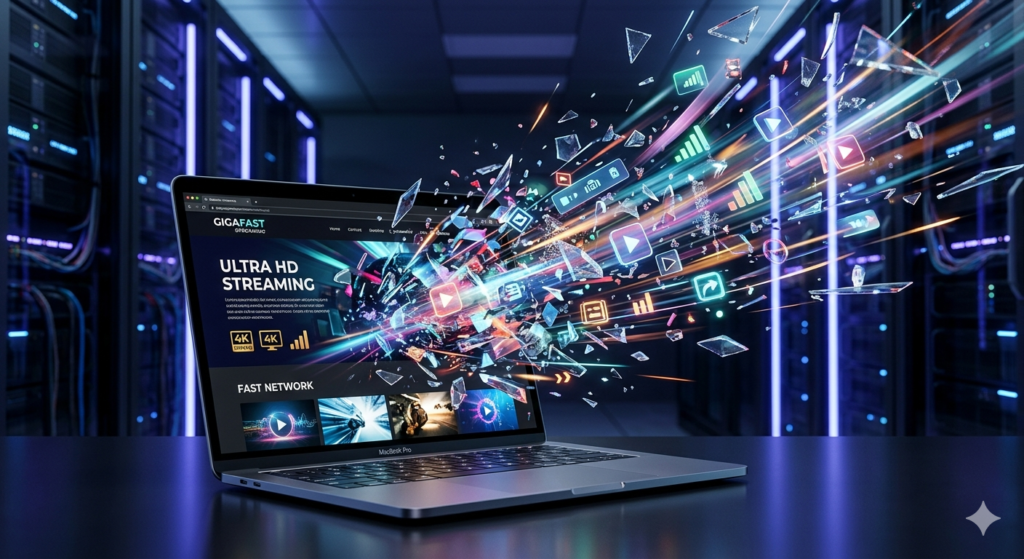
Have you ever wondered why some visual projects look authoritative on any screen, while others lose credibility at the first pixel? In 2026, image quality is no longer just about aesthetics—it is your digital passport. In a world dominated by 8K panels and ultra-sharp smartphone displays, any hint of blurriness is perceived as a lack of professionalism. This is precisely why the ability to skillfully upscale image content has become a lifeline for creators, allowing them to extract high resolution without the dreaded “smudged” effect
Advanced AI Solutions for Visual Content is not just a catchy name from a press release; it is a practical tool saving hopeless shots every single day. Today, we will break down—without the fluff—how neural networks give your archives a second life and why this has become so critical right now.
The Wall We Used to Hit: Why Old Methods are a Dead End
Most of us remember those days when trying to enlarge a photo in a standard editor ended in disaster. The image would instantly turn into a collection of muddy colored squares. This happened because of primitive mathematics—the so-called bicubic interpolation. The software simply copied neighboring pixels to “patch up” the gaps, creating that infamous “blurry” effect.
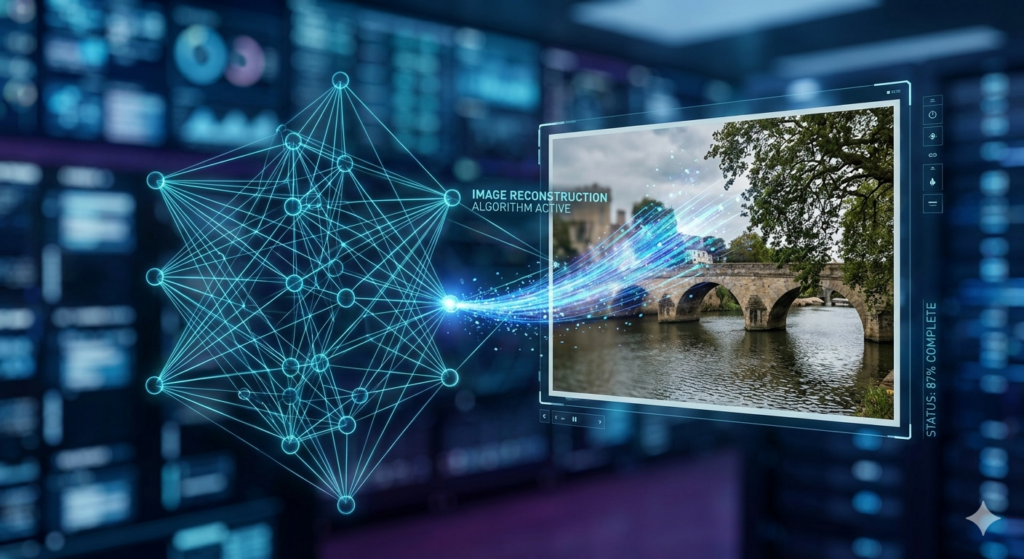
The modern logic used by the ImageUpscaler service works differently. This isn’t stretching; it is intelligent reconstruction. The AI acts like a talented artist: it analyzes objects, understands their nature, and actually draws in details that weren’t physically there in the original, relying on a colossal database of learned patterns.
What you get at the output:
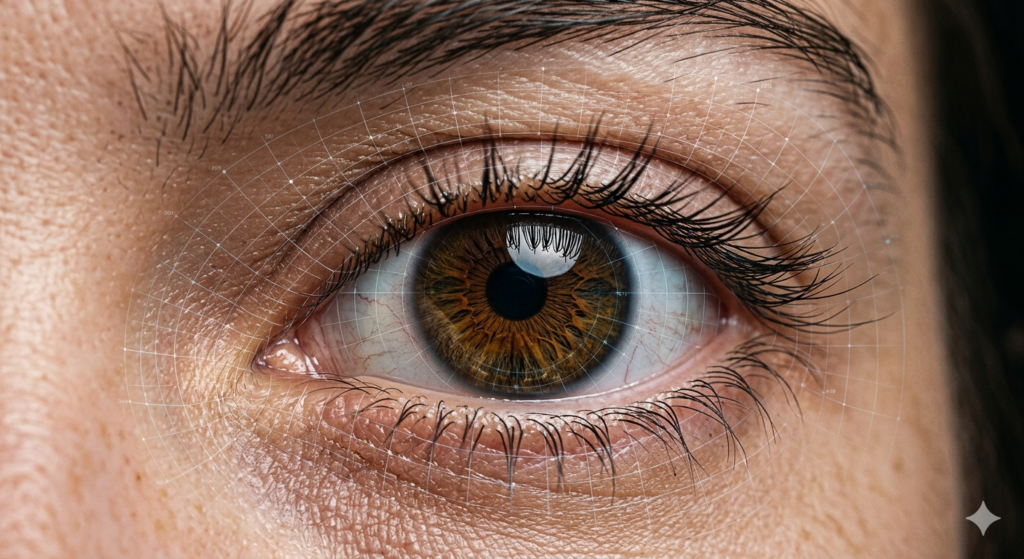
- Realistic Micro-textures: The AI clearly distinguishes between human skin, coarse fabric, or tree leaves. It restores pores, fibers, and veins with startling accuracy.
- Aggressive Noise Cleaning: The algorithm recognizes “trash” and JPEG compression artifacts, washing them away and leaving the image cleaner than it was in the original.
- Scale Without Limits: Enlarging by 4x (400%+) is no longer the ceiling. You can prepare files for 16K screens even if the source material was mediocre.
Real Life: Where Does Upscaling Bring Profit?
1. Family Archives: Saving Memories
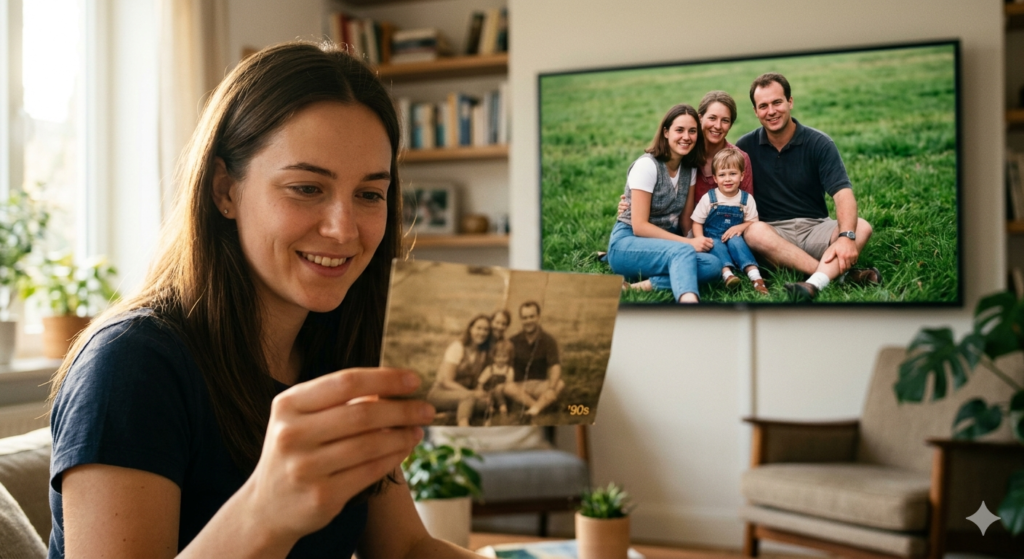
Everyone has photos on old flash drives from the first “point-and-shoot” cameras or flip phones. Back then, 2 megapixels seemed like the height of progress, but today on a large TV, they look like a smudge. By using an AI image upscaler, you can restore these valuable moments, making them suitable for printing large photo books or family portraits.
2. Business and E-commerce: Details that Sell
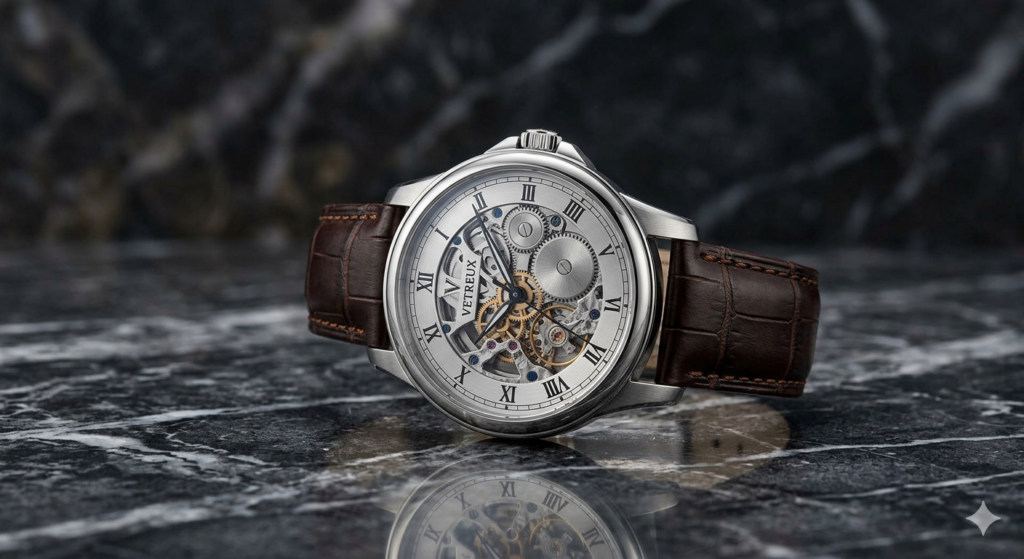
In the online trade of 2026, a buyer wants to see every thread on a sweater or the engraving on a watch. High-quality visualization directly correlates with conversion rates. Professional scaling allows for catalog updates without the expense of endless photoshoots, significantly saving marketing budgets.
3. Design and Social Media: Freedom of Creativity
Content creators are no longer hostages to the size of a file found online. Tools for image quality enhancement allow anyone to adapt any graphic to the strict standards of modern platforms in seconds, maintaining brand style and line sharpness.
Why ImageUpscaler Wins Over Competitors?
The market is saturated with software, but this specific service has found that “golden mean” between processing speed and the quality of the final render.
| Feature | Traditional “Enlargers” | ImageUpscaler AI |
| Final Sharpness | Mediocre (blur remains) | Surgical precision |
| Detail Restoration | Non-existent (just blur) | Deep neural generation |
| Entry Barrier | Complex settings | One button — one result |
| Render Speed | Long wait times | 5 to 15 seconds |
Hacks for the Perfect Result
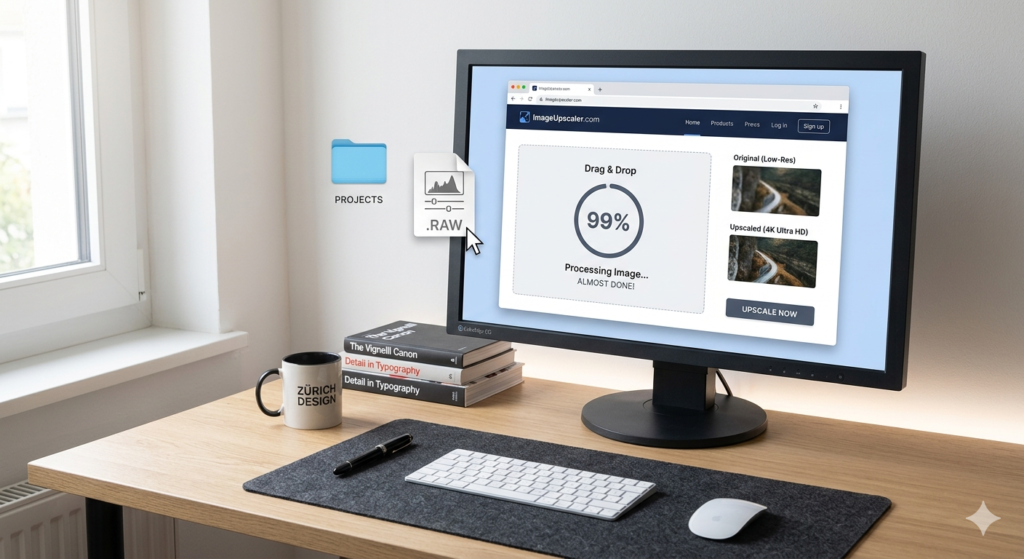
For the neural network to give its best, you should follow a few simple rules that are often overlooked:
- Ditch the Filters: Try to upload the “rawest” photos possible. The less processing there was before the upscale, the easier it is for the AI to recognize the true texture of objects.
- Forget About Messengers: Apps like Telegram or Viber mercilessly compress quality. Always look for the original file so the AI doesn’t have to draw “noise instead of the sky.”
- Test the Modes: Specialized settings for portraits or landscapes exist for a reason—they radically change the processing logic for small elements.
Final Thoughts
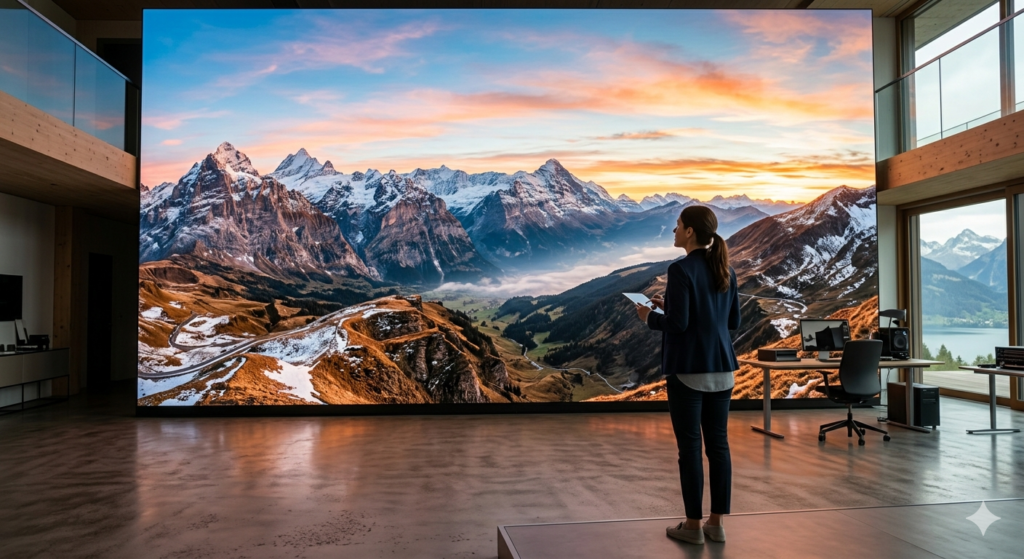
We have entered an era where the technical limitations of the past no longer dictate the terms of your creativity. Intelligent scaling technologies from ImageUpscaler have finally erased the line between “small and poor quality” and “large and luxurious.” Use this power so your ideas always look as clear and convincing as possible. The future is already here, and it has a resolution of 16K.





A little discussion goes a long way.
Ask a question, share your experience, or help someone find an answer.
There is room for your perspective.
No discussions match this view yet.
Your voice belongs here
Keep it useful. Keep it kind.