

Telenor 4G is a premium Pakistani telecommunications service provider. However, they each have a common purpose of improving society via modern technologies and services, which has helped them become well-known companies over time.
Telenor also offers its beloved customers many packages, which makes it an enormous user base. This post, however, contains a guide to loading your Telenor card or recharging your Telenor number.
How to Load Telenor Card? Recharge your Telenor Number
Method 1 (Scratch Card Method)
- Go to your local store and purchase a Telenor card. Scratch with the metal tool.
- Open your phone’s dialer now.
- Now, dial *555* by a 14-digit number on the card and then dial #.
- Click now on the call icon and successfully load the Telenor card.
How do you recharge Telenor number via Easypaisa App
2nd Method (Through Easypaisa app)
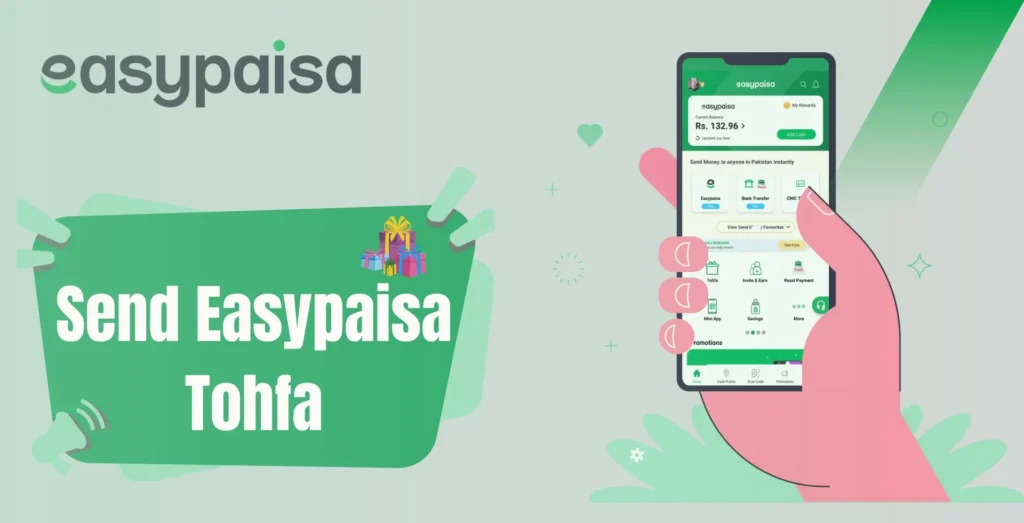
The Easypaisa app allows you to recharge your Telenor number. To send credit to Telenor via the Easypaisa app, follow these steps:
- Launch the Easypaisa app first and sign in on your smartphone.
- Click Easyload from the main menu.
- Now enter and click on your phone number.
- In the next step, select Telenor from the list of telecom operators.
- Later, enter your Telenor number for the amount to be sent. Click on the Next and successfully fill in your Telenor number.

3rd Method (Through My Telenor App)
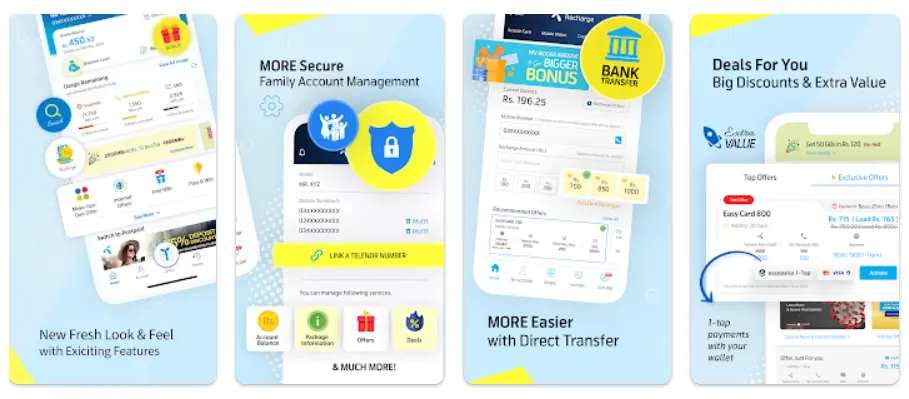
- Smartphone users can download the My Telenor App to recharge a Telenor card.
- Open My Telenor App.
- Enter your mobile number into your account, and an OTP is sent to your number for verification. You can access the My Telenor App after verification.
- Now, you can see many options on the app’s main interface.
- The “tap to recharge” option can be seen on the main interface. Click it.
- Select “Pay with Scratch Card” now after.
- You are going to go to a new menu. You must add your number and the number of your scratch card here. Tap on recharge, and your mobile phone will charge the Telenor card.
Method 4 (Through online account on the website)
You can also recharge your number on Telenor’s official website. However, you must create a Telenor Connect account that will allow you to pay postpaid bills, recharge, and so on.
- Always login with the https://www.telenor.com.pk/login online account
- Don’t click on links or attachments in emails/social media that aren’t from an actual source.
- Be careful when trying to infect your device with malware or try to get your confidential information through suspicious e-mails and websites.
- Do not share any code you receive via SMS with anyone.

5th Method (Through JazzCash App)
You can also send credit or recharge your Telenor number through the Jazz Cash app. You should just download the app and create an account from your Play Store or App Store. Choose easy load from the main menu. Then type the number of your phone and amount, choose Telenor, and press the jazz app next to recharge.




A little discussion goes a long way.
Ask a question, share your experience, or help someone find an answer.
There is room for your perspective.
No discussions match this view yet.
Your voice belongs here
Keep it useful. Keep it kind.