
Data visualization is essential for students, businesses, and content creators. However, many tools are either complicated or require installation.
In this guide, you’ll learn how to create beautiful charts online for free using Livegap Charts, a powerful browser-based chart maker that requires no signup or download.
What You’ll Need
- A browser (Chrome, Edge, Firefox)
- Your data (numbers or categories)
- Internet connection
Step 1: Open Livegap Charts
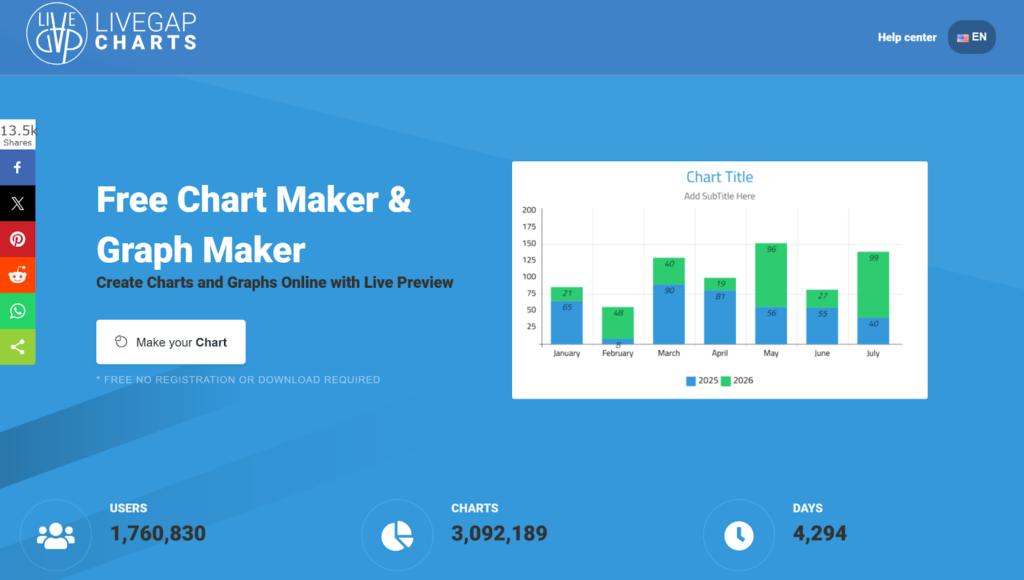
Go to the Livegap Charts website and you’ll see a clean interface ready to use.
👉 No login required, you can start immediately.
Step 2: Choose a Chart Type
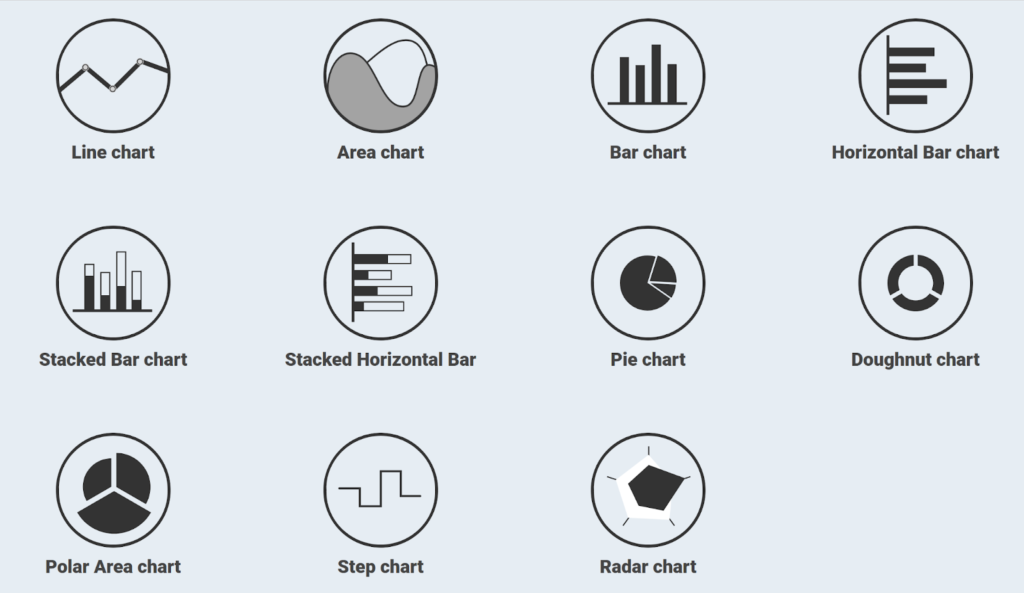
Select the type of chart you want:
- Bar chart
- Line chart
- Pie chart
- Radar chart
- Doughnut chart
💡 Tip: Use bar charts for comparisons and pie charts for percentages.
Step 3: Enter Your Data
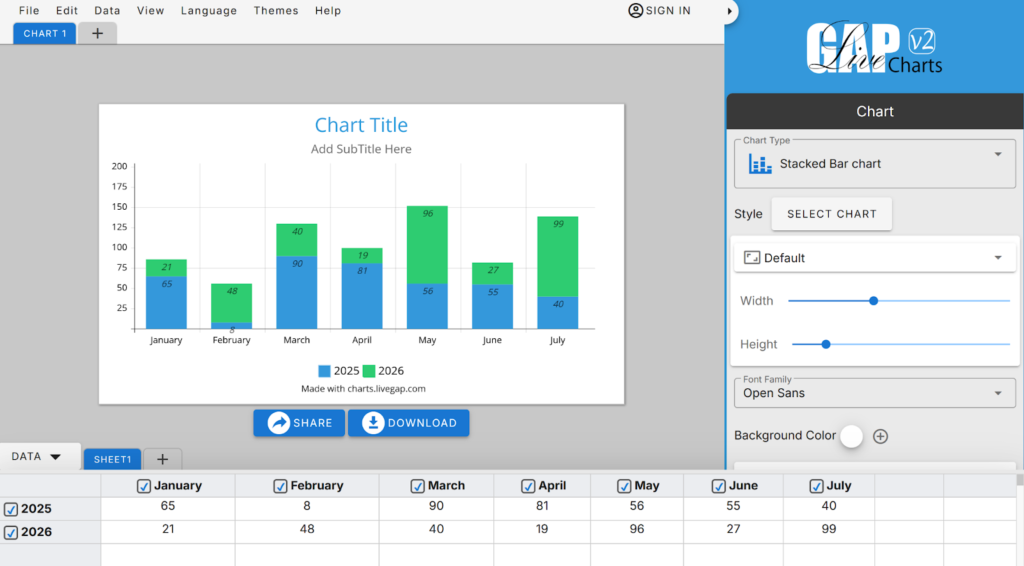
Enter your data into the table:
- Add labels (e.g., Months, Products)
- Add values (numbers)
You can also copy and paste data directly from Excel or Google Sheets.
Step 4: Customize Your Chart
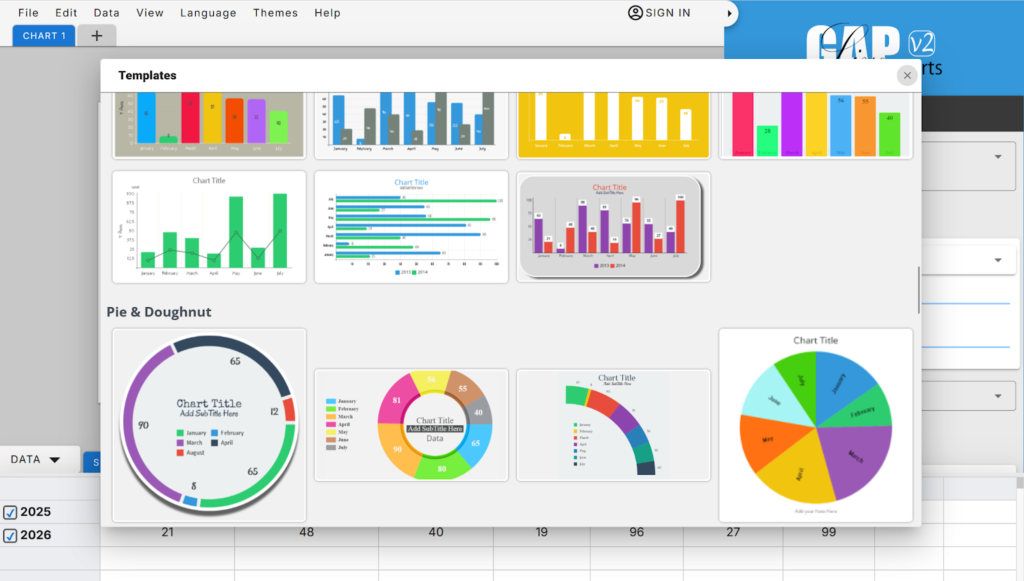
Make your chart look professional:
- Change colors
- Add titles and labels
- Adjust fonts
- Show/hide legends
Step 5: Download or Share Your Chart

Once your chart is ready:
- Download it as an image (PNG, SVG)
- Share it online
- Use it in presentations or reports
Why Use Livegap Charts?
- ✅ 100% free
- ✅ No registration required
- ✅ Works in your browser
- ✅ Multiple chart types
- ✅ Fast and easy to use
Conclusion
Creating charts doesn’t have to be complicated. With Livegap Charts, you can turn raw data into stunning visuals in minutes.
Start creating your charts today and make your data more powerful and easy to understand.





A little discussion goes a long way.
Ask a question, share your experience, or help someone find an answer.
There is room for your perspective.
No discussions match this view yet.
Your voice belongs here
Keep it useful. Keep it kind.