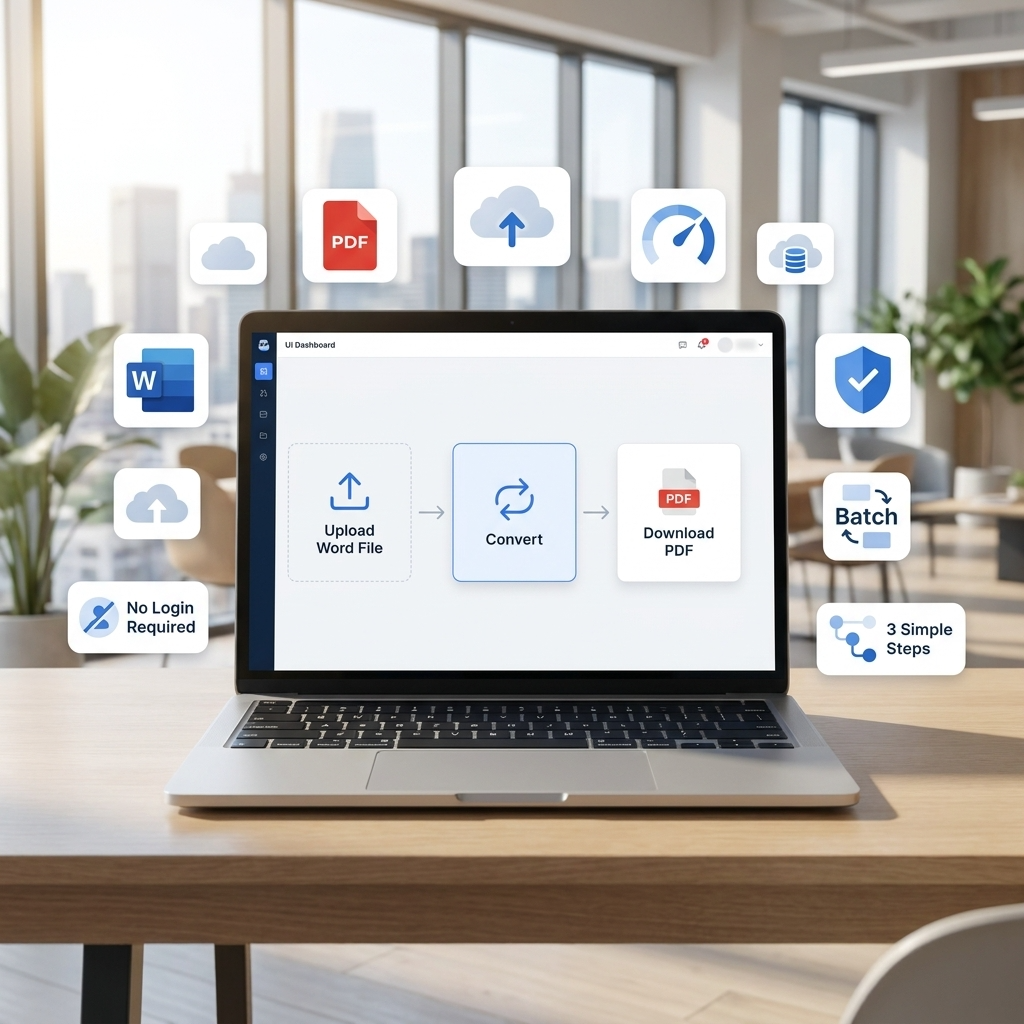
Converting documents into a secure format is a routine task across multiple use cases. A dependable word to PDF converter online ensures that files remain consistent in formatting while being easy to share & access. While many tools claim to offer fast results, the actual experience often varies depending on how much friction is involved in the process.
This audit evaluates three commonly used platforms-iLovePDF2, pdfFiller, & Smallpdf-by focusing on practical efficiency factors such as steps required, interruptions, feature access, & pricing.
- What Slows Down PDF Conversion?
- Steps Required
- Login Requirements
- Email Verification
- Popups and Upgrade Prompts
- Step Count Analysis
- Tool Overview & Feature Analysis
- iLovePDF2
- pdfFiller
- Smallpdf
- Feature Comparison
- Speed
- Ease of Use
- Cloud Integration
- Advanced Insights
- Formatting Accuracy
- Batch Processing
- Security
- Pricing Comparison
- Comparative Evaluation
- Frequently Asked Questions
What Slows Down PDF Conversion?
When users try to convert document to PDF, several friction points can affect efficiency:
Steps Required
A higher number of steps increases time spent completing a Word to PDF convert task. Tools that require multiple confirmations or navigation layers tend to slow down the process.
Login Requirements
Mandatory account creation before allowing doc to PDF conversion introduces delays, especially for users with one-time needs.
Email Verification
Verification steps, such as confirmation emails, interrupt the process & extend completion time.
Popups and Upgrade Prompts
Frequent prompts encouraging paid upgrades or displaying ads can disrupt the experience.
Step Count Analysis
| Tool | Steps to Convert | Account Required? | Batch Allowed? | Extra Popups? |
| iLovePDF2 | 3 steps | No | Yes | No |
| pdfFiller | 5–7 steps | Yes | Limited | Yes |
| Smallpdf | 4–6 steps | Optional | Limited (free) | Yes |
Tool Overview & Feature Analysis
iLovePDF2
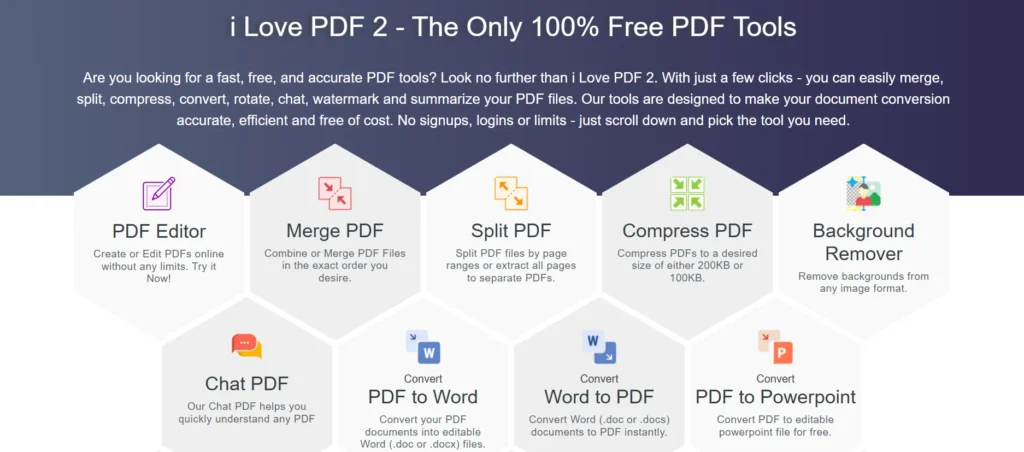
I Love PDF 2 provides a streamlined approach to convert Word doc to PDF, focusing on reducing unnecessary interaction. The interface is structured to allow immediate access without requiring account creation. Users can upload files directly or import them from cloud services like Google Drive and Dropbox, complete the conversion, & download results without interruptions.
Key Features:
- 3-step conversion process
- No login required
- Batch conversion available
- No ads or popups
- Cloud integration (Google Drive & Dropbox)
- Consistent formatting retention
Limitations:
- No Mobile Apps
- No API’s
- Converted Files removed after 30m.
Pricing:
- Free access with no usage restrictions.
Analytical Note:
The absence of login barriers and promotional interruptions reduces friction significantly. The tool prioritizes direct task completion, which benefits users looking for quick convert Word doc to PDF functionality.
pdfFiller
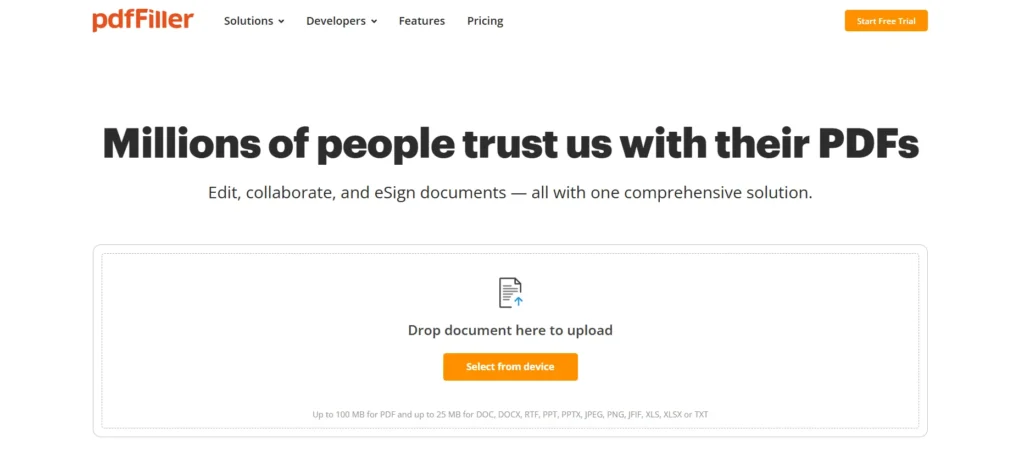
pdfFiller offers a broader set of document tools beyond basic conversion. The platform combines conversion with editing, collaboration, & document management features. The user is allowed to upload files from local storage or cloud storage such as Google Drive & Dropbox. But for that, the user has to register.
Key Features:
- Word to PDF conversion
- Editing & annotation tools
- eSignature support
- Document storage and sharing
Limitations:
- Mandatory account creation
- Multiple steps before conversion
- Upgrade prompts for premium features
- Limited batch processing in lower plans
Pricing:
- Plans range approximately from $8 to $20 per month
- Free trial available with restricted access
Analytical Note:
While pdfFiller provides extensive functionality, the added steps & pricing structure introduce friction for users focused solely on word file to PDF conversion.
Smallpdf
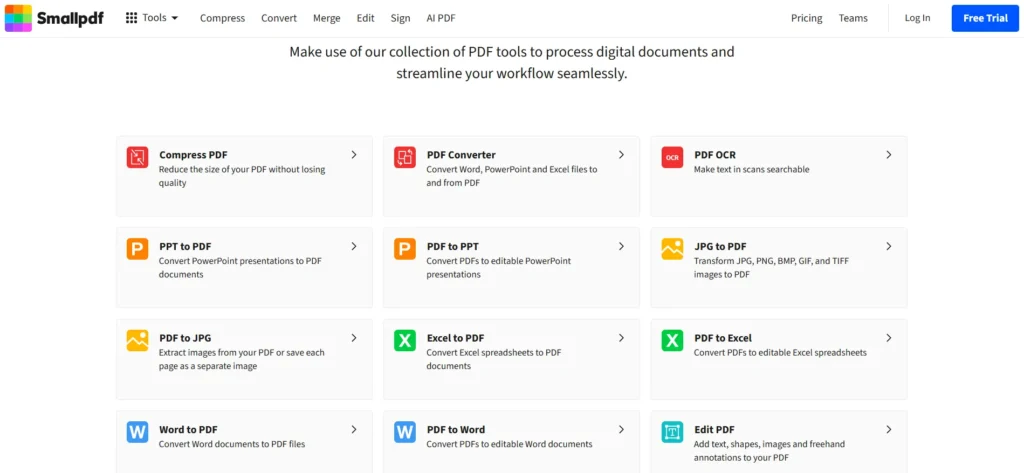
Smallpdf offers a clean interface with a mix of conversion & editing tools. The platform allows users to upload files via drag-&-drop or through cloud services like Google Drive & Dropbox. It supports quick convert document to PDF operations but applies usage limits in its free version.
Key Features:
- Simple drag-&-drop interface
- Quick Word to PDF processing
- Cloud integration
- Additional tools (merge, compress, edit)
Limitations:
- Daily usage restrictions
- Batch processing limited to paid plans
- Upgrade prompts during usage
Pricing:
- Free plan with limited usage
- Paid plans range from approximately $9 to $12 per month
Analytical Note:
Smallpdf maintains a balance between usability & functionality. However, limitations & prompts may affect efficiency during repeated word to PDF convert tasks.
Feature Comparison
Speed
- iLovePDF2: Fast with minimal delay
- pdfFiller: Moderate due to additional steps
- Smallpdf: Generally fast but usage-limited
Ease of Use
- iLovePDF2: Direct & simplified
- pdfFiller: Feature-heavy interface
- Smallpdf: Simple but restricted
Cloud Integration
All tools support:
- Google Drive uploads
- Dropbox uploads
This enables users to convert document to PDF directly from cloud storage.
Advanced Insights
Formatting Accuracy
- iLovePDF2 maintains layout consistency
- pdfFiller allows post-conversion editing
- Smallpdf provides acceptable formatting retention
Batch Processing
- iLovePDF2: Available without restrictions
- pdfFiller: Limited depending on plan
- Smallpdf: Restricted in free version
Security
- iLovePDF2: Files removed after processing
- pdfFiller: Files stored in user account
- Smallpdf: Temporary secure storage
Pricing Comparison
| Tool | Free Access | Monthly Cost | Access Level |
| iLovePDF2 | Available | Free | Full |
| pdfFiller | Trial only | $8–$20 | Tier-based |
| Smallpdf | Limited | $9–$12 | Tier-based |
Comparative Evaluation
When comparing these tools based on efficiency factors:
- iLovePDF2 minimizes steps & avoids interruptions
- pdfFiller offers extended functionality but adds complexity
- Smallpdf provides ease of use but introduces usage limits
From an efficiency standpoint, reducing steps & avoiding barriers plays a critical role in improving the experience of convert Word doc to PDF tasks.
Bottom Line
Selecting a tool to convert a document to PDF depends on balancing simplicity, accessibility, & feature requirements.
- Tools with additional features often introduce more steps
- Simpler tools tend to reduce friction but may limit functionality
- Pricing structures can influence accessibility & usage frequency
iLovePDF2 demonstrates a more direct approach by reducing unnecessary interaction points, while pdfFiller & Smallpdf provide broader capabilities with varying levels of restriction.
For users primarily focused on Word file to PDF conversion, efficiency is largely determined by how quickly & smoothly the task can be completed without additional barriers.
Frequently Asked Questions
Which is the best free Word to PDF converter?
If you only need basic Word to PDF conversion, a tool with no sign up and fewer steps is usually the best choice. Compare features, file limits, and privacy before deciding.
Does converting a Word file to PDF change the formatting?
Most modern PDF converters preserve the original layout, fonts, images, and formatting. However, results may vary depending on the complexity of the document.
Can I convert multiple Word files to PDF at once?
Yes. Many online PDF tools support batch conversion, although some free plans may limit the number of files you can convert at one time.
Is it safe to upload documents to an online PDF converter?
Most reputable services use encrypted connections and automatically delete uploaded files after a certain period. Always review the platform’s privacy policy before uploading sensitive documents.
Do I need to create an account to convert Word to PDF?
Not always. Some converters allow instant conversions without registration, while others require you to sign in before accessing all features.
Can I convert Word to PDF on my phone?
Yes. Most online Word to PDF converters work on Android and iPhone through a web browser, and some also offer dedicated mobile apps.