

I recently tested Musid AI, and I must admit, I did not expect much at first. Most AI video tools are either too complex or create generic visuals. But Musid AI surprised me. After a few minutes, I had a full music video created from a simple prompt and an audio track.
If you are a musician, content creator, or just someone who likes visuals for a song, this tool makes the process very simple.
How to Create a Music Video With Musid AI
Here’s how I did it
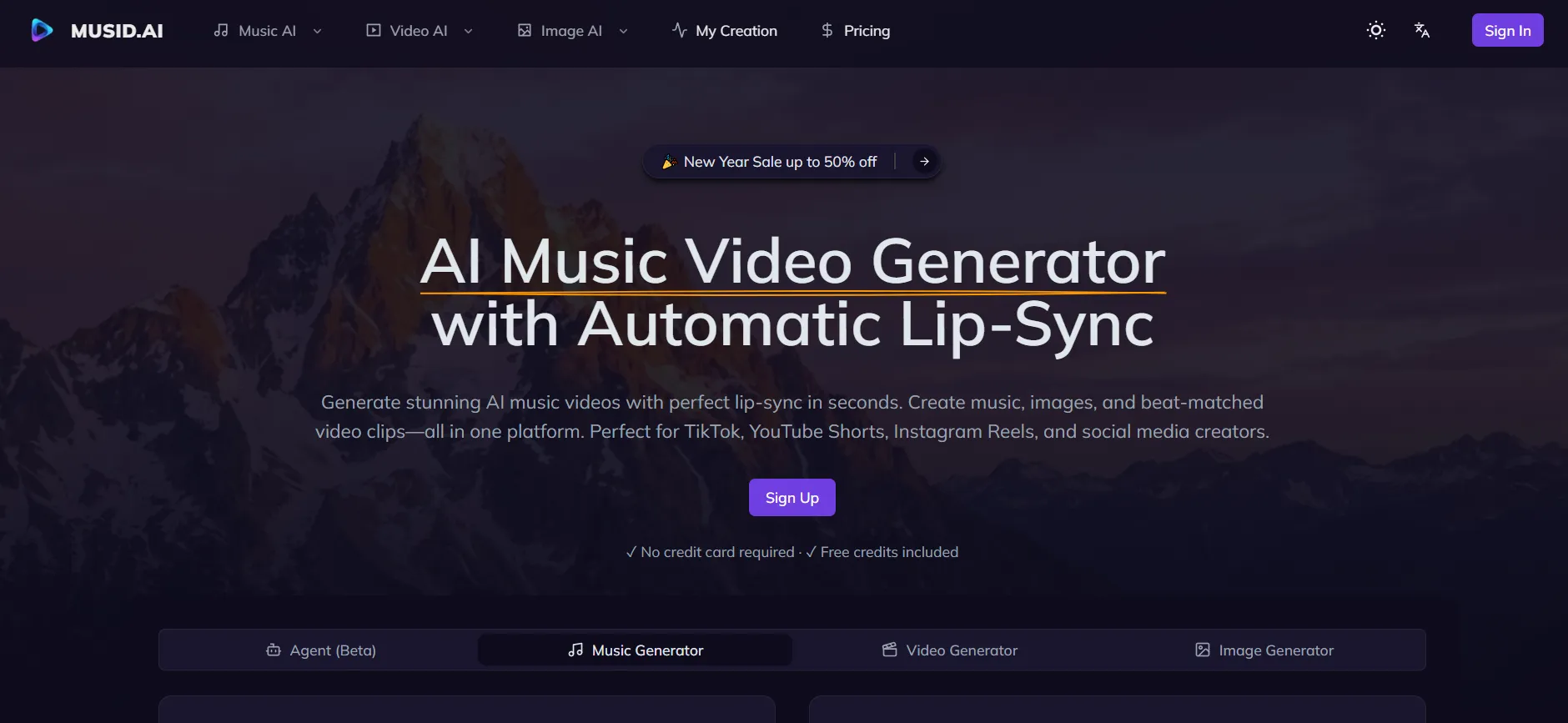
- Go to the Musid AI website and sign up.

- Upload your audio file.

- Choose a style or enter a custom prompt describing the mood.

- Select video length and resolution.

- Click Create and wait for processing.

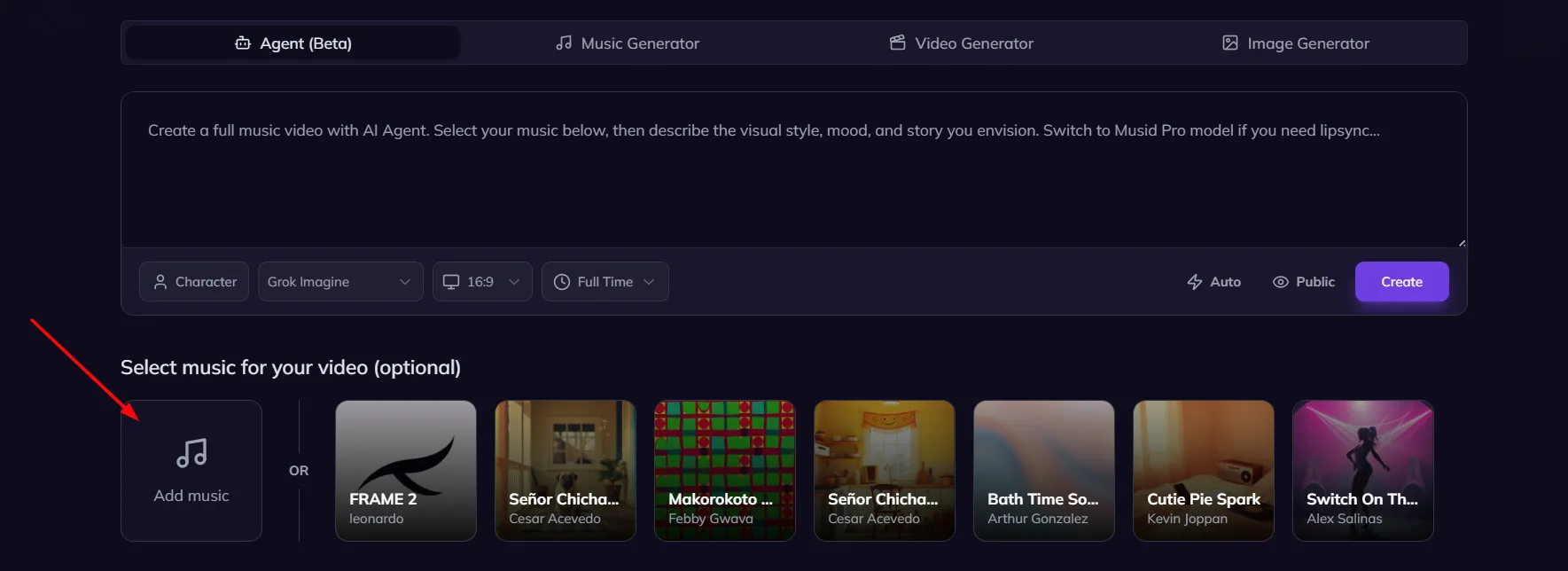
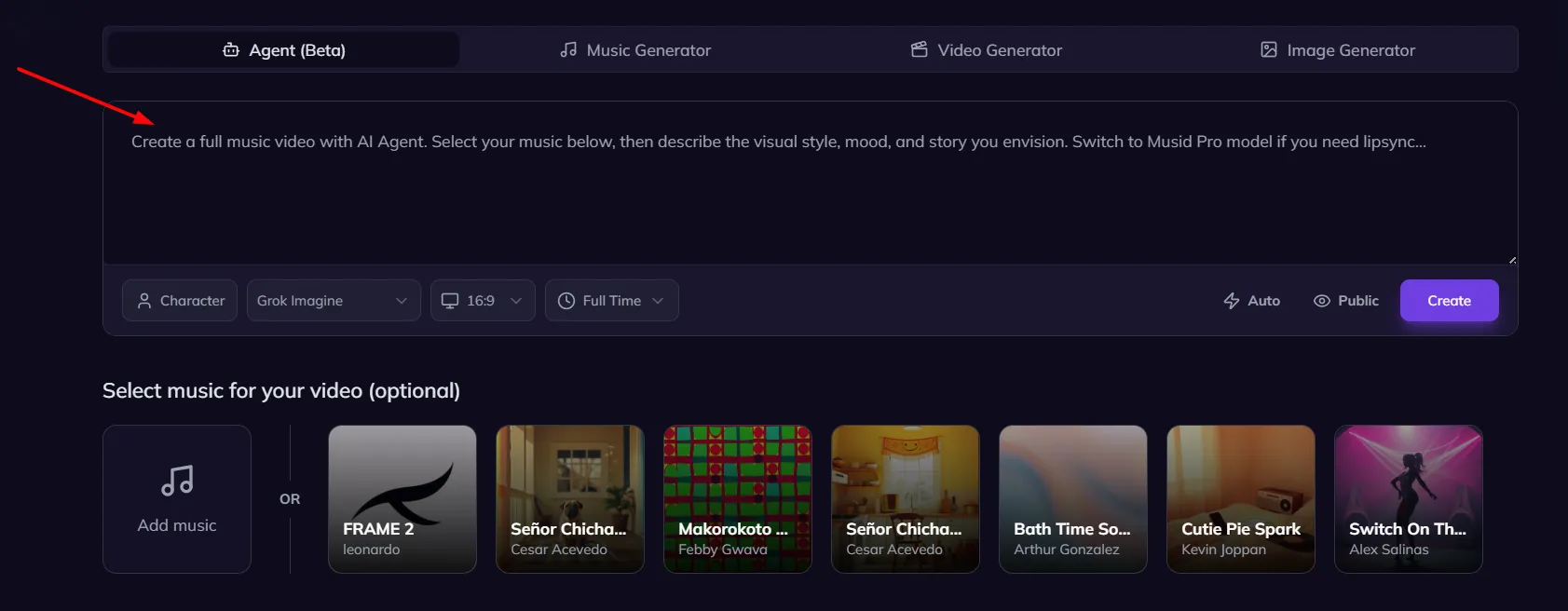
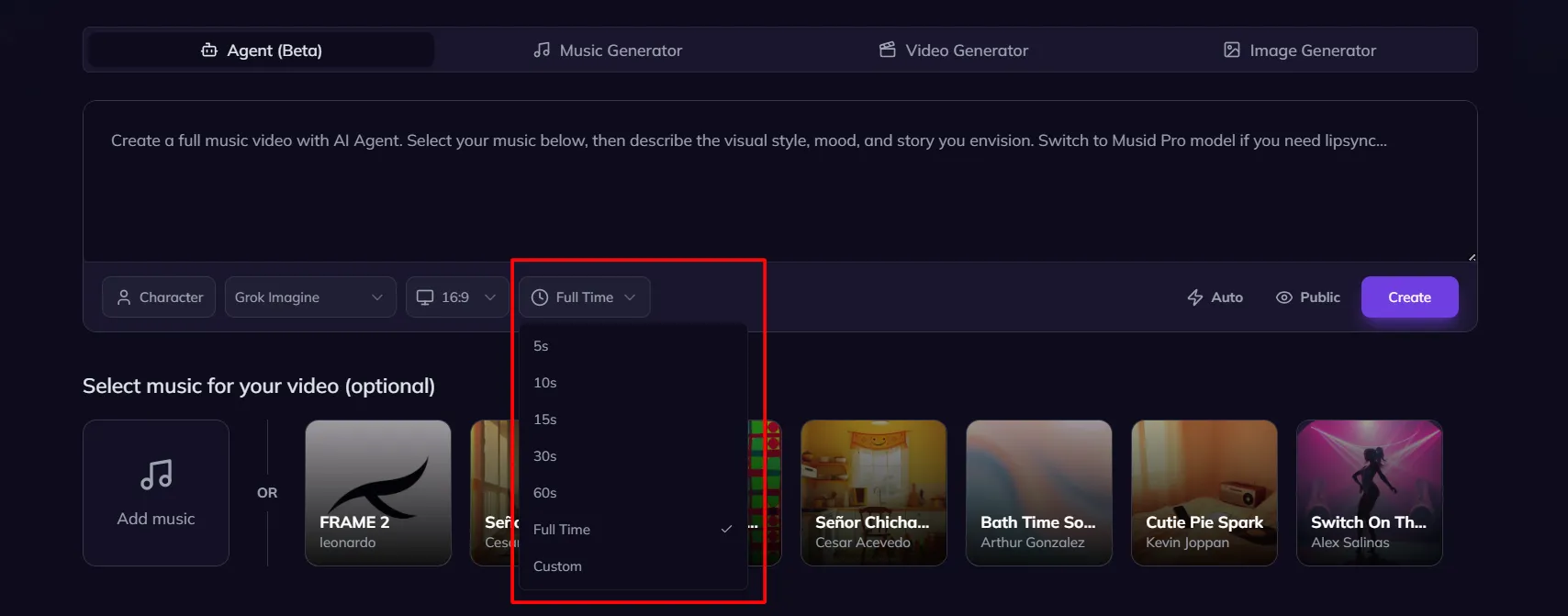
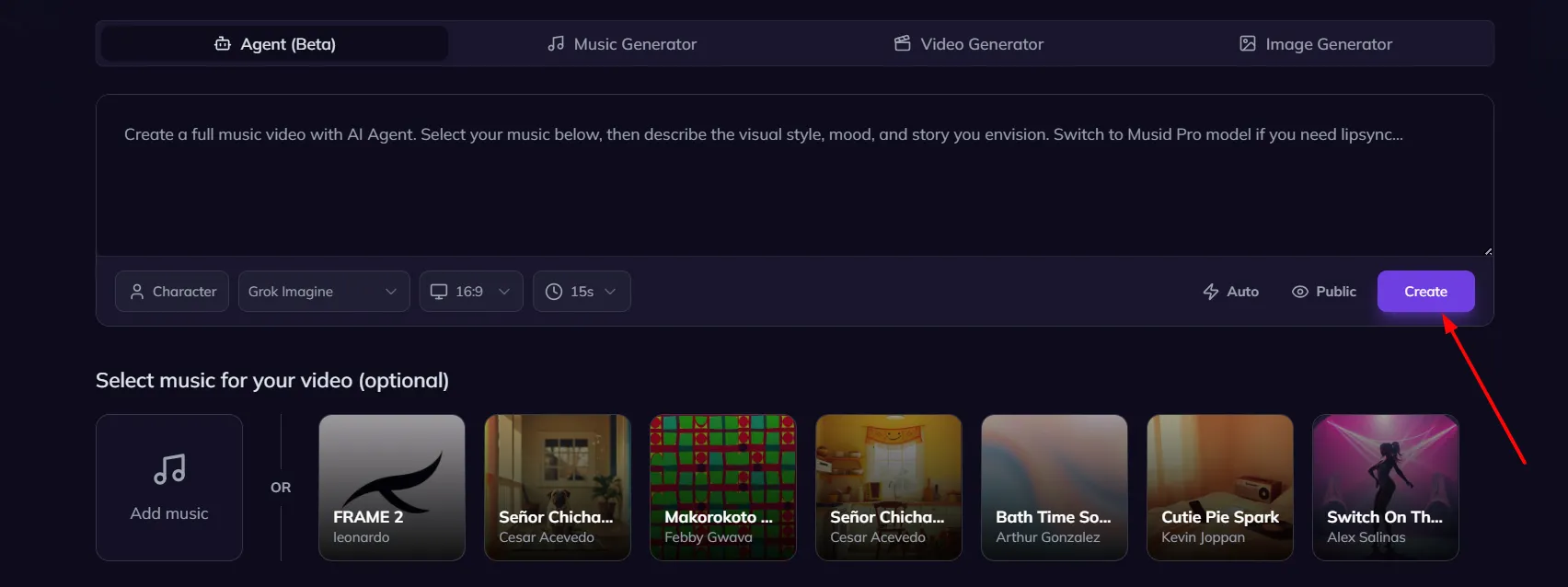
The AI takes a few minutes, depending on video length. Once done, you can preview and download the video.
The process feels smooth and beginner-friendly.
What I liked
The advantage is speed. You can go from an audio file to a finished music video without touching a complex tool. Musid AI can automatically generate lip synced visuals that match vocals, making music videos feel more natural.
It’s useful for
- Indie artists with small budgets
- YouTube creators
- TikTok and Instagram reels
- Demo projects
The visual styles are modern and cinematic, especially for electronic or ambient music.
Things to keep in mind
AI visuals can sometimes feel abstract. If you want a very specific storyline or real-life footage, traditional editing still gives more control.
But for quick, creative visuals, Musid AI does the job well.
Higher quality videos and longer exports may require paid credits or a subscription.







A little discussion goes a long way.
Ask a question, share your experience, or help someone find an answer.
There is room for your perspective.
No discussions match this view yet.
Your voice belongs here
Keep it useful. Keep it kind.