
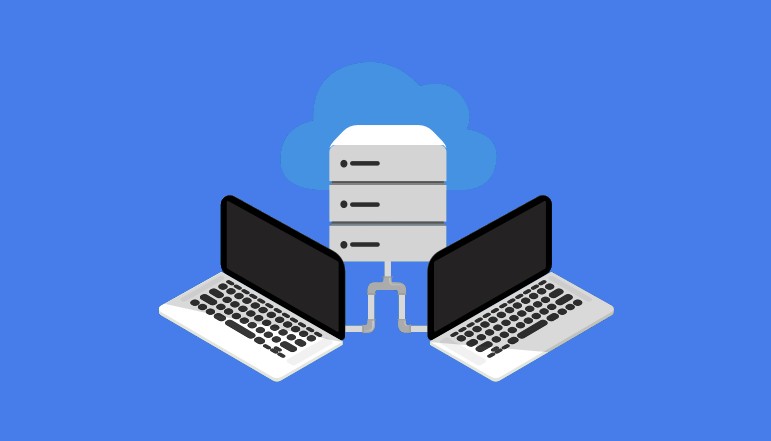
The proxy server is one potential security risk in Windows 7. Malware that modifies your browser configuration and operates through the proxy server in the Internet Explorer browser can infect your computer. However, you can disable the proxy server in Internet Explorer’s Internet Settings. By deactivating the proxy server, you prevent malware from accessing your browser’s proxy server.
How to Deactivate the Proxy Server
- Click the “Gear” icon in the top right corner of Internet Explorer. A drop-down menu appears.
- Select “Internet Options” from the drop-down menu. The Internet Options window appears.
- Go to the “Connections” tab.
- Select the “LAN Settings” option.
- Uncheck the check box next to the “Use a proxy server for your LAN” option.
- Press the “OK” button. Internet Explorer’s proxy server has been disabled.




A little discussion goes a long way.
Ask a question, share your experience, or help someone find an answer.
There is room for your perspective.
No discussions match this view yet.
Your voice belongs here
Keep it useful. Keep it kind.