
Managing social media means producing content at a pace that often feels faster than the creative process itself. A campaign needs a product teaser on Monday, an educational Reel on Wednesday, and a short announcement before the weekend. Even with a content calendar, recording new videos for every post isn’t always realistic.
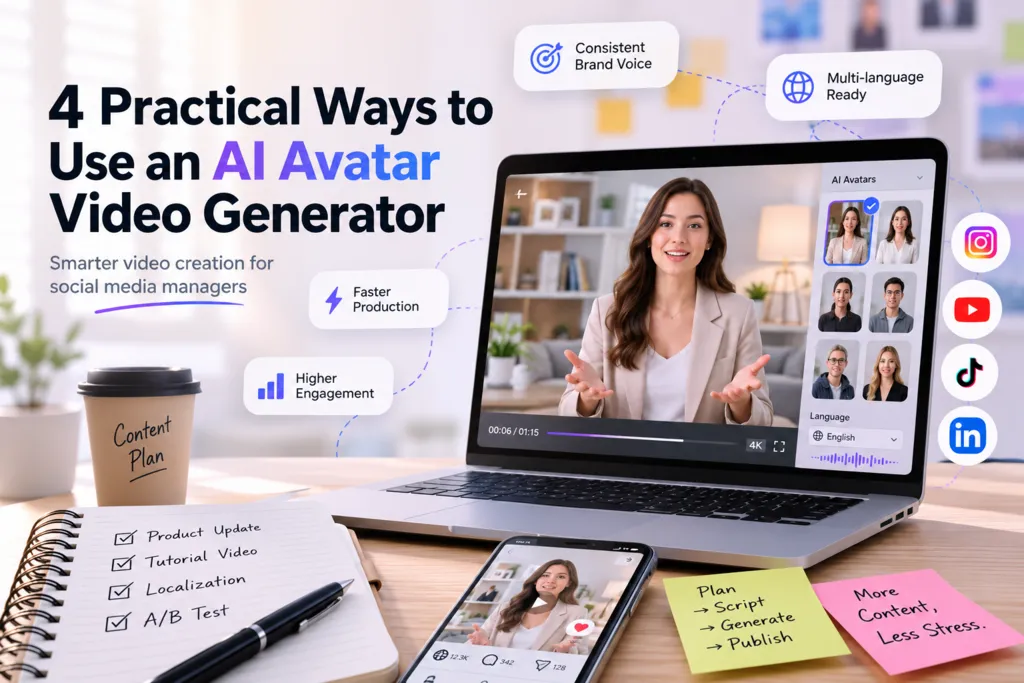
Over the past year, I’ve started relying on AI-assisted creative tools to fill the gaps—not to replace original ideas, but to make repetitive production tasks less time-consuming. One workflow that has become part of my routine is using an AI Avatar Video Generator to create presenter-style videos for different platforms. Instead of scheduling another filming session every time a script changes, I can focus more on messaging, testing, and audience engagement.
This shift also matches broader marketing trends. According to HubSpot’s State of Marketing research, video continues to rank among the content formats delivering the highest ROI for marketers, making efficient video production increasingly important for social media teams. Rather than producing more videos simply for the sake of volume, I try to create useful content that can be adapted across multiple channels.
Below are four situations where AI avatars have genuinely helped my workflow.
1. Product Updates Feel More Consistent When the Presenter Never Changes
One challenge with product announcements is maintaining consistency.
Some weeks I’m available to record videos. Other weeks I’m traveling, busy preparing campaigns, or simply don’t have a quiet environment for filming. Before adopting an AI-based workflow, that inconsistency often delayed launches.
Now, for routine feature updates, I prepare a short script, generate an avatar presentation, and spend most of my editing time refining captions instead of re-recording takes.
A concrete example came during a software feature rollout. The product description changed only a few hours before publication. Normally, that would have required recording the entire video again. Instead, I updated the script, regenerated the presenter, and kept the publishing schedule intact.
The biggest benefit wasn’t saving minutes—it was avoiding unnecessary production interruptions.
2. Educational Content Doesn’t Need a Camera Every Time
Tutorial posts consistently perform well on our social channels because they answer practical questions from users.
For example, when explaining how to organize image assets for a content team, the information itself mattered far more than seeing my face on screen. Viewers wanted a clear explanation paired with easy-to-follow visuals.
Using an AI Avatar Video Generator allowed me to combine screen recordings with a virtual presenter introducing each section. The result felt structured without requiring another recording session.
This approach also made updates easier. When the software interface changed a month later, I only needed to replace a few scenes rather than recreate the entire presentation.
For educational content that changes frequently, flexibility matters just as much as production quality.
3. Localized Campaigns Become Easier to Manage Across Multiple Markets
One project that stood out involved adapting short promotional videos for different language audiences.
Previously, creating localized versions meant coordinating separate recordings or subtitles for each market. That process wasn’t impossible, but it increased review time and required more scheduling.
By using AI-generated presenters, I could prepare multiple language versions while keeping the visual identity consistent across campaigns.
For example, a single campaign was adapted into English, Spanish, and Japanese versions while maintaining the same layout, graphics, and pacing. The localization work focused primarily on scripts instead of rebuilding the entire video from scratch.
The consistency across versions made campaign management much simpler, especially when multiple teams needed to approve assets simultaneously.
4. Behind-the-Scenes Planning Gets Surprisingly Easier
People often associate AI avatars only with published videos, but I’ve found another unexpected use during internal planning.
Before investing time in full-scale production, I sometimes generate rough presenter videos to test different messaging directions.
Instead of debating copy in a shared document, teammates can watch a quick mock-up and immediately notice whether the pacing feels natural, whether the introduction is too long, or whether key information appears in the right order.
Recently, I experimented with this workflow while testing onboarding content. Two versions used identical visuals but different introductions. After watching both internally, the team quickly agreed that the shorter opening communicated the value more clearly.
Because these drafts are created quickly, it’s easier to experiment with tone before committing resources to polished production.
During one of these planning sessions, I also explored Nextify.ai to create realistic visual assets that matched the video’s branding. Rather than replacing our design process, it served as a fast way to generate supporting imagery for concept testing before final creative approval.
Looking Beyond Faster Production
Using AI tools has gradually changed the way I think about content creation.
The biggest advantage isn’t producing more videos every week. It’s reducing the friction between having an idea and testing whether that idea actually works.
For social media managers, many decisions happen before a post is published: choosing a format, adjusting messaging, reviewing visual consistency, and preparing localized versions. AI-assisted workflows make those early iterations less expensive in terms of time, which encourages more experimentation instead of relying on a single concept.
I also expect this workflow to become increasingly collaborative. Instead of replacing designers, editors, or presenters, AI-generated assets can act as early prototypes that help teams evaluate creative directions before investing in final production.
For anyone managing multiple channels, that ability to test, revise, and publish with greater flexibility may ultimately matter more than creating content at the fastest possible speed.





A little discussion goes a long way.
Ask a question, share your experience, or help someone find an answer.
There is room for your perspective.
No discussions match this view yet.
Your voice belongs here
Keep it useful. Keep it kind.