
Table of Contents
YouTube Channel Info
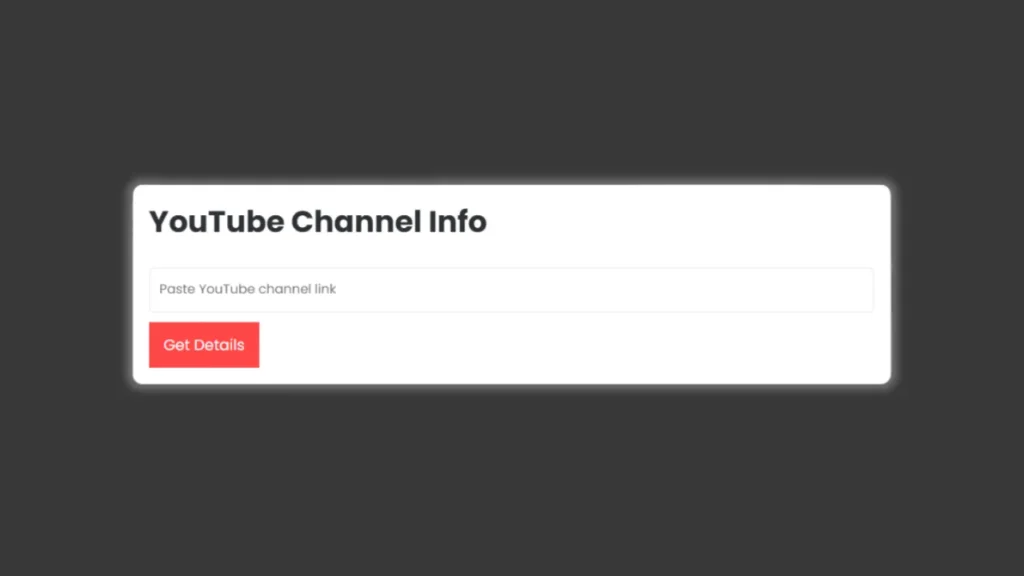
YouTube Channel Info Checker is simple to use and the easiest way to know everything about a YouTube channel in seconds. Just paste the channel link and get detailed information like subscriber count, channel creation date, age, country, verification status, and description.
How the Tool Works
- Paste the YouTube channel URL in the input box.
- Click on Get Details button.
- The tool shows all key information in a clean and readable format. You’ll instantly see the channel’s subscribers, creation date, country, and more.
Features of YouTube Age Checker Tool
- Easy to Use
Just paste the YouTube channel link and click the “Get Details” button. - Supports All URL Types
Works with standard URLs (/channel/ID), custom URLs (/c/CustomName), and handles (/@username). - Complete Channel Information
- Channel Name and Logo
- Channel ID
- Creation Date and Age (in years and days)
- Country
- Verification Status
- Subscriber Count
- Channel Description
Why Use This Tool
🔍
Perfect for Research
Quickly analyze competitor channels.
⏱️
Save Time
No need to open multiple pages or check manually.
💸
Free and Instant
Get results instantly without any cost.
✅
Accurate
Fetches real-time data from YouTube.
How to Get Started
- Copy the YouTube channel link you want to check.
- Paste it in the input box on our tool.
- Click Get Details to see all information instantly.
Our YouTube Channel Info Checker is a free, fast, and trusted way to get complete details for any YouTube channel. If you are a content creator or marketer, this tool gives you everything you need in seconds.




A little discussion goes a long way.
Ask a question, share your experience, or help someone find an answer.
There is room for your perspective.
No discussions match this view yet.
Your voice belongs here
Keep it useful. Keep it kind.