
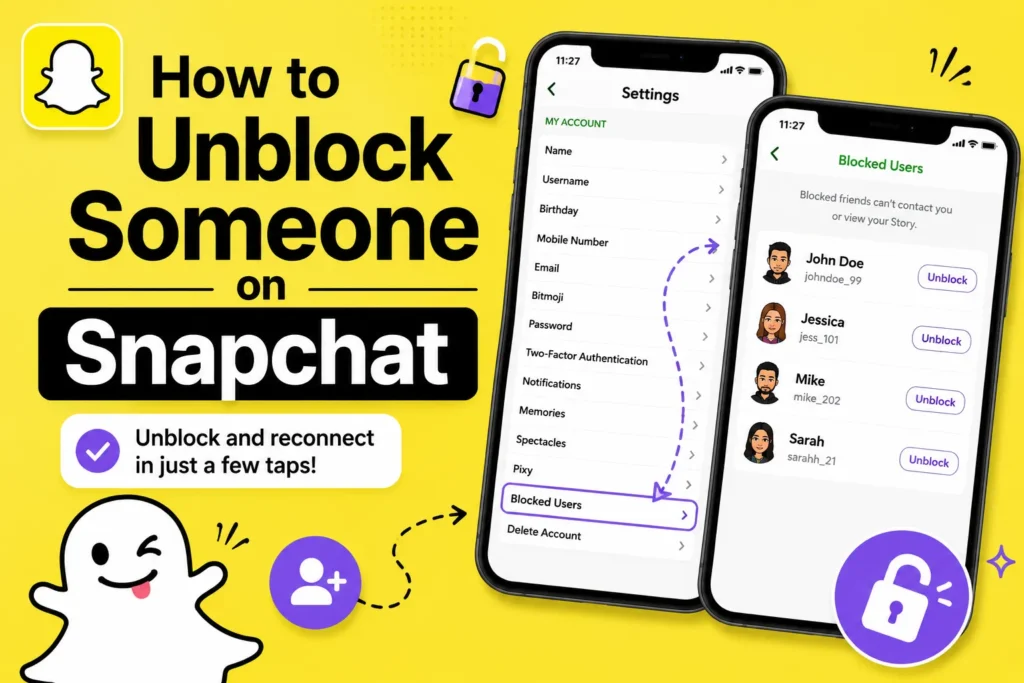
I will be honest, the first time I tried to unblock someone on Snapchat, I expected it would just be there on the chat screen. It is not. Snapchat hides this feature in the settings, which is why many people think that the unblock feature is missing.
If you blocked someone in an argument or while cleaning up your friend list, and now you want to undo it, the process is easy once you know where to find it.
One thing you should understand before unblocking
When you block someone on Snapchat, the app cuts the connection. Chats and profiles disappear from search and feels like the person never existed on your account.
Because of that, unblocking does not restore things automatically. Many users expect old chats or snaps to be restored. They do not.
How to unblock option on Snapchat
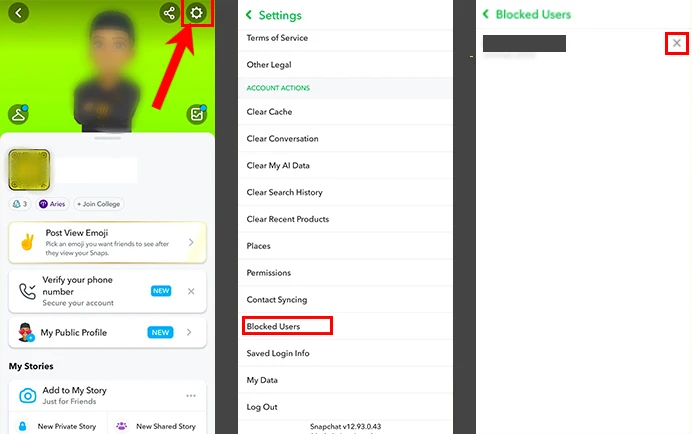
- Open Snapchat and tap your Bitmoji in the top left corner.
- From there, tap the settings icon in the top right.
- Scroll down to Blocked Users option.
- Now, Snapchat shows a list of everyone you have blocked.
- Find the name you want to unblock and tap Unblock next to it.
- Snapchat asks for confirmation once. After that, the person is unblocked.
That is it.
What happens after you unblock someone
This part surprises many people.
After unblocking, you are no longer friends. Snapchat treats both of you like new users who have never connected before.
You will need to search their username and send a friend request again. There is usually a waiting period before you can add them back. Most of the time, it is around 24 hours.
Do old chats or snaps come back?
No, they do not.
Even saved messages are gone. I tested this myself. Once someone is blocked, Snapchat clears that history for good. Unblocking only affects what happens next, not what already happened.
Will the other person know you unblocked them?
Snapchat does not send a notification saying you unblocked someone.
However, if you send them a new friend request or they search your profile and suddenly find it again, they will figure it out on their own.
So it is silent, but not completely invisible.







A little discussion goes a long way.
Ask a question, share your experience, or help someone find an answer.
Good explanation. Social media platforms keep updating their privacy settings, so many users don’t know where certain options are located. Blocking and unblocking features are important because sometimes people block someone by mistake.
Clear step-by-step instructions really help users manage their accounts confidently. Understanding how privacy settings work is becoming more important as platforms grow.
Your voice belongs here
Keep it useful. Keep it kind.