
ByteDance’s new model topped the global video leaderboards in early 2026. But the score isn’t the interesting part. The controls are.
For two years, “AI video” mostly meant rolling the dice. You wrote a prompt, hit generate, and accepted whatever came back: a face that drifted between shots, a camera that wandered, a character whose jacket changed color halfway through. The clips looked impressive in isolation and fell apart the moment you needed two of them to match.
Seedance 2.0, released by ByteDance’s Seed research team on February 9, 2026, is the first model I’ve used where that problem mostly goes away. Not because the output is prettier, but because you can actually steer it.
What is Seedance 2.0, in one line? It’s ByteDance’s multimodal AI video model that takes text, images, reference video, and audio in a single prompt and renders short clips (up to 1080p, 4 to 15 seconds) with consistent characters, native audio, and reference-guided camera motion.
It also happens to be the best-scoring model in the world right now. As of March 2026 it sits at the top of the Artificial Analysis Video Arena leaderboard with an Elo of 1,269 for text-to-video and 1,351 for image-to-video, ahead of Kling 3.0, Google’s Veo 3, and OpenAI’s Sora 2. That’s worth knowing. But leaderboards reward single clips. Real work is made of many clips that have to agree with each other, and that’s where Seedance 2.0 pulls away.
What Seedance 2.0 actually is
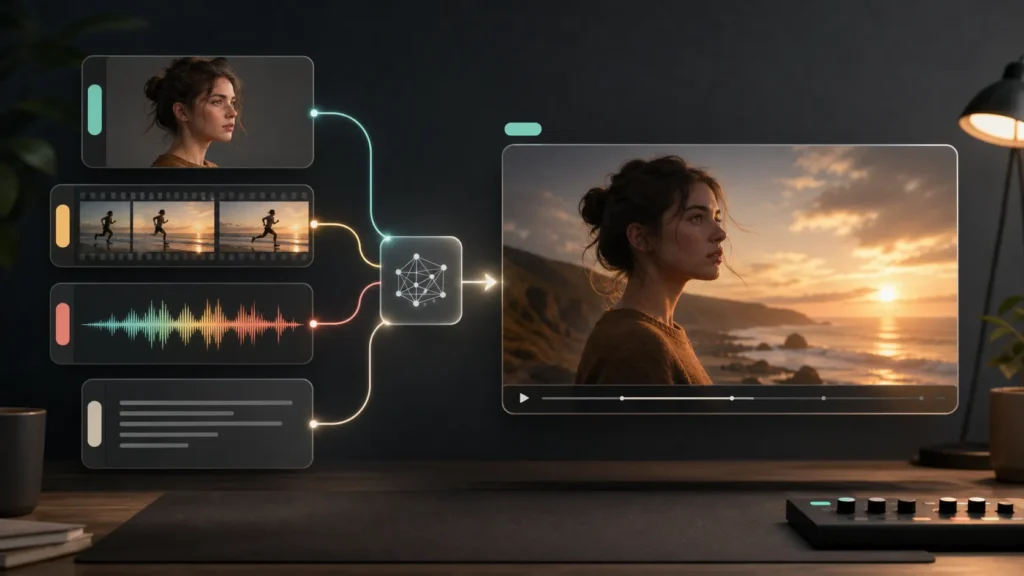
At its core, Seedance 2.0 is a multimodal video generator. The headline change from earlier models is the architecture. It uses a unified audio-video joint generation system that accepts four kinds of input at once (text, images, reference video, and audio) and treats them as parts of the same instruction, not separate features bolted together.
In plain terms: instead of describing everything in a paragraph and hoping, you hand the model the raw materials. A photo for a character’s face. A clip for the camera move you want. An audio track for timing. The text prompt becomes the glue, not the whole recipe.
What’s new: control, not just clips
This is the part worth slowing down on, because it’s what separates Seedance 2.0 from the wave of one-prompt tools.
Reference-guided everything. You can attach reference assets and tag them directly in the prompt using an @AssetName format. Want this person, doing the motion from that clip, in the style of this image? You point at each one by name, and the model keeps them straight. ByteDance calls it role-based asset tagging. In practice it feels like casting and blocking a scene instead of writing a wish.
Character consistency. The same face, outfit, logo, and set hold their appearance across frames and across shots. This is the single biggest reason older models were unusable for anything longer than a gif, and it’s the thing Seedance 2.0 most visibly fixes.
Native audio with beat-aware sync. It generates sound with the video, not as an afterthought, and can align motion to the rhythm of a track. Lip movement and pacing land where they should.
Video continuation. You can extend an existing clip, which lets you build a multi-shot sequence instead of a single isolated moment.
None of these are flashy on their own. Together they change what the tool is for: less “look what the AI made,” more “I made this, and the AI rendered it.”
The specs that matter
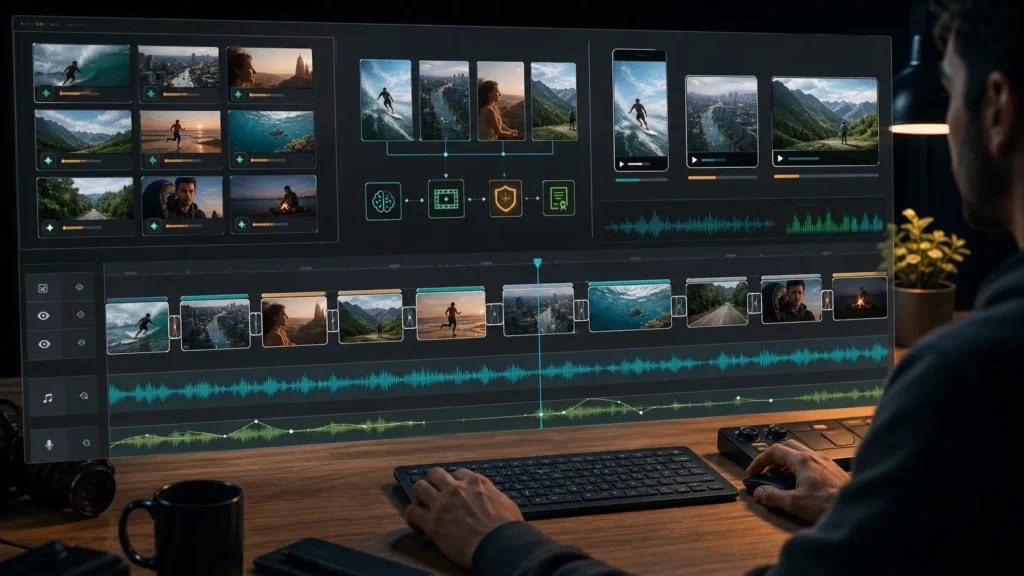
Figure: Short controlled clips become usable when they fit a real editing timeline.
Behind the features, the numbers are solid for a 2026 model:
- Clip length: 4 to 15 seconds
- Resolution: up to 1080p
- Aspect ratios: 16:9, 9:16, 4:3, 3:4, 21:9, and 1:1. That covers vertical social, widescreen, and cinematic.
- Provenance: outputs carry C2PA watermarking, and the model ships with IP protections. It’s ByteDance’s answer to the deepfake and likeness questions every video model now has to face.
The clip length is the honest ceiling here. Fifteen seconds is generous for the category, but you’re still assembling short blocks, not generating a two-minute scene in one shot. Continuation helps. Plan your work as a sequence of beats.
How good is it, really?
Good enough that the leaderboard position isn’t a fluke, and grounded enough that you won’t feel cheated.
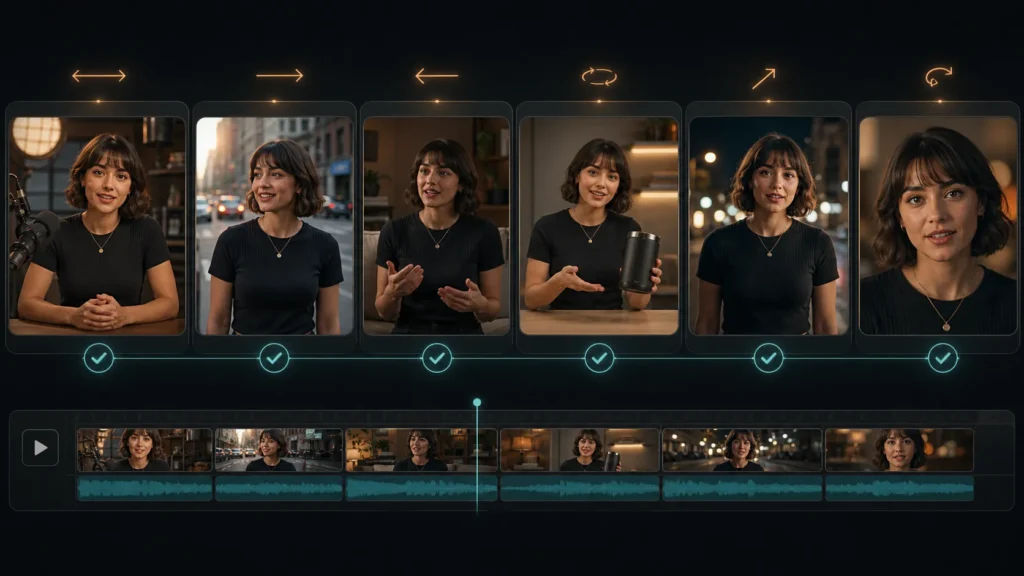
The test that convinced me was a boring one. I took a single character photo and a 10-second reference clip of a slow dolly-in, then asked for a six-shot sequence of that character in different rooms. Older models would have given me six different people. Seedance 2.0 gave me the same face and outfit in every shot, with the camera move I’d referenced carried across all six. One shot softened the face, so it wasn’t flawless. But it was consistent enough to cut together.
Where it shines: anything that depends on consistency. Product shots of the same item from different angles. A recurring character across a short narrative. A talking-head clip where the voice and lips actually match. These were the exact jobs that broke earlier tools.
Where it won’t save you: it’s not a long-form filmmaker, and “predictable control” is not the same as “perfect control.” Complex physics, dense crowds, and tiny text in-frame still wobble. You’ll iterate. The difference is that iteration now converges. You’re nudging a result toward what you want, instead of re-rolling and praying.
How to try Seedance 2.0
There are two practical routes.
The official one: Seedance 2.0 is built into ByteDance’s own products, CapCut and Dreamina, where it ships with the IP protections and C2PA watermarking baked in. If you already live in those editors, it’s right there.
The faster one, if you just want to test the model in a browser without installing anything: you can run seedance 2.0 ai video generation directly on the web. You sign up, get free credits, and upload your reference assets (images, short clips, audio), then call them out in the prompt with the same @asset mention style the model expects. It’s the lowest-friction way to see the multimodal control for yourself before committing to a workflow.
One honest caveat worth setting expectations on: browser entry points like nano-banana.io typically expose a capped tier, with shorter clips and lower resolution than the model’s full 1080p, 15-second ceiling, because they’re meant for quick testing rather than final delivery. Use them to learn how the controls behave, then move to the official apps or an API when you need the top spec.
Who it’s for
If you make short-form video for a living, whether that’s social content, ads, product demos, or explainers, Seedance 2.0 is the first AI video model that fits into a real pipeline instead of fighting it. The consistency and reference control are exactly what turn “a neat clip” into “an asset I can actually ship.”
If you’re just curious, it’s also the most satisfying one to play with, precisely because it does what you tell it.
The bottom line
The leaderboard headline will fade. Some model always tops the chart next quarter. What’s likely to stick is the shift Seedance 2.0 represents: AI video moving from a slot machine to a set of controls. The wow factor was never the bottleneck. Repeatability was. That’s the problem this model went after, and mostly solved.
Try it on something specific, a character you need twice or a shot you need to match, and you’ll feel the difference faster than any benchmark can show you.




A little discussion goes a long way.
Ask a question, share your experience, or help someone find an answer.
There is room for your perspective.
No discussions match this view yet.
Your voice belongs here
Keep it useful. Keep it kind.