
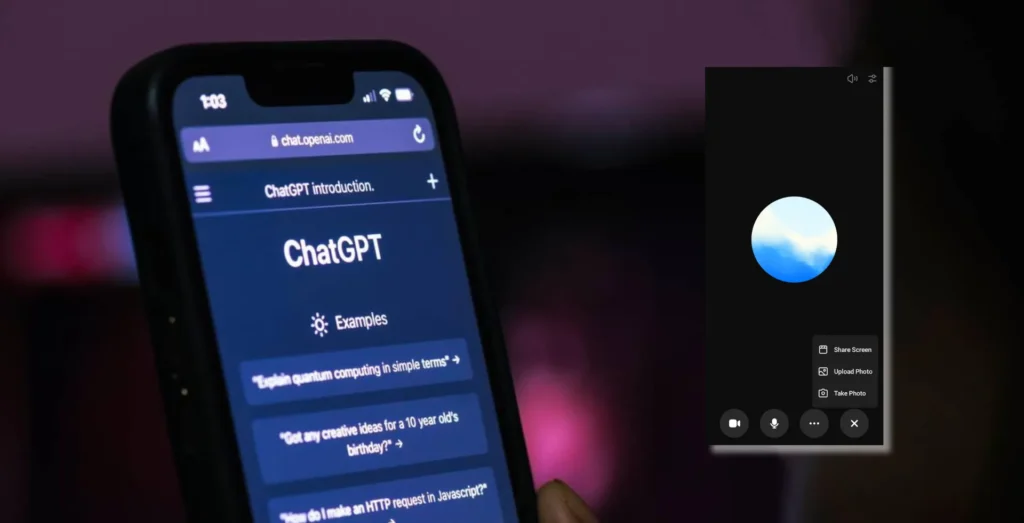
Have you ever wanted ChatGPT to walk you through a task in a more manageable format without all that back-and-forth switching? ChatGPT’s screen-sharing feature enables you to get real-time AI help with your projects.
How ChatGPT Screen Sharing Works
To use ChatGPT’s screen-sharing feature, you must have:
- A subscription to ChatGPT Plus ($20 per month).
- ChatGPT mobile app (for Android and iOS).
Download: ChatGPT for Android | ChatGPT for iOS
How to Share Your Screen with ChatGPT
- Open the ChatGPT app.
- Start a new conversation.
- Tap the voice mode icon.
- Tap the three dots and select Share Screen.
- Grant ChatGPT permission to access your screen when prompted.
- Choose to share your entire screen or a specific app.
- Tap Start to begin screen sharing.
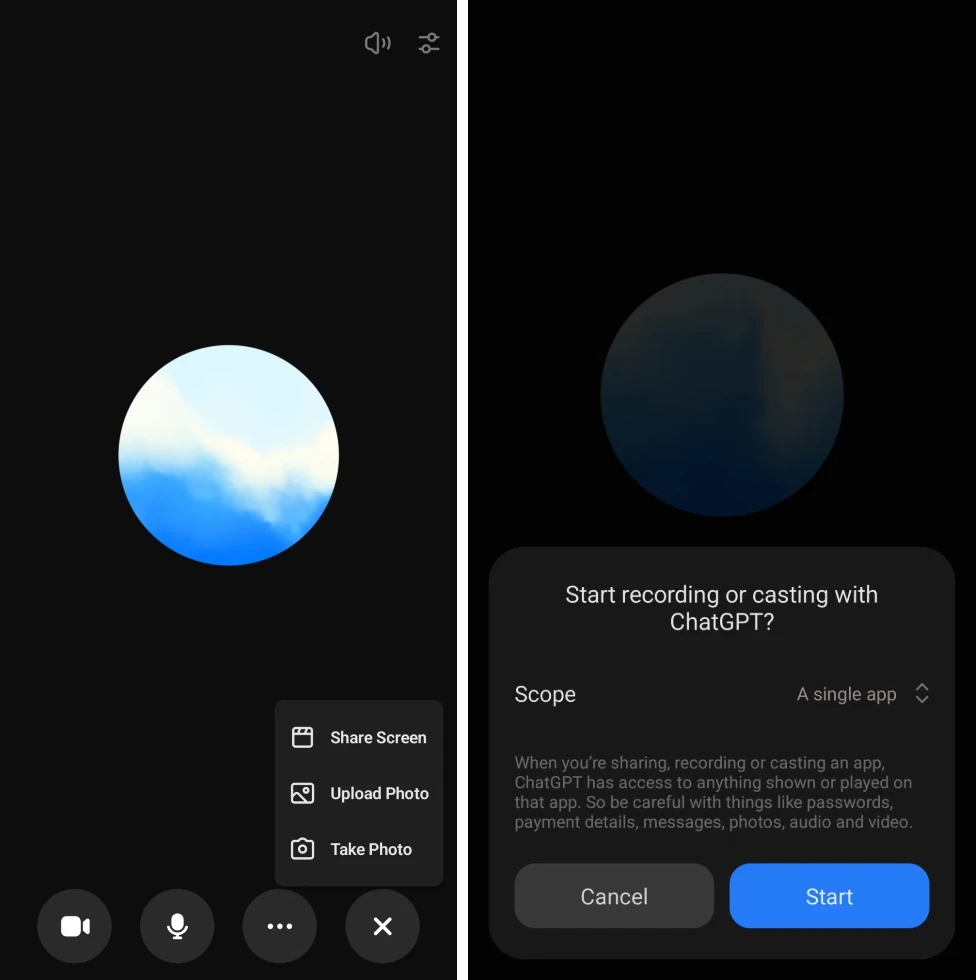
Using active screen sharing, ChatGPT offers gradual assistance depending on the content of your screen. ChatGPT can provide a guide whether you are configuring an app, troubleshooting an issue, or learning a new tool.
Screen Sharing with ChatGPT: What’s Next?
As OpenAI improves ChatGPT, expect more productivity-related features going forward. Future updates could include:
- AI-guided coding assistance
- Automated form-filling
- Troubleshooting complex workflows in real-time
The real-time AI altogether: ChatGPT’s screen-sharing feature. Whether setting up apps, learning new tools, or troubleshooting, this feature provides an interactive experience for instant AI help.







A little discussion goes a long way.
Ask a question, share your experience, or help someone find an answer.
There is room for your perspective.
No discussions match this view yet.
Your voice belongs here
Keep it useful. Keep it kind.