
To change the mobile number on your Emirates ID, you will need to reach out to the ICP. Here’s a step-by-step guide:
Table of Contents
Who Should Update Their Emirates ID Mobile Number?
- If you cannot access the number on record anymore
- If you have a new mobile number
- If online verification is required with Emirates ID
Method 1: For Users Without an ICP Online Account
If you do not have an ICP online account, follow these steps:
Step 1: Enter Your Request Details
- Go to the ICP online portal.
- Select your Nationality and File Type (Residency).
- Choose either File Number or Identity Number (Emirates ID).
- Enter your Passport Number, Full Name (English & Arabic), Date of Birth, and Last Entry Date.
- Now, enter your Email Address and Current Registered Mobile Number.
- Enter your New Mobile Number.
- Complete the Captcha Verification.
- Now, submit the form.
Step 2: Review Application
- Verify your details before proceeding.
Step 3: Make Payment
- Pay the service fee of Dh151.40 via the payment portal.
- Once completed, you will receive a confirmation.
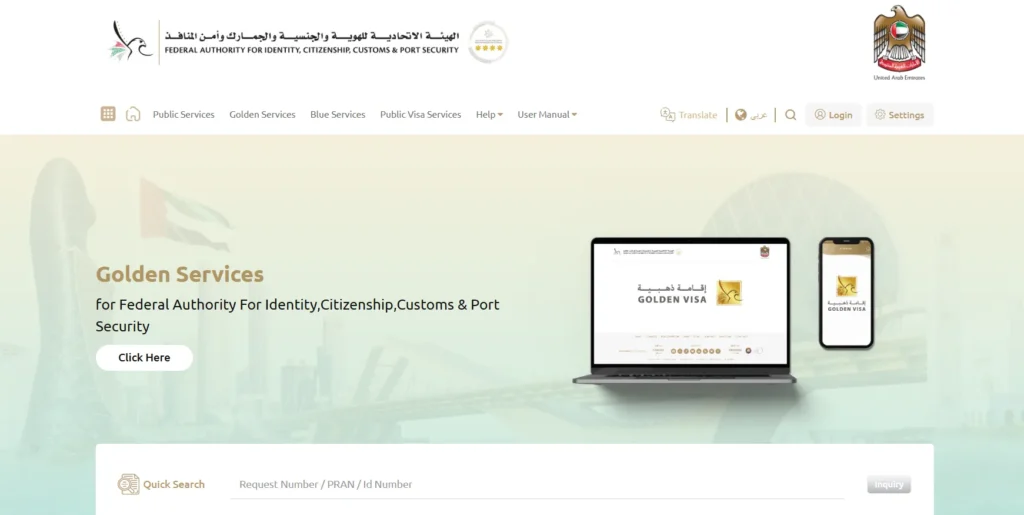
Method 2: For Users with an Existing ICP Online Account
If you already have an ICP account, follow these steps:
- Visit smartservices.icp.gov.ae.
- Log in using UAE Pass or your ICP account.
- Select your Residency Visa Department.
- Under Modules, choose Other Services > Update Personal Information.
- Select Edit Mobile Number.
- Enter the new number, and verify it via OTP.
- Review the details and proceed to payment.
- Once paid, you will receive a confirmation.
Cost
| Service | Fee (AED) |
|---|---|
| E-service Fees | 29.40 |
| ICP Fees | 122.00 |
| Total (incl. VAT) | 151.40 |
For assistance, contact ICP’s 24×7 helpline: 600 522222.





A little discussion goes a long way.
Ask a question, share your experience, or help someone find an answer.
There is room for your perspective.
No discussions match this view yet.
Your voice belongs here
Keep it useful. Keep it kind.