
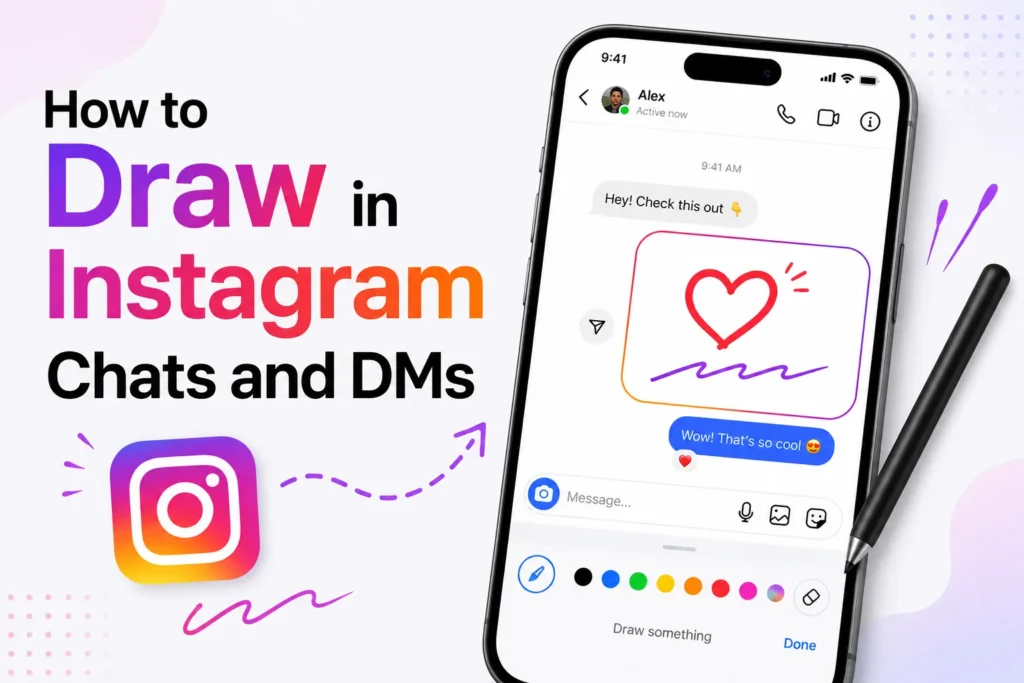
Interacting with your friends on Instagram just got a whole lot more creative. Instagram includes a Draw feature in chats that lets users create doodles, sketches, and visual notes directly in their DMs. This feature makes messaging personal and fun as you can turn your everyday chats into an interactive artboard.
This feature can be used to add emotions or highlight parts of an image more creatively. Instagram has new creative features that are designed to ensure that chats are more visual and more interactive, whether it is a quick sketch, a cute doodle, or just a splash of color.
How to Draw in Instagram Chats and DMs
Here’s a step-by-step guide to using the new drawing feature in your Instagram DMs.
- Open Instagram app.
- Tap the Message icon at the top right or bottom ribbon.
- Select a chat or open a conversation with a friend.
- Tap on the ‘+’ icon at the bottom right corner.
- Select ‘Draw’.
- Choose any color from the palette box.
- Tap on the brush tool to choose your drawing style.
- Use the undo icon if you want to remove your last stroke.
- Tap the cross icon to discard your drawing.
- When you are done, tap the send icon to share your artwork.
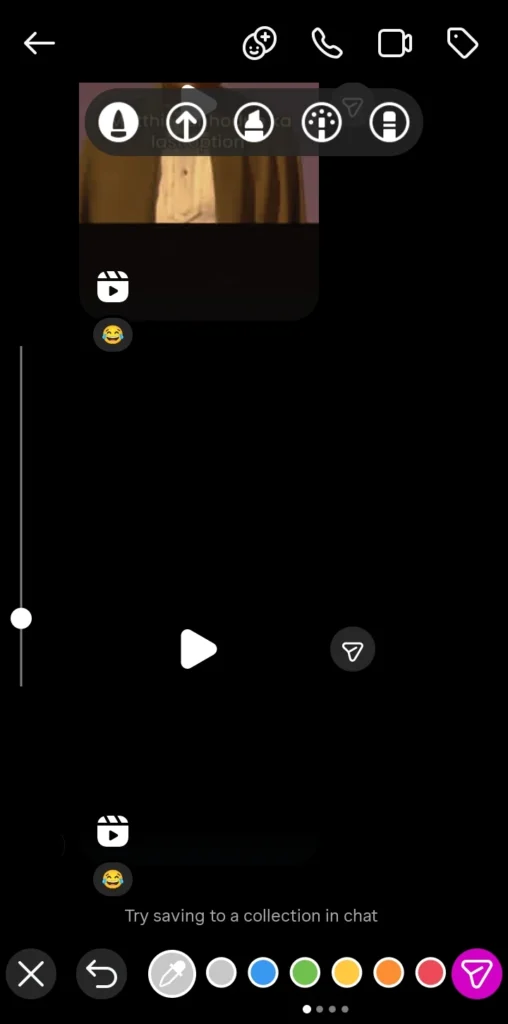
The doodle will immediately appear on your and your friend’s screens, adding a fun, creative twist to your conversation.
Why you might not see the Draw feature yet
If you can not find the drawing option in your Instagram DMs yet, don’t worry. The Draw feature may not be available on every account. Feature availability depends on your Instagram app version, account type, region, and Meta’s server-side updates. Here’s what you can do
- Update your Instagram app to the latest version via the App Store or Google Play Store.
- Restart the app and check again in a chat.
- If you still do not see the feature after updating the app, it may not be available for your account yet. Check again after future Instagram updates.
Frequently Asked Questions
How do I draw in Instagram DMs?
Open Instagram, go to your Direct Messages, select a conversation, tap the available chat tools, and choose the Draw option if it appears. Create your sketch, then tap Send to share it with the other person.
Why can’t I see the Draw feature in Instagram chats?
Instagram releases new features gradually. If the Draw option is missing, update the app to the latest version, restart it, and check again. The feature may also depend on your account, device, region, or Meta’s server side rollout.
Can I draw on photos before sending them in Instagram DMs?
Yes. Instagram allows you to add drawings, text, and other creative elements to photos in supported messaging features, making it easy to personalize the images you share.
Is the Instagram Draw feature available on Android and iPhone?
Yes. Instagram aims to make new messaging features available on both Android and iPhone, although the rollout schedule may differ between devices and regions.
Can I edit a drawing after sending it?
No. Once a drawing has been sent, it cannot be edited. If you want to make changes, create a new drawing and send the updated version instead.
Does the Draw feature work in every Instagram chat?
Not always. Some chat features are only available in updated conversations or on accounts that have received the latest Instagram messaging updates.







A little discussion goes a long way.
Ask a question, share your experience, or help someone find an answer.
There is room for your perspective.
No discussions match this view yet.
Your voice belongs here
Keep it useful. Keep it kind.