Close Menu
    Facebook X (Twitter) Instagram Pinterest YouTube Bluesky WhatsApp TikTok Threads RSS
    WikiTechLibrary
    • Converters & Media
    • Web Tools
    • Finance & Tax
    • Utility & Bills
    • Vehicle Tax
    WikiTechLibrary

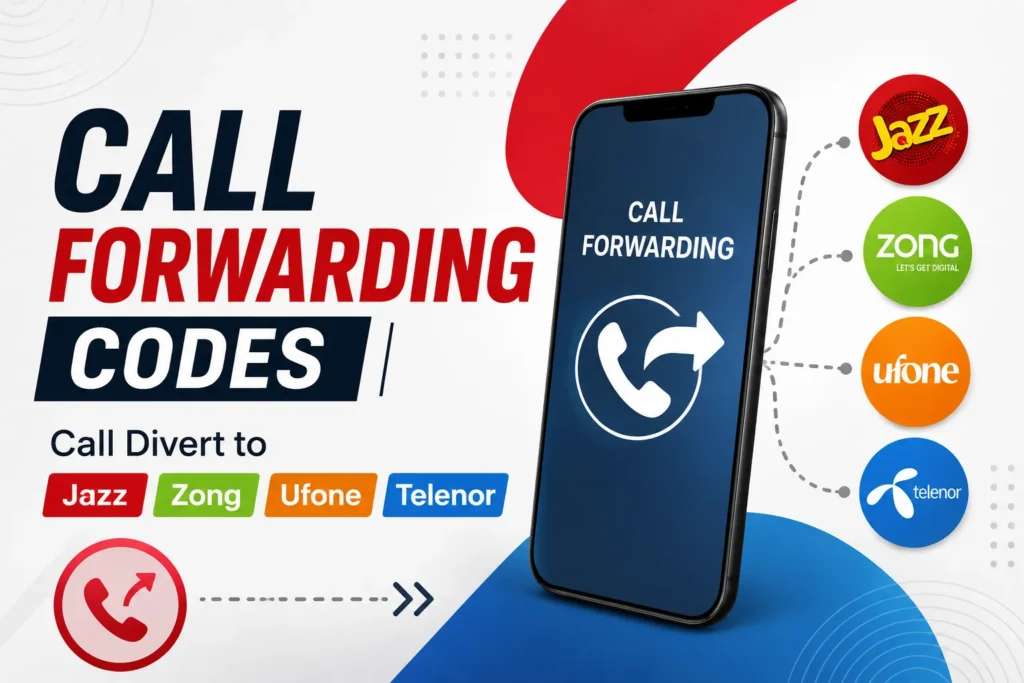
    Call Forwarding Codes | Call Divert to Jazz, Zong, Ufone, Telenor

    By Ali RehmanJune 25, 2026No Comments2 Mins Read
    Facebook Twitter WhatsApp Threads Copy Link
    call forwarding codes jazz zong ufone telenor

    With one code, you can now enable Call Forwarding on all networks in Pakistan. Yes! There is just one code that can divert a phone call. Your incoming calls can be forwarded to other lines for free using Jazz, Zong, Ufone, Telenor, or Warid service.  

    Forwarding/divert service is available to all customers who do not want to receive calls at a specific time of day. Enter a simple code into your phone’s settings to enable this service.  

    Call Divert | Call Forwarding on All Networks

    Dial the code *21*0300786#, and your Zong, Ufone, Telenor, Jazz, and Warid numbers will be activated to divert the call service. This service is completely free of charge and does not require a single rupee.  

    Those with problems activating this service on their phone can do it separately for their prepaid numbers. The Call divert/forwarding service is available for Ufone, Zong, Jazz, Warid, and Telenor SIMs.  

    Service NameCall Forwarding
    Dial Code*21*0300786#
    ChargesFree
    ValidityLifetime
    AvailabilityAll Networks
    Unsubscribe*21#

    Jazz Call Forwarding/Divert

    Service NameCall Divert
    Dial Code*21*0300786#
    Dial Code*21*Number#
    Unsubscribe##21#
    Unsubscribe##002#
    ChargesFixed

    Zong Call Forwarding/Divert

    Service NameCall Divert
    Dial Code**67*Number#
    Unsubscribe##67#
    ChargesFixed

    Ufone Call Forwarding/Divert

    Service NameCall Divert
    Dial Code**004#Number#
    Unsubscribe##004#
    ChargesFixed

    Telenor Call Forwarding/Divert

    Service NameCall Divert
    Dial Code**21*Number#
    Unsubscribe ##21#
    ChargesFixed

    Helpline Divert

    This service can be activated or deactivated by dialing your existing network’s support number. Therefore, it doesn’t charge a high fee for your account balance.  

    Terms & Conditions

    • The forwarding/divert call service is only available to prepaid customers.
    • This service is charged on a monthly and weekly basis.
    • Call divert/forwarding service can be activated via mobile settings.
    • Please visit your network’s official website for further information.

    Share. Facebook Twitter Pinterest LinkedIn Email WhatsApp Threads
    Ali Rehman

      Rehman is focusing on delivering easy-to-follow tutorials related to social media, technology, and daily life hacks. With a passion for simplifying digital tasks, he provides practical guides that help readers enhance their social media presence and tackle everyday challenges with ease.

      Related Articles

      how to do easypaisa biometric verification

      How to Do Easypaisa Biometric Verification

      how to send easypaisa tohfa

      How to Send Easypaisa Tohfa

      jazzcash easypaisa

      How to Check IBAN Number of JazzCash & EasyPaisa Accounts

      easypaisa

      How to Delete the Easypaisa Account (Step by Step)

      ptcl withholding tax

      How to Check PTCL Current Package

      telenor quiz question answers today

      Telenor Quiz Today Answers, 17 September 2026

      JOIN THE CONVERSATION

      A little discussion goes a long way.

      Ask a question, share your experience, or help someone find an answer.

      0 comments
      NewestOldestMost helpfulUnanswered
      ◇

      There is room for your perspective.

      No discussions match this view yet.

      +

      Your voice belongs here

      Keep it useful. Keep it kind.

      Cancel reply

      Your email address will not be published.


      MOST VIEWED
      how to use google free vpn How To

      How to Use Google’s Free Built In VPN on Android

      By Waqas Amjad
      connect headphones How To

      How to Connect Bluetooth Headphones to Any Device

      By Ali Rehman
      how to use whatsapps all feature How To

      How to use WhatsApp’s new @all feature

      By Waqas Amjad
      moodeng fruit codes Gaming

      All Moodeng Fruit Codes

      By Sara
      What's New

      AI Video Generator Clips Need a Real Compression Preview

      November 12, 2026
      image

      Made in America and Priced at $7,999: StarBot Launches Spark Humanoid Robot

      November 5, 2026
      tiktok adds voice notes and image carousels in comments

      TikTok Adds Voice Notes and Image Carousels in Comments

      September 4, 2026
      google messages adds ai detection to chat photos

      Google Messages Adds AI Detection to Chat Photos

      September 3, 2026
      © 2026 WIKITECHLIBRARY | All Right Reserved
      • About Us
      • Contact Us
      • Privacy Policy
      • Terms & Conditions
      • Disclaimer

      Type above and press Enter to search. Press Esc to cancel.