

My initial experience with AI tools was quite skeptical when I began using them in my studies. I believed that they were only helpful to writers or tech people. However, when I actually used them in assignments, exam preparation, and presentations, I realized how much time and stress they saved. AI tools can feel like a personal study assistant, whether it is to correct their grammar or break down a complex mathematical problem into simple language.
After testing many tools, here are the best free AI tools for students with clear explanations of what each tool does, how it helps, and when to use it.
- Why AI tools are helpful for students
- 1. ChatGPT (Free Version)
- Best use cases
- Pros and Cons
- 2. Google Gemini (Formerly Bard)
- Best use cases
- Pros and Cons
- 3. Grammarly (Free Plan)
- Best use cases
- Pros and Cons
- 4. Canva AI (Free Version)
- Best use cases
- Pros and Cons
- 5. Khan Academy AI (Khanmigo)
- Best use cases
- Pros and Cons
- 6. PhotoMath (Free)
- Best use cases
- Pros and Cons
- 7. Quizlet AI (Free Tier)
- Best use cases
- Pros and Cons
- 8. Wordtune (Free Version)
- Best use cases
- Pros and Cons
- 9. Notion AI (Limited Free Access)
- Best use cases
- Pros and Cons
- 10. Google Translate and Duolingo
- Best use cases
- Pros and Cons
- Best Free AI Tools for Students (Comparison)
- FAQs
- Are these AI tools free?
- Can AI tools replace teachers?
- Is it safe to use AI tools for assignments?
- Do these tools work on mobile phones?
Why AI tools are helpful for students
AI tools are useful because they
- Reduce time spent on research and writing
- Explain difficult topics in simple language
- Help improve English grammar and clarity
- Assist with math, science, and exam preparation
- Work on low-cost devices and mobile phones
Most importantly, the tools listed below have free plans, allowing students to use them without a paid subscription.
1. ChatGPT (Free Version)
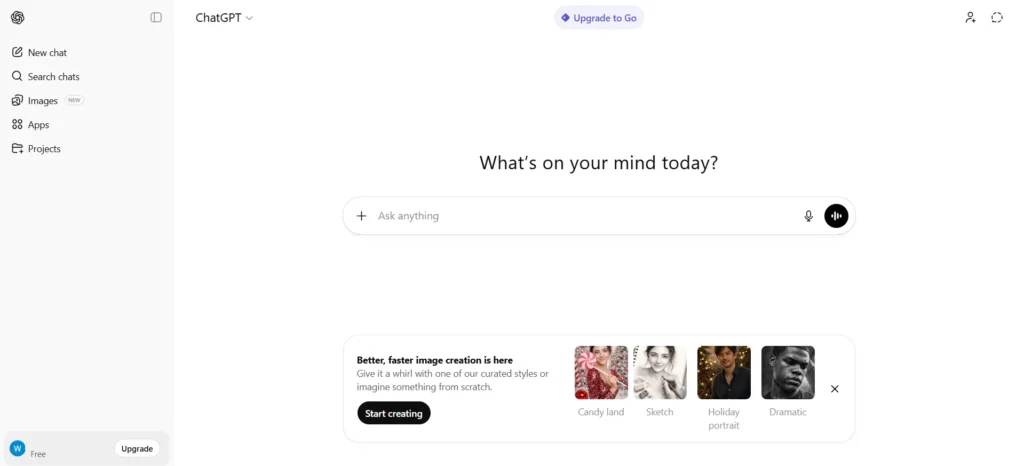
ChatGPT is an AI assistant that understands inquiries and responds in natural language. I have personally used it for creating assignment outlines, explaining concepts, and revising for exams.
ChatGPT is best when you are stuck and do not know where to start. You can ask it to explain a topic like you are a beginner, rewrite answers, or summarize long chapters.
Best use cases
- Writing essays and assignments
- Explaining subjects like physics, economics, or computer science
- Creating notes and summaries
- Brainstorming project ideas
Pros and Cons
| Pros | Cons |
|---|---|
| Explains topics in simple language | May give outdated info in free version |
| Helps with assignments and ideas | Not allowed for direct copying in exams |
| Supports many subjects | Needs fact checking for accuracy |
| Easy to use for beginners | Internet required |
It feels like asking a teacher who never gets tired. You can continue with follow-up questions until you understand.
2. Google Gemini (Formerly Bard)
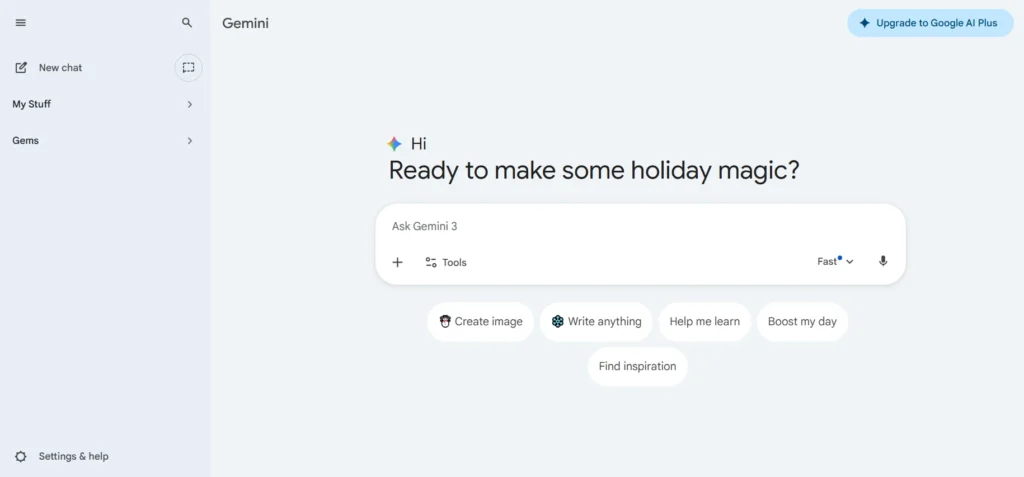
Google Gemini is Google’s AI tool that focuses more on research and real-world information.
I use Gemini when I need quick explanations with updated information, especially for general knowledge, technology topics, or comparisons.
Best use cases
- Research assistance
- Comparing topics or concepts
- Generating study plans
- Getting quick explanations
Pros and Cons
| Pros | Cons |
|---|---|
| Needs a Google account | Sometimes gives very brief answers |
| Good for research and comparisons | Less creative than ChatGPT |
| Works well with Google services | Needs Google account |
| Fast responses | Not ideal for long essays |
Since it connects directly with Google Search, it can be used to find factual and updated information.
3. Grammarly (Free Plan)
Grammarly is an AI-powered writing checker that improves grammar, spelling, and sentence clarity.
I use Grammarly to proofread my texts before I submit any assignment. It detects errors that are easy to miss, especially for non-native English speakers.
Best use cases
- Essays and assignments
- Emails to teachers
- Reports and research papers
Pros and Cons
| Pros | Cons |
|---|---|
| Fixes grammar and spelling | Advanced features are paid |
| Improves sentence clarity | Not good for technical subjects |
| Useful for essays and emails | Requires login |
| Works on browser and mobile | Limited suggestions in free plan |
It doesn’t just fix mistakes, it also explains why something is wrong to improve your writing skills over time.
4. Canva AI (Free Version)
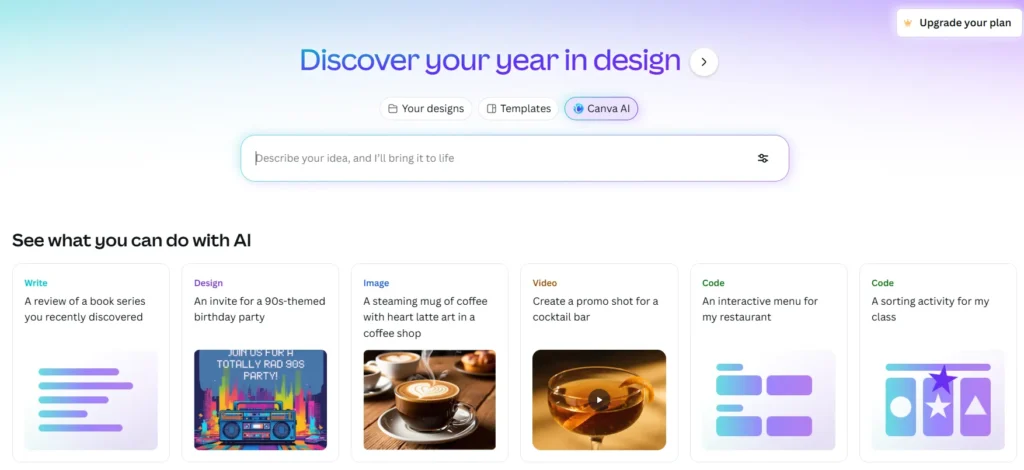
Canva is an AI-powered tool that helps you create presentations, posters, and visuals without design skills.
I have used Canva for class presentations and project covers. Canva’s AI will recommend layouts and designs to save you time on manual work.
Best use cases
- PowerPoint presentations
- Posters and charts
- Project visuals
- Infographics
Pros and Cons
| Pros | Cons |
|---|---|
| Easy presentation and poster design | Some templates are paid |
| AI helps with layouts and text | Needs good internet |
| Great for projects and slides | Limited exports in free version |
| Beginner friendly | Less control for advanced designers |
Canva makes your work look professional even if you have never designed anything before.
5. Khan Academy AI (Khanmigo)
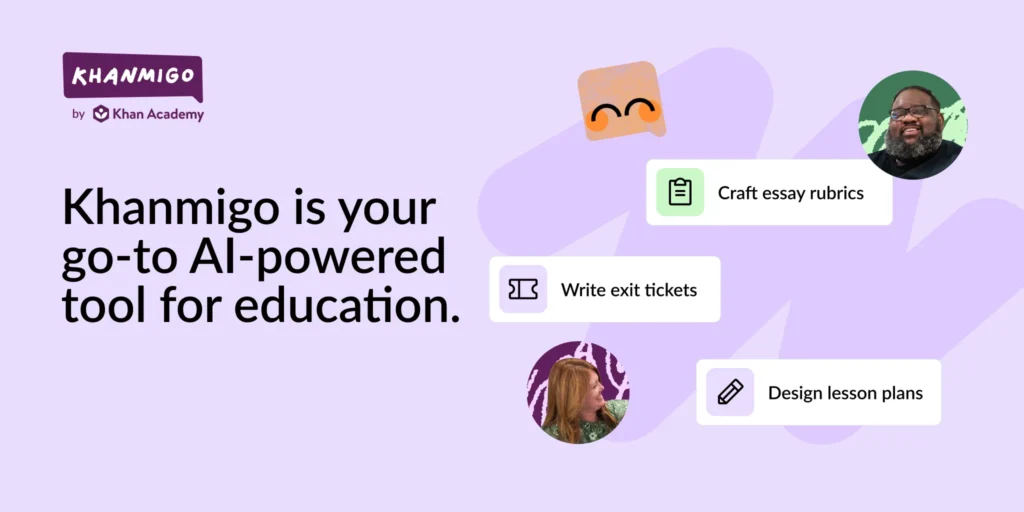
Khan Academy is an educational platform that uses AI to guide its students through mathematics and science topics.
This tool is excellent for students struggling with mathematics, physics, or chemistry. It does not provide answers, but explains how to solve problems.
Best use cases
- Math problem solving
- Science concepts
- Exam preparation
Pros and Cons
| Pros | Cons |
|---|---|
| Excellent for math and science | Limited subjects outside academics |
| Step by step explanations | Not focused on exam pattern in Pakistan |
| Completely free | Requires time and patience |
| Trusted educational source | Mostly English based |
It feels like individual tutoring, which is rare for free.
6. PhotoMath (Free)
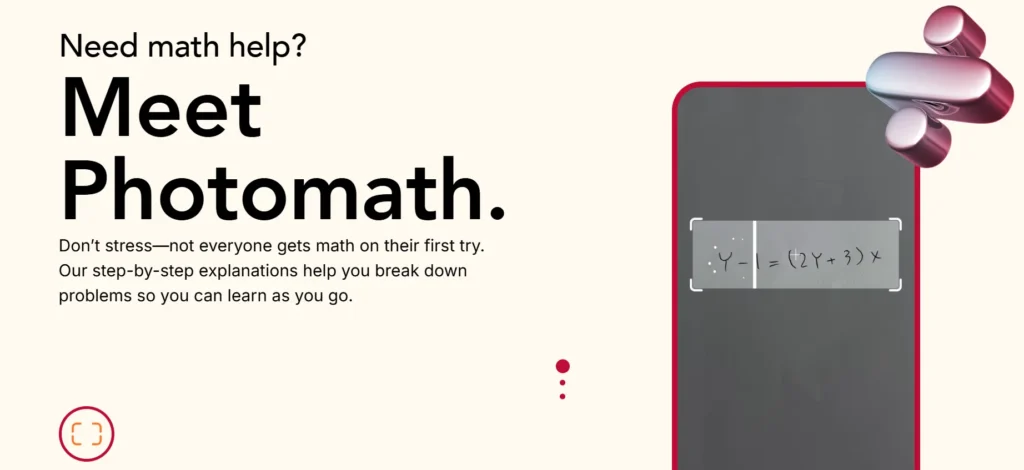
PhotoMath is a mobile app that solves math problems using your phone camera.
I have used it when homework problems were confusing. It shows the steps, not just the final answer.
Best use cases
- Algebra
- Calculus
- Geometry
Pros and Cons
| Pros | Cons |
|---|---|
| Solves math using camera | Paid version needed for deeper steps |
| Very helpful for algebra and calculus | Only useful for math |
| Shows step by step solution | Can reduce problem solving practice |
| Easy for mobile users | Needs clear camera image |
Perfect for understanding how solutions work, not just copying answers.
7. Quizlet AI (Free Tier)
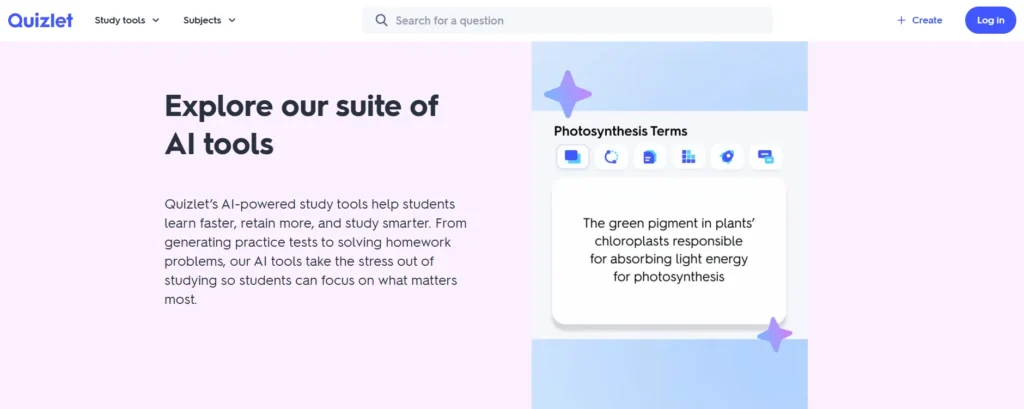
Quizlet is an AI-powered tool that helps create flashcards and practice quizzes using AI.
I use it to memorize definitions, formulas, and vocabulary before exams.
Best use cases
- Exam revision
- Vocabulary learning
- Quick testing
Pros and Cons
| Pros | Cons |
|---|---|
| Great for exam revision | Some AI features are paid |
| Flashcards improve memory | Needs time to create sets |
| Useful for MCQs and definitions | Limited free customization |
| Works well for group study | Internet required |
AI automatically converts notes into quizzes to make revision easier.
8. Wordtune (Free Version)
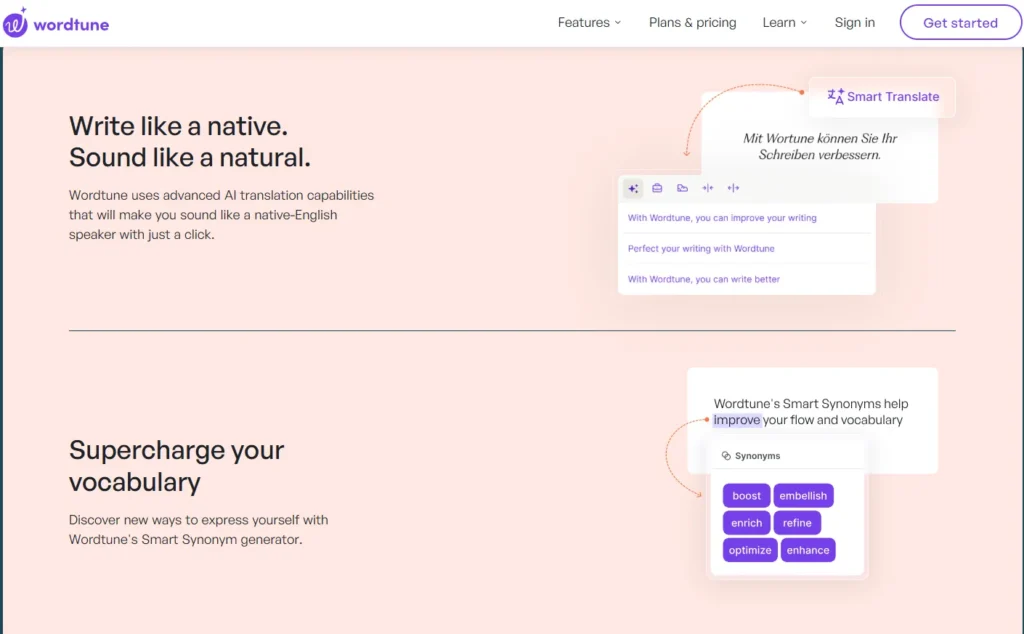
Wordtune rewrites sentences to make them clearer, simpler, or more formal.
When my writing feels awkward, Wordtune helps rephrase sentences without changing their meaning.
Best use cases
- Improving sentence flow
- Academic writing
- Rewriting answers
Pros and Cons
| Pros | Cons |
|---|---|
| Improves sentence flow | Daily rewrite limit |
| Helpful for essays and emails | Not ideal for long content |
| Easy rewriting options | No plagiarism check |
| Simple interface | Needs account |
It helps enhance clarity without being robotic.
9. Notion AI (Limited Free Access)
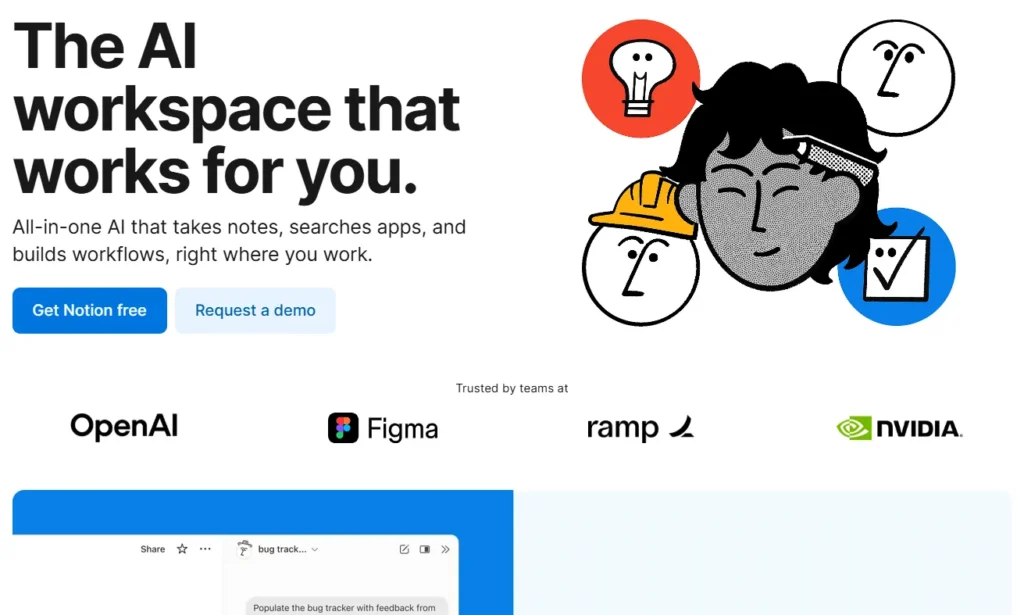
Notion AI helps organize notes, tasks, and projects using AI.
I have used it to make a messy note into a clean summary and study plans.
Best use cases
- Class notes
- Research organization
- Study planning
Pros and Cons
| Pros | Cons |
|---|---|
| Organizes notes and study plans | Limited free AI usage |
| Good for productivity | Learning curve for beginners |
| Summarizes long notes | Internet required |
| All in one workspace | Paid plan for full access |
Everything stays organized in one place.
10. Google Translate and Duolingo
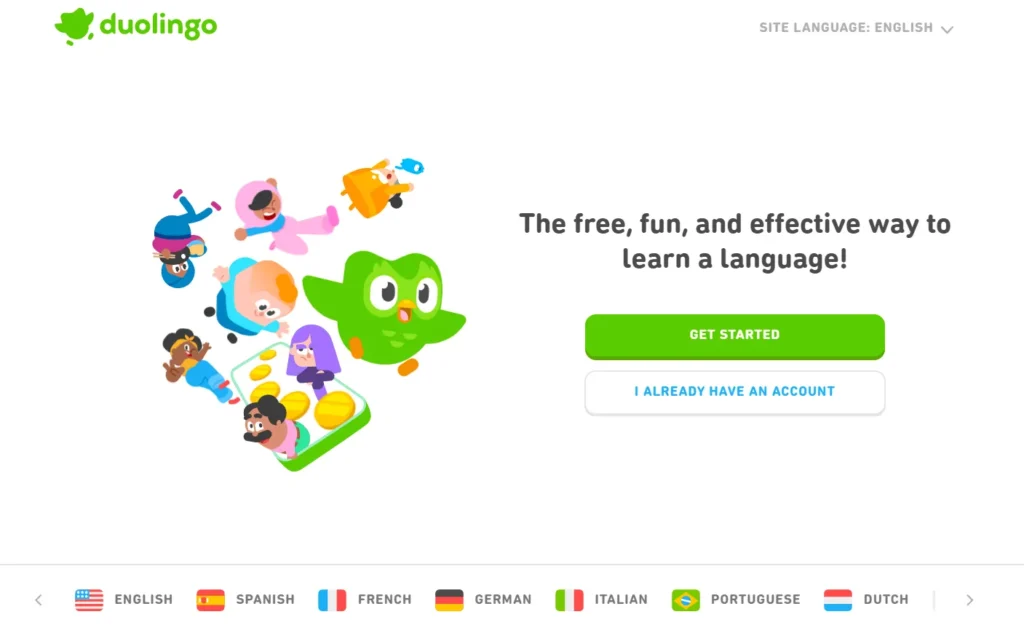
These are language-learning tools powered by AI.
Useful for students studying English or foreign languages.
Best use cases
- Language learning
- Understanding foreign articles
- Pronunciation practice
Pros and Cons
| Pros | Cons |
|---|---|
| Organizes notes and study plans | Limited free AI usage |
| Good for productivity | Learning curve for beginners |
| Summarizes long notes | Internet required |
| All in one workspace | Paid plan for full access |
Best Free AI Tools for Students (Comparison)
| AI Tool Name | Best For | Key Features | Free Availability | Works on Mobile |
|---|---|---|---|---|
| ChatGPT | Assignments, explanations | Essay help, concept explanation, summaries | Yes | Yes |
| Google Gemini | Research, factual answers | Updated info, topic comparison, study planning | Yes | Yes |
| Grammarly | Writing improvement | Grammar correction, clarity suggestions | Yes (limited) | Yes |
| Canva AI | Presentations & design | Slides, posters, infographics, AI layouts | Yes | Yes |
| Khan Academy AI | Math & science learning | Step by step problem solving, tutoring | Yes | Yes |
| PhotoMath | Math homework | Camera based math solving, detailed steps | Yes | Yes |
| Quizlet AI | Exam preparation | Flashcards, quizzes, revision sets | Yes | Yes |
| Wordtune | Sentence rewriting | Rephrasing, tone improvement | Yes (limited) | Yes |
| Notion AI | Notes & organization | Smart summaries, study planning | Limited free | Yes |
| Google Translate / Duolingo | Language learning | Translation, pronunciation, vocabulary | Yes | Yes |
FAQs
Are these AI tools free?
Yes, all tools listed have free versions.
Can AI tools replace teachers?
No. They support learning but do not replace human guidance.
Is it safe to use AI tools for assignments?
Yes, as long as you use them for assistance and learning.
Do these tools work on mobile phones?
Most of them do, including ChatGPT, Canva, PhotoMath, and Grammarly.




A little discussion goes a long way.
Ask a question, share your experience, or help someone find an answer.
There is room for your perspective.
No discussions match this view yet.
Your voice belongs here
Keep it useful. Keep it kind.