
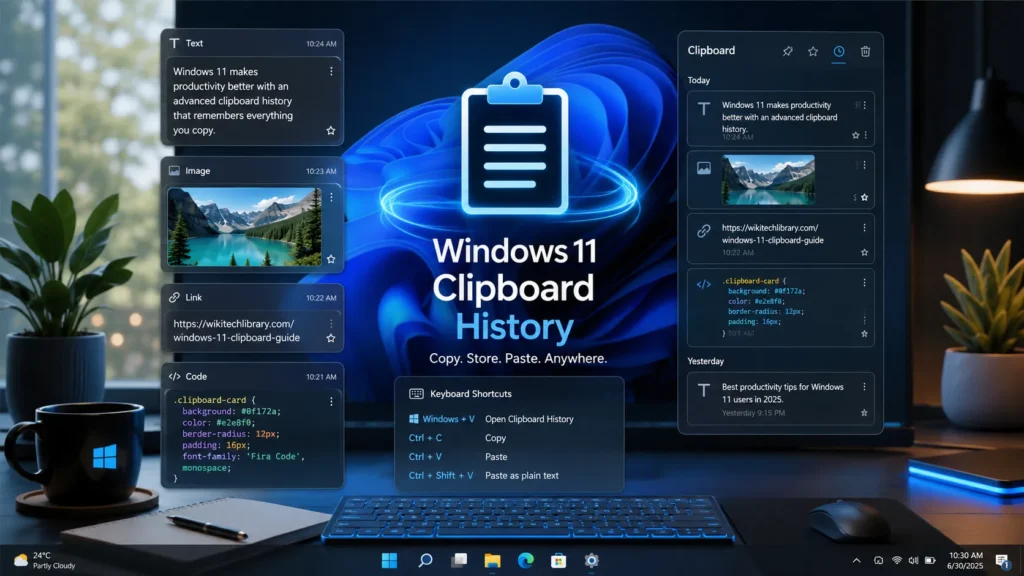
Most Windows users copy and paste text dozens of times every day without giving it much thought. The problem is that the default Windows clipboard only remembers the last thing you copied. The moment you copy something new, the previous item disappears.
I ran into this issue while researching and writing long articles. I often copied links, text snippets, images, and commands at the same time. Constantly switching back and forth between applications quickly became frustrating. That’s when I started testing clipboard managers.
A good clipboard manager stores everything you copy, lets you search your clipboard history, organize frequently used items, and paste them whenever you need them. Some even sync your clipboard across multiple devices.
After trying several popular options and comparing their features, usability, and performance, these are the seven clipboard managers that impressed me the most.
- 1. ClipClip
- What’s Best?
- What Could Be Better?
- My Personal Experience
- 2. CopyQ
- What’s Best?
- What Could Be Better?
- My Personal Experience
- 3. Ditto
- What’s Best?
- What Could Be Better?
- My Personal Experience
- 4. Clipdiary
- What’s Best?
- What Could Be Better?
- My Personal Experience
- 5. Clipboard Master
- What’s Best?
- What Could Be Better?
- My Personal Experience
- 6. Windows Clipboard History
- What’s Best?
- What Could Be Better?
- My Personal Experience
- Frequently Asked Questions
- What is a clipboard manager?
- Which clipboard manager is best for Windows?
- Is Windows Clipboard History enough?
- Are clipboard managers safe?
1. ClipClip
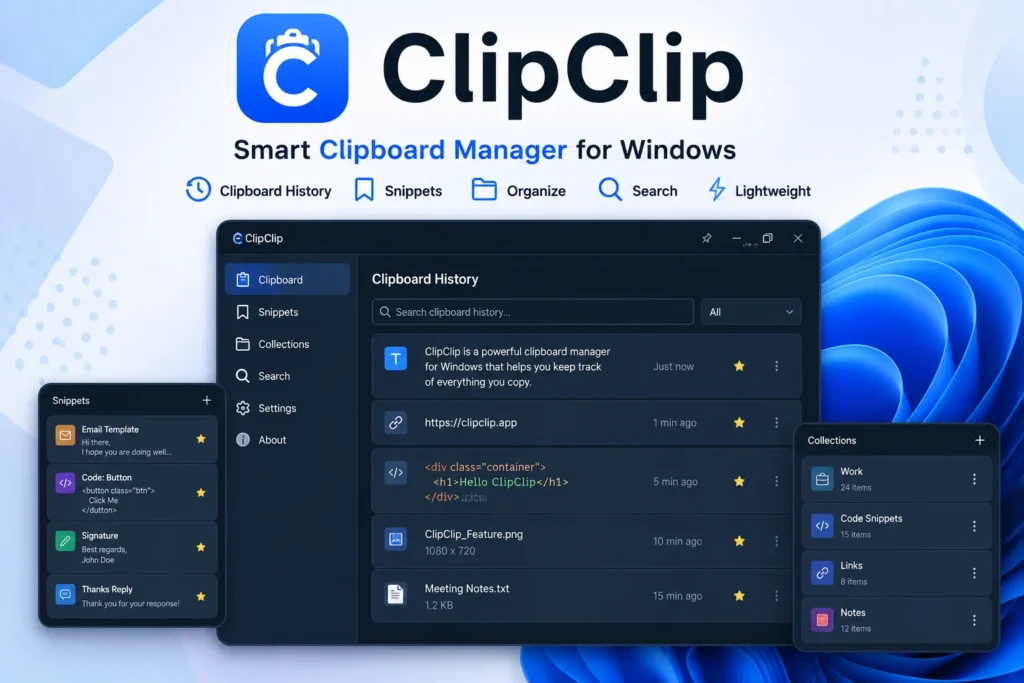
If I had to recommend just one clipboard manager for most Windows users, ClipClip would easily take the top spot.
The software combines a clean interface with powerful features without feeling complicated. It stores everything you copy, including text, links, images, and files. You can organize copied items into folders, create collections, edit clipboard entries, and even translate text directly inside the application.
One feature I appreciated was the ability to save frequently used snippets permanently. Instead of searching through old notes, I could paste commonly used email replies or code snippets with just a few clicks.
What’s Best?
- Completely free
- Folder based organization
- Snippet management
- Built in search
- Supports images and files
What Could Be Better?
The interface contains many options, which may feel slightly overwhelming during the first few days.
My Personal Experience
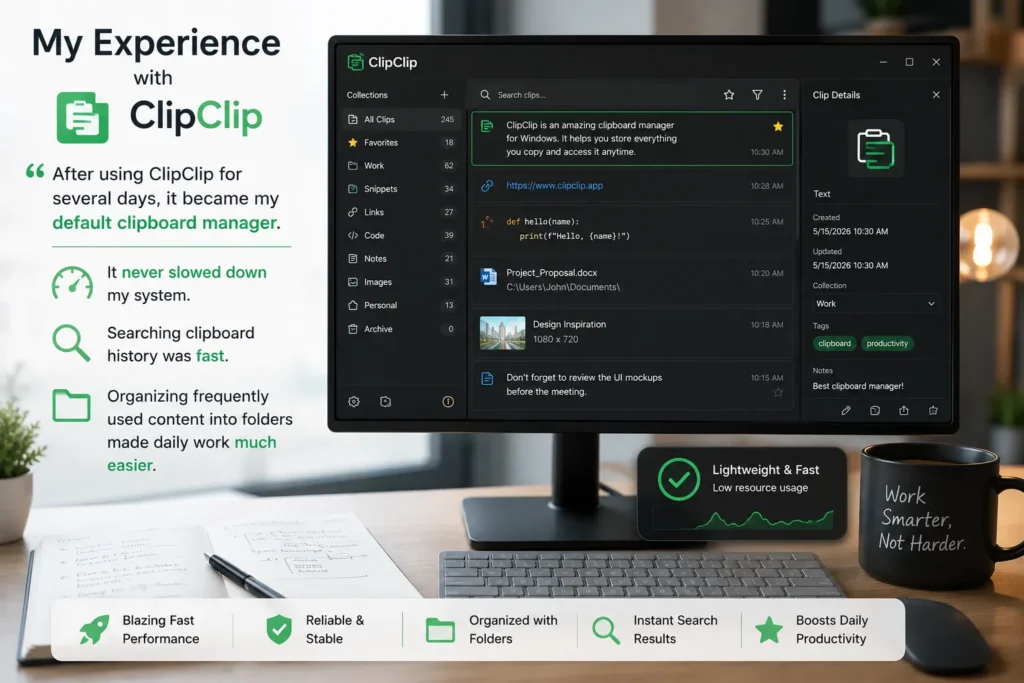
After using ClipClip for several days, it became my default clipboard manager. It never slowed down my system, searching clipboard history was fast, and organizing frequently used content into folders made daily work much easier.
2. CopyQ
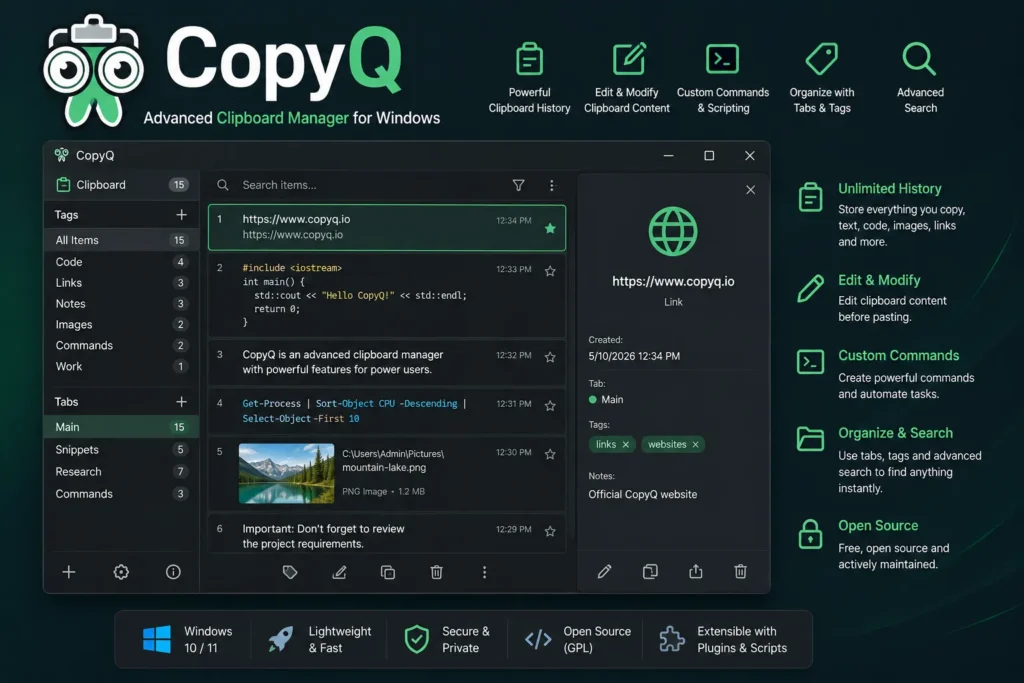
CopyQ is designed for users who need more than basic clipboard history.
Besides storing copied content, it allows editing clipboard entries, scripting automated tasks, creating custom commands, and organizing everything into tabs.
For developers, researchers, and advanced users, these extra features can save a significant amount of time.
What’s Best?
- Advanced automation
- Script support
- Powerful search
- Tab organization
- Completely free
What Could Be Better?
The learning curve is steeper than most clipboard managers.
My Personal Experience
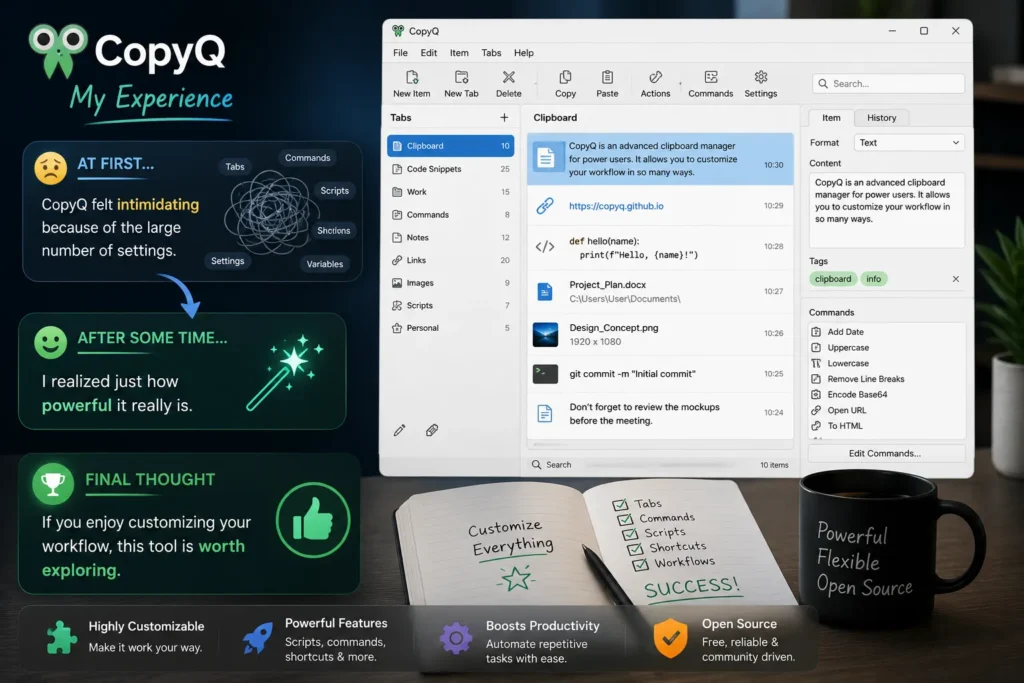
At first, CopyQ felt intimidating because of the large number of settings. After spending some time with it, I realized just how powerful it really is. If you enjoy customizing your workflow, this tool is worth exploring.
3. Ditto
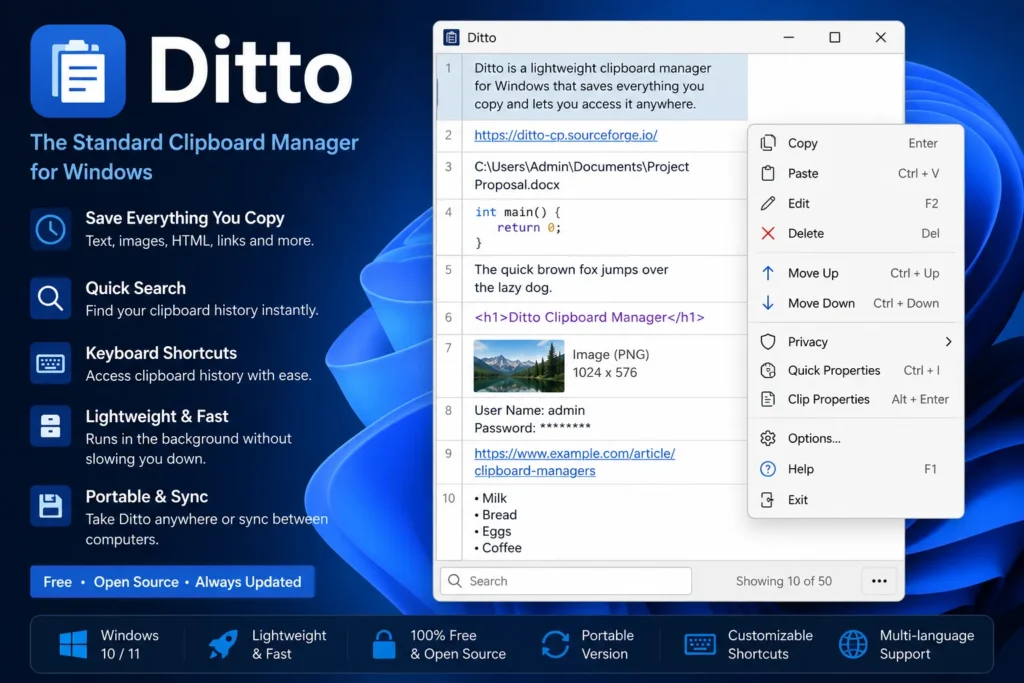
Ditto has been around for years, and there is a good reason why it remains one of the most recommended clipboard managers.
It is lightweight, fast, and extremely reliable. Unlike many modern applications packed with unnecessary features, Ditto focuses on doing one job exceptionally well.
Everything you copy is automatically saved. Finding previous clipboard entries only takes a few keystrokes thanks to its excellent search function.
What’s Best?
- Extremely lightweight
- Fast search
- Keyboard shortcut support
- Completely free
- Regular updates
What Could Be Better?
The interface feels slightly outdated compared to newer clipboard managers.
My Personal Experience
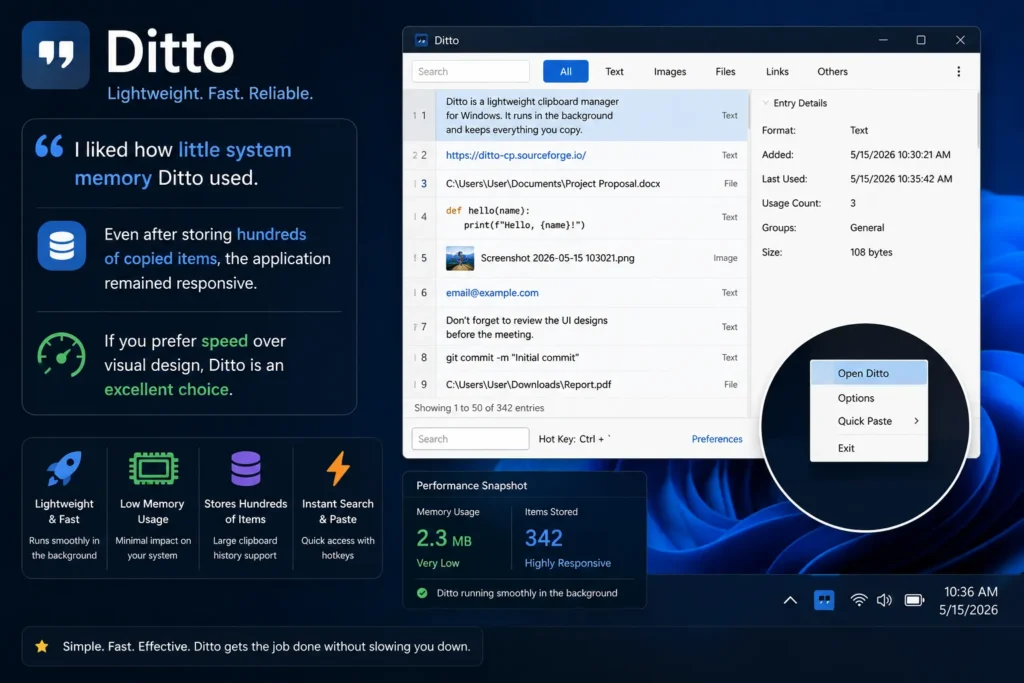
I liked how little system memory Ditto used. Even after storing hundreds of copied items, the application remained responsive. If you prefer speed over visual design, Ditto is an excellent choice.
4. Clipdiary
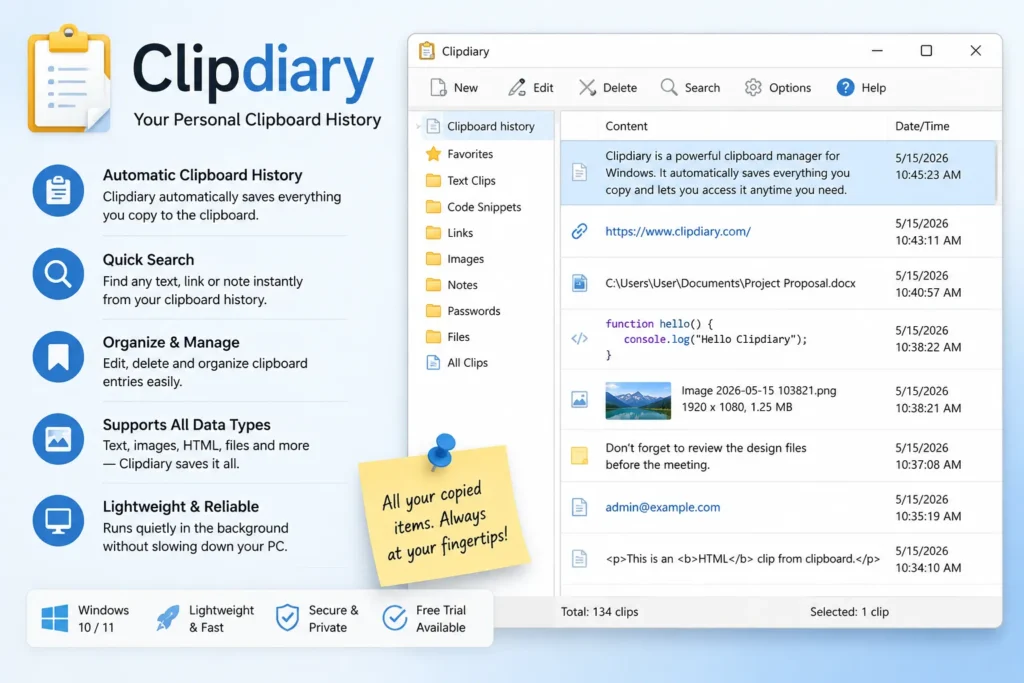
Clipdiary focuses on one thing, remembering everything you copy.
The software automatically records clipboard history and lets you quickly search through previous entries whenever needed.
What’s Best?
- Easy to use
- Fast searching
- Lightweight
- Reliable history storage
What Could Be Better?
The free version has some limitations compared to competitors.
My Personal Experience
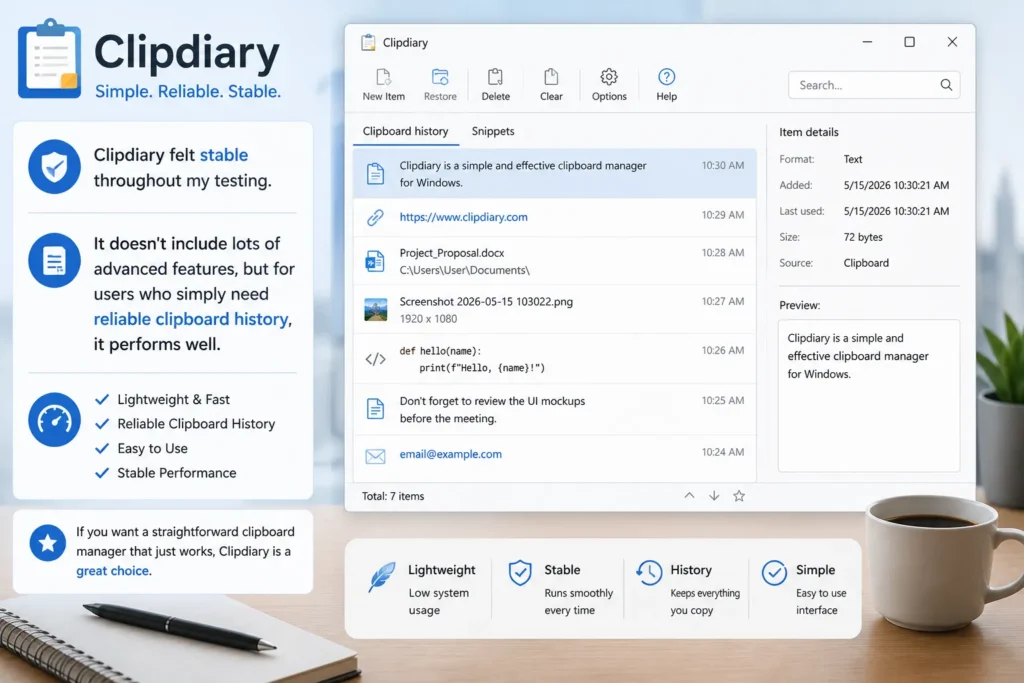
Clipdiary felt stable throughout my testing. It doesn’t include lots of advanced features, but for users who simply need reliable clipboard history, it performs well.
5. Clipboard Master
Clipboard Master combines clipboard history with text templates, shortcuts, screenshot management, and automation features.
It is designed for users who repeat similar tasks every day.
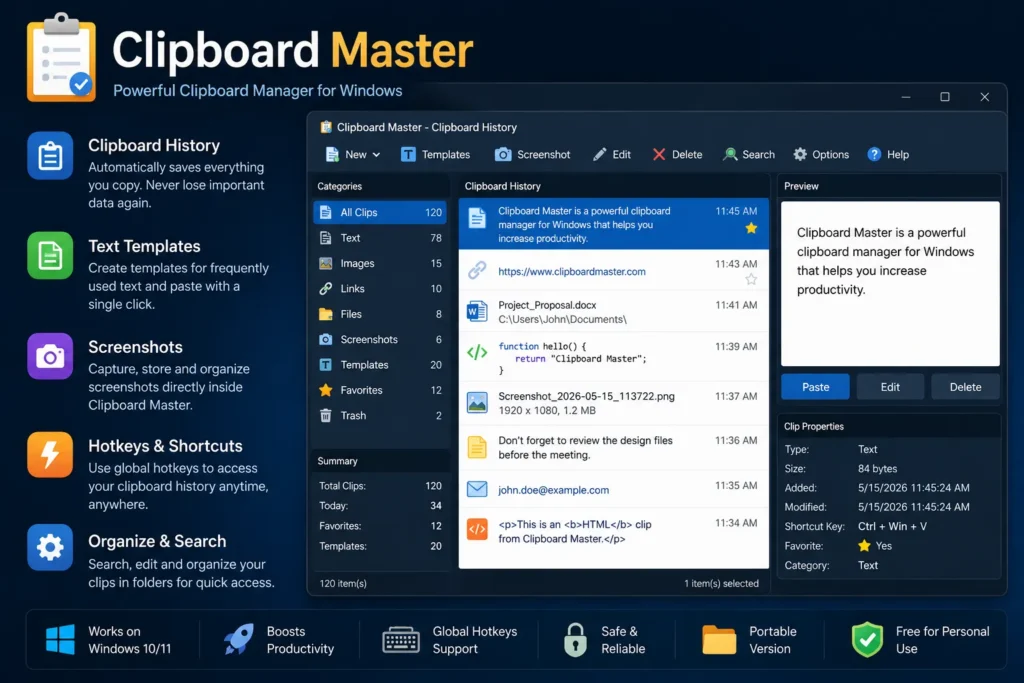
What’s Best?
- Text templates
- Screenshot support
- Productivity shortcuts
- Free for personal use
What Could Be Better?
The interface feels slightly old fashioned.
My Personal Experience
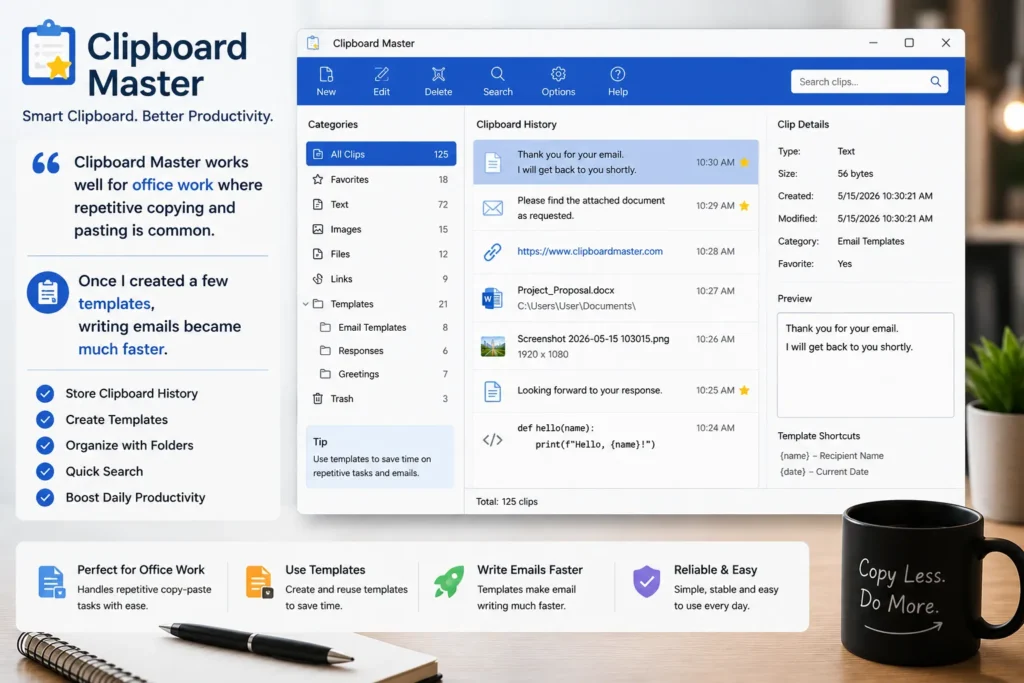
Clipboard Master works well for office work where repetitive copying and pasting is common. Once I created a few templates, writing emails became much faster.
6. Windows Clipboard History
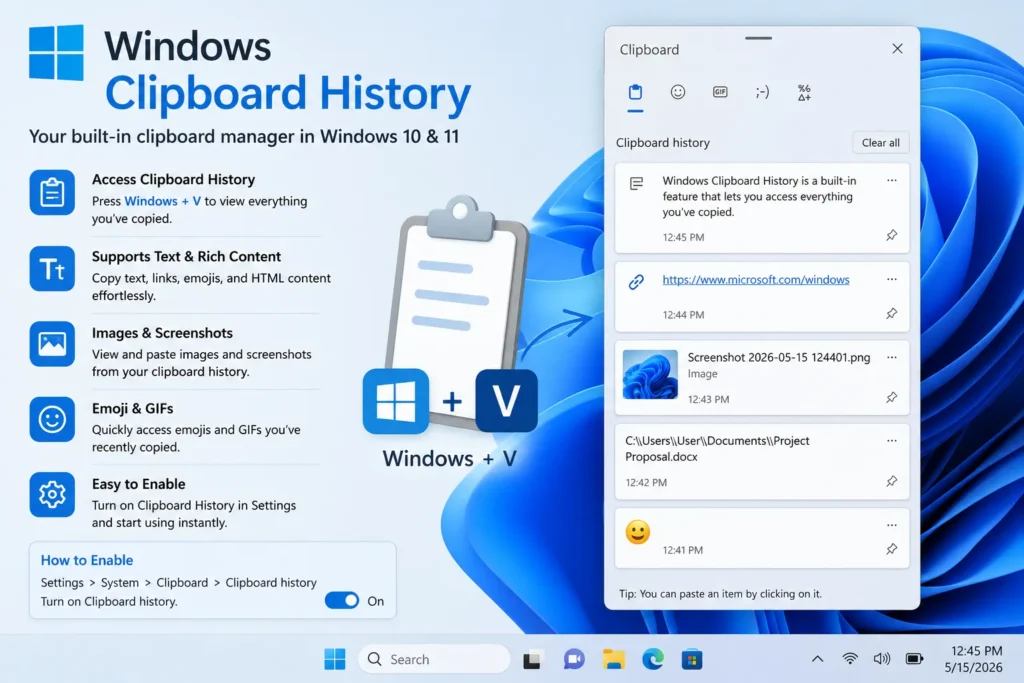
Many people don’t realize Windows already includes a basic clipboard manager.
Simply press Windows + V after enabling Clipboard History in Settings.
You will be able to access recently copied text, images, and emojis without installing additional software.
What’s Best?
- Already built into Windows
- Very easy to use
- No installation required
What Could Be Better?
It lacks folders, advanced search, automation, and long term storage.
My Personal Experience
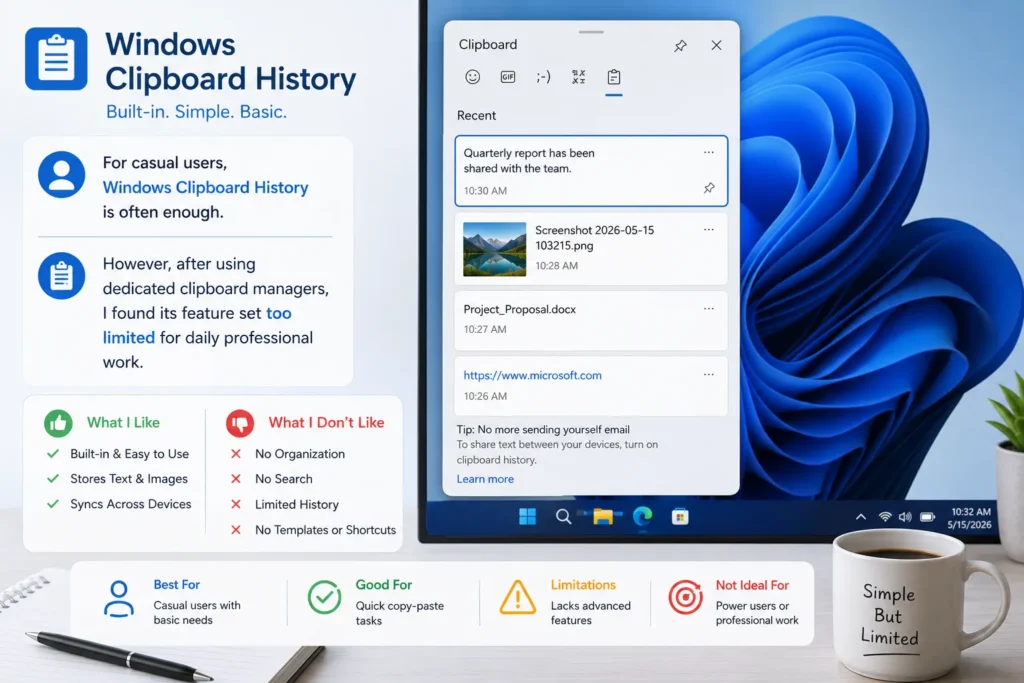
For casual users, Windows Clipboard History is often enough. However, after using dedicated clipboard managers, I found its feature set too limited for daily professional work.
Frequently Asked Questions
What is a clipboard manager?
A clipboard manager stores everything you copy so you can access older clipboard items later instead of losing them after copying something new.
Which clipboard manager is best for Windows?
ClipClip is one of the best overall options because it offers a wide range of features while remaining free and easy to use.
Is Windows Clipboard History enough?
For basic use, yes. However, advanced users usually benefit from dedicated clipboard managers that provide search, folders, synchronization, and automation.
Are clipboard managers safe?
Most reputable clipboard managers are safe when downloaded from their official websites. Avoid downloading modified versions from unknown sources.






A little discussion goes a long way.
Ask a question, share your experience, or help someone find an answer.
There is room for your perspective.
No discussions match this view yet.
Your voice belongs here
Keep it useful. Keep it kind.