
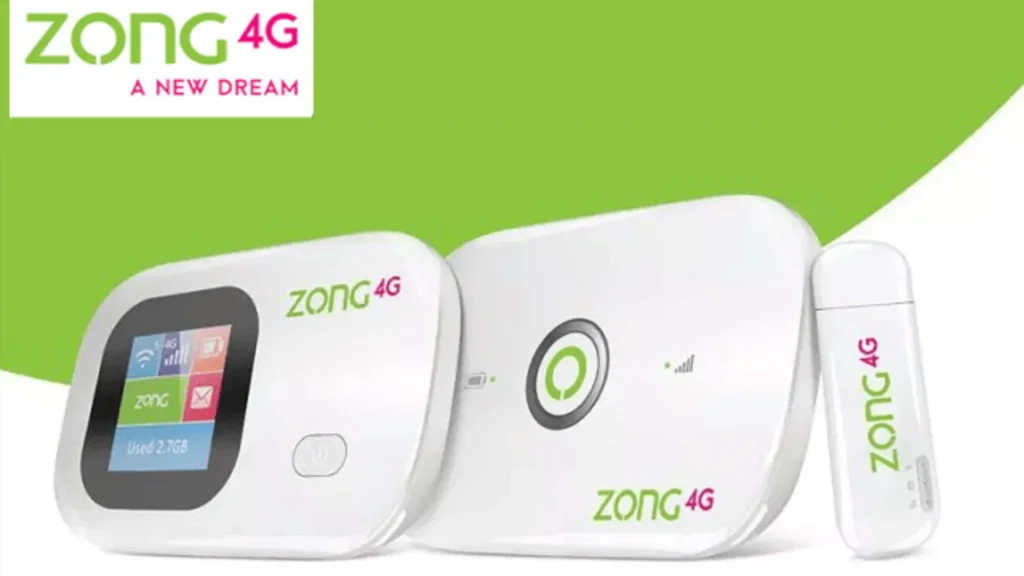
Zong internet devices, including MBB, Bolt, Bolt+, and all 4G/4G+ portable routers, sometimes experience slow speed problems in Pakistan. Even with an active package, issues such as network problems, poor strength, improper device configurations, incorrect bands, or being throttled (SIM) may occur.
- Zong device speed is Slow? How to fix it
- Check Your Signal Strength First
- Change Your Zong Device Network Band
- Restart Your Device to Refresh Network
- Check Your Data Usage Limit
- Try a Different Zong SIM Slot or Replace the SIM
- Update Your Device Software
- Reduce the Number of Connected Devices
- Reset Your Device to Default Settings
- Try Changing Your Location (Important)
Zong device speed is Slow? How to fix it
This guide provides all working, practical, and Zong-specific fixes to improve your device’s performance, allowing it to run faster.
Check Your Signal Strength First
Slow Zong device speed normally starts with low signal strength. When your phone has 1-2 bars or fluctuating signal strength, your speed will automatically reduce.
Place your ZOng device
- Near a window
- Higher shelves
- Away from walls, metal objects, or other electronic devices
Better signal = better speed.
Change Your Zong Device Network Band
Zong uses different LTE bands in Pakistan, and you can change to the correct one and immediately increase your speed.
Most Zong devices work best on
- Band 3 (1800 MHz)
- Band 1 (2100 MHz)
- Band 8 (900 MHz – for coverage)
Go to device dashboard > Network Settings > Preferred Band and test each band to find which one provides the most stable download or upload speed.
Restart Your Device to Refresh Network
Restarting your device will clear temporary network issues. Turn the device off and wait 20 seconds, then power it on.
This makes the modem reconnect to the nearest Zong tower.
Check Your Data Usage Limit
If you have exceeded the Fair Usage Policy (FUP) of your package, Zong will automatically reduce speed. Log in to your device dashboard, then check Data Usage.
If your speed is limited, renew your package or upgrade it.
Try a Different Zong SIM Slot or Replace the SIM
Sometimes the SIM card becomes weak or damaged. Insert the SIM card in a cell phone, then run a speed test.
When it works on mobile, the issue is the device. If speed is low on both device and mobile, replace the SIM at any Zong franchise.
Update Your Device Software
Zong releases firmware updates to Bolt/MBB devices. Go to Device Settings, then System Update, and check if a new update is available.
Firmware updates fix bugs and improve performance.
Reduce the Number of Connected Devices
Zong MBB/Bolt will slow down when too many devices are connected. Limit your connections to 5-7 devices for best performance. Remove unknown users from the device dashboard.
Reset Your Device to Default Settings
If nothing works, reset the device
- Press the reset button for 10-15 seconds
- Device will reboot
- Reconnect and configure again
Try Changing Your Location (Important)
Network problems depend on locations. If the device is suddenly slow, test it in another room or a different part of your house.
Sometimes moving the device just 5-10 feet can make a big difference.






A little discussion goes a long way.
Ask a question, share your experience, or help someone find an answer.
There is room for your perspective.
No discussions match this view yet.
Your voice belongs here
Keep it useful. Keep it kind.