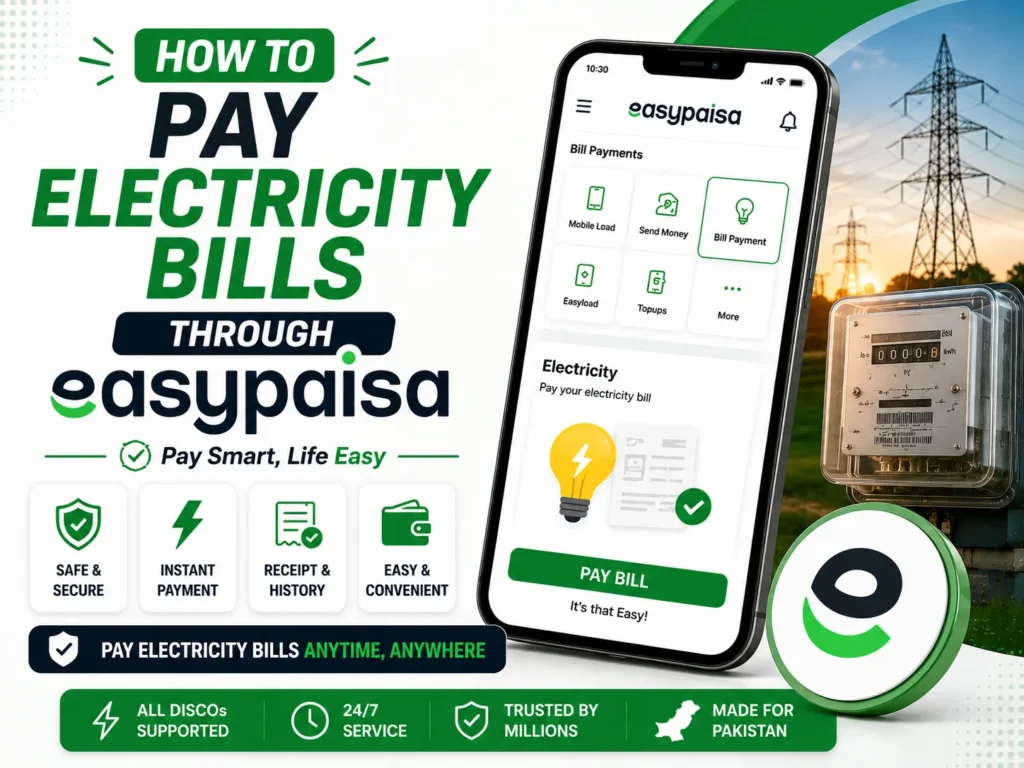
The Easypaisa app has made paying electricity bills easy to ensure the best experience. Today, people do not wish to spend time standing in long queues; they want easy solutions, like the Easypaisa service, which allows them to pay their electricity bills without stepping out of the house.
Paying your electricity bills is now easier and safer through the Easypaisa app, and this article will walk you through the steps.
How to Pay Electricity Bills through Easypaisa
Electricity bill payment in Easypaisa is a unique service that, in addition to electricity bills, can address payment for several other services. These range from fuel, water, internet, and even telephone bills. As with the procedure for paying electricity bills, a lot of stress is placed on the convenience and ease of use of Easypaisa.

The following are the steps to learn how to pay electricity bills through Easypaisa.
- Open Easypaisa and log in to your account.
- Scroll to the ‘Bill Payment’ option.
- Click on the ‘Electricity Bill’ option.
- Now, click on the ‘Electricity bill provider’ option.
- Enter your bill’s 14-digit reference number.
- Check your bill details.
- Click on the “Confirm” option to confirm the payment.
- Now, enter your Easypaisa account PIN.
You will receive a confirmation message after making a successful payment.
The Easypaisa app is the easiest, safest, and quickest way to remit an electricity bill payment. As highlighted above, you can easily ensure that numerous bills are paid at multiple service providers without spending hours standing in lines or going to offices.