Close Menu
    Facebook X (Twitter) Instagram Pinterest YouTube Bluesky WhatsApp TikTok Threads RSS
    WikiTechLibrary
    • Converters & Media
    • Web Tools
    • Finance & Tax
    • Utility & Bills
    • Vehicle Tax
    WikiTechLibrary

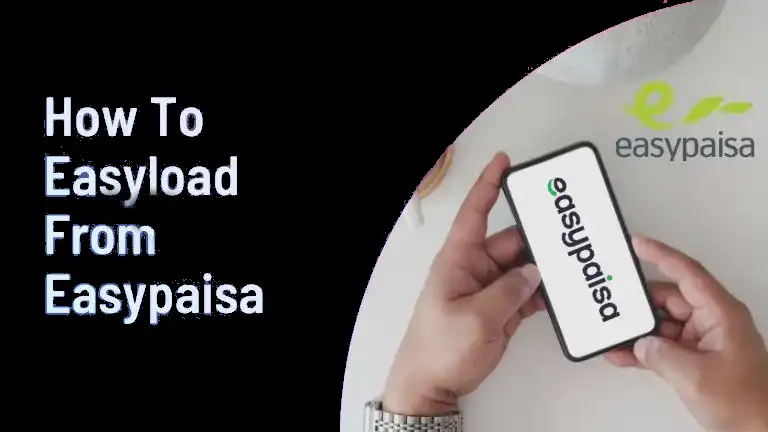
    How To Easyload From Easypaisa

    By Ahmad AliFebruary 21, 2023Updated:January 3, 2026No Comments2 Mins Read
    Facebook Twitter WhatsApp Threads Copy Link
    easyload from easypaisa

    If you can do it yourself without going to a local easyload shop, Easyload can be much more. And if you are unsure about how to easily load from Easypaisa, this would be your guide.

    Easypaisa is an internet banking payment system that enables you to recharge your smartphone, pay bills, send gifts, collect rewards and refunds, and enjoy discounts at partnering restaurants and retail outlets across Pakistan.

    How To Easyload From Easypaisa

    If you need to recharge your smartphone, you could use Easypaisa to send money to any phone number.

    • Dial *786#.
    • A list will now appear next to you, and you must send 2 for the cellular load.
    • Enter 1 to send easyload to a prepaid cell phone number on the following page.
    • Now, choose the network in which you require Easypaisa easyload.
    • Following that, enter the cellphone number in which you receive an easyload.
    • After that, enter all the essential information and add your five-digit PIN for phone load validation.
    easyload from easypaisa without app

    This was all because Easyload would be delivered to the phone you selected. You could also receive an easyload by using the Easypaisa application on your mobile phone, following the steps described above to easyload from Easypaisa without the application.

    We hope you found this helpful post; if so, please feel free to share it with other Easypaisa account users.

    Share. Facebook Twitter Pinterest LinkedIn Email WhatsApp Threads
    Ahmad Ali
    • Website

    Ahmad Ali is a skilled content creator at WikiTechLibrary, specializing in crafting detailed "how-to" tutorials on social media, tech solutions, and daily life hacks. With a passion for simplifying complex processes, he also delivers honest and insightful reviews of the latest tools, gadgets, and platforms.

    Related Articles

    how to do easypaisa biometric verification

    How to Do Easypaisa Biometric Verification

    how to send easypaisa tohfa

    How to Send Easypaisa Tohfa

    jazzcash easypaisa

    How to Check IBAN Number of JazzCash & EasyPaisa Accounts

    easypaisa

    How to Delete the Easypaisa Account (Step by Step)

    ptcl withholding tax

    How to Check PTCL Current Package

    telenor quiz question answers today

    Telenor Quiz Today Answers, 17 September 2026

    JOIN THE CONVERSATION

    A little discussion goes a long way.

    Ask a question, share your experience, or help someone find an answer.

    0 comments
    NewestOldestMost helpfulUnanswered
    ◇

    There is room for your perspective.

    No discussions match this view yet.

    +

    Your voice belongs here

    Keep it useful. Keep it kind.

    Cancel reply

    Your email address will not be published.


    MOST VIEWED
    steam mobile app How To

    How to Check Your Steam Gift Card Balance Without Redeeming

    By Muqadas Fatima
    robending online codes Gaming

    Roblox RoBending Online Codes 2024

    By Ali Rehman
    cabin crew simulator redeem codes Gaming

    All Cabin Crew Simulator Codes

    By Ali Raza
    roblox wagarashi redeem codes Gaming

    All Wagarashi Codes

    By Sara
    What's New

    AI Video Generator Clips Need a Real Compression Preview

    November 12, 2026
    image

    Made in America and Priced at $7,999: StarBot Launches Spark Humanoid Robot

    November 5, 2026
    tiktok adds voice notes and image carousels in comments

    TikTok Adds Voice Notes and Image Carousels in Comments

    September 4, 2026
    google messages adds ai detection to chat photos

    Google Messages Adds AI Detection to Chat Photos

    September 3, 2026
    © 2026 WIKITECHLIBRARY | All Right Reserved
    • About Us
    • Contact Us
    • Privacy Policy
    • Terms & Conditions
    • Disclaimer

    Type above and press Enter to search. Press Esc to cancel.