
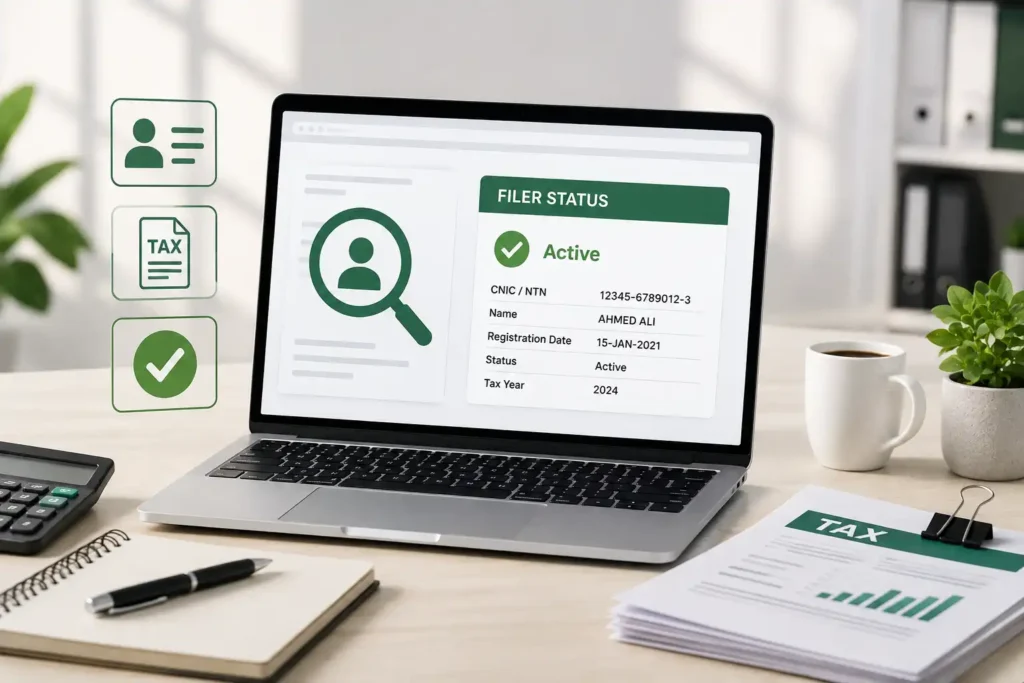
If you’ve ever paid extra tax on a bank transaction, a property deal, or vehicle registration, there’s a good chance your Active Taxpayer status was the reason why. The Active Taxpayer List, or ATL, is the record the Federal Board of Revenue uses to determine who counts as a “filer” and who doesn’t, and that distinction directly affects the tax rates you pay.
Here’s exactly how to check where you currently stand.
What Is the ATL?
The ATL is a list maintained by the FBR containing the names, CNICs, and NTNs of everyone who has filed their income tax return for the relevant tax year. Once you file your return and any dues are cleared, your name gets added to this list.
Unlike older versions of this list that were only updated once a year, the ATL is now refreshed on a weekly basis. That means if you’ve recently filed or paid an outstanding surcharge, your status can update within about a week rather than waiting for a yearly cycle.
How to Check Your ATL Status Online
The portal has changed in recent years, so it’s worth knowing the current one. The old eFBR system has been phased out, and everything now runs through IRIS, FBR’s main digital platform.
- Go to iris.fbr.gov.pk.
- Look for the Search Taxpayers or ATL Status option on the homepage.
- Enter your CNIC (without dashes) if you’re an individual, or your NTN if you are checking a business.
- Fill in the captcha shown on screen.
- Submit, and your status will display instantly as Active or Inactive, along with the date of your last filed return.
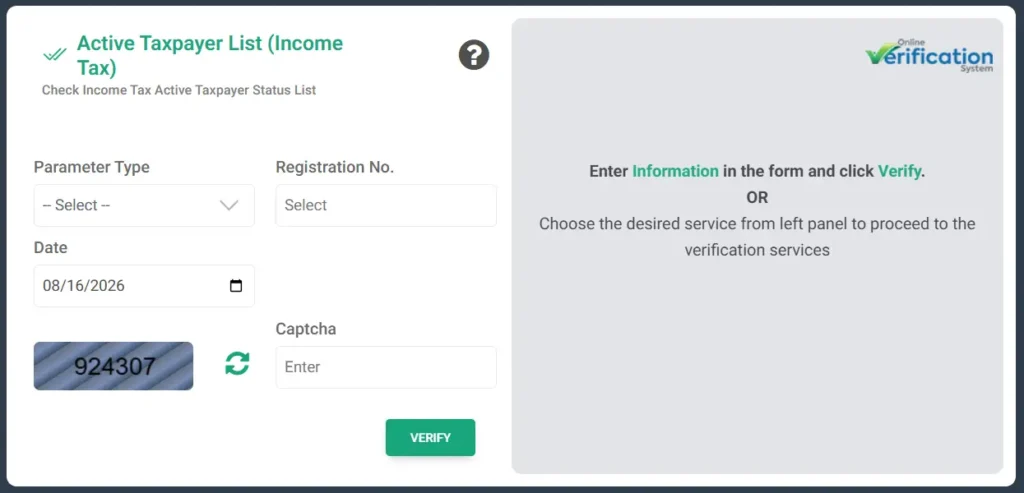
How to Check ATL Status via SMS
You can also check ATL status via SMS.
For individuals: Type ATL with your 13-digit CNIC (no dashes), and send it to 9966.
For companies: Type ATL followed by your 7-digit NTN, and send it to 9966.
For AJK taxpayers: Individuals, type AJKATL with your CNIC (no dashes). Companies, type AJKATL with their 11-digit NTN. Both go to 9966.
You’ll get a reply within a few minutes confirming your status. Standard SMS charges from your network apply.
Checking Through the Tax Asaan App
FBR also offers a mobile app called Tax Asaan, available for both Android and iOS, that lets you check your ATL status directly from your phone. It’s a handy option if you would rather not deal with the desktop version of IRIS.
How to Download the Full ATL List
If you need the complete taxpayer list rather than a single lookup, you can download it
- Go to iris.fbr.gov.pk.
- Navigate to the Search Taxpayers section.
- Look for the option to download the current Active Taxpayer List file.
- The file downloads in Excel format for offline reference.
What Happens If You’re Not on the List
If your name does not appear on the ATL, you’re treated as a non-filer, which means higher withholding tax rates on things like property transactions, vehicle registration, banking transactions, and various business payments.
If you missed the annual filing deadline, you can still get back on the list by paying an ATL surcharge:
- Rs. 1,000 for individuals
- Rs. 10,000 for companies and AOPs
Once the surcharge is paid through FBR’s e-payment system, your status typically updates to active within the next weekly cycle.
Frequently Asked Questions
How long does it take to appear on the ATL after filing?
Usually around 7 to 10 days after your return is processed, your status should reflect in the next weekly ATL update.
Is checking my ATL status through IRIS free?
Yes, checking your status online through IRIS or via the Tax Asaan app is completely free. Only the SMS method involves standard network messaging charges.
What’s the difference between eFBR and IRIS?
eFBR was FBR’s older web portal, mainly used as an informational hub. IRIS has since become the single, official platform for filing returns, registering for an NTN, and checking ATL status.
Can I check someone else’s ATL status?
Yes, ATL is a public record. You can look up any CNIC or NTN through the IRIS portal, since it’s meant to be publicly verifiable.
What happens if I pay the ATL surcharge but I’m still showing as inactive?
Give it until the next weekly update cycle. If your status still hasn’t changed after that, it’s worth verifying the payment went through correctly on IRIS or contacting your local FBR office.
Do I need to file every single year to stay on the ATL?
Yes, the ATL reflects your most recent filed tax year. Even if you filed before, missing the current year’s deadline moves you to inactive status until you file again or pay the applicable surcharge.




A little discussion goes a long way.
Ask a question, share your experience, or help someone find an answer.
There is room for your perspective.
No discussions match this view yet.
Your voice belongs here
Keep it useful. Keep it kind.