Close Menu
    Facebook X (Twitter) Instagram Pinterest YouTube Bluesky WhatsApp TikTok Threads RSS
    WikiTechLibrary
    • Converters & Media
    • Web Tools
    • Finance & Tax
    • Utility & Bills
    • Vehicle Tax
    WikiTechLibrary

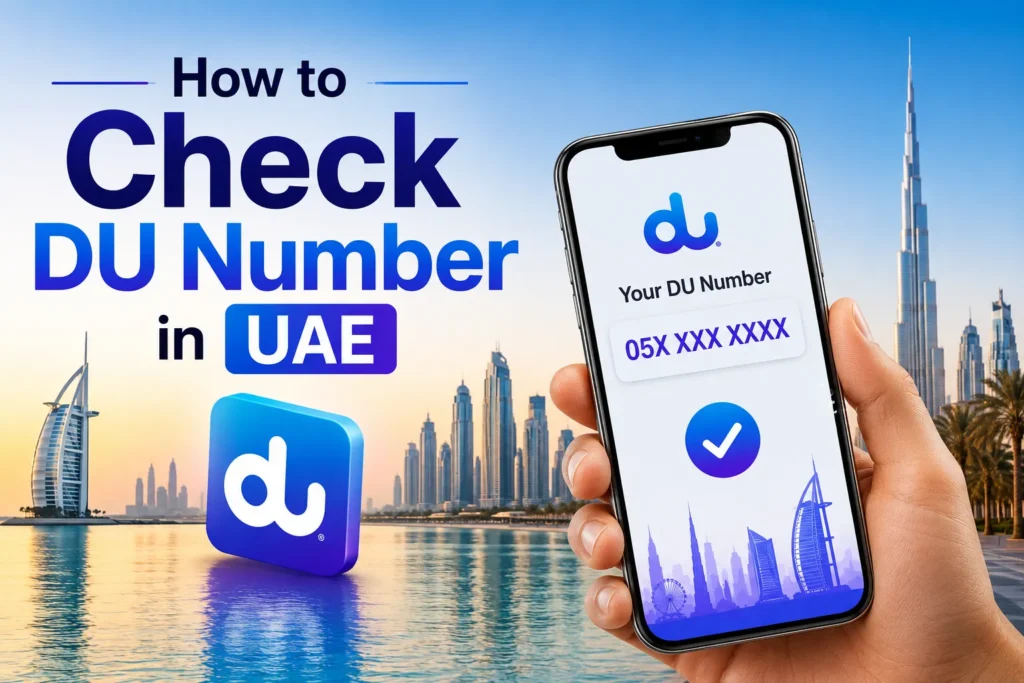
    How to Check DU Number in UAE

    By Ali RehmanJune 25, 2026No Comments3 Mins Read
    Facebook Twitter WhatsApp Threads Copy Link
    check du number uae how to

    DU is one of the leading telecom operators in the UAE and offers many services, such as mobile and internet. This can be really hard to remember, particularly if you got the mobile number for the first time, say, for a new DU SIM user. This guide will help you get your SIM packet back quickly if you have lost it or just forgotten the number.

    How do I check my Du number if I am a tourist using Visitor Du Sim or a resident with a Prepaid or postpaid plan? You can easily do it with any of these methods.

    How to Check DU Number in UAE

    Here are some methods to check the DU number in UAE.

    Dial *116#

    It is the simplest way to get your DU number.

    • Dial *116# and press the call button.
    • Your DU number will appear on the screen instantly.
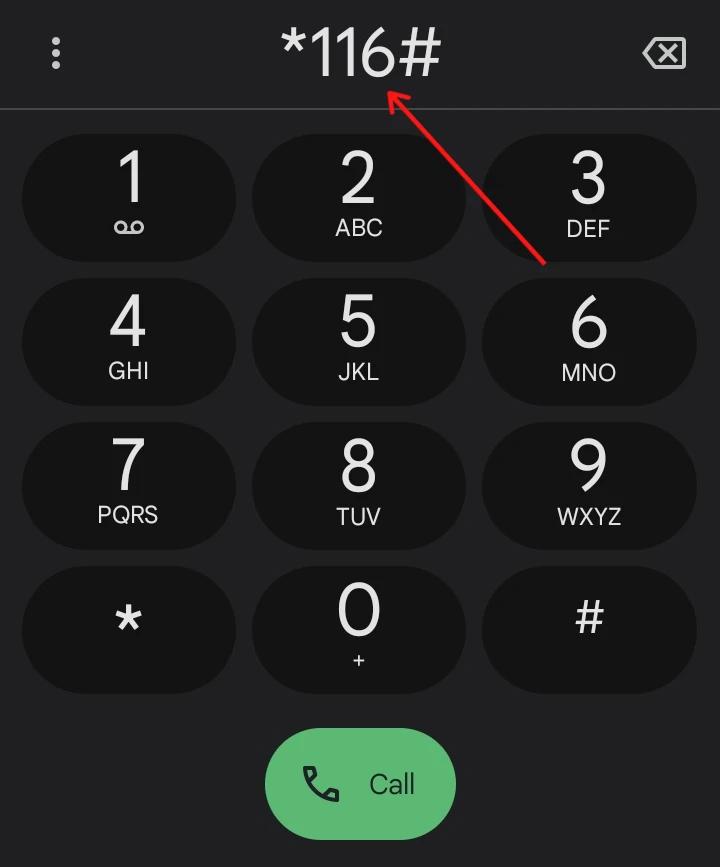
    dial 116

    This method will work for all mobile phones, even feature phones with keypads.

    Via DU App

    If you have the DU app, you can get your number out of your account.

    • Download the DU App from the Apple Store or Google Play Store.
    • Log in to your DU account.
    • Go to My Account > Overview to see your number
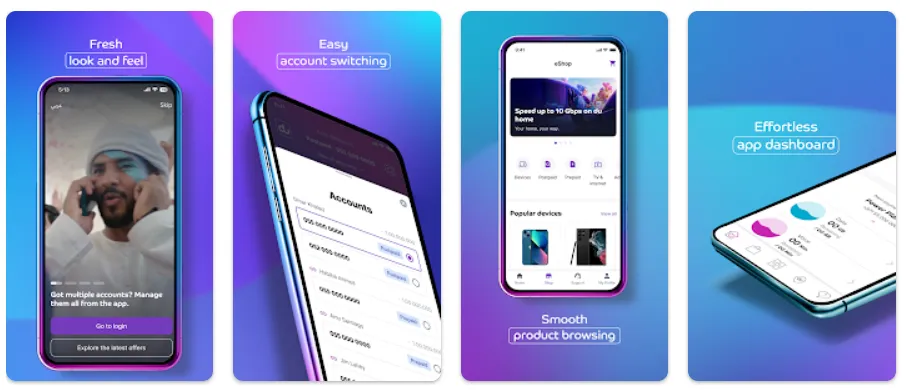
    du app

    Creating a DU account when buying a new SIM is highly recommended to access your account information easily.

    Via DU SIM Packet

    The number of a new DU SIM is printed on the SIM packet.

    • Check the number by side with the SIM and PUK code.
    • If you still have the packet, you will find your number on that paper.
    • Take a photo of the packet for future reference.
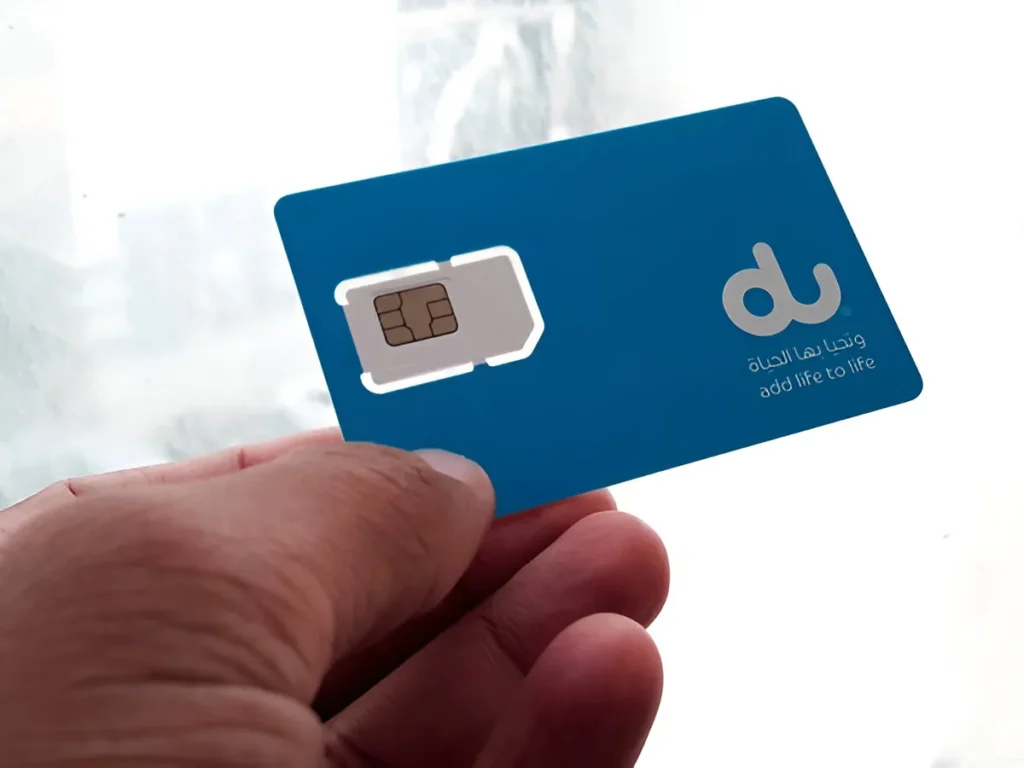
    du sim pocket

    Via Activation SMS or Receipt

    When you turn on your new DU SIM, you normally receive an SMS saying you are activated and providing your number.

    • Find the DU activation message.
    • You can also find it on the receipt you received from the purchase of your SIM, as it may have your number on it.

    Via SMS to 1355

    To get your number, you can send a free SMS.

    • Open your messaging app.
    • Type “NUMBER” in a new message.
    • Send it to 1355.
    • DU will reply to you with your mobile number.

    Via TDRA Portal

    If you have opted into the telecoms services database of SIMs, the TDRA (Telecommunications and Digital Government Regulatory Authority) portal lets you view all SIMs registered under your Emirates ID.

    • Visit the TDRA Portal.
    • Log in using your Emirates ID or UAE Pass.
    • Go to “Hesabati” under “Our Initiatives” to view all registered SIM numbers.
    tdra portal

    FAQs

    What if I do not have a DU account for app?

    To create a DU account, use your SIM details or your Emirates ID. But if you don’t have an account yet, dial *116#.

    Is the TDRA portal free to use?

    Yes, the Hesabati feature on this TDRA Portal allows you to view all SIMs registered to your Emirates ID for free.

    What if I have lost my SIM packet?

    You can use the USSD code *116# and send an SMS on 1355 or the DU App.

    Share. Facebook Twitter Pinterest LinkedIn Email WhatsApp Threads
    Ali Rehman

      Rehman is focusing on delivering easy-to-follow tutorials related to social media, technology, and daily life hacks. With a passion for simplifying digital tasks, he provides practical guides that help readers enhance their social media presence and tackle everyday challenges with ease.

      Related Articles

      how to do easypaisa biometric verification

      How to Do Easypaisa Biometric Verification

      how to send easypaisa tohfa

      How to Send Easypaisa Tohfa

      jazzcash easypaisa

      How to Check IBAN Number of JazzCash & EasyPaisa Accounts

      easypaisa

      How to Delete the Easypaisa Account (Step by Step)

      ptcl withholding tax

      How to Check PTCL Current Package

      telenor quiz question answers today

      Telenor Quiz Today Answers, 17 September 2026

      JOIN THE CONVERSATION

      A little discussion goes a long way.

      Ask a question, share your experience, or help someone find an answer.

      0 comments
      NewestOldestMost helpfulUnanswered
      ◇

      There is room for your perspective.

      No discussions match this view yet.

      +

      Your voice belongs here

      Keep it useful. Keep it kind.

      Cancel reply

      Your email address will not be published.


      MOST VIEWED
      blood of punch redeem codes Gaming

      All Blood of Punch Codes

      By Ali Raza
      samsung galaxy z fold8 ultra unpacked 2026 Latest News

      Samsung’s Galaxy Z Fold8 Ultra arrives with an 8-inch screen and a new “Ultra” badge for foldables

      By Waqas Amjad
      build ur base codes roblox Gaming

      All Roblox Build Ur Base Codes

      By Sara
      create a payoneer in pakistan How To

      How to Create a Payoneer in Pakistan

      By Muqadas Fatima
      What's New

      AI Video Generator Clips Need a Real Compression Preview

      November 12, 2026
      image

      Made in America and Priced at $7,999: StarBot Launches Spark Humanoid Robot

      November 5, 2026
      tiktok adds voice notes and image carousels in comments

      TikTok Adds Voice Notes and Image Carousels in Comments

      September 4, 2026
      google messages adds ai detection to chat photos

      Google Messages Adds AI Detection to Chat Photos

      September 3, 2026
      © 2026 WIKITECHLIBRARY | All Right Reserved
      • About Us
      • Contact Us
      • Privacy Policy
      • Terms & Conditions
      • Disclaimer

      Type above and press Enter to search. Press Esc to cancel.