
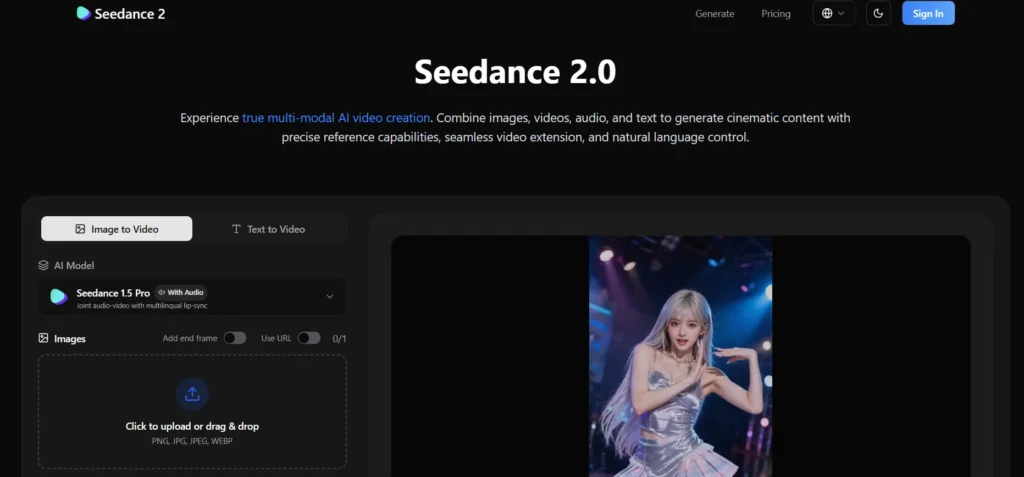
In the world of professional film and music video production, the “Edit” is where the magic happens. A great editor doesn’t just place clips in a sequence; they align the visual energy, the cuts, the camera movements, and the character actions with the rhythm of the soundtrack. This alignment, often called “cutting to the beat,” is what creates that satisfying, hypnotic flow that keeps audiences hooked on a music video or a high-energy commercial.
Until recently, AI video generation was a “silent” medium. You would generate a beautiful 5-second clip and then struggle in post-production to stretch, shrink, or time-map it to fit your music. Seedance 2.0 has officially ended this “silent era.” By treating audio as a core reference modality, Seedance 2.0 allows creators to drive video motion using audio tracks. This is “Beat-Synced Brilliance”: the ability to let the music dictate the movement of the pixels.
- The Shift: From Background Music to Rhythm-Driven Generation
- How to Achieve Perfect Beat-Sync with Seedance 2.0
- 1. Using Audio as a “Timing Reference”
- 2. Driving Camera Language with Sound
- Avoiding “Motion Mismatch”: The Power of Multi-Modal Context
- Real-World Applications for Rhythm-Synced AI
- Quality Control: Watermark-Free for Professional Workflows
- Conclusion: Letting the Music Lead
The Shift: From Background Music to Rhythm-Driven Generation
Most AI models treat audio as an afterthought, something you overlay on top of a finished video. Seedance 2.0 flips this workflow. Its Native Audio-Visual Sync engine processes audio and video simultaneously. This means the AI isn’t just “listening” to the music; it is using the audio’s waveform to condition the diffusion process.
When you upload a drum-heavy EDM track as an Audio Reference, the AI recognizes the peaks and valleys in the sound. It then translates these acoustic cues into visual velocity. A sharp snare hit might trigger a rapid camera zoom, while a deep bass drop could initiate a dramatic scene transition or an explosion. This result is a video that feels like it was born from the music, not just paired with it.
How to Achieve Perfect Beat-Sync with Seedance 2.0
Mastering the rhythm of your AI videos requires a strategic use of Seedance 2.0’s multi-modal inputs. Here is the professional workflow for creating rhythm-driven content:
1. Using Audio as a “Timing Reference”
Seedance 2.0 allows you to upload up to 3 audio files (max 15 seconds total). When you upload a track, you can tag it in your prompt as @audio1. By doing this, you are telling the AI: “Use the tempo and rhythm of this file to govern the pacing of the video.” * Pro Tip: For fast-paced social media ads, choose audio with clear, distinct beats. The more “percussive” the audio, the more accurate the AI will be at aligning visual cuts and motion bursts.
2. Driving Camera Language with Sound
One of the most impressive feats of Seedance 2.0 is its ability to match “Camera Pacing” to audio intensity.
- Low Intensity: During a soft piano intro, use a prompt like “Slow, graceful tracking shot, matching the calm tempo of @audio1.” The AI will generate a smooth, steady camera glide.
- High Intensity: During a crescendo or a beat drop, change your prompt to “High-speed camera pans and rhythmic strobe lighting, synced to the peak energy of @audio1.” #### 3. Native Lip-Sync and Phoneme Alignment If your audio track includes vocals or a voiceover, Seedance 2.0’s Phoneme-level Lip-Sync takes over. It doesn’t just move the character’s mouth randomly; it aligns the mouth shapes to the specific sounds (phonemes) in the audio. This creates a level of realism that makes AI characters look like they are actually performing the song or delivering the dialogue in real-time.
Avoiding “Motion Mismatch”: The Power of Multi-Modal Context
A common challenge in AI video is when the “look” of the scene doesn’t match the “vibe” of the sound. Seedance 2.0 solves this by allowing you to combine your audio reference with Video References and Image References.
Imagine you are creating a cyberpunk music video:
- Audio: You upload a glitchy, industrial techno track.
- Image: You upload a character reference with neon lighting.
- Video: You upload a clip of a fast “shaky cam” chase sequence.
Because Seedance 2.0 can ingest all three simultaneously, it understands that the style is neon, the motion is a chase, and the timing is the techno beat. The AI synthesizes these into a coherent 15-second “master shot” where every glitch in the music is reflected in a glitch in the visual frame.
Real-World Applications for Rhythm-Synced AI
The ability to generate beat-synced video at 2K resolution is transforming several key industries:
- Music Promos: Independent musicians can now generate teasers for their new singles that perfectly reflect the “pulse” of their music, without hiring a professional editor.
- Fitness & Sports Ads: Nothing motivates viewers like an action sequence that hits exactly on the beat. Brands are using Seedance 2.0 to sync workout movements to high-energy soundtracks.
- Fashion Reels: Fashion thrives on “snappy” edits. By syncing outfit transitions to a runway beat, brands can create mesmerizing loops that perform exceptionally well on Instagram and TikTok.
Quality Control: Watermark-Free for Professional Workflows
For creators looking to post their work on professional platforms, Seedance 2.0’s Watermark-Free downloads are essential. When you generate a beat-synced masterpiece, you don’t want a distracting logo in the corner. The output is clean, 2K-resolution, and ready to be used as a “final asset” or dropped into a larger project in CapCut or Premiere Pro.
Conclusion: Letting the Music Lead
We are entering the age of “Director-less” precision, where the music itself becomes the director. Seedance 2.0 has bridged the gap between sound and sight, allowing the invisible waves of audio to shape the visible world of video.
By mastering the art of beat-synced brilliance, you are no longer just a “prompter”, you are a conductor. You have the power to create videos that don’t just look good, but feel right, because every movement is a physical manifestation of the music. Whether you’re making a 15-second viral hit or the conceptual heart of a feature film, let Seedance 2.0 listen to your music and show you what it looks like.





A little discussion goes a long way.
Ask a question, share your experience, or help someone find an answer.
There is room for your perspective.
No discussions match this view yet.
Your voice belongs here
Keep it useful. Keep it kind.