
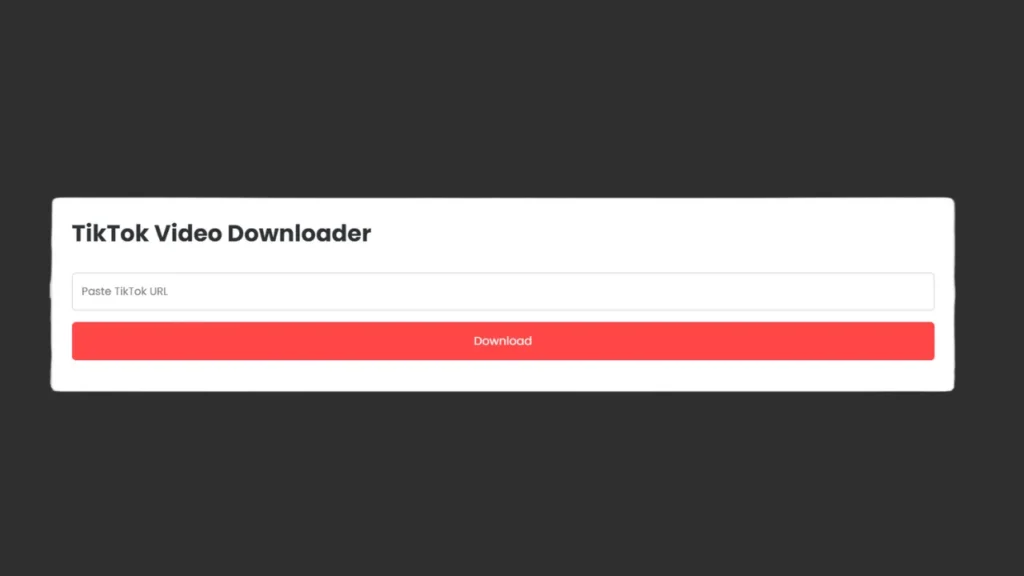
- TikTok Video Downloader
- How to Use TikTok Video Downloader
- Features
- Tips for Safe Downloading
- Frequently Asked Questions (FAQs)
- 1. Is TikTok Video Downloader free to use?
- 2. Can I download TikTok videos on my mobile?
- 3. Do I need to install any app?
- 4. Is it safe to download TikTok videos?
- 5. Can I download private TikTok videos?
- Disclaimer
TikTok Video Downloader
Many people love TikTok videos and want to save them for offline viewing. Our TikTok Video Downloader allows you to download videos easily on any device without installing any app. Just paste the video link and click the download button to save it instantly.
How to Use TikTok Video Downloader
1. Open TikTok and copy the link of the video you want to download.
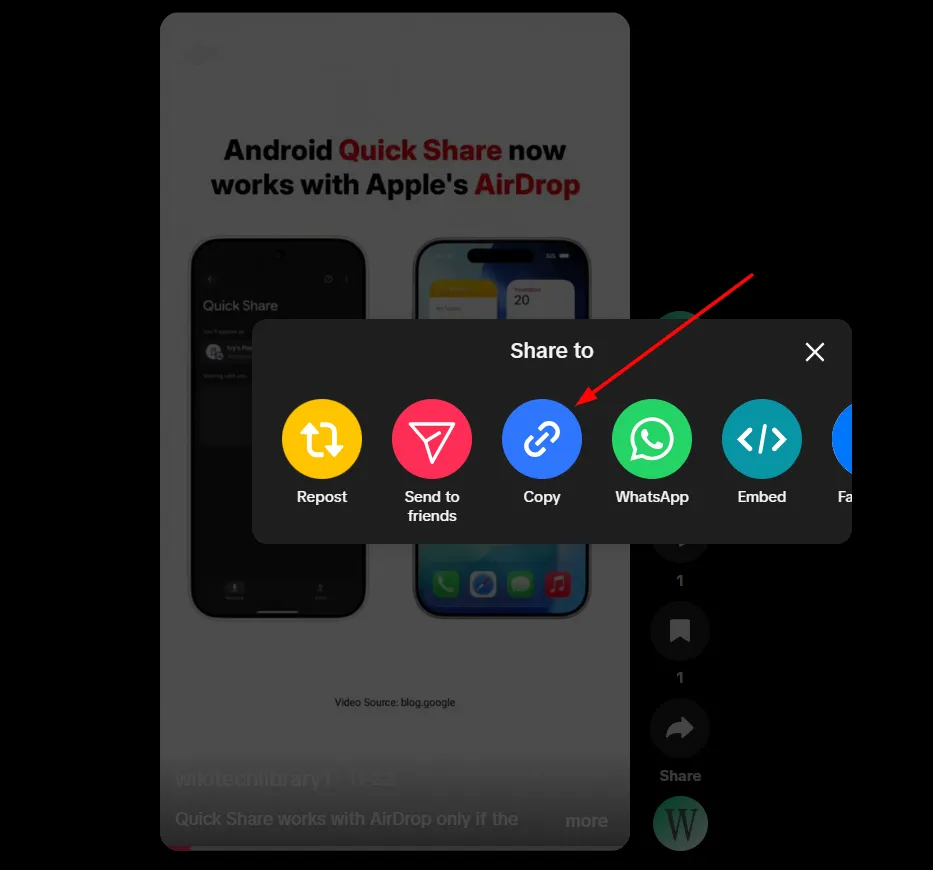
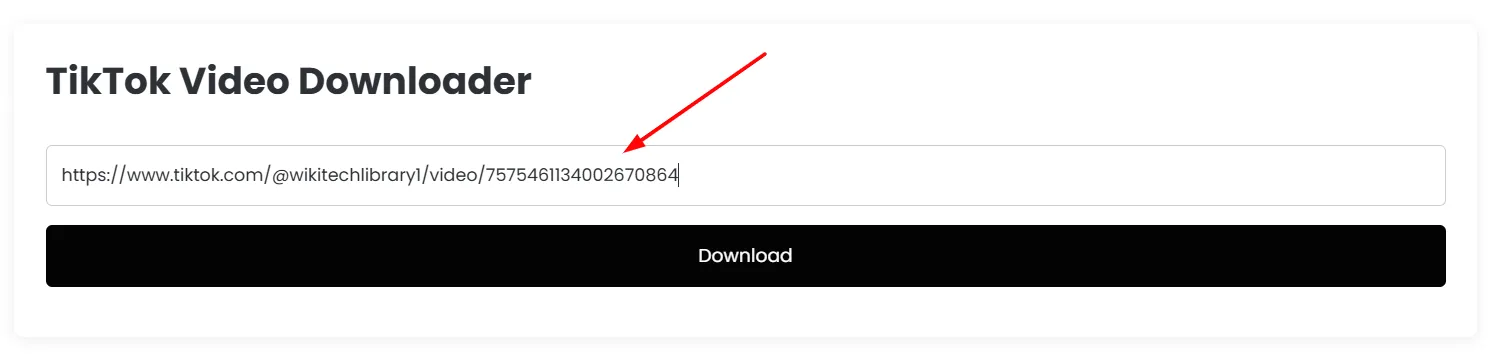
2. Paste the TikTok video URL into the input box on the tool.
3. Click on the “Download” button.
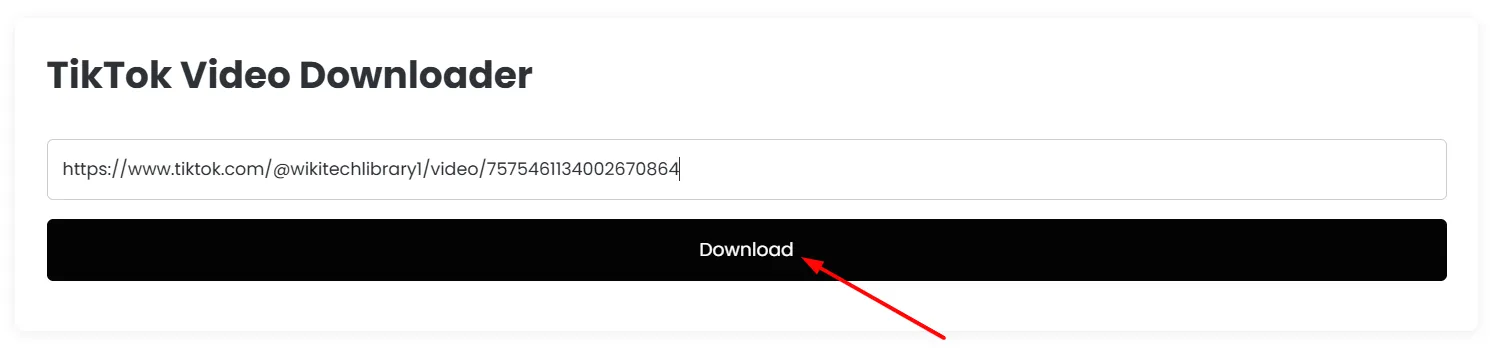
4. The video will be downloaded directly to your device. This works on Android, iPhone, Windows, and Mac devices.
Features
- Free and easy to use
- Works on all devices: Android, iPhone, Windows, Mac
- Fast and simple interface
- No registration required
Our TikTok Video Downloader is fast, secure, and easy to use. Download videos online instantly without installing any app. Works on all modern devices and browsers.
Tips for Safe Downloading
- Only download videos that you own or have permission to use.
- Do not share downloaded videos illegally.
- Respect TikTok’s terms of service at all times.
Downloading TikTok videos has never been easier. With our free and easy-to-use TikTok Video Downloader, you can save videos anytime and anywhere. Always use it responsibly and respect copyright rules.
Frequently Asked Questions (FAQs)
1. Is TikTok Video Downloader free to use?
Yes, our TikTok Video Downloader is completely free and does not require any registration or subscription.
2. Can I download TikTok videos on my mobile?
Absolutely! The tool works on Android, iPhone, tablets, and desktop computers.
3. Do I need to install any app?
No installation is required. You can download TikTok videos directly from the browser by pasting the video URL.
4. Is it safe to download TikTok videos?
Yes, our tool is safe to use. However, always download videos you have permission to use and respect copyright rules.
5. Can I download private TikTok videos?
No, private TikTok videos cannot be downloaded due to privacy restrictions set by TikTok.
Disclaimer
This tool is for personal and educational use only. We do not host or store any videos on our servers. Users are responsible for ensuring they have permission to download and use the content. Do not download copyrighted material without the owner’s consent.





A little discussion goes a long way.
Ask a question, share your experience, or help someone find an answer.
There is room for your perspective.
No discussions match this view yet.
Your voice belongs here
Keep it useful. Keep it kind.