
Close Menu
    Facebook X (Twitter) Instagram Pinterest YouTube Bluesky WhatsApp TikTok Threads RSS
    WikiTechLibrary
    • Converters & Media
    • Web Tools
    • Finance & Tax
    • Utility & Bills
    • Vehicle Tax
    WikiTechLibrary

    How to Recover Deleted Apps and Games on Android

    By Muqadas FatimaDecember 24, 2023Updated:September 9, 2026No Comments2 Mins Read
    Facebook Twitter WhatsApp Threads Copy Link
    android apps and games

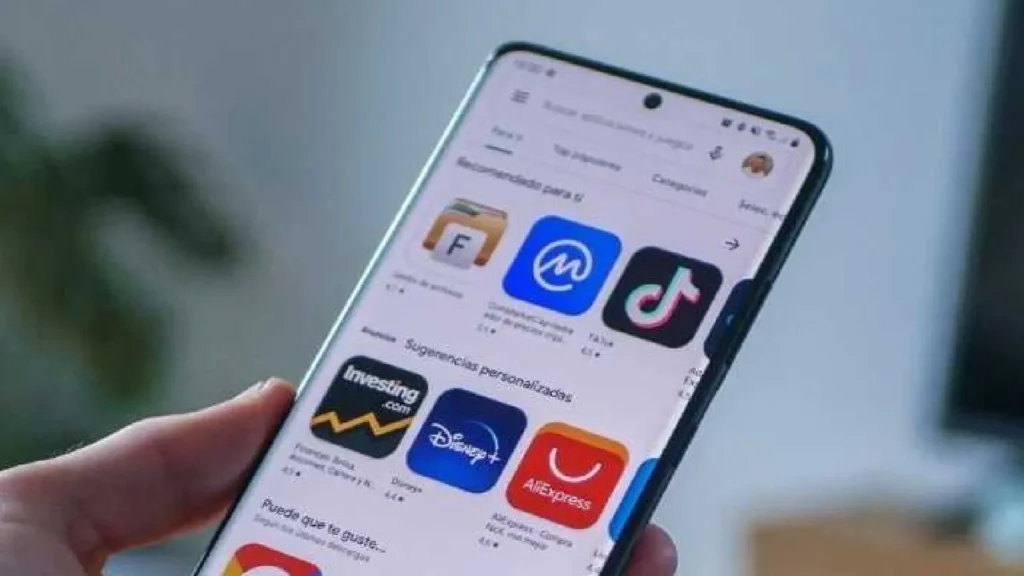
    Losing apps and games on your Android device can be frustrating, especially if they were important productivity tools or games you enjoyed playing. With Android’s integration with your Google account, restoring deleted apps is a simple process.

    When you download an app from the Google Play Store on an Android device, it gets linked to your Google account. Even if you delete the app later, your account retains a record of it.

    The way to restore deleted apps is through the Play Store app itself. As long as you are signed into the same Google account that was used to originally download the apps, you’ll be able to find and reinstall them.

    How to Restore Deleted Apps and Games on Android

    To access your Google account menu.

    1. Go to the top right corner of your Home screen and tap on your profile icon or initials
    2. Tap on the “Manage your Google Account” option
    3. Alternatively, open the Play Store app. Tap on the profile icon in the top right and then tap “Manage apps & devices”

    Both options will take you to your Google Account management screen where app restore options can be accessed.

    On the “Manage apps & devices” page:

    1. Scroll down and tap on the “Manage” button under “Install and manage apps”
    2. It will display a list of all apps ever associated with your Google account, including uninstalled ones

    From here, locating your lost apps is simple.

    To reinstall deleted apps

    1. Browse the list of previously downloaded apps
    2. Once you locate the app you want, tap on it
    3. Tap “Install” to download it again
    4. To reinstall multiple apps, tap the checkbox icon next to each one before hitting “Install”

    And that’s it.

    Following these steps makes it easy to retrieve and redownload apps you previously deleted from your Android devices.

    Conclusion

    Recovering lost apps is a quick and simple process thanks to Android’s integration with your Google account. There’s no need to stress even if you lose apps due to accidental deletion, device resets, or errors. Your app download history remains saved and accessible.

    Viewing your full app library can even be fun by letting you rediscover long-forgotten apps you might want to start using again.


    Share. Facebook Twitter Pinterest LinkedIn Email WhatsApp Threads
    Muqadas Fatima

      Muqadas Fatima is a dedicated writer at WikiTechLibrary, focusing on creating insightful "how-to" tutorials related to social media, tech, and life hacks. With a keen interest in simplifying the complexities of digital world, she creates content that helps readers improve their social media skills and adopt practical solutions for everyday challenges.

      Related Articles

      image

      TCL’s 75-Inch QD-Mini LED Art TV Is $600 Off for Black Friday

      Rockchip Motherboard Suppliers in China: Buyer Checklist and Uniwin-Global Overview

      A Lip-Synced Rap Clip From Face Photos You Already Have

      Why Shopping For Quotes Online Could Save Your Business Time and Money

      tcl-60xe-nxtpaper-5g-puts-a-different-screen-at-the-center-of-its-169-99-offer

      TCL 60XE NXTPAPER 5G puts a different screen at the center of its $169.99 offer

      A Practical Workflow for Managing a Multilingual Restaurant Menu

      JOIN THE CONVERSATION

      A little discussion goes a long way.

      Ask a question, share your experience, or help someone find an answer.

      0 comments
      NewestOldestMost helpfulUnanswered
      ◇

      There is room for your perspective.

      No discussions match this view yet.

      +

      Your voice belongs here

      Keep it useful. Keep it kind.

      Cancel reply

      Your email address will not be published.


      MOST VIEWED
      discord user block unblock How To

      How to Enable Developer Mode in Discord

      By Ahmad Ali
      take screenshot of scrolling page in google chrome windows How To

      How to Take Screenshot of Scrolling Page in Google Chrome on Windows

      By Waqas Amjad
      google docs footnotes How To

      How to Add Footnotes to a Google Docs

      By Muqadas Fatima
      piece adventures simulator codes Gaming

      Roblox Adventure Piece Codes 2024

      By Muqadas Fatima
      What's New

      AI Video Generator Clips Need a Real Compression Preview

      November 12, 2026
      image

      Made in America and Priced at $7,999: StarBot Launches Spark Humanoid Robot

      November 5, 2026
      tiktok adds voice notes and image carousels in comments

      TikTok Adds Voice Notes and Image Carousels in Comments

      September 4, 2026
      google messages adds ai detection to chat photos

      Google Messages Adds AI Detection to Chat Photos

      September 3, 2026
      © 2026 WIKITECHLIBRARY | All Right Reserved
      • About Us
      • Contact Us
      • Privacy Policy
      • Terms & Conditions
      • Disclaimer

      Type above and press Enter to search. Press Esc to cancel.
